Athletic Archive Derivative File Creation Policy: Masters, Access Copies, and Thumbnails
- Home /
- Touch Archive Blog /
- Athletic Archive Derivative File Creation Policy: Masters, Access Copies, and Thumbnails
The Easiest Touchscreen Solution




Live Example: Rocket Alumni Solutions Touchscreen Display
Interact with a live example (16:9 scaled 1920x1080 display). All content is automatically responsive to all screen sizes and orientations.
An athletic archive derivative file creation policy is the written rule that tells everyone on your team — archive coordinator, IT staff, athletic department administrators, and hall-of-fame committee volunteers — exactly when to create a master file, when to produce an access copy, and when a thumbnail is required. The short answer: every digitized or natively digital file in a school athletic archive should exist in at least two tiers — a preservation master and an access copy — and any item displayed in a searchable interface or recognition screen should also have a thumbnail. Without a policy, derivative file creation is left to individual judgment each time a file is processed, producing an archive where some items have all three tiers, others have only a compressed copy of unknown provenance, and no one can reliably reproduce missing files from a master that may or may not have been saved.
This guide provides a complete three-tier derivative policy framework, a file-purpose matrix mapping every common athletic media type to the derivatives it requires, practical implementation steps, and a working FAQ. It is written for school administrators, athletic directors, archive and recognition owners, and facilities or IT staff who manage or support a school’s athletic history collection.
A school’s athletic archive — photographs from championship seasons, game video, historical rosters, record board documentation — serves two purposes that pull in opposite directions. Preservation requires high-fidelity files that can survive decades of format migrations and hardware changes. Publication and display require small, fast-loading files that work in browsers, touchscreen platforms, and email. A derivative file creation policy is the mechanism that lets one archive serve both purposes without sacrificing either.

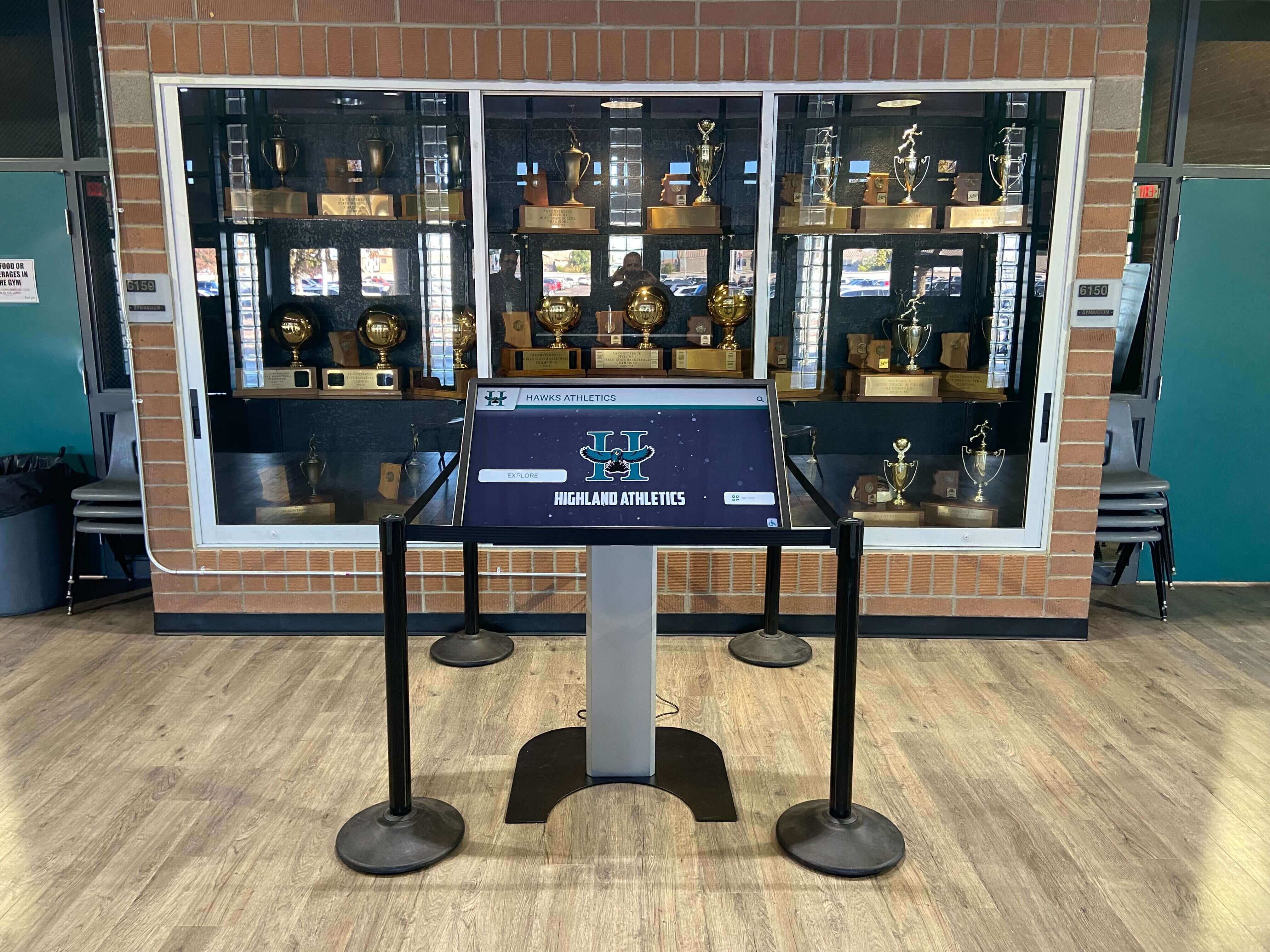
A touchscreen kiosk in a school trophy case surfaces athletic history from a layered derivative file system — the quality of every image and record on screen traces back to the policy that governed how each file tier was created
The Three-Tier Model: Definitions
Before implementing a policy, every stakeholder needs a shared vocabulary. These three definitions anchor the policy framework.
Tier 1: Preservation Master
A preservation master is the highest-quality digital representation of an item — created once, never modified, and never distributed for routine use. It is the source from which all other derivatives are generated. If a master is lost, the only way to recreate it is to re-digitize the physical original (when one exists) or accept that the highest-quality version of that item is gone.
Master files are characterized by:
- Lossless or uncompressed formats (TIFF for images, WAV for audio, ProRes or uncompressed AVI for video, PDF/A for documents)
- The highest resolution or bitrate practical to create
- No post-capture editing applied to the master itself (edits are made to derivatives)
- Storage in a dedicated archival location with 3-2-1 backup coverage
- An accompanying metadata record noting source, format, resolution, and checksum
Tier 2: Access Copy
An access copy is a derivative of the master, sized and encoded for a specific delivery context: web display, email distribution, touchscreen presentation, print export, or sharing with an external vendor. Access copies are the files that staff, committee members, and display platforms actually use day to day.
Access copies are:
- Smaller in file size than masters
- Encoded in formats appropriate for their delivery context (JPEG for web images, MP4 for video, PDF for document distribution)
- Replaceable — regenerated from the master when lost or updated
- Named to indicate their tier and context (filename conventions are covered in the implementation section)
Tier 3: Thumbnail
A thumbnail is a small, fixed-dimension derivative created specifically for use in grid displays, search interfaces, recognition platform browse screens, and interactive touchscreen indexes. Thumbnails are not display-quality images — they are navigation aids and quick-preview files that allow users to locate the correct item before loading the full access copy.
Thumbnails are:
- Fixed-dimension (specific pixel dimensions determined by the platform or interface)
- JPEG or PNG format in almost all cases
- Not suitable for printing, projection, or display at full screen
- Generated automatically by some platforms (in which case manual thumbnail creation is not required) and generated manually for platforms that do not auto-generate them
The critical distinction: a thumbnail is not an access copy at small size. It is a separate output created for a specific interface purpose. Treating a thumbnail as the access copy — or saving a thumbnail as the only copy when no access copy was preserved — is the most common derivative file error in school athletic archives.
File-Purpose Matrix
This matrix maps every common athletic media type to its required derivative tiers and the appropriate format for each.
| Media Type | Master (Tier 1) | Access Copy (Tier 2) | Thumbnail (Tier 3) |
|---|---|---|---|
| Photograph — digitized print | TIFF, 600+ dpi | JPEG, 1920px long edge, q85 | JPEG, 400×400px cropped |
| Photograph — small print / wallet | TIFF, 1200+ dpi | JPEG, 1920px long edge, q85 | JPEG, 400×400px cropped |
| Photograph — natively digital | RAW + TIFF export | JPEG, 1920px long edge, q85 | JPEG, 400×400px cropped |
| Negative / slide (35mm) | TIFF, 2400–4800 dpi | JPEG, 1920px long edge, q85 | JPEG, 400×400px cropped |
| Document — scanned (roster, record sheet) | PDF/A or TIFF, 300–400 dpi | PDF, standard | JPEG, 400×300px first page |
| Structured data — roster / stats | XLSX + CSV companion | CSV or formatted PDF | Not required |
| Video — digitized analog (VHS, 8mm) | MOV (ProRes 422) or AVI uncompressed | MP4, H.264, 1080p | JPEG still frame, 640×360px |
| Video — natively digital (camera) | Original camera file + ProRes export | MP4, H.264 or H.265, 1080p | JPEG still frame, 640×360px |
| Audio — digitized analog | WAV PCM, 96kHz/24-bit | MP3 320kbps or AAC 256kbps | Not required |
| Audio — natively digital | WAV PCM, 48kHz/24-bit | MP3 320kbps or AAC 256kbps | Not required |
| Newspaper clipping — scanned | TIFF, 400 dpi | JPEG, web resolution | JPEG, 400×300px first area |
| Award certificate — scanned | PDF/A or TIFF, 300 dpi | JPEG, 400×300px |
Notes on this matrix:
- Thumbnail dimensions shown are representative defaults; adjust to match the specific requirements of your recognition platform or display interface. Confirm required dimensions with your platform vendor before batch-generating thumbnails.
- “Not required” for audio thumbnails reflects the absence of a visual element. Some platforms display a waveform or album-art-style image for audio files; if your platform requires one, generate a simple JPEG placeholder or waveform image rather than leaving the field empty.
- Structured data (rosters, statistics) requires no thumbnail because these records are typically surfaced through a searchable table interface rather than a grid browse. If your platform displays roster data with an associated team or season photograph, that photograph’s thumbnail serves the browsing function.

Portrait cards represent one of the most common digitization scenarios in athletic archives — each requires three deliberate derivative outputs: a master scan, a display-ready access copy, and a thumbnail for recognition platform indexing
Policy Implementation: Eight Steps
The following steps outline how to move from no derivative policy to an enforced three-tier workflow. These steps are written for a program starting from scratch; programs with an existing but informal derivative practice can adapt the steps to document and formalize what already works.
Step 1: Designate a Derivative File Policy Owner
Every policy requires an owner — a specific role (not just a department) responsible for maintaining the policy document, training new staff and volunteers, and resolving questions when the policy is ambiguous. For most school athletic archives, this is the archive coordinator, the athletic director’s administrative designee, or the IT staff member who manages the archive storage system. Name this role by title, not by individual, so ownership transfers automatically when staff changes.
Step 2: Define Your Platform Requirements Before Writing Specifications
The thumbnail dimensions and access copy formats in your policy should match the requirements of the platforms that will consume those files — your touchscreen recognition system, your school website CMS, your yearbook layout software, and any hall-of-fame management platform. Collect format requirements from each platform before setting specifications. Platforms that accept multiple formats should be given the most portable option (JPEG for images, MP4 H.264 for video) as the default in your policy.
Interactive alumni recognition displays typically specify maximum file sizes and exact pixel dimensions for portrait uploads — these specifications belong directly in your derivative policy as the access copy target for athletic portraits and headshots.
Step 3: Write the Master File Creation Rule
The master creation rule defines when a master must be created, what format it must use, where it must be stored, and who is authorized to create it. A working rule for most school athletic archives:
A preservation master must be created for every item that enters the archive through digitization or original digital capture. The master must be saved in the designated master file format for that media type (see file-purpose matrix), stored in the designated master file folder, and recorded in the archive inventory before any access copy or thumbnail is generated.
Write your version of this rule explicitly, including the specific drive path or cloud folder name your institution uses. Vague rules (“save it somewhere safe”) produce vague behavior.
Step 4: Write the Access Copy Creation Rule
The access copy rule defines when access copies are created, what formats are produced, and which platform or workflow they serve. A working rule:
An access copy must be created from the master for every item that will be shared outside the archive storage system — uploaded to a recognition platform, sent to the yearbook committee, emailed to a hall-of-fame nominee, or displayed on a school website. Access copies are stored in the designated access copies folder, named with the suffix
_accessappended to the base file name, and never modified after creation. If a revised access copy is needed, a new copy is generated from the master.
The key clause is the last sentence: access copies are derived from masters, not from other access copies. Re-encoding a JPEG from a JPEG introduces cumulative quality loss that cannot be reversed.
Step 5: Write the Thumbnail Creation Rule
The thumbnail rule defines when thumbnails are created and when the platform handles thumbnail generation automatically. A working rule:
A thumbnail must be created manually for every item uploaded to a platform or interface that does not auto-generate thumbnails. Thumbnails are stored in the designated thumbnails folder, named with the suffix
_thumbappended to the base file name, and generated from the access copy (not the master). Thumbnail dimensions and format must match the specifications in the file-purpose matrix for the target platform.
Note that many modern recognition platforms auto-generate thumbnails from uploaded access copies. If your platform does this, the thumbnail creation step is handled by the platform and does not require a manual workflow — document this explicitly so staff do not create duplicate thumbnails unnecessarily.
Digital recognition displays for student-of-the-month and similar programs rely on exactly-sized thumbnails for their browse grid — a mismatched aspect ratio or oversized file breaks the grid layout and requires manual correction at upload time.
Step 6: Define the Folder Structure for Derivatives
A derivative policy without a corresponding folder structure produces files in the right formats saved in the wrong places. The recommended folder structure follows the master → access → thumbnail hierarchy within the archive:
/Athletic Archive/
  /Masters/
    /Photos/
    /Video/
    /Audio/
    /Documents/
  /Access-Copies/
    /Photos/
    /Video/
    /Audio/
    /Documents/
  /Thumbnails/
    /Photos/
    /Video/
    /Documents/
Some programs prefer organizing by sport or season first, then by derivative tier. Either approach is workable as long as the structure is documented and applied consistently. The critical requirement: masters, access copies, and thumbnails must never share the same folder. Commingled derivative tiers are the leading cause of confusion about which file is authoritative.
Step 7: Apply a Consistent File Naming Convention
File names should encode the derivative tier so that any staff member can identify a file’s purpose without opening it. A simple convention:
- Master:
1985-football-championship-team-portrait.tiff - Access copy:
1985-football-championship-team-portrait_access.jpg - Thumbnail:
1985-football-championship-team-portrait_thumb.jpg
The base name (before the suffix) is identical for all three tiers, making it straightforward to locate all derivatives from a given master. For existing files that were created before a naming convention was adopted, apply the convention at the point of next access — do not attempt a mass renaming project before the policy is established, as a renaming project on an undocumented archive risks breaking existing links and records.
For programs managing athletic recognitions that include award ceremony presentations and related media, consistent file naming across masters, access copies, and thumbnails ensures that the right file is located under time pressure — typically in the hours before a banquet or ceremony.
Step 8: Establish a Creation Trigger Checklist
The creation trigger checklist is a one-page document (or a column in the archive intake spreadsheet) that specifies exactly what derivative outputs are required for each type of item entering the archive. Staff and volunteers complete the checklist for each batch of items they process, confirming that all required derivatives have been created and stored before the item is marked as fully processed.
A sample trigger checklist for a batch of scanned photographs:
- Master TIFF saved to /Masters/Photos/ with correct name
- Metadata record created in archive inventory (description, date, source, format, checksum)
- Access copy JPEG generated from master and saved to /Access-Copies/Photos/
- Thumbnail JPEG generated from access copy and saved to /Thumbnails/Photos/
- Item marked as processed in the intake log
This checklist becomes the accountability mechanism for the policy. Without it, derivative creation happens inconsistently even when the policy is written correctly.
Thumbnail Specifications by Media Type
Thumbnail dimensions vary by platform and interface. The following are practical defaults for the most common athletic archive contexts. Confirm all dimensions with your specific platform before batch-generating thumbnails.
| Context | Recommended Dimensions | Format | Guidance |
|---|---|---|---|
| Touchscreen recognition platform grid | 400×400px (square) | JPEG, q80 | Crop portrait images to subject’s face and shoulders; center team photos |
| School website athlete profile grid | 300×300px or 400×400px | JPEG, q80 | Match CMS template; confirm with web administrator |
| Hall-of-fame browse interface | 400×300px (4:3) | JPEG, q80 | Use widest contextual crop rather than face-only |
| Video browse screen (still frame) | 640×360px (16:9) | JPEG, q75 | Select a representative still frame, not the first frame |
| Document browse (first-page preview) | 400×520px | JPEG, q75 | Rasterize first page of PDF at 150 dpi; crop to content area |
| Mobile-optimized display | 200×200px | JPEG, q75 | Supplement, not replacement, for standard thumbnail |
Crop guidance for portrait thumbnails: Center the crop on the subject’s eyes, with the face occupying roughly 60–70% of the thumbnail height. For older portrait photographs with formal poses, a tight face-and-shoulders crop at 400×400px is usually sufficient. For action photographs used as athlete thumbnails, crop to the most recognizable compositional element — this typically means placing the athlete’s face or number near the center of the thumbnail frame.

Touchscreen hall-of-fame browse grids depend on correctly-sized, well-cropped thumbnails — the derivative policy determines whether the grid loads cleanly or requires manual correction at upload time
When to Skip a Derivative Tier
The three-tier model applies to items with long-term archival value. Not every file in an athletic department’s working documents requires a preservation master and a full derivative set. The policy should define explicitly which items are exempt from the three-tier requirement and what minimum treatment they receive.
Items that typically require all three tiers:
- Historical photographs (any era)
- Championship and award documentation
- Hall-of-fame nomination materials
- Game video from significant seasons or milestone achievements
- Founding-era records and early program history
Items that typically require master and access copy only (no thumbnail):
- Structural records (contracts, vendor agreements, facility documents)
- Season summary statistical exports
- Internal communications archived for records management compliance
- Audio recordings without visual display context
Items that may require only an access copy:
- Working photographs not selected for the permanent archive
- Routine administrative documents with short retention requirements
The policy should not exempt items from master creation on the basis of convenience — only on the basis of a deliberate assessment of archival value. Staff should not be empowered to decide “this doesn’t need a master” without a reference to a policy definition. Where uncertainty exists, create the master.
Booster club and program data governance considerations can affect which files require restricted access controls at each derivative tier — access copies of records that include personally identifiable information about minors may need different distribution controls than access copies of historical team photographs cleared for public display.
Connecting Derivatives to Recognition Display Platforms
The most immediate practical payoff from a three-tier derivative policy is a smoother upload workflow for recognition platform administration. Most touchscreen hall-of-fame systems, digital record boards, and interactive lobby displays have specific requirements for the files they accept — and those requirements map directly to the access copy and thumbnail tiers.
When your archive has well-organized masters with access copies and thumbnails already generated to platform specifications, onboarding a new display involves locating the correct access copy and thumbnail for each honoree and uploading them — a process that takes minutes per item. When the archive does not have organized derivatives, onboarding requires manually finding source files, assessing their quality, resizing and converting them, and troubleshooting dimension errors — a process that can take hours or days for a large historical collection.
For programs planning hall of fame inductions and recognition night programs, having access copies and thumbnails ready well in advance means that display updates can be completed before the event rather than in the hours immediately preceding it.
Campus recognition displays that cycle content regularly require a steady supply of correctly-sized thumbnails — programs that have established a derivative creation workflow as part of their standard photo processing routine can update these displays in minutes rather than requiring a dedicated preparation session.
Creative yearbook and alumni engagement programs that draw on the athletic archive benefit from the same organizational structure — when a yearbook editor or alumni coordinator requests photographs from a specific season, a well-organized access copy folder allows immediate fulfillment without requiring archive staff to locate and convert files on demand.
Applying the Policy Retroactively
Most school athletic archives have an existing digital collection — a mix of files created by multiple staff members over years or decades, with no consistent derivative structure. Applying a derivative policy retroactively to this collection is the hardest part of implementation, but it does not have to be done all at once.
A practical retroactive approach:
Phase 1 — High-value items first. Identify the items most likely to be requested for display or recognition use: hall-of-fame inductees, championship team photographs, and founding-era records. Apply the full three-tier derivative workflow to these items first, regardless of what format the original files are in. For items where the existing digital file is the only copy, treat it as the master and document its quality limitations in the metadata record.
Phase 2 — Active collection. Apply the full derivative workflow to every new item entering the archive going forward. This prevents the retroactive backlog from growing.
Phase 3 — Systematic backfill. Work through remaining archival items in batches — by sport, by decade, or by collection — as staff capacity permits. Use the creation trigger checklist to track progress.
Do not delay implementing the policy for forward-facing intake while waiting for a retroactive backfill plan to be approved. The policy applies to new items immediately; retroactive work proceeds in parallel.
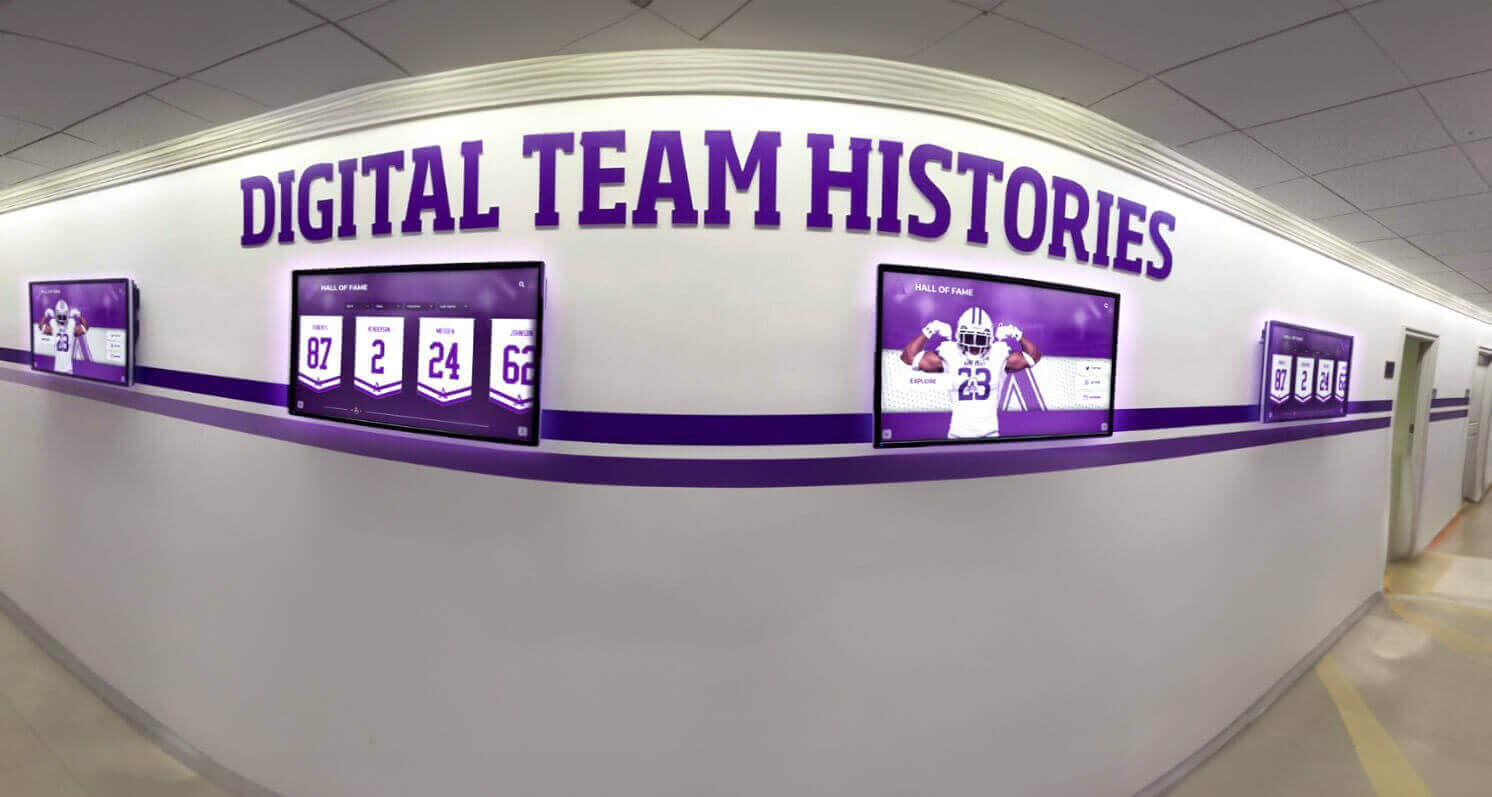
Hallway recognition displays that cycle team histories and achievement records depend on a well-organized derivative file system — a three-tier policy governs how each master, access copy, and thumbnail reaches the screen
Turn Your Athletic Archive Into a Living Recognition Display
When your masters, access copies, and thumbnails are organized by policy, every photograph, record, and video highlight can feed a searchable, touchscreen recognition display that engages students, alumni, and visitors every day. Rocket Alumni Solutions works with schools to transform organized archives into interactive recognition experiences.
Request a DemoFAQ
What is the difference between a derivative file policy and a file format policy? A file format policy specifies which formats are acceptable for each media type — TIFF for photographic masters, PDF/A for document masters, MP4 for video access copies. A derivative file creation policy specifies when to create each derivative tier and what purpose each tier serves. The two policies are complementary: the format policy defines the what; the derivative policy defines the when and why. Most programs benefit from combining both into a single archive policy document.
If our recognition platform auto-generates thumbnails, do we still need a manual thumbnail creation step? No. If your platform generates thumbnails from uploaded access copies and you are satisfied with the output quality, manual thumbnail creation is not required. Document the platform’s auto-generation behavior in your policy so future staff understand why there is no manual thumbnail folder and do not attempt to recreate one unnecessarily. Confirm periodically that the auto-generated thumbnails continue to meet your display requirements, especially after platform updates.
How do we handle photographs taken by a parent or booster volunteer on a personal device? These photographs should go through the same derivative workflow as any other photograph that enters the archive: assess whether the resolution is high enough to serve as a master (a modern smartphone photograph at full resolution is typically acceptable), save the original file as the master, and generate access copies and thumbnails from it. Obtain written permission from the photographer before archiving or displaying any photograph — consult your institution’s legal counsel or communications office for guidance on the permission process for volunteer-contributed photographs.
Can we generate thumbnails from access copies rather than from masters? Yes — and this is the correct approach. Masters should not be opened and processed more than necessary, both to reduce the risk of accidental modification and to keep master file I/O minimal on archival storage systems. Thumbnails are generated from access copies, not from masters. The only exception is a situation where the access copy is inadequate for the thumbnail crop — in that case, generate a new access copy at a slightly larger size and create the thumbnail from it.
What tool should we use to generate access copies and thumbnails? No single tool is universally required. Common options include Adobe Photoshop (for institutions with Creative Cloud licenses), GIMP (free and open source), and ImageMagick (command-line, free, and well-suited for batch processing). For video access copies, HandBrake is a widely used free transcoding tool. For batch operations on large collections, command-line tools are significantly more efficient than manually processing files one at a time. Choose tools that are available to your institution’s staff, can be operated without specialized training, and produce output that meets the format specifications in the file-purpose matrix.
How often should we review the derivative policy? Review the policy when any of the following occur: a new recognition platform is added (to confirm that existing access copy and thumbnail specifications still match); a platform updates its file requirements; or staff turnover means the policy owner changes and a new owner needs to validate the document. At minimum, plan an annual review to confirm that platform specifications and tool recommendations remain current.
Live Example: Rocket Alumni Solutions Touchscreen Display
Interact with a live example (16:9 scaled 1920x1080 display). All content is automatically responsive to all screen sizes and orientations.































