




Athletic archive digital preservation file formats determine whether a school’s historical photographs, rosters, video recordings, audio files, and statistical records remain usable in twenty years or silently become unreadable. Choosing the right formats at the moment a file is created — or at the moment a physical item is digitized — is one of the highest-leverage decisions an athletic department or archive committee can make, because correcting a poor format choice later is far more expensive than getting it right the first time.
This guide explains the two-tier file format model used by professional digital archives — master files and access copies — covers recommended formats for every major athletic media type, and outlines a practical migration strategy so that format decisions made today do not lock a program into obsolescence a decade from now. It is written for athletic directors, archive coordinators, hall-of-fame committees, and facilities staff — not professional archivists — and it focuses on what a school can actually implement without a dedicated preservation department. Format recommendations and best practices in this guide reflect widely used library and archival guidance; institutional policies, legal requirements, and compliance obligations vary, and this post is not legal advice.
Athletic records are institutional memory. A state-championship photograph that opens as a gray rectangle is indistinguishable from a file that was never saved. A video of the program’s first undefeated season, encoded in a format that no current player or software reads, might as well not exist. Format decisions — made once, at the point of creation or digitization — determine which historical materials survive in usable form and which disappear on their next system migration.

A rich athletic archive is only as durable as the file formats that underlie it — format choices made at digitization determine what survives every future system migration
The Two-Tier Model: Master Files and Access Copies
Professional digital archives distinguish between two categories of files for every item in the collection. Understanding this distinction is the foundation of a sound format strategy.
Master Files (Archival Masters)
A master file is the highest-quality digital representation of an item. It is created once — at the moment of digitization or original capture — and is never modified, compressed further, or overwritten. Master files are:
- Saved in an open, widely documented format with no proprietary dependencies
- Stored at the highest resolution or bitrate that is practical to create and store
- Not distributed for routine use; they are the source from which access copies are derived
- Backed up in at least three copies, on at least two different media types, with at least one copy offsite
Master files are expensive to create and store. They consume significant disk space. They are not the files that get emailed to the yearbook committee or uploaded to the school website. They are the permanent record — the equivalent of the physical original for a natively digital item, or the highest-fidelity digital surrogate for a digitized physical item.
Access Copies
An access copy is a derivative file, created from the master, sized and formatted for a specific use: web display, email distribution, touchscreen presentation, video streaming, or print export. Access copies are:
- Smaller in file size than masters
- Encoded in formats optimized for their delivery context (JPEG for web, MP4 for streaming, PDF for print-ready distribution)
- Replaceable — if an access copy is lost or corrupted, it can be regenerated from the master
- The files that staff actually use day to day, distribute to partners, and upload to recognition platforms
The two-tier model means that every important decision — image resolution, color space, audio sampling rate, document format — is made once, at the master file level, and then translated into whatever access format is needed without ever compromising the original.
For programs that have not previously maintained a master/access distinction, implementing it going forward is straightforward. Implementing it retroactively for existing files requires identifying which current files are high enough quality to serve as masters and which were already saved as compressed derivatives — a practical assessment, not a judgment.
Recommended Formats by Media Type
The following format recommendations reflect widely used guidance from library and archival communities, including the Library of Congress Sustainability of Digital Formats resource, the Federal Agencies Digital Guidelines Initiative (FADGI), and the Digital Preservation Coalition. Requirements vary by institution and jurisdiction; consult a qualified digital preservation professional for guidance specific to your program.
Still Images: Photographs, Scans, and Record Evidence
| Use | Recommended Format | Notes |
|---|---|---|
| Master — photographs and scans | TIFF (uncompressed or LZW) | Lossless; widely supported; large file size |
| Master — photographic raw captures | Camera RAW + TIFF derivative | Preserve RAW; export TIFF as archival master |
| Access copy — web and display | JPEG (quality 85–92) | Lossy compression acceptable for access copies |
| Access copy — touchscreen display | JPEG or PNG | PNG for graphics and text overlays; JPEG for photographs |
| Access copy — print-ready | TIFF or high-resolution JPEG | Match vendor specifications |
Resolution guidance for scans:
- Photographs (standard prints, 4×6 to 8×10): minimum 600 dpi at original size
- Small prints and wallet-size photos: minimum 1200 dpi at original size
- Negatives and slides: minimum 2400 dpi at original size; 4800 dpi for 35mm
- Documents and rosters (letter-size): minimum 300 dpi; 400 dpi for text with fine print
- Newspaper clippings and newsprint: minimum 400 dpi; newsprint degrades quickly, so scan promptly
Color space: Scan in RGB for color originals. Grayscale for black-and-white originals, unless the original shows evidence of toning, sepia, or color aging — scan those in RGB to capture the actual visual state.

Touchscreen recognition displays draw from access copies derived from high-resolution master files — the fidelity of what appears on screen is determined by format decisions made at the moment of digitization
Video: Game Recordings, Highlight Reels, and Documentary Footage
Video format decisions are more complex than still image decisions because video involves both codec and container choices, and because video files are large enough that storage constraints become real at scale.
| Use | Recommended Format | Notes |
|---|---|---|
| Master — newly produced or edited video | MOV or MXF container, ProRes 422 or DNxHD codec | Lossless or near-lossless; large file size; professional editing workflows |
| Master — camera-original footage | Preserve original camera format alongside a master export | Camera formats vary; do not discard originals |
| Access copy — streaming and web | MP4 container, H.264 codec | Widely compatible; acceptable quality at moderate bitrates |
| Access copy — high-quality streaming | MP4 container, H.265 (HEVC) codec | Better quality at smaller file size; broader hardware support now standard |
| Access copy — touchscreen or lobby display | MP4 (H.264 or H.265), resolution matched to display | 1080p for most displays; 4K for 4K display installations |
Frame rate: Preserve the original frame rate; do not convert 60fps captures to 30fps for master files. Access copies may be transcoded to a target frame rate when required by a specific delivery platform.
Audio in video files: Preserve the original audio in master files. AAC audio is appropriate for MP4 access copies. Avoid lossy audio re-encoding in master files when the source is uncompressed or losslessly encoded.
Analog video (VHS, 8mm, Super-8): Digitize to an uncompressed or losslessly compressed format — AVI (uncompressed) or MOV (Apple ProRes) — at capture time. Do not capture directly to MP4; the capture process involves quality decisions that cannot be reversed, and lossy compression at capture time means the “master” is already a degraded copy. Work with a qualified digitization vendor for large analog video collections, and ask specifically about capture format and codec before committing.
For programs that display athletic video in hallways, trophy cases, or athletic facilities, interactive kiosk solutions that integrate video content into visitor experiences rely on access copies formatted for their specific hardware — which is only possible when a master file exists to generate new access copies as display hardware evolves.
Audio: Interviews, Announcements, and Historical Recordings
Audio archives in school athletic programs are less common than photo or video, but programs with historical broadcast recordings, interview archives, or game announcements may hold irreplaceable audio material that requires format guidance.
| Use | Recommended Format | Notes |
|---|---|---|
| Master — digitized analog audio (cassette, reel-to-reel) | WAV (PCM), 96kHz / 24-bit | Lossless; uncompressed; large file size per hour of audio |
| Master — born-digital audio | WAV (PCM), 44.1kHz or 48kHz / 24-bit | Match the original sampling rate; do not upsample |
| Access copy — web and streaming | MP3 (320 kbps) or AAC (256 kbps) | Lossy but widely compatible; acceptable for spoken word and music |
| Access copy — podcast or episode release | MP3 or AAC, mono or stereo as appropriate | Match distribution platform requirements |
Sampling rate and bit depth for digitization: 96kHz/24-bit is the preferred standard for analog audio digitization among professional archives; 48kHz/24-bit is an acceptable alternative when storage constraints are significant. Do not digitize analog audio at the 44.1kHz/16-bit CD standard — this is an access copy resolution, not a master resolution.
Documents, Rosters, and Statistical Records
| Use | Recommended Format | Notes |
|---|---|---|
| Master — scanned documents and records | PDF/A-1 or PDF/A-2 | ISO archival PDF standard; embeds all fonts and color profiles; widely supported |
| Master — structured data (rosters, statistics) | CSV or XLSX (with CSV export as companion) | XLSX for human-readable layout; CSV for database portability |
| Access copy — print-ready distribution | Standard PDF acceptable for access copies when PDF/A is master | |
| Access copy — web display | PDF or HTML | Match platform requirements |
| Working files — editable documents | DOCX or XLSX | Maintain as working files; archive final versions as PDF/A |
Why PDF/A matters: Standard PDF files can contain external dependencies — fonts, embedded media, encryption — that may prevent them from opening correctly in future software. PDF/A strips or embeds these dependencies in ways that make the file self-contained and reliable across long time horizons. PDF/A-1 is the most restrictive and most widely supported; PDF/A-2 allows additional features including embedded compressed objects and OpenType fonts.
CSV for structured data: XLSX files are excellent for human-readable roster records with formatting, but the XLSX format depends on software that may change. Always export a CSV companion file for any roster or statistical record saved as XLSX. CSV is plain text — it will be readable by any software, on any operating system, in any decade.
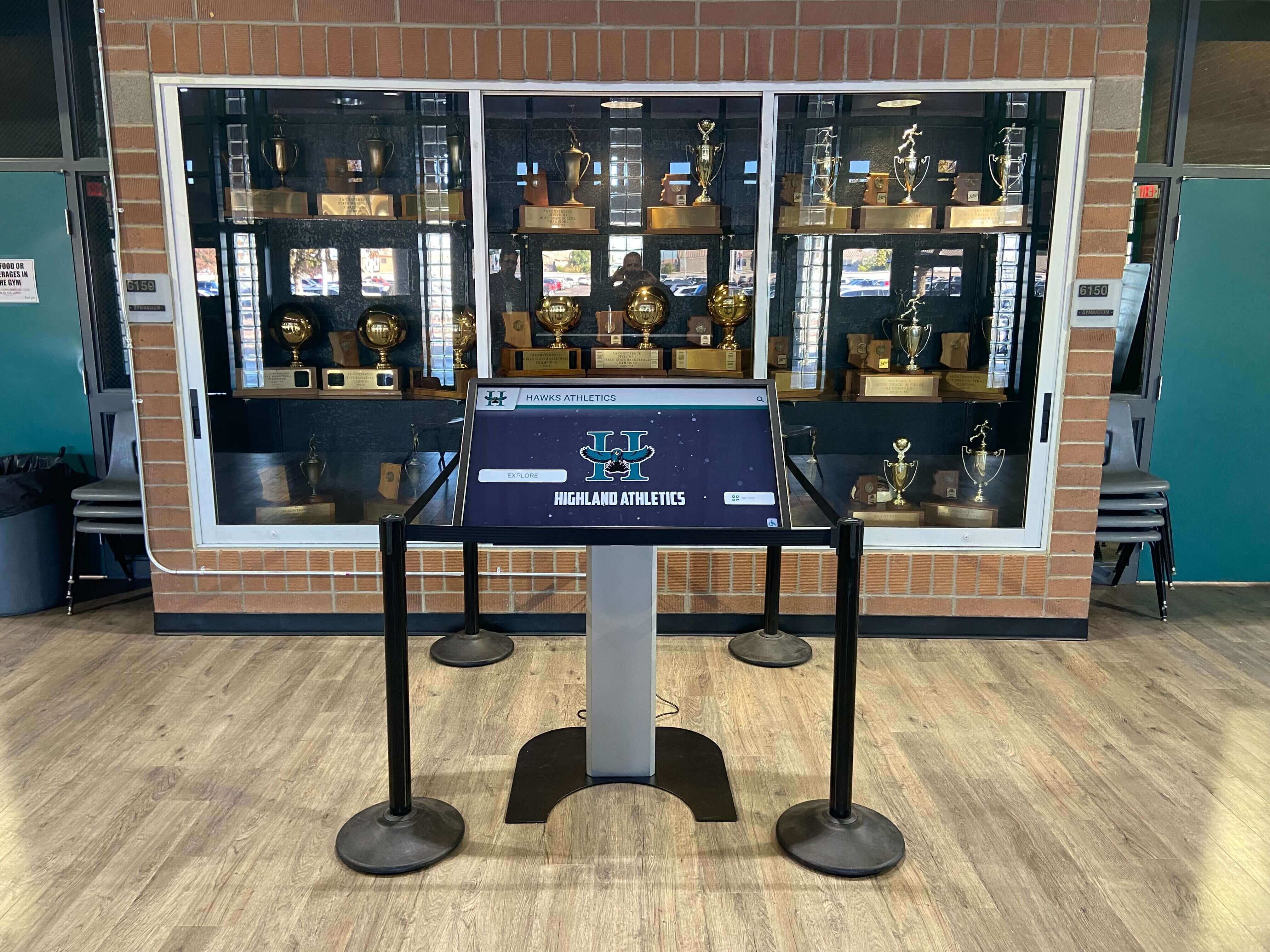
Digital record displays in trophy cases surface historical data from archive files — PDF/A and CSV formats ensure those records remain readable through future system migrations without format-dependent dependencies
Formats to Avoid for Long-Term Preservation
Not all formats that work well for current use are appropriate for archival masters. The following formats have characteristics that limit their suitability for long-term preservation:
| Format | Problem | Alternative |
|---|---|---|
| JPEG (for master files) | Lossy compression; each re-save degrades quality | TIFF for masters; JPEG for access copies only |
| PSD / PSDB (Photoshop native) | Proprietary; requires specific software version | Export TIFF or PDF/A for archival masters |
| DOCX / PPTX (for archival records) | Proprietary formatting; may shift in future versions | Export PDF/A for archival copies; retain DOCX as working file |
| WMV / AVI (DivX/XviD) | Proprietary codecs; limited long-term support | ProRes, DNxHD for masters; H.264/H.265 MP4 for access |
| MP3 (for audio masters) | Lossy; cannot recover discarded audio data | WAV (PCM) for masters; MP3 for access copies |
| Proprietary database formats | Locked to specific software version | Export CSV or XML for archival copies |
| Flash / SWF | Obsolete; no current browser support | Do not use; migrate existing Flash content immediately |
The principle underlying this table is consistent: proprietary formats with lossy compression or external software dependencies create risks at the point of migration. Open, lossless, widely documented formats preserve optionality — they can be read by any future tool and converted to whatever format is needed later without quality loss.
Storage and Backup: The 3-2-1 Rule
File format is only one component of digital preservation. A perfectly formatted master file stored in a single location is one hard drive failure, ransomware event, or flood away from being permanently lost.
The 3-2-1 backup rule is the standard baseline for digital archives:
- 3 copies of every file
- 2 different storage media types (external hard drive and cloud storage, for example)
- 1 copy offsite (cloud storage satisfies this for most school programs)
For athletic archives, this means maintaining:
- A local working copy on the primary archive drive or shared network drive
- A local backup on a separate physical drive (external USB drive or NAS)
- A cloud backup in a service that retains version history and does not auto-sync deletions (so that a ransomware event that encrypts local files does not immediately overwrite cloud backups)
Cloud storage services differ significantly in how they handle version history, retention, and deletion — verify the behavior of your institution’s chosen service before relying on it as an archival backup. Consult your institution’s IT department for guidance on approved cloud storage options and data retention policies.
Digital lobby signage and recognition systems that display athletic archive content typically pull from access copies hosted in a content management system — but the master files behind those access copies should live in a separate, independently backed-up archival storage system, not in the display platform alone.
Format Migration: Planning for Obsolescence
No digital format is permanent. TIFF, MP4, and PDF/A are stable and widely supported today, but the archival landscape in 2045 will include formats and software that do not yet exist. Format migration — the process of converting archive files from an older format to a current preservation format — is a normal and planned part of long-term digital preservation, not a sign of failure.
When to Migrate
Indicators that a format requires migration:
- The software required to open the file is no longer updated or commercially supported
- Fewer than two freely available tools can open the file on a current operating system
- A format has been formally deprecated by its maintaining organization
- A newer format offers significantly better compression at equivalent quality, and storage constraints are a meaningful operational issue
How to Plan a Migration Project
Step 1: Inventory your formats. Before migrating anything, know what you have. Export a file-type report from your shared drive or archive folder. Group files by extension and count them. This tells you where the risk is concentrated and where migration effort should be prioritized.
Step 2: Prioritize by risk and value. Not all files require immediate migration. Formats that are already open standards (TIFF, WAV, PDF/A, CSV) require less urgent attention than proprietary or obsolete formats (PSD, WMV, SWF, old database formats). Within each format category, prioritize the files with the highest institutional value — championship evidence, hall-of-fame portraits, founding-era records.
Step 3: Migrate to current recommended formats. Convert files using tools that support lossless conversion where possible. For TIFF-to-TIFF migrations (resolving non-standard TIFF variants), this is straightforward. For video migrations involving older proprietary codecs, use current transcoding software with the appropriate codec libraries installed.
Step 4: Verify migrated files. After migration, verify that converted files open correctly, that image dimensions and color accuracy are preserved, that video audio tracks are intact, and that document text and formatting match the original. Do not delete source files until verification is complete.
Step 5: Update documentation and checksums. Record the migration in your archive documentation: what was migrated, from what format to what format, what tool was used, when the migration occurred, and who performed it. Generate file checksums (MD5 or SHA-256) for migrated files and store them alongside the files; checksums provide a way to verify file integrity on future access.
Step 6: Set a review schedule. Format sustainability is not a one-time assessment. Plan a format review every three to five years — earlier if a format you rely on is deprecated or if a significant technology shift occurs.
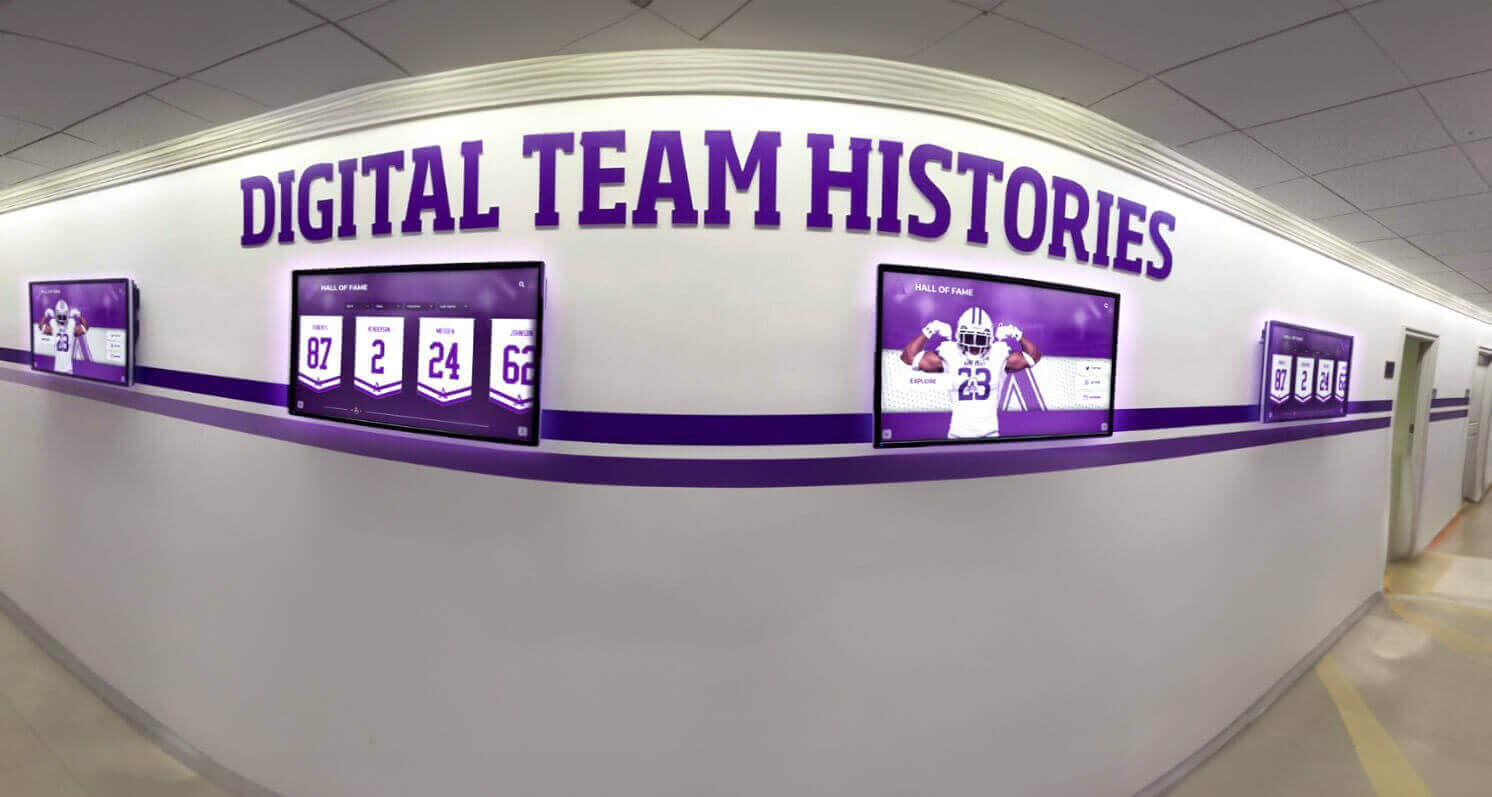
Ongoing digital recognition displays depend on format migration planning — without periodic review and migration, archive files eventually become unreadable as software ecosystems shift
Connecting Format Decisions to Recognition Programs
File format choices may seem like a technical back-office concern, but they have direct consequences for recognition programs, hall-of-fame committees, and interactive display administrators.
When a hall-of-fame committee convenes to honor an athlete from the 1990s, the quality of the digital presentation depends entirely on what files exist and in what condition. A high-resolution TIFF master digitized from an original print — even a print that has faded or yellowed — can be color-corrected, cropped, and exported at display resolution with excellent results. A low-resolution JPEG that was the only copy made from a scan fifteen years ago cannot be upscaled without visible degradation.
When an athletic department installs a digital hall of fame display to recognize basketball seniors and long-term contributors, the richness of those displays — the ability to show game highlights, historical rosters, award documentation — depends on whether video, photo, and document archives are in formats that are both high-quality and accessible to the display platform’s content management workflow.
Alumni spotlight displays that surface historical content for visiting alumni, donors, and current students require a supply of high-quality access copies that can be generated quickly from organized, properly formatted masters — not a manual search through a folder of files in unknown condition.
For programs evaluating booster club fundraisers and donor recognition programs, the ability to present high-quality historical content — photographs, video highlights, championship records — is a meaningful differentiator in the donor experience. Programs with organized, well-formatted archives can produce compelling historical presentations; programs without them cannot, regardless of how significant their history is.
Turn Your Athletic Archive Into an Interactive Recognition Display
When your archive files are in the right formats and organized for long-term access, every photograph, record, and video highlight can feed a searchable, touchscreen recognition display that engages students, alumni, and visitors every day. Rocket Alumni Solutions works with schools to transform organized archives into living recognition experiences.
Request a DemoFormat Decisions for Common Digitization Scenarios
Scenario 1: Scanning a Box of Historical Photographs
A booster club volunteer delivers a banker box of photographs from the 1970s through 1990s — team portraits, action shots from regional tournaments, individual portraits of athletes who have since been inducted into the hall of fame.
Format decisions:
- Scan at 600 dpi (or 1200 dpi for small prints) in RGB color mode
- Save masters as TIFF
- Create JPEG access copies at 85–90 quality for web display and recognition platform upload
- Log each scan with a metadata record: original photograph description, estimated date, source (donor, storage location), and any condition notes
- Keep physical originals; return donated items to donors or store with the archive according to your institution’s donation policy
Scenario 2: Digitizing VHS Game Tapes
An athletic director finds a collection of VHS tapes covering fifteen seasons of football games, including several championship seasons.
Format decisions:
- Digitize using a capture device that outputs uncompressed AVI or Apple ProRes — not a consumer device that records directly to DVD or MP4
- Save masters as MOV (ProRes 422) or AVI (uncompressed)
- Create MP4 (H.264) access copies for web display and recognition platform
- Note tape condition, tape label information, and any playback issues in the metadata record
- Prioritize digitization of highest-value tapes first — VHS tape degrades over time and should be digitized before further deterioration
Scenario 3: Archiving a Season of Natively Digital Photographs
A sports photographer delivers a season’s worth of photographs as JPEG files at camera-native resolution (20–24 megapixel, high-quality camera JPEG).
Format decisions:
- High-quality camera JPEGs (from a current mirrorless or DSLR camera) at native resolution are acceptable as masters when no RAW files are available
- If RAW files are available, request them from the photographer; save both RAW and a TIFF export
- Apply the naming convention before archiving
- Create web-resolution JPEG access copies (1920px on the long edge, quality 85) for upload to display platforms
Scenario 4: Preserving Statistical Records and Record Board Documentation
The athletic department maintains a spreadsheet of current program records in XLSX format and has evidence files — scanned timing sheets, photocopies of results — supporting each record.
Format decisions:
- Save the working XLSX record spreadsheet; export a CSV companion file at the end of each season
- Save scanned evidence files as TIFF (for images) or PDF/A (for documents)
- Archive a PDF/A “snapshot” of the record board spreadsheet at the end of each season — this preserves the human-readable formatted version even if spreadsheet software changes
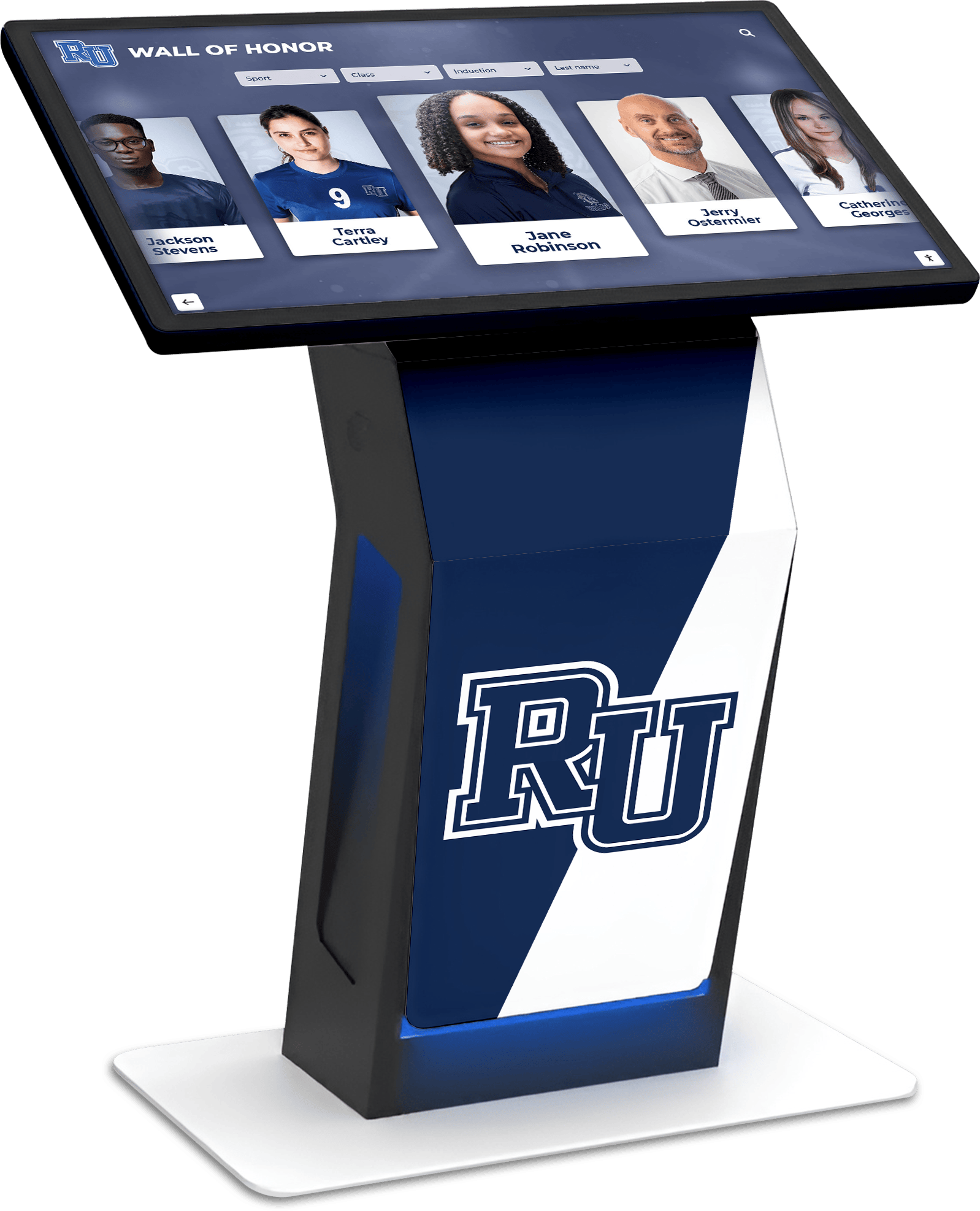
Interactive honor displays surface archive content that must remain accessible through decades of software and hardware change — format migration planning ensures that what is displayed today can still be regenerated from masters in twenty years
Metadata and Format Documentation
A file saved in an ideal format is significantly more useful when accompanied by metadata that records its context, source, and technical properties. For athletic archives, a metadata record attached to each file — or to each batch of related files — should capture:
- File identifier: the file name as archived, for cross-reference
- Format version: specific format and version (TIFF 6.0, PDF/A-1b, WAV PCM 96kHz/24-bit)
- Date created or digitized: when the master file was created
- Original source: physical original description, donor, or digital source
- Resolution or bitrate: for images, dpi and pixel dimensions; for video and audio, resolution and bitrate
- Color space or audio channels: RGB, Grayscale, stereo, mono
- Checksum: MD5 or SHA-256 hash generated at creation; allows future integrity verification
- Rights status: internal use only, cleared for display, rights unclear — requires review
- Physical original location: if a physical original exists, where it is held
Maintaining this metadata in a companion spreadsheet or collection management system — linked to the archive folder by file name — transforms a folder of correctly formatted files into a documented, auditable collection. For programs using a digital recognition platform, the platform’s content management system often serves part of this function, though it should not be the only place this metadata lives.
Creative approaches to recognizing student-athletes and alumni in digital contexts depend on having organized, well-documented archives that can be searched and surfaced quickly — the metadata system is what makes it possible to find the right content for the right honoree without a manual search.
FAQ
What is the difference between a master file and a backup? A master file is the highest-quality version of a digital asset, created once and never modified. A backup is a copy of a file — any file — stored in a separate location to protect against loss. Every master file should have backups; a backup of a low-quality access copy is not a substitute for a master file. Both are necessary.
Is it worth creating TIFF masters for every photograph, given the storage cost? For high-value content — championship photographs, hall-of-fame portrait sessions, founding-era historical images — TIFF masters are worth the storage cost. For large volumes of routine documentary photography (game action shots, practice photographs, facility images), institutions sometimes make pragmatic decisions to use high-quality JPEG as the archival copy rather than TIFF. This is a judgment call based on institutional resources and content value; document whatever decision you make so future staff know what format policy was in place.
How long do digital files actually last? Digital files do not degrade the way physical materials do — a TIFF file that is intact will open correctly whether it was created last year or twenty years ago. The risk to digital files is not degradation of the file itself but loss of the file (hardware failure, accidental deletion, disaster), obsolescence of the format (software that can no longer open the format), and hardware obsolescence (physical media that can no longer be read). Proper backup practices address the first risk; format migration planning addresses the second and third.
Can we use cloud photo services (Google Photos, Dropbox, iCloud) as our archive? Consumer cloud services are appropriate for access copies and working files but are not recommended as the sole location for archival masters. Consumer services may change their storage terms, compress uploaded files without notice, or be discontinued. They also do not provide the metadata management, format documentation, or checksum verification that archival practice requires. Use them as one tier of a backup strategy, not as a replacement for a documented archival storage system.
What should we do with existing files that were saved in suboptimal formats? Assess what exists: identify files that are in proprietary or lossy formats at low resolution, and determine which are high enough quality to serve as working masters versus which need to be recreated from physical originals. For files where physical originals still exist and the current digital copy is low quality, rescan the original. For files where the digital copy is the only version, use it as the master while documenting its quality limitations — a degraded master is better than no master.
How do format decisions affect our ability to use a recognition platform? Recognition platforms — including touchscreen hall-of-fame systems and digital record boards — typically have specific requirements for uploaded access copies: JPEG at specified dimensions for portraits, MP4 at specified resolution for video, PDF for documents. If your archive maintains well-organized master files in standard formats, generating platform-compliant access copies is straightforward. If your archive is a collection of files in varied formats and resolutions, platform onboarding requires manual remediation of every file that does not meet specifications.
Who should make format decisions for our archive? Athletic departments can implement the recommendations in this guide without a professional archivist. For programs with large existing collections, significant analog material (film negatives, film reels, fragile originals), or specific compliance requirements, consulting a qualified digital preservation professional before beginning a large digitization project is worth the investment. Local library networks, state archives offices, and professional organizations such as the Society of American Archivists often provide consultation resources and guidance documents at low or no cost.
From Preserved Files to Living Recognition
The practical payoff of sound format decisions is visible the first time a hall-of-fame committee or display administrator needs to pull a portrait, a highlight, or a record document and finds it in a high-quality, immediately usable format — rather than discovering a file that no longer opens, or that opens at too low a resolution to display on a modern screen.
Yearbook-style creative archive projects and alumni spotlight recognition programs share the same dependency: organized, well-formatted source files that can be located, exported to the right specifications, and displayed without manual remediation every time content is needed.
Programs that invest in format discipline — even incrementally, starting with new files while progressively improving legacy holdings — find that the archive becomes more useful over time rather than less. Every season’s photographs, rosters, video, and records land in a system that is ready to surface them for recognition displays, anniversary programs, facility presentations, and hall-of-fame nominations.
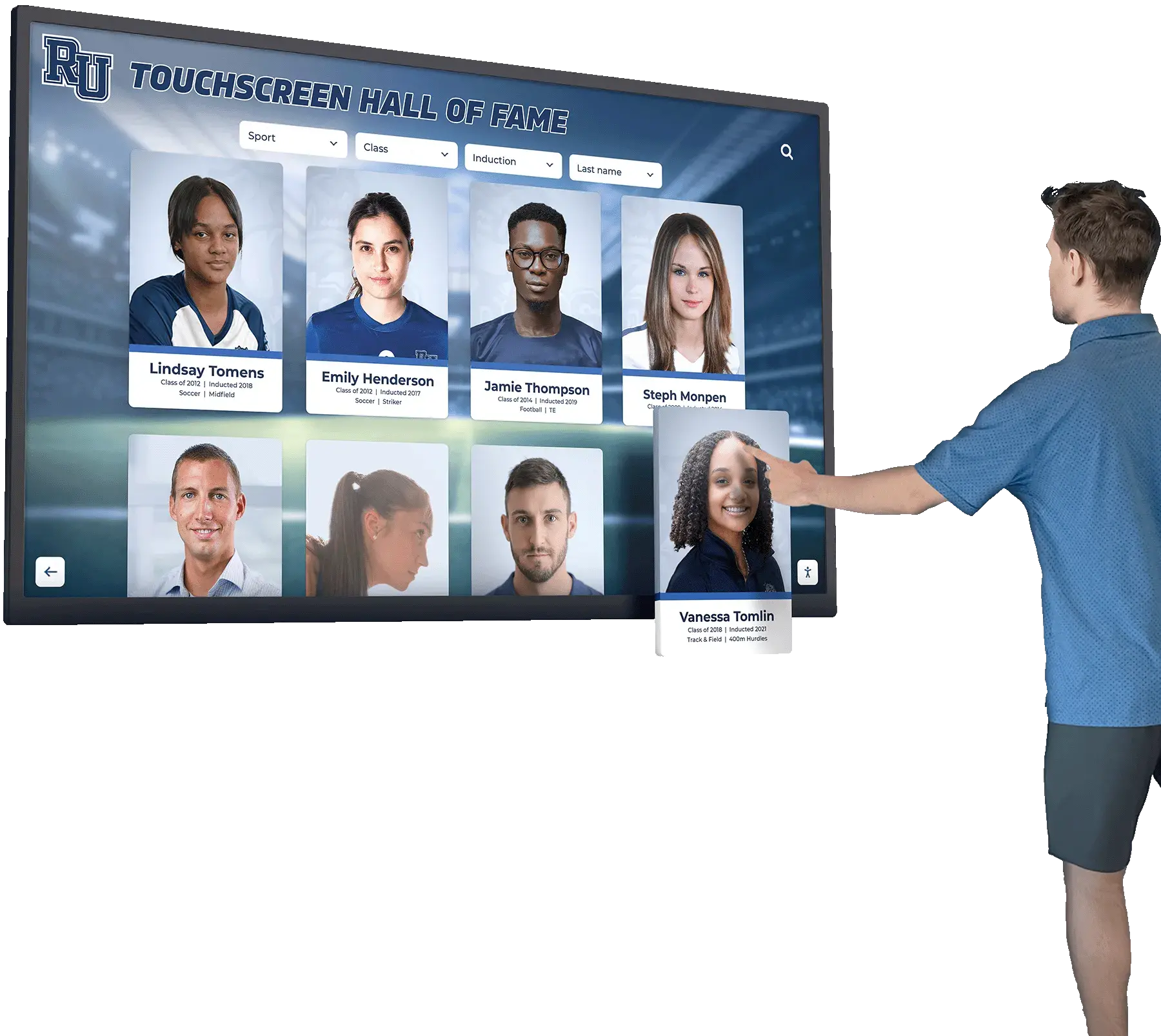
Touchscreen hall-of-fame displays that surface decades of history depend on archival masters saved in durable, open formats — format discipline at the point of creation is what makes rich historical displays possible
For programs that are ready to connect an organized, well-formatted archive to an interactive recognition platform, format decisions already made correctly are what enable fast, accurate content population — portraits at the right resolution, records with documentation, video highlights in a platform-compatible format — without a remediation project at onboarding time.
See How Your Organized Archive Powers an Interactive Athletic Display
When your master files are in the right formats and your access copies are ready, every photograph, record, and highlight is ready to surface in a searchable, interactive touchscreen experience that honors your program's history every day. Request a demo and see how Rocket Alumni Solutions connects athletic archives to recognition displays built to last.
Request a Demo






























