Athletic Archive Email Preservation Guidelines: Save Team, Award, and Alumni Records
- Home /
- Touch Archive Blog /
- Athletic Archive Email Preservation Guidelines: Save Team, Award, and Alumni Records
The Easiest Touchscreen Solution




Live Example: Rocket Alumni Solutions Touchscreen Display
Interact with a live example (16:9 scaled 1920x1080 display). All content is automatically responsive to all screen sizes and orientations.
Athletic archive email preservation guidelines are the documented rules that define which email messages belong in a permanent athletic record, how they should be exported and formatted, where they should be stored, and how long they should be retained — so that historically significant communications about awards, alumni milestones, sponsorship commitments, and championship announcements are not lost when a staff member changes roles, an email platform migrates, or a server is decommissioned years later.
This guide identifies the categories of email that carry long-term archival value for athletic departments, provides a step-by-step preservation workflow, a reference table for quick triage, and practical answers to the questions archives staff encounter most often. The goal is a durable, searchable email record that supports future recognition programs, hall-of-fame nominations, and historical displays — without requiring heroic effort at the moment a record is actually needed.
Email is the primary medium through which athletic departments receive official notifications of awards, record-setting performances, scholarship offers, donor pledges, and alumni achievement. A letter notifying a school that an athlete earned All-State honors, a conference office email confirming a championship result, a donor’s written pledge of support for a new facility — these are primary source documents. When they exist only in a personal inbox and that inbox is deleted at the end of an employee’s tenure, the historical record has a gap that no amount of subsequent research can fully close.

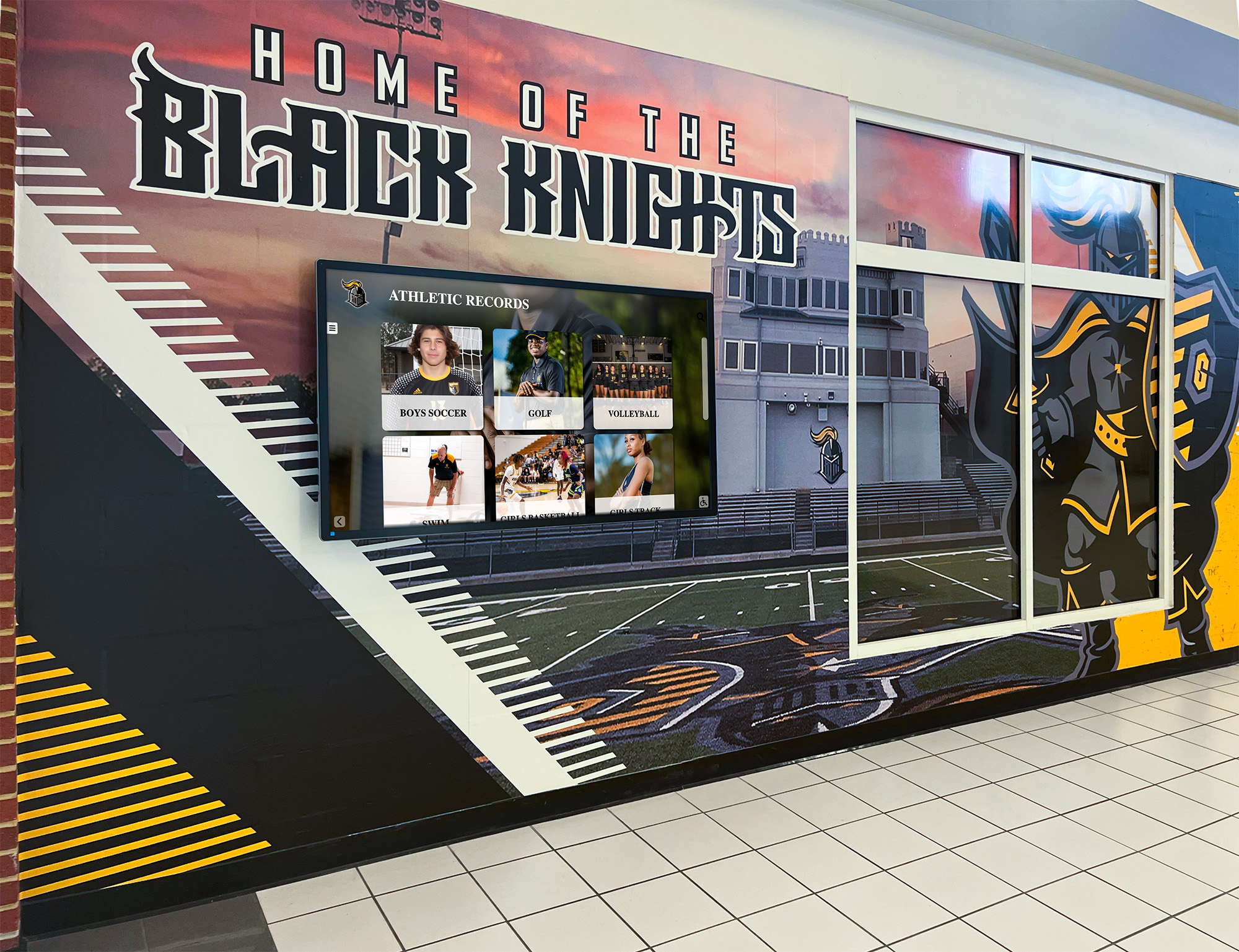
Athletic recognition displays draw from archived records — email correspondence about awards, championships, and alumni recognition is often the earliest and most authoritative documentation for the achievements shown
Why Email Preservation Belongs in an Athletic Archive Policy
Physical trophies, printed programs, and framed photographs are the most visible parts of an athletic archive — but email has become the authoritative record for a growing share of officially significant events. Conference offices confirm championship results by email. State activities associations send All-State selections to athletic directors by email. College coaches send recruiting interest letters by email. Donors commit to naming rights, sponsorships, and gift pledges in email threads.
None of these communications are automatically preserved by the email platform. Personal inboxes are subject to auto-purge policies, storage limits, and account deletion. Institutional email platforms are routinely migrated, and historical messages are not always carried forward. When an athletic director retires after fifteen years, the email archive that accumulated during those fifteen years — containing award notifications, coaching correspondence, alumni communications, and sponsorship agreements — disappears with the account unless explicit preservation steps were taken.
For programs planning future recognition programs, hall-of-fame inductions, or interactive digital displays that surface school athletic history, email correspondence is often the only primary-source documentation for events that occurred before digital photography, formal record-keeping systems, or structured archive programs were in place. Preserving it is not a compliance exercise — it is a direct investment in the historical depth and accuracy of every recognition program that follows.
Which Emails Belong in the Athletic Archive
Not every email an athletic department sends or receives has archival value. The preservation effort should focus on a defined set of categories — communications that document historically significant events, formal commitments, official recognitions, or relationships that future administrators and recognition committees will need to verify.
Athletic Archive Email Triage Reference
| Email Category | Examples | Archival Value | Retention |
|---|---|---|---|
| Award notifications | All-State selection letters, conference honor team notifications, scholar-athlete awards | High — primary documentation for recognition records | Permanent |
| Championship confirmations | Conference title emails, sectional qualifier results, state championship results | High — team record primary source | Permanent |
| Alumni achievement notices | Induction into external halls of fame, professional achievement announcements, career milestone notifications | High — supports future HOF nominations | Permanent |
| Recruiting correspondence | College coach interest letters, scholarship offer notifications sent to the school | Medium-High — documents athlete’s pathway | 20+ years |
| Sponsorship commitments | Donor pledge emails, naming gift agreements, fundraising commitment confirmations | High — financial and recognition record | Permanent |
| Coaching correspondence | Hire and departure notices, coaching award notifications, retirement announcements | Medium — historical staffing record | 20+ years |
| Facility milestone notices | Renovation completion, dedication ceremony invitations, naming announcements | Medium — facility history record | Permanent |
| Media coverage notifications | Press release confirmations, broadcast agreement emails, publication of records | Low-Medium — supplementary documentation | 10 years |
| Routine scheduling | Practice schedules, game logistics, transportation coordination | Low — operational, not historical | 1–3 years |
Routine operational emails — scheduling, logistics, internal coordination — do not belong in the permanent archive. The triage decision should be made at the time the email is received whenever possible, not years later during a reactive cleanup project.
Step-by-Step Athletic Archive Email Preservation Workflow
Step 1: Define the preservation trigger categories
Before any email is saved, document which categories of incoming and outgoing email require preservation. Use the triage table above as a starting point and adapt it to your program’s specific recognition structure — a school with an active hall-of-fame program may prioritize alumni correspondence differently than one in the early stages of building its archive. The preservation policy should be written in a document accessible to every staff member who manages athletic correspondence, not stored solely in one person’s memory.
Step 2: Export each qualifying email as a PDF
The correct preservation format for email is PDF, not the native email format (.eml or .msg). Native email formats depend on the platform that created them and become difficult to open as software evolves. A PDF is platform-independent, human-readable, and can be stored alongside other document types in the archive folder structure without requiring special software.
Most email platforms — Gmail, Outlook, Apple Mail — support printing to PDF directly from the message view. Export the full message, including the full header (From, To, CC, Date, Subject) visible in the document. The header is the audit trail that establishes authenticity: a PDF of an All-State notification that shows the sender’s address, the recipient, and the date is a verifiable record. A PDF that shows only the body text is not.
Step 3: Apply the archive file naming convention
A preserved email PDF that is saved as “Forward - Congratulations.pdf” is nearly as inaccessible as one that was never saved at all. Apply the same athletic archive file naming convention used for other archive documents:
[SCHOOL]_[SPORT]_[YEAR]_EMAIL_[DESCRIPTION].[EXT]
Examples:
| Original Subject | Preserved File Name |
|---|---|
| Congratulations — 2024 All-State Basketball | OAK_BBALL-B_2024_EMAIL_AllState-Notification.pdf |
| RE: State Championship Result — Girls Soccer | OAK_SOCC-G_2024_EMAIL_StateChampionship-Confirmation.pdf |
| Naming Gift Commitment — Fieldhouse | OAK_ATHL_2024_EMAIL_NamingGift-Pledge.pdf |
| Coach Johnson — Retirement Confirmation | OAK_FTBL_2025_EMAIL_HeadCoach-Retirement.pdf |
| Alumni HOF — External Induction Notice | OAK_ATHL_2019_EMAIL_AlumniHOF-ExternalInduction.pdf |
Use the sport code from your controlled vocabulary list for sport-specific emails. For school-wide athletic correspondence that does not belong to a single sport, use the ATHL code. For sponsorship and donor emails, ATHL is typically correct — a donor pledging support to the athletic program is not sport-specific.
Step 4: Store the exported PDF in the archive folder structure
Place the exported PDF in the appropriate year and category folder within the athletic archive. For programs following a standard archive structure, email records belong alongside other documentation for the same event — an All-State notification PDF belongs in the same folder as the athlete’s biographical record and award record for that season.
For programs that maintain a separate correspondence folder, create a subfolder structure organized by year and category:
/Archive
  /Correspondence
    /Awards
    /Championships
    /Alumni
    /Sponsorship-Donor
    /Coaching-Staff
    /Recruiting
This structure makes email records findable alongside the primary recognition records they document, rather than isolated in a separate email export folder that staff members are unlikely to consult during a recognition program.
Step 5: Create a metadata record for the archived email
An exported PDF stored in a folder is significantly more useful when a corresponding metadata record is created in the archive’s record-keeping system. The metadata record does not need to duplicate the email’s full content — it needs enough information to surface the email in a search.
Minimum metadata for an archived email record:
| Field | Value Format | Example |
|---|---|---|
| RecordType | ||
| Subject | Original email subject line | “All-State Selection — 2024 Boys Basketball” |
| FromAddress | Sender’s full email address | awards@stateactivities.org |
| DateSent | ISO 8601 date (YYYY-MM-DD) | 2024-03-12 |
| Recipient | Who received the original email | Athletic Director |
| Category | Triage category from policy | Award Notification |
| AthleteID | Link to athlete record if applicable | OAK-0142 |
| FileRef | Name of the exported PDF | OAK_BBALL-B_2024_EMAIL_AllState-Notification.pdf |
| EnteredBy | Staff member who preserved the record | J. Smith |
| EntryDate | Date the record was added to archive | 2024-03-14 |
This metadata record — created in a spreadsheet, a database, or a digital recognition platform — is what transforms a folder of PDFs into a searchable archive. Without it, the email preservation effort produces files that must be opened individually to determine their contents.
For programs also maintaining sponsorship correspondence, sponsorship thank-you letter templates and communication records become part of the same archival workflow — the outgoing acknowledgment and the incoming commitment email are both documents that support future recognition and reporting.
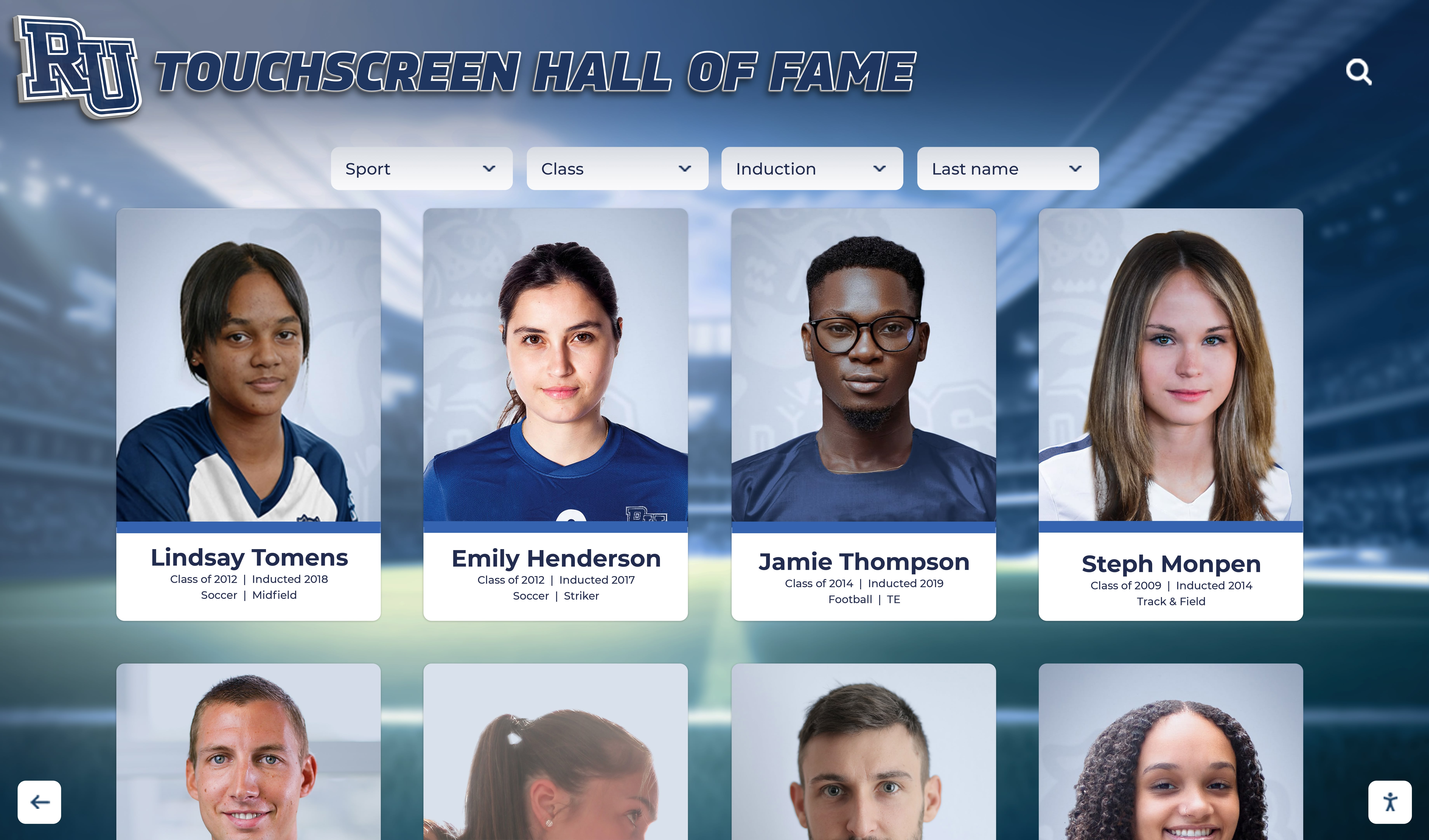
Recognition display profiles are only as accurate as the underlying archive — preserved email correspondence provides primary-source verification for the awards, milestones, and records shown on every athlete's display card
Step 6: Establish a preservation review cadence
Email preservation should not be a year-end project or a crisis-driven activity triggered by a staff departure. Build a review cadence into the athletic department’s routine — a monthly or quarterly review of incoming correspondence against the triage categories in the preservation policy.
A scheduled cadence has two practical advantages. First, it ensures that emails are preserved while they are still easily accessible — before an account is deactivated, a platform is migrated, or a staff member’s memory of which emails mattered has faded. Second, it distributes the preservation effort across time so that no single period requires a large remediation project.
Assign preservation responsibility explicitly. One staff member — typically the athletic director, associate director, or archive coordinator — should own the review process for each correspondence category. Shared responsibility with no explicit owner produces inconsistent preservation.
Step 7: Back up the email archive as part of the broader archive backup plan
Preserved email PDFs are documents in the archive and should be included in the archive’s backup schedule. The digital preservation file formats and migration planning guidance that applies to photographs, rosters, and video also applies to email exports: maintain at least two copies in separate locations, verify backup integrity periodically, and include email records in any migration plan when the archive moves to a new platform.
An email archive that is preserved in PDF format and stored alongside other archive documents requires no special backup treatment — it is simply part of the archive.
Preserving Recruiting Correspondence
Recruiting correspondence occupies a specific position in the athletic email archive. Emails from college coaches documenting interest in a student-athlete, scholarship offer notifications, and official contact confirmations are records that may be relevant for years after the athlete graduates — to the athlete, to future alumni recognition programs, and to programs documenting their history of placing athletes in collegiate and professional opportunities.
For programs that publicize the college destinations of their graduates or maintain a record of scholarship recipients, these emails are the primary-source documentation for those records. Programs looking at athletic recruiting visibility tools and how to help student-athletes get noticed will find that the historical record of successful placements is a valuable recruiting tool in itself — and that record is only as accurate as the email correspondence that documents each commitment.
Preserve recruiting emails with the athlete’s permission and in accordance with applicable student records privacy requirements. A notation in the metadata record that the athlete’s consent was obtained is good practice when the correspondence will be retained past graduation.
Preserving Donor and Sponsorship Email Correspondence
Donor pledges, gift confirmations, and sponsorship commitment emails are among the most consequential correspondence an athletic department receives. They document financial commitments that may fund facilities, scholarship programs, or recognition programs — and the email thread is often the only written record of the commitment terms that precedes a formal agreement.
For programs building or maintaining a named donor program, donor recognition wall best practices consistently emphasize the importance of maintaining accurate records of each donor’s giving history and the specific recognition commitments made in return. The email thread in which a naming gift was discussed, proposed, and agreed to is a document that protects both the institution and the donor if questions arise about recognition terms.
Preserve both sides of significant donor correspondence — the incoming commitment email and the outgoing acknowledgment — as a complete record of the exchange. For multi-year pledges and sponsorship arrangements, preserve each year’s renewal correspondence separately with the appropriate year in the file name.
Programs that need to demonstrate sponsor value and document recognition commitments for reporting purposes will find that sponsor visibility and engagement documentation begins with well-preserved correspondence that establishes what was committed and what was delivered.

Alumni athlete portrait displays depend on accurate historical records — preserved email correspondence about awards, external inductions, and alumni milestones is often the most reliable primary-source documentation for records that predate formal archive systems
Connecting Preserved Email to Recognition Displays
The practical value of a preserved email archive becomes visible when a hall-of-fame committee needs to verify an award claim, when a recognition display is being built from historical records, or when an alumni program wants to document achievements from a prior decade. In each case, the email record provides primary-source documentation that a spreadsheet entry, a physical plaque, or a coach’s recollection cannot.
For programs transitioning from physical records to digital recognition and display systems, email preservation fills a critical gap: the period between when physical records became sparse and when digital record-keeping became systematic. A school that has been digitizing its archives for five years may have good records from 2019 onward — but the hall-of-fame nominations from 2005, the conference titles from 2008, and the alumni inductions from 2012 may exist only in email threads that have not yet been exported.
For programs that want to extend their historical records backward — to make decades of achievement visible and verifiable in an interactive display — the email archive is one of the most accessible sources of primary documentation for events that predate formal archive systems. School records and yearbooks available online provide one avenue for historical research; preserved email correspondence provides another, and for events from the past fifteen to twenty years it is often the most direct.
Programs building supporter recognition programs alongside their athletic archive will find that creative donor recognition approaches benefit directly from well-preserved correspondence — donor names, giving years, and recognition categories are verifiable from the original commitment emails, making the recognition display accurate and the relationship with donors well-documented for future stewardship.
Transform Your Preserved Athletic Records Into a Living Recognition Display
When your award notifications, alumni correspondence, and championship confirmations are preserved and organized, every historically significant record is ready to surface on an interactive touchscreen display that honors your program's history every day. Rocket Alumni Solutions helps athletic departments transform well-organized archives — including email-sourced records — into recognition experiences that engage students, alumni, and visitors for years to come.
Request a DemoFAQ
Which email format is best for long-term preservation — PDF, EML, or MSG?
PDF is the recommended format for long-term preservation. EML and MSG files require the software that created them to be opened reliably; PDF is platform-independent and can be read by any PDF viewer. Export the full message including headers (From, To, Date, Subject) as visible content in the exported PDF to preserve the audit trail. If your preservation policy requires retaining the original message format for legal or compliance reasons, retain the EML or MSG as a secondary copy alongside the primary PDF export.
How do we handle email threads with multiple messages — export the whole thread or each message separately?
For significant correspondence threads — a sponsorship negotiation, a donor pledge exchange, a recruiting communication — export the full thread as a single PDF to preserve context. A thread PDF captures the sequence of the exchange in a way that individual message exports cannot. For single-message notifications (a standalone award confirmation, a championship result email), export the individual message. Document the scope of the export in the metadata record.
What happens to email records when an athletic director retires or a staff member leaves?
The exit process for any staff member who manages athletic correspondence should include a review of their inbox against the preservation policy’s triage categories. This review does not need to archive every email — only those that fall into the defined preservation categories. The review should occur before the account is deactivated, not after. Include an email archive review in the standard offboarding checklist for the athletic director and any staff role with preservation responsibility.
Can we use an institutional email retention policy instead of an athletic-specific preservation program?
Institutional email retention policies — typically managed by the IT department — are designed for compliance and legal hold purposes, not for historical preservation. They may retain messages for 3–7 years and then delete them. For athletic archive purposes, the historical value of award notifications, alumni correspondence, and championship emails extends well beyond a standard retention window. An athletic-specific preservation program that exports and stores qualifying messages outside the email platform is the only reliable approach for records that need to remain accessible for decades.
How do we retroactively preserve emails from past years that were not archived at the time?
Start with the accounts still active and accessible. Export emails in the defined categories from current staff members’ inboxes, going back as far as the platform’s retention period allows. For departed staff, contact IT to determine whether archived or backed-up versions of the account are available for review. For periods with no accessible email records, consult physical files, printed correspondence, and colleagues’ recollections to document what occurred — and note in the metadata record that the documentation source is a reconstructed record rather than a preserved original.
Should athlete-specific recruiting emails be stored in the athlete’s record or in a separate recruiting correspondence folder?
Both. Store the exported PDF in the recruiting correspondence folder organized by year, and create a metadata record linked to the athlete’s biographical record via the AthleteID field. This makes the correspondence findable both by searching the athlete’s record and by browsing the correspondence folder. Avoid storing the PDF only in the athlete’s biographical record folder — recruiting correspondence is a category that future staff will search by year and program, not just by individual athlete.
From Preserved Correspondence to a Complete Athletic Archive
An athletic archive built only from physical artifacts — trophies, photographs, printed programs — has gaps wherever the paper trail ran out. Email correspondence fills many of those gaps: the All-State notification that predates digital record entry, the donor pledge that funded a facility that now carries a name, the alumni induction notice that belongs in a hall-of-fame profile.
Athletic archive email preservation guidelines convert that correspondence from a liability — records that exist only in personal inboxes and disappear at retirement — into an asset: a searchable, verifiable record layer that extends the archive’s historical depth and improves the accuracy of every recognition program built from it.
The investment in preservation is small relative to the value it protects. A fifteen-minute monthly review of incoming correspondence, a consistent export-and-name workflow, and a single metadata record per significant email are the operational steps that determine whether a hall-of-fame committee twenty years from now has primary-source documentation or an incomplete record.
Apply these athletic archive file naming and metadata conventions consistently from the first email you preserve, and the archive compounds in value with every season that follows.
Live Example: Rocket Alumni Solutions Touchscreen Display
Interact with a live example (16:9 scaled 1920x1080 display). All content is automatically responsive to all screen sizes and orientations.































