Athletic Archive Emergency Contact List: Build a Response Directory for People, Vendors, and Systems
- Home /
- Touch Archive Blog /
- Athletic Archive Emergency Contact List: Build a Response Directory for People, Vendors, and Systems
The Easiest Touchscreen Solution




Live Example: Rocket Alumni Solutions Touchscreen Display
Interact with a live example (16:9 scaled 1920x1080 display). All content is automatically responsive to all screen sizes and orientations.
An athletic archive emergency contact list is a structured, role-based directory that identifies the specific people, vendors, and systems a school needs to reach when something goes wrong — a storage outage, a display malfunction, a records access failure, a security incident, or an urgent content request ahead of a recognition event. The direct answer: build this directory before you need it. When a trophy case kiosk goes dark the morning of homecoming, or a hall-of-fame induction ceremony requires a photograph no one can locate in the archive, or a district IT audit asks for a system administrator who left two years ago, the value of a current, role-indexed contact list is immediate. This guide provides the structure, tables, and decision logic to build an athletic archive emergency contact list that serves school administrators, athletic directors, facilities staff, and school IT personnel — with enough depth to support a fast response to every incident type the archive is likely to face.
Nothing in this guide constitutes legal, security, or records management advice. Contact list ownership, access controls, and incident response obligations should be confirmed with your district’s qualified staff before implementation.
An athletic archive is not a passive storage system. It is connected to school networks, hosted on vendor platforms, integrated with recognition displays, and maintained by staff whose roles change every few years. Each of those connections is a potential failure point — and each failure point needs a designated responder who can be reached quickly.
The problem most programs encounter is not that they lack contacts entirely. It is that their contacts are stored in six different places: someone’s email contacts, a laminated sheet taped to a filing cabinet, a shared drive that three people know about, and the memory of a staff member who retired. When an incident happens, staff spend the first thirty minutes assembling the information they need to begin responding — time that, in an actual outage or security event, matters.
A centralized, role-based athletic archive emergency contact list solves that problem by making the right contact findable in under sixty seconds regardless of which staff member is responding.

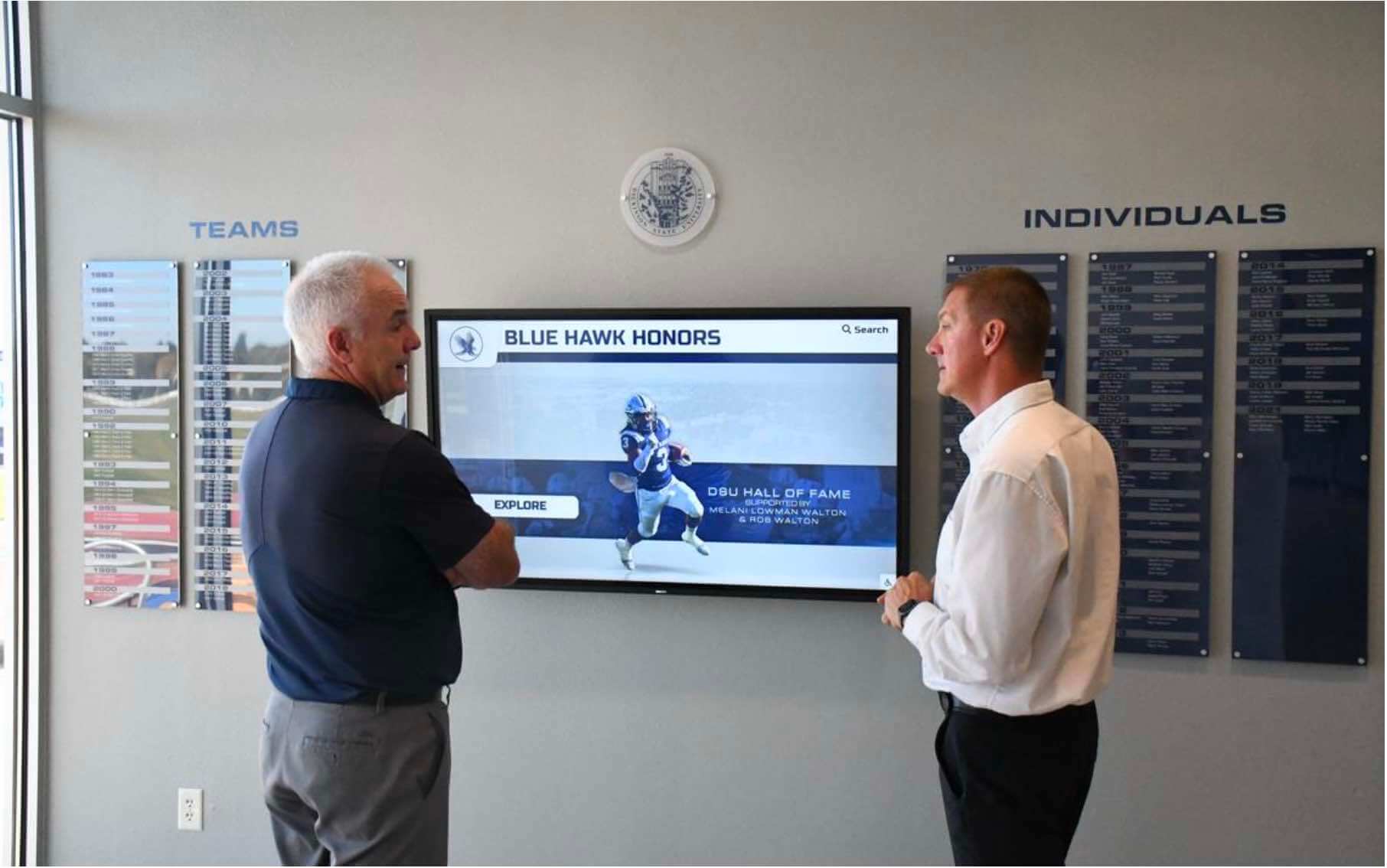
A current role-based contact list means that when a recognition display needs urgent attention, the right vendor, IT contact, or archive coordinator can be reached before the event begins
Why Athletic Archives Need a Dedicated Emergency Contact List
Athletic archives face a specific set of incident types that a general school emergency contact list does not address. A call tree for a weather event does not help when a hall-of-fame display vendor needs to be reached on a Saturday for a system error. A shared district IT ticket queue does not help when a booster club volunteer has uploaded content to the wrong folder and the archive coordinator is unreachable.
The incidents that most commonly require a dedicated athletic archive contact list fall into five categories:
| Incident Category | Example | Who You Need to Reach |
|---|---|---|
| Display or kiosk outage | Touchscreen recognition display shows an error screen before an event | Display platform vendor’s support line; on-site facilities contact |
| Archive access failure | Staff cannot log in to the archive management system | Platform vendor support; district IT administrator |
| Content emergency | A photograph or record needed for a ceremony cannot be found in the archive | Archive coordinator; secondary staff backup; digitization vendor if content was recently processed |
| Security or data incident | Unauthorized access to archive records detected | District IT security contact; platform vendor security team; district administration |
| Vendor issue | Scheduled content update did not publish; display hardware malfunctioning | Primary vendor support; hardware maintenance contact |
Programs managing recognition displays — including interactive touchscreen hall-of-fame kiosks and digital record boards — face the display and vendor categories most often. Programs with large digitized collections face content and access failures with some regularity. Every program should plan for security incidents regardless of how unlikely they seem.
The Five Contact Categories Every Athletic Archive Directory Needs
A complete athletic archive emergency contact list is organized by role, not by name. Names change; roles persist. When the archive coordinator retires, the role stays, the name and contact information updates, and the directory structure remains intact.
Category 1: Internal Staff Contacts
Internal contacts are the first responders for almost every incident type. They have building access, system credentials, and knowledge of the archive’s content and history that external vendors do not.
| Role | Responsibility in an Incident | Information to Include |
|---|---|---|
| Athletic Archive Coordinator (Primary) | First contact for any archive content, access, or records issue | Work phone, personal cell, work email, backup contact preference |
| Athletic Archive Coordinator (Backup) | Covers when primary is unavailable | Same fields as primary |
| Athletic Director | Decision authority for recognition events and program-level incidents | Work phone, cell, email |
| School Principal or Administrator | Required contact for security incidents or district notification triggers | Work phone, email, emergency line |
| School IT Administrator | System access, network issues, credentialing problems | IT department line, personal work contact, ticket system URL |
| Facilities Manager | Physical access to display hardware, power cycling, hardware replacement | Building direct line, cell, building access protocol |
| Communications or Media Coordinator | Manages public-facing announcements if an archive incident affects a public event | Work contact, communication platform access |
For programs with active booster club involvement — where volunteers regularly contribute content, photographs, or records — adding a booster club primary contact to this category prevents a common gap: no one knows who to call when community-contributed content is the source of the problem or the solution. Programs with developed booster club fundraiser programs typically have a clear point of contact who can also assist when historical content from booster archives is needed urgently.
Category 2: Display and Recognition Platform Contacts
Schools using interactive touchscreen displays for hall-of-fame presentations, record boards, and historical timelines need a dedicated set of contacts for the platform and its hardware.
| Contact Type | When to Use | Information to Include |
|---|---|---|
| Platform Vendor — General Support | Software bugs, login issues, content publishing errors, feature questions | Support phone line, support email or ticket portal URL, account ID |
| Platform Vendor — Urgent or Emergency Support | Display outage before or during an event; content failure affecting a ceremony | Emergency support line or after-hours contact; escalation path |
| Hardware Vendor or Installer | Physical screen malfunction, touchscreen calibration failure, hardware damage | Installer contact, warranty reference number, hardware serial numbers for each unit |
| Content Integration Contact | Issues with content syncing from archive to display platform | Technical contact at vendor; integration documentation location |
The display platform contact is among the most time-sensitive entries on the list. Recognition events — homecoming ceremonies, hall-of-fame inductions, sports banquets — are fixed in time. A display system that goes offline two hours before the event starts requires a vendor contact who can be reached by phone, not by submitting a ticket that will be processed the following business day. Programs that have invested in building out their athletic department’s recognition history pages alongside their display platforms understand that both the digital archive and the recognition display depend on vendor responsiveness when an incident happens.
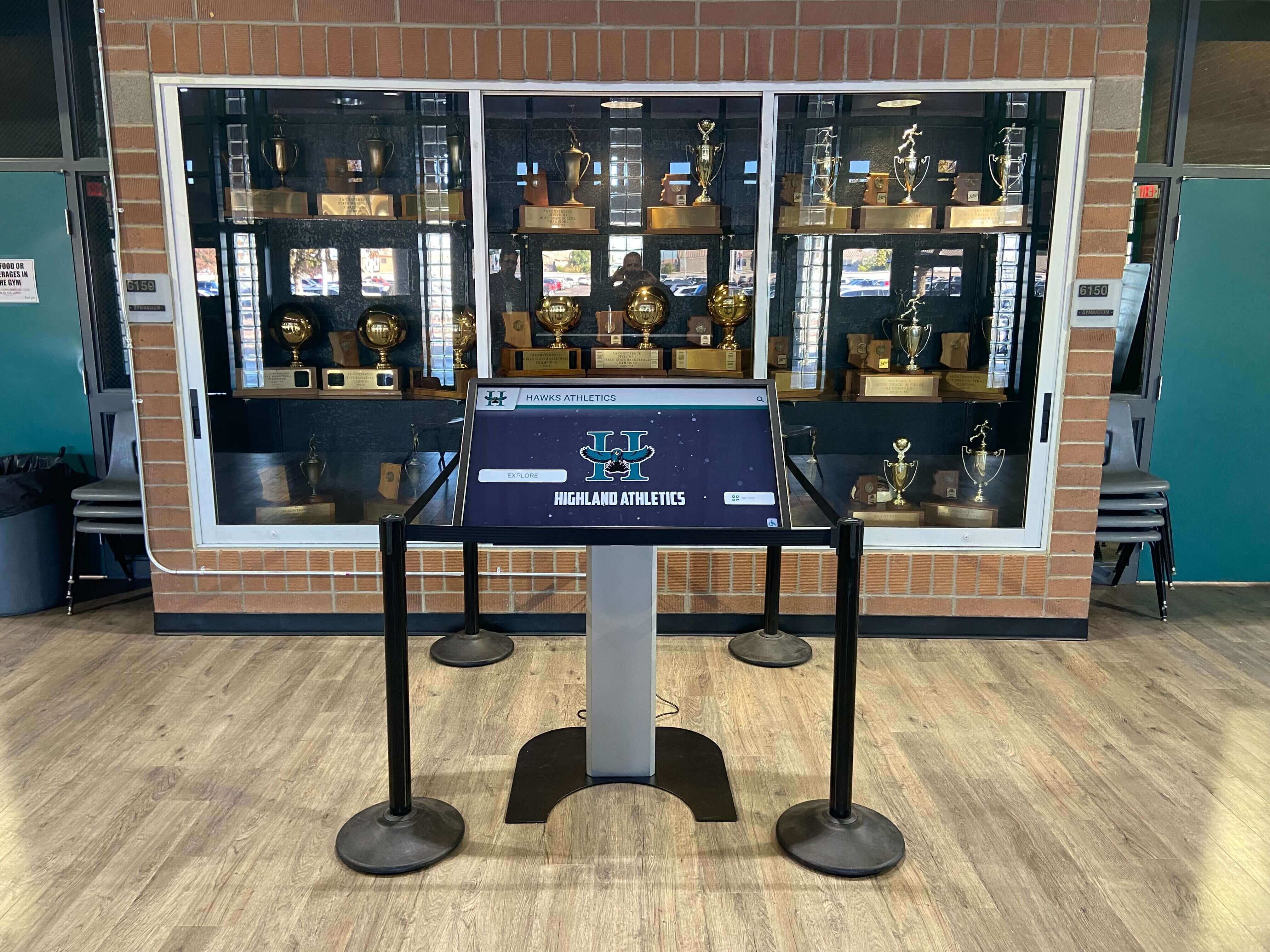
Every installed recognition display represents a vendor relationship that requires an emergency contact — the support line for a touchscreen that goes dark the night before an induction ceremony is not the right moment to find the number
Category 3: IT and Systems Contacts
Athletic archives are increasingly cloud-hosted and network-dependent. An IT contact list for the archive specifically — separate from the general district IT queue — is essential for incidents that require fast action.
| System or Function | Contact Type | Information to Include |
|---|---|---|
| Archive storage platform (cloud host) | Platform support; district IT contact with credentials | Support line, account owner email, admin account access protocol |
| Network access (school or district WiFi or LAN) | District IT network administrator | Direct contact, escalation path, after-hours protocol |
| User credential management (SSO, Active Directory) | District IT administrator with credential authority | Contact for account lockouts, new user provisioning, credential resets |
| Backup and recovery system | IT contact or vendor with backup access | Backup system name, recovery procedure location, contact for restoration requests |
| Email and communication system | IT or communications administrator | Contact for communication outages affecting archive coordination |
The backup and recovery contact is often the most overlooked entry on an athletic archive IT contact list. Most programs know who to call when a display goes down. Fewer have a clear documented contact for the person who can initiate a data restore when archive files are accidentally deleted, corrupted, or inaccessible after a system migration.
Category 4: Digitization and Preservation Vendor Contacts
Programs that use third-party vendors for digitization, format migration, or long-term preservation storage need those vendor contacts available during content emergencies — particularly when a recently processed batch is the subject of an access failure or quality concern.
| Vendor Type | When to Use | Information to Include |
|---|---|---|
| Scanning or digitization vendor | Questions about a specific ingest batch; re-delivery of missed or corrupted files; rights documentation for scanned content | Account representative, technical contact, project reference numbers for active or recent projects |
| Format migration or conversion vendor | Issues with converted files; requests for migration reports | Technical contact, project documentation location |
| Long-term storage or cloud archive vendor | Storage access failures; retrieval requests for archived content; compliance documentation | Support line, account ID, service level agreement reference |
For programs that have commissioned displays commemorating retiring coaches or milestone athletic achievements, the digitization vendor contact is also relevant when content produced for those programs needs to be re-accessed for archive ingest, format conversion, or display updates.
Category 5: Recognition Event and Community Contacts
Athletic archives are called on most urgently during recognition events. Having contacts for the people and organizations who drive those events — and who may hold relevant historical content — shortens response time when a content gap appears.
| Contact Type | Purpose | Information to Include |
|---|---|---|
| Hall of Fame Committee Chair | Access to committee records, nomination files, past inductee documentation | Committee chair contact; meeting coordinator if different |
| Alumni Association Contact | Historical content from alumni collections; notification of alumni recognition programs | Primary contact at alumni association or designated liaison |
| Sports Photography or Media Contact | Current-season content; access to contracted photographer’s archive | Photographer contact, contract reference, file delivery platform |
| Yearbook or Publications Coordinator | Historical photographs and records from school publications | Contact for yearbook archives; digital yearbook platform contact if applicable |
| Athletic Boosters or Foundation Contact | Donor-funded displays; content contributed by boosters; funding for archive or display projects | Booster organization primary contact |
Programs that run active alumni recognition programs — including alumni-of-the-month programs or broader alumni engagement initiatives — will find that the alumni association contact is frequently needed not only in emergencies but as a regular part of keeping recognition content current. Include it in the emergency list, but also make sure it appears in the archive’s ongoing program contacts.
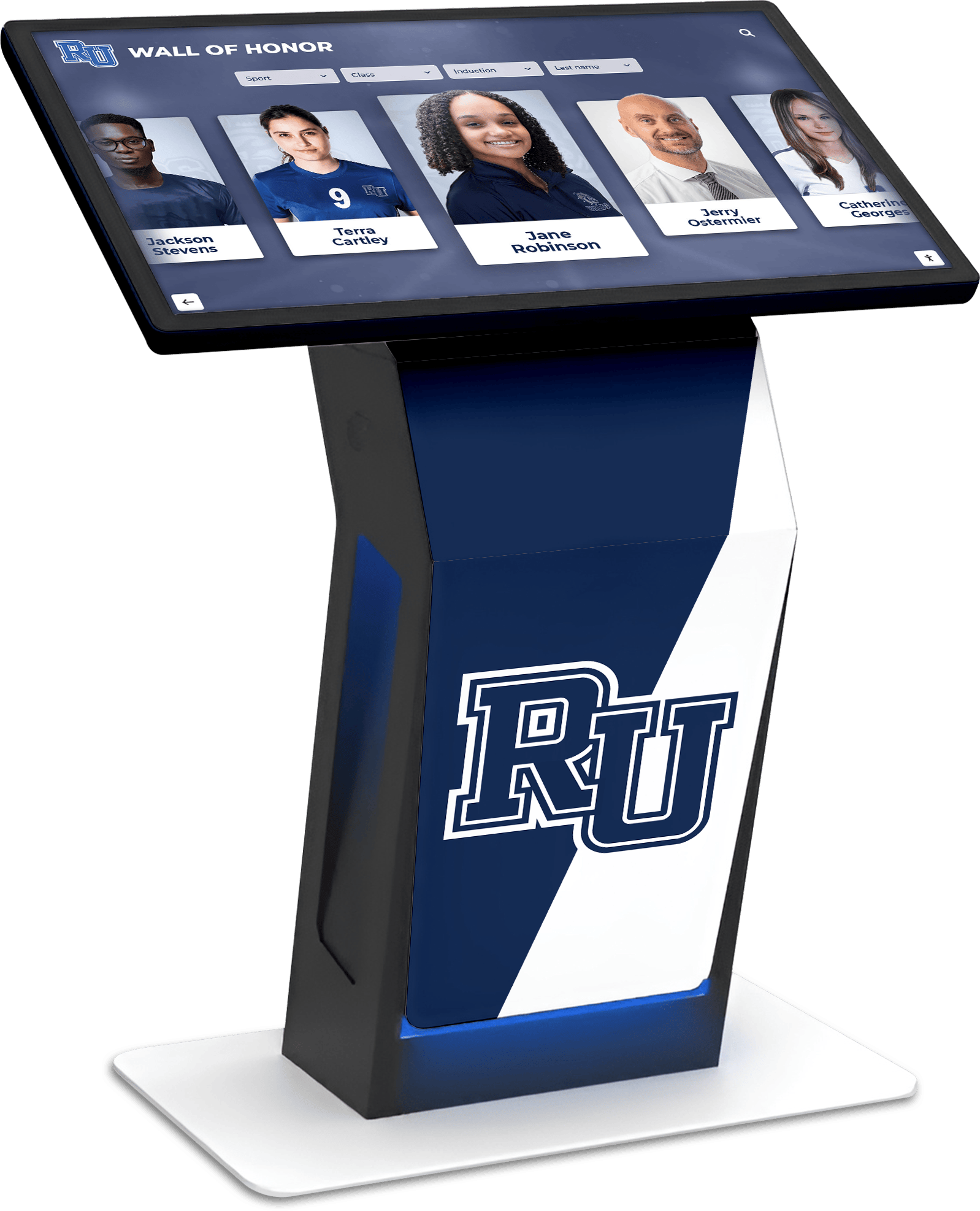
Recognition kiosks in school lobbies draw on content from multiple sources — staff, vendors, alumni, and community donors — each of whom may need to be reached when content gaps or display issues arise
Building and Maintaining the Directory: Practical Steps
Step 1: Choose a Format That Is Accessible Under Pressure
The format of the athletic archive emergency contact list matters as much as its content. A contact list that lives exclusively in a personal spreadsheet, a single email thread, or a document only one staff member knows how to find will fail exactly when it is most needed.
Recommended formats, in order of accessibility:
| Format | Strengths | Weaknesses |
|---|---|---|
| Printed laminated sheet posted in archive work area and athletic office | Works during network outages; always physically present | Becomes outdated quickly; requires manual reprinting on each update |
| Shared district document (Google Drive, SharePoint, district intranet) | Accessible from any device; easily updated; version-controlled | Requires network access; only accessible to credentialed staff |
| PDF posted to internal school network with restricted access | Accessible on school network; printable on demand | Requires someone to update and re-post on each version change |
| Both printed and digital (recommended) | Covers network outages and remote access scenarios | Requires maintaining two copies — manageable with a clear update protocol |
The best practice is to maintain the authoritative version in a shared digital document so updates are immediate and permanent, and to print a current copy for physical posting at the start of each school year and after any significant staff change. Programs that already manage athletic department communications calendars and shared document workflows will find the contact list fits naturally into the same infrastructure.
Step 2: Assign Ownership and a Review Cycle
A contact list without an owner becomes outdated within one staff hiring cycle. Assign a primary owner — typically the athletic archive coordinator or the athletic director — who is responsible for:
- Updating the list within two weeks of any staff departure, arrival, or role change
- Confirming vendor contacts annually at contract renewal time
- Conducting a full list review at the start of each school year
- Distributing the updated list to all staff with archive responsibilities
Step 3: Test the List Before You Need It
At least once per year — ideally at the start of the school year before any major recognition events — verify that the contacts on the list are current and reachable:
- Confirm that all phone numbers are active
- Confirm that all email addresses are valid
- Confirm that all vendor support lines route to the correct team
- Confirm that all system access documentation is current (account IDs, ticket portal URLs, admin access procedures)
A contact list that has never been tested is a contact list that may contain outdated numbers, former staff, and vendor accounts that have been reassigned.
Step 4: Connect the List to Your Incident Response Protocol
The emergency contact list is most valuable when it is paired with a brief incident response protocol for each scenario: who contacts whom first, what information to gather before calling, and what the escalation path looks like if the first contact is unavailable.
For display outages, the typical response sequence is:
- Facilities manager — confirm power, physical connections, hardware state
- Platform vendor emergency support — software, account, or platform issue
- District IT — if the issue involves network connectivity or authentication
For archive access failures:
- Archive coordinator — confirm whether the issue is user-specific or system-wide
- Platform vendor support — account or system-level issue
- District IT — credential or network issue
For content emergencies ahead of recognition events:
- Archive coordinator — locate or confirm the status of the needed content
- Relevant community contact — photographer, alumni association, or yearbook coordinator — if the content is not in the archive
- Recognition event coordinator — to adjust the program if content cannot be located in time
Programs that have developed alumni wall recognition displays or explored alumni wall design options with community-contributed content often find that the community contacts are the fastest path to recovering missing historical photographs before an event — faster than a digitization vendor and often faster than a formal archive retrieval.
Quick-Reference Contact Table Template
The following template structures the contact list for quick access under pressure. Fill in the information for your institution and maintain it as the authoritative reference document.
| Category | Role | Primary Contact Name | Phone | Notes | |
|---|---|---|---|---|---|
| Internal Staff | Archive Coordinator (Primary) | After-hours preference: | |||
| Internal Staff | Archive Coordinator (Backup) | ||||
| Internal Staff | Athletic Director | ||||
| Internal Staff | School IT Administrator | Ticket URL: | |||
| Internal Staff | Facilities Manager | Building after-hours line: | |||
| Display Platform | Vendor General Support | Account ID: | |||
| Display Platform | Vendor Emergency/After-Hours | Escalation path: | |||
| Display Platform | Hardware Installer | Serial numbers on file: | |||
| IT and Systems | Cloud Archive Host | Support URL: | |||
| IT and Systems | Network Administrator | After-hours protocol: | |||
| IT and Systems | Backup/Recovery Contact | Recovery procedure doc: | |||
| Digitization | Primary Scanning Vendor | Active project refs: | |||
| Recognition Events | Hall of Fame Committee Chair | ||||
| Recognition Events | Alumni Association Contact | ||||
| Recognition Events | Sports Photographer | File delivery platform: | |||
| Recognition Events | Booster Club Contact |
Connecting the Emergency Contact List to Ongoing Recognition Operations
An emergency contact list is not only useful in emergencies. The same directory structure that enables fast incident response also supports the everyday operations of a well-run athletic archive and recognition program.
When a hall-of-fame induction is being planned, the committee contact and alumni association contact on the emergency list are the first calls for historical content verification. When a college commitment day digital board is being prepared, the display platform contact and sports photographer contact ensure the content and hardware are ready. When a gym renovation is underway — including the display infrastructure tied to gym and bleacher improvement projects — the facilities manager and hardware vendor contacts already in the emergency list are the same contacts that coordinate installation.
The emergency contact list becomes a program contact list — the institutional record of every relationship that makes the athletic archive and recognition program function.
Frequently Asked Questions
What is an athletic archive emergency contact list?
An athletic archive emergency contact list is a role-based reference document that identifies the specific staff members, platform vendors, IT contacts, and community partners who should be contacted when something goes wrong with an athletic archive, a connected recognition display, or the records and media the archive contains. Unlike a general school emergency contact list, it is organized around the specific incident types — display outages, archive access failures, content emergencies, and security incidents — that athletic archives face.
How is this different from a general school emergency contact list?
A general school emergency contact list is designed for facility emergencies, safety incidents, and administrative escalation. An athletic archive emergency contact list is designed for operational incidents specific to the archive and its connected systems: display vendor support, digitization vendor contacts, recognition event coordinators, and archive platform administrators. The two lists should coexist; neither replaces the other.
Who should own and maintain the athletic archive emergency contact list?
The primary owner is typically the athletic archive coordinator or the athletic director. The owner is responsible for updating the list after every staff change that affects a listed role, confirming vendor contacts at contract renewal, and distributing the current version to all staff with archive responsibilities at the start of each school year.
How often should the contact list be updated?
The list should be updated within two weeks of any staff change affecting a listed role, at the time of any vendor contract renewal or service change, and as part of a full annual review at the start of each school year. Between scheduled reviews, any staff member who discovers an outdated contact should report it to the list owner for immediate correction.
What information should each contact entry include?
At minimum: the person’s name, role, direct phone number, direct email address, and an availability note (business hours only versus 24/7 emergency line). For vendor contacts: account ID or customer number, support portal URL, escalation path if the first line is unavailable, and any service level agreement reference relevant to response time expectations.
Should the list include personal cell phone numbers?
For internal staff contacts — the archive coordinator, the athletic director, the facilities manager — a personal cell number for after-hours contact is appropriate when the staff member has agreed to be reached outside business hours for archive-related incidents. This should be confirmed with each staff member and noted clearly in the entry. For vendor contacts, use the emergency support lines provided in the service agreement rather than an individual representative’s personal number.
How should the list be stored so it is accessible during a network outage?
Maintain both a current printed copy posted in the athletic office and the archive work area, and a shared digital document accessible on the school’s internal network. For staff who work remotely or travel for athletic events, a copy accessible outside the school network — such as a district intranet or shared drive with off-site access — is also valuable. The printed copy ensures access during network outages; the digital copy ensures the most current version is always available to authorized staff.
Does the contact list need to be secured against unauthorized access?
Yes. Contact lists contain personal phone numbers and may reference account credentials or system access information. Store the digital version with access restricted to staff who have archive responsibilities. Do not post the full contact list publicly or share it outside authorized staff. For the printed copy, post it in a staff-only area of the athletic office or archive room.
Connect Your Athletic Archive to a Recognition Display Built to Last
An organized athletic archive with a current emergency contact list is the foundation for a recognition program that works when it matters most — at ceremonies, events, and the everyday moments when students, alumni, and visitors encounter your school's history. Rocket Alumni Solutions helps schools connect well-organized archives to interactive touchscreen recognition displays that honor athletic legacy for decades. Request a demo to see how your archive and recognition program can work together.
Request a DemoLive Example: Rocket Alumni Solutions Touchscreen Display
Interact with a live example (16:9 scaled 1920x1080 display). All content is automatically responsive to all screen sizes and orientations.































