



Athletic archive file naming conventions are the structured rules that govern how schools label digital files — photographs, rosters, video recordings, and record evidence — so that any staff member, committee volunteer, or future archivist can locate, identify, and use a file without help from whoever created it. Without a convention, even a small athletic archive becomes disorganized quickly: a folder of images named IMG_4872 through IMG_5031 is functionally unsearchable, a roster spreadsheet saved as “final-FINAL2-USE-THIS.xlsx” is a liability waiting to surface, and a state championship video file with no year or sport in its name may as well not exist when a hall-of-fame committee forms twenty years later.
This guide provides a practical naming standard, a ready-to-copy formula, and a complete examples table that athletic departments, archive coordinators, hall-of-fame committees, and booster clubs can implement immediately — whether digitizing a single season or building a multi-decade archive from scratch.
A championship photograph that cannot be found is worth no more than one that was never taken. File naming is the infrastructure that makes archived material usable — and for athletic departments managing decades of history across multiple sports and media types, that infrastructure either exists by design or fails by default.

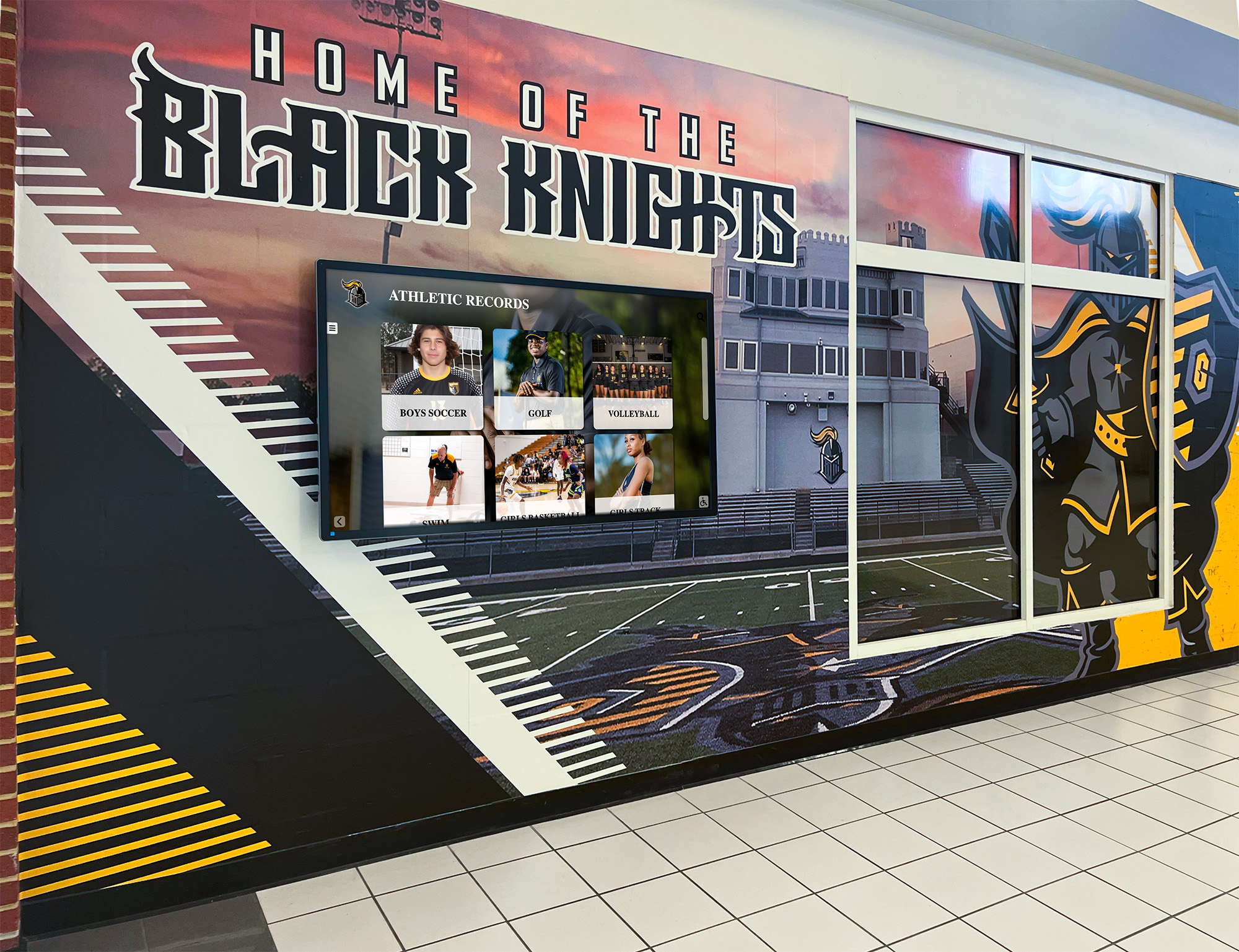
Athletic record displays in school hallways draw from organized digital archives — consistent file naming conventions are what make decades of history searchable and displayable for every staff member who follows
Why File Naming Conventions Matter for Athletic Archives
Most athletic departments digitize files reactively: a booster club member scans a box of old programs, a photographer dumps a season’s images into a shared drive, a coach exports a roster spreadsheet at the end of the year. The result is a collection of files that no one named consistently, organized in a structure no one planned, with metadata that reflects whatever camera, scanner, or software produced the file.
Five years later, a hall-of-fame committee volunteer searches for photographs of a specific athlete from a specific season and finds 3,000 image files sorted by date modified. Ten years later, a facilities renovation project needs documentation of the gymnasium as it appeared in the 1990s, and the person who scanned those photographs retired in 2018. Twenty years later, the files on that shared drive — whatever survived the server migrations — are effectively unnavigable.
A consistent naming convention prevents this. It is the single highest-leverage investment an athletic department can make in its archive, because it costs almost nothing to implement at the moment a file is created and saves enormous time every time that file needs to be found later.
For programs that have already accumulated unsorted files, a naming project is recoverable — but it is always more expensive than starting correctly. Best practices for athletic facility recognition programs consistently treat organized digital archives as a prerequisite for effective physical and digital display, not an afterthought.
The Core Naming Formula
A reliable athletic archive naming convention uses six fields in a fixed order, separated by underscores. The formula works across every media type and scales from a single-sport archive to a multi-decade, multi-school district collection.
The Formula:
[SCHOOL]_[SPORT]_[YEAR]_[TYPE]_[DESCRIPTION]_[SEQ].[EXT]
| Field | What It Contains | Examples |
|---|---|---|
| SCHOOL | 3–5 character school or district code | OAK, JFKHS, NRSD |
| SPORT | Sport abbreviation from your standardized list | FTBL, BBALL, TRACK, SWIM, VOL |
| YEAR | 4-digit year or academic year range | 2024, 2024-25 |
| TYPE | Media type code | PHOTO, ROSTER, VIDEO, RECORD, PROG |
| DESCRIPTION | Brief descriptor — hyphens for spaces | TeamPortrait, Varsity-Final, StateMeet |
| SEQ | 3-digit sequence number — omit for single files | 001, 002, 003 |
| EXT | File extension | jpg, pdf, mp4, xlsx, csv |
Core naming rules:
- Use only uppercase letters, numbers, hyphens (within the Description field), and underscores (between fields)
- No spaces anywhere in the file name
- No special characters: no apostrophes, ampersands, slashes, or parentheses
- Spell out years in full (2024, not 24)
- Use the same sport abbreviation list across all sports and all years — document it once, post it where every contributor can find it, and never deviate
Copyable Examples by Media Type
Photos
| File Name | What It Contains |
|---|---|
OAK_FTBL_2024_PHOTO_TeamPortrait_001.jpg | 2024 varsity football team portrait, first image |
OAK_FTBL_2024_PHOTO_TeamPortrait_002.jpg | 2024 varsity football team portrait, second image |
OAK_BBALL_2023-24_PHOTO_IndividualPortrait-Smith-J_001.jpg | Individual portrait of J. Smith, basketball 2023-24 |
OAK_TRACK_2022_PHOTO_StateMeet-4x400Relay_001.jpg | 4x400 relay at the 2022 state meet, first image |
OAK_SWIM_2019_PHOTO_Action-Boys200Freestyle_001.jpg | Action shot, 2019 boys 200m freestyle |
OAK_FTBL_2001_PHOTO_TeamPortrait-JV_001.jpg | 2001 junior varsity football team portrait |
OAK_ATHL_2024_PHOTO_FallBanquet_001.jpg | 2024 fall sports banquet — all-athletics event |
Rosters
| File Name | What It Contains |
|---|---|
OAK_FTBL_2024_ROSTER_Varsity-Final.pdf | Final 2024 varsity football roster |
OAK_BBALL_2023-24_ROSTER_Varsity-Preseason.xlsx | Preseason roster, 2023-24 varsity basketball |
OAK_TRACK_2022_ROSTER_Girls-Spring.pdf | Girls track and field roster, spring 2022 |
OAK_VOL_2021_ROSTER_Varsity-JV-Combined.xlsx | Combined varsity and JV volleyball roster, 2021 |
Video
| File Name | What It Contains |
|---|---|
OAK_FTBL_2024_VIDEO_HomeOpener-vs-Riverside-Full.mp4 | Complete 2024 home opener against Riverside |
OAK_FTBL_2024_VIDEO_Season-Highlights.mp4 | Edited season highlight reel, football 2024 |
OAK_TRACK_2022_VIDEO_StateMeet-4x400Relay.mp4 | 4x400 relay at the 2022 state meet |
OAK_BBALL_2019_VIDEO_SectionsFinal-Full.mp4 | Full game video, 2019 sectionals final |
Records and Statistical Documentation
| File Name | What It Contains |
|---|---|
OAK_FTBL_2024_RECORD_Wins-Season.xlsx | Season win-loss record for football 2024 |
OAK_SWIM_2019_RECORD_BoysFreestyle200m-Program.pdf | Boys 200m freestyle program record documentation |
OAK_TRACK_2022_RECORD_GirlsLongJump-State-Evidence_001.jpg | Scanned evidence for girls long jump state record |
OAK_BBALL_2010_RECORD_PointsGame-BoysVarsity.xlsx | Boys varsity single-game scoring record, 2010 |
Programs and Publications
| File Name | What It Contains |
|---|---|
OAK_FTBL_2024_PROG_Homecoming-vs-Riverside.pdf | 2024 homecoming game program |
OAK_BBALL_2023-24_PROG_SeasonBrochure.pdf | Season brochure, 2023-24 basketball |
OAK_TRACK_2022_PROG_InvitationalMeet-Spring.pdf | Invitational meet program, spring 2022 |
Standard Sport Abbreviation List
Standardizing sport abbreviations prevents the most common naming drift — where one staff member types BBALL, another types BBall, and a third types MBB. A shared list, posted in the _Admin folder and printed for every contributor, keeps the entire archive consistent regardless of who creates a file.
Recommended abbreviations for common high school sports:
| Sport | Abbreviation | Notes |
|---|---|---|
| Football | FTBL | |
| Boys Basketball | BBALL-B | Distinguish gender when the program archives both |
| Girls Basketball | BBALL-G | |
| Baseball | BASE | |
| Softball | SFTBL | |
| Boys Track & Field | TRACK-B | |
| Girls Track & Field | TRACK-G | |
| Cross Country | XC | |
| Swimming | SWIM | |
| Volleyball | VOL | |
| Wrestling | WRSTL | |
| Soccer | SOCC | |
| Tennis | TENS | |
| Golf | GOLF | |
| Lacrosse | LAX | |
| Ice Hockey | IHKY | |
| Field Hockey | FHKY | |
| Gymnastics | GYM | |
| Multi-Sport / All-Athletics | ATHL | Use for all-sports events, banquets, and ceremonies |
If a new sport is added to the program, assign its abbreviation before the first file is created. Review the list annually.
Photo Naming: Depth Beyond the Formula
Photographs are the most numerous file type in most athletic archives and the most likely to receive inconsistent names. Several additional conventions help manage large photo collections specifically.
Individual portraits. Include the athlete’s last name and first initial in the Description field (Portrait-Smith-J). Avoid full names — they create long strings prone to spelling variation and raise privacy considerations when files move to vendors or shared platforms. The last-name-initial format is identifiable for internal use and searchable without exposing more than necessary.
Action photography. Use a consistent format that captures event, then subject: Action-Boys200Freestyle, Action-QuarterbackSack. Multiple photographers at the same event should apply the naming convention before files are consolidated — agree on naming before the shoot, not after the files arrive on the drive.
Scanned historical material. For photographs digitized from physical prints, add -SCAN to the Description field (OAK_FTBL_1987_PHOTO_TeamPortrait-SCAN_001.jpg). This flags the file as a digitization of a physical original, which matters when assessing quality and when tracking physical artifact custody alongside digital copies.
Resolution variants. If your workflow produces both a high-resolution archival master and a lower-resolution web or display copy, append -HI or -WEB to the sequence field: TeamPortrait_001-HI.jpg, TeamPortrait_001-WEB.jpg. This keeps both variants under the same naming structure without creating a parallel folder system.

Portrait archives organized with consistent naming conventions can populate digital recognition displays with historical athlete records spanning decades — every portrait card shown draws from a specific, findable file
Roster Naming: Capturing Version and Status
Rosters go through multiple versions during a season — preseason, after cuts, after transfers, and final. The Description field handles this without creating naming conflicts between versions.
Recommended version qualifiers for the Description field:
Varsity-Preseason— roster as of the first day of tryoutsVarsity-PostCuts— roster after initial cutsVarsity-PostTransfer— roster updated after a mid-season eligibility changeVarsity-Final— roster as of the last competition; use this for the archival copy
Always archive the final roster. The final roster is the accurate record of who participated in the season. Use PDF for printed-ready versions and XLSX or CSV for versions that will be imported into a database or recognition platform.
For programs that maintain separate varsity and JV rosters, include the level in the Description field. For sports with no JV program, omit the level qualifier.
Video Naming: Purpose and Resolution Tier
Video files require two additional considerations: the intended purpose of the recording and whether a file is a raw capture or an edited production.
Purpose qualifiers in the Description field distinguish types clearly:
-Fullfor complete, unedited recordings:OAK_FTBL_2024_VIDEO_HomeOpener-vs-Riverside-Full.mp4-Highlightsfor edited compilations:OAK_FTBL_2024_VIDEO_Season-Highlights.mp4-Clipfor short extracts of specific plays:OAK_BBALL_2023-24_VIDEO_BuzzerBeater-RegionFinal-Clip.mp4
Display content — looping highlight reels for lobby screens, recognition clips for banquet presentations — should also be named and archived. A display clip produced for a specific event is part of the institutional record, not a temporary working file.
Connecting athletic recognition media to consistent visual standards across formats and platforms is meaningfully easier when the underlying file archive uses naming conventions that identify each asset’s sport, year, and purpose. Design teams and display administrators can locate the right file without coordinating with whoever originally captured it.
Record Documentation: Naming the Evidence
Statistical records and achievement evidence files require slightly different description conventions than photos or video, because the Description field needs to capture both the specific record type and whether the file is primary evidence or a summary document.
Primary evidence — a scanned timing sheet, a photocopy of an official results book, or a photograph of a scoreboard at the moment a record fell:
OAK_TRACK_2022_RECORD_GirlsLongJump-State-Evidence_001.jpg
Summary document — an Excel sheet or PDF documenting current program records across events or seasons:
OAK_TRACK_2022_RECORD_AllEvents-Summary.xlsx
Championship and team documentation — records of wins, conference titles, and playoff appearances:
OAK_FTBL_2024_RECORD_ConferenceTitle-Evidence.pdf
For programs building a comprehensive record board, the convention makes it possible to trace every displayed entry to a specific evidence file. When a claimed record is challenged — which happens in long-running archives — the naming convention makes it possible to locate original documentation quickly. The same evidence-linking discipline that serves athletic records applies equally in academic achievement recognition systems that connect award criteria to verifiable documentation.
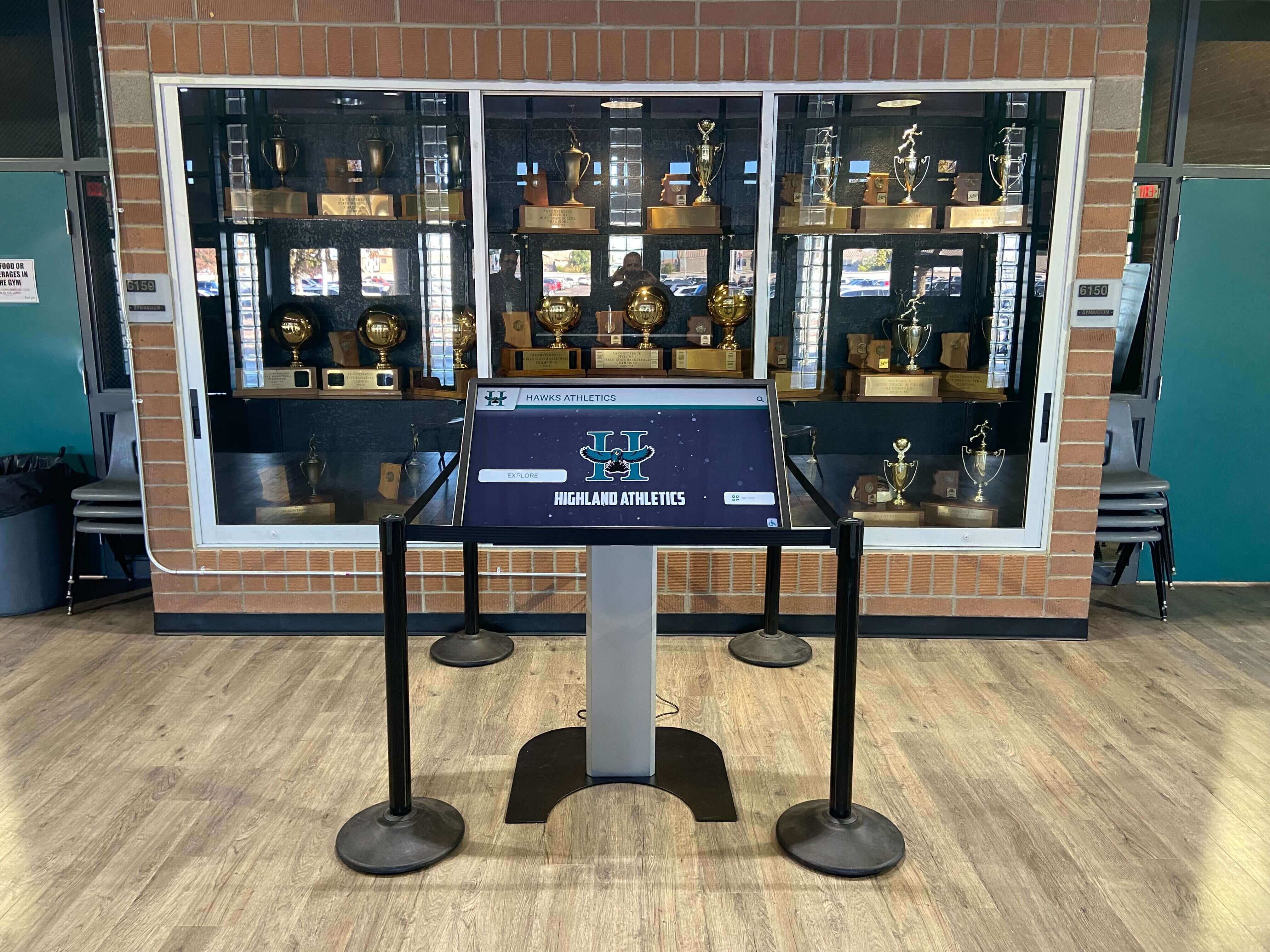
Trophy cases with integrated digital displays depend on well-organized record files — a consistent naming system links every displayed mark to its supporting documentation and makes audits straightforward
Folder Structure That Complements Naming Conventions
A naming convention handles identification. A folder structure handles organization. Neither alone is sufficient — a correctly named file in an undiscoverable location is nearly as hard to find as one with a generic name.
Recommended top-level structure for an athletic archive:
/Athletics-Archive/
├── _Admin/
│   ├── Naming-Convention-Guide.pdf
│   ├── Sport-Abbreviations.xlsx
│   └── Season-Archive-Checklist.pdf
├── Football/
│   ├── 2024/
│   │   ├── Photos/
│   │   ├── Rosters/
│   │   ├── Video/
│   │   └── Records/
│   ├── 2023/
│   └── Historical/
│       └── Pre-2000/
├── Basketball/
├── Track/
└── All-Sports/
    ├── 2024/
    └── Historical/
The _Admin folder — an underscore forces it to sort first in most file systems — holds the naming guide and abbreviation list where every contributor can find them. The Historical subfolder within each sport allows pre-digitization material to be organized separately from natively digital files, with different quality expectations clearly implied.
Year folders should be created at the start of each season, not at the end. Creating the folder before the first file arrives ensures that no files are saved to a parent directory by mistake.
What File Names Cannot Carry: Metadata
A file name can carry six fields of information. It cannot carry everything that matters about a file: the photographer’s name, the occasion that prompted a photo session, the condition of a scanned original, the chain of custody for a donated photograph, or the display rights granted alongside an individual portrait.
This metadata belongs in a companion system — a spreadsheet, a collection management database, or the record system of a digital recognition platform. For school archives that connect physical event records and recognition programs to long-term digital management, the metadata system is what transforms a folder of correctly named files into a searchable, fully documented archive.
At minimum, an athletic archive metadata record should capture:
- File name (as named, for cross-reference)
- Date created or acquired
- Creator or source (photographer, donating party, original publication)
- Associated athlete name or names (for portraits and record evidence files)
- Rights status (internal use only, cleared for display, unclear — requires review)
- Physical original exists (yes or no, with location if yes)
- Notes (any contextual information that does not fit another field)
For programs managing large photo collections, a spreadsheet with these fields linked to the shared drive folder is a significant improvement over relying on file names alone. For programs using a digital recognition platform, the platform’s media management system often serves this function — and can connect the file directly to the athlete’s or team’s display entry.
Naming Legacy Files: A Retroactive Approach
Athletic departments with existing archives of poorly named files face a practical choice: rename everything before implementing the convention, or implement the convention for new files and address legacy files progressively.
For most programs, the progressive approach is more sustainable. Start by:
- Creating the folder structure and the
_Adminfiles (naming guide, abbreviation list) - Naming all new files correctly from a fixed start date
- Identifying the highest-priority legacy files for retroactive naming — typically the most-searched items: championship photographs, season rosters for the past five to ten years, and record documentation files
- Scheduling a retroactive naming project for lower-priority historical material as staff time allows
When renaming legacy files, keep a log that maps every new name to the old name. Anyone searching under an old file name can be redirected, and the log preserves provenance information about the file’s original state.
From Named Files to Searchable Digital Archives
A well-named, well-organized archive of athletic files is the raw material for every higher-value use: a hall-of-fame display, an anniversary recognition program, a historical presentation at a donor event, a booster club publication, a facility renovation documentation project. Programs that invest in naming conventions early find that when an opportunity arises — a 50th anniversary season, a hall-of-fame induction class, a facility project that requires historical photography — the archive is ready.
For schools building or expanding interactive recognition displays for athletic programs, consistent file naming is what makes it possible to populate a digital display accurately and completely. When the naming convention is in place, a staff member building a touchscreen display for a hall-of-fame honoree can locate the correct portrait, the season’s final roster, and the record evidence files for that athlete in minutes rather than hours.

Touchscreen hall of fame displays surface historical archive content — consistent file naming conventions are what make it possible to locate and display the right photos, records, and rosters for each honoree without a manual search
Athletic programs with well-organized digital archives are also better positioned to evaluate touchscreen hall of fame platforms and similar recognition systems, because they have a clear picture of what content they hold and can assess which platform workflows map best onto their existing naming and folder structure — rather than discovering content gaps after implementation.
FAQ
Do file names need to include athlete full names?
Generally no. Use last name and first initial in the Description field (Portrait-Smith-J) rather than a full name. Full names create long strings prone to spelling variation and raise privacy considerations when files are shared with vendors, recognition platform administrators, or partner institutions. The metadata record linked to the file carries the full name for internal reference and database matching.
What if we have both varsity and JV programs and need to distinguish them in file names?
Add a level qualifier to the Description field: Varsity, JV, or Reserve. A varsity roster from 2024 and a JV roster from 2024 should never share the same file name. For programs that produce separate team portraits for each level, the same qualifier applies to photo files.
How should we handle files from a multi-sport event like a fall awards banquet?
Use the ATHL abbreviation for multi-sport or all-athletics events. OAK_ATHL_2024_PHOTO_FallBanquet_001.jpg is clear, consistent with the formula, and unambiguous about what the file contains. The ATHL code signals that the file cannot be attributed to a single sport’s archive.
What is the recommended file format for long-term preservation? For photographs: TIFF files preserve the most quality; high-quality JPEG (quality setting 90 or above) is acceptable when storage is a constraint. For documents and rosters: PDF/A for archival copies, XLSX or CSV for working copies that will be imported into other systems. For video: MP4 with H.264 or H.265 encoding is widely compatible; preserve original format files alongside export copies where storage allows. Consult a qualified digital preservation specialist for format guidance specific to your institution’s infrastructure and long-term storage plan.
Should we rename files received from a sports photographer or external vendor? Yes. When files enter the archive from any external source, apply your naming convention. Keep the photographer’s or vendor’s original file name in the metadata record for provenance tracking, but the working archive file should follow your standard from the moment it is saved into the archive folder structure. This ensures the archive remains consistent regardless of how many contributors provide files in a given season.
How does a naming convention help when the department changes platforms or vendors? Files named with a consistent convention are portable. If the archive moves from a shared drive to a digital recognition platform, or from one platform to another, correctly named files carry their identity with them — sport, year, type, and description are in the name itself. Poorly named files require manual re-identification at every migration. For school recognition programs evaluating touchscreen display solutions, arriving at the evaluation with a clean naming standard is one of the strongest positions a school can be in when assessing platform onboarding requirements.
How do we handle files from seasons before we had a naming convention?
Apply the retroactive approach described above: prioritize high-value legacy files, name them correctly, and log the old-to-new name mapping. For very old files where the original name provided no useful information (IMG_0001.jpg), reconstruct as much context as possible from the file’s metadata, the folder it was stored in, and any companion documents. A best-effort retroactive name (OAK_FTBL_1994_PHOTO_TeamPortrait-SCAN_001.jpg) is always more useful than leaving the file under its original name.
Connecting Named Archives to Digital Recognition
The practical payoff of a consistent athletic archive file naming convention is visible every time a display is updated, a hall-of-fame nomination is processed, or a historical photograph is requested for a publication or ceremony. Staff who built the archive correctly spend their time on meaningful recognition work — curating stories, writing bios, building displays — rather than searching for files that might or might not exist under names that offer no clue about their contents.
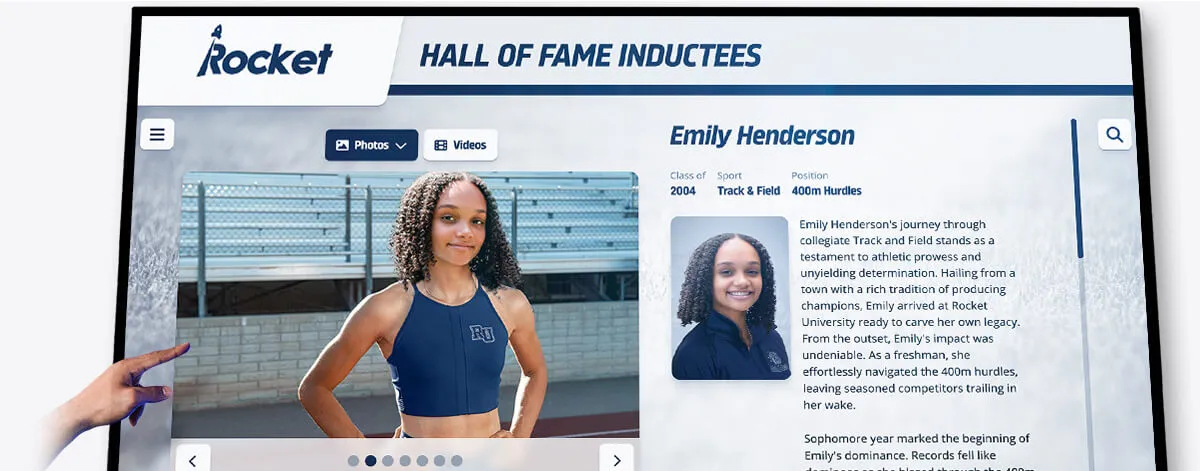
Record displays that honor individual achievements are only as accurate as the underlying archive — well-named evidence files make every displayed mark verifiable and every update straightforward
For programs ready to connect a well-organized archive to an interactive recognition platform, the naming convention is what makes rapid, accurate content population possible. A touchscreen hall of fame that draws from a consistent, well-named archive can surface complete athlete profiles — portrait, roster history, record documentation, video highlights — from files the department already holds, without manual searches or staff-to-staff handoffs every time a display is updated.
See How a Well-Organized Archive Powers an Interactive Athletic Display
When your archive files are named and organized consistently, every photograph, roster, record, and video is ready to surface in a searchable, interactive touchscreen display. Rocket Alumni Solutions transforms organized athletic archives into living recognition experiences that engage students, alumni, and visitors every day.
Request a Demo






























