Athletic Archive Inventory Reconciliation Checklist: Match Files, Catalog Records, and Storage Locations
- Home /
- Touch Archive Blog /
- Athletic Archive Inventory Reconciliation Checklist: Match Files, Catalog Records, and Storage Locations
The Easiest Touchscreen Solution




Live Example: Rocket Alumni Solutions Touchscreen Display
Interact with a live example (16:9 scaled 1920x1080 display). All content is automatically responsive to all screen sizes and orientations.
An athletic archive inventory reconciliation checklist is the structured process that school administrators, athletic directors, archive coordinators, and IT staff use to compare three authoritative sources — the digital file store, the catalog or database of record, and the physical storage inventory — and confirm that every photograph, championship record, roster, and award document is represented consistently across all three. The direct answer: reconciliation is not a one-time cleanup; it is a scheduled comparison that catches discrepancies before they become permanent gaps. A file that exists on a drive but not in the catalog is undiscoverable. A catalog entry with no corresponding file is a promise the archive cannot keep. A physical box listed in a storage manifest but not cataloged is history that may never be digitized. This checklist walks athletic archive teams through a complete reconciliation cycle — from pre-work and role assignments through each source audit, the three-way comparison, discrepancy resolution, and sign-off — and explains how reconciled archives directly power the recognition displays, donor programs, and award ceremonies that celebrate institutional athletic history.
Nothing in this guide constitutes legal, records management, or data compliance advice. Retention schedules, privacy obligations, and institutional policies should be reviewed by qualified school or district professionals before implementation.
Every year that passes without reconciliation is a year during which a digitized file can be deleted by accident, a catalog entry can fall out of sync with the physical collection, and a physical box can move to an undocumented location. The athletic archive that appeared complete at the time of the last audit may have accumulated dozens of silent discrepancies by the next one. Unlike a database that throws an error when records are inconsistent, an athletic archive fails quietly: the gap becomes visible only when a hall-of-fame committee cannot locate a specific photograph, an advancement officer discovers a championship year missing from the record board, or a facilities team cannot find the physical box referenced in a catalog entry.
Inventory reconciliation is the systematic process that makes the quiet failures visible before they are permanent.

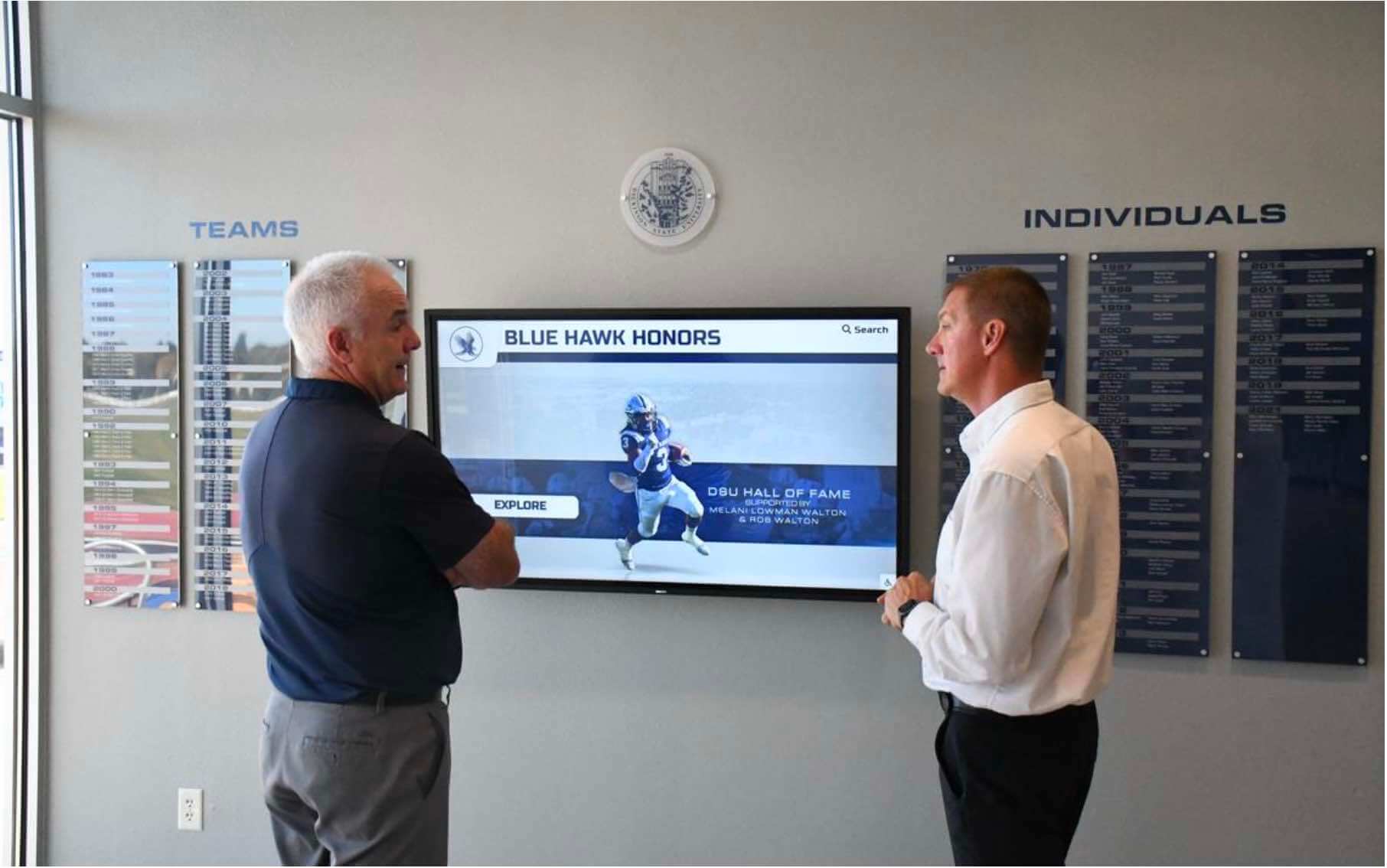
Recognition displays reflect the reconciled state of the archive behind them — discrepancies between the digital file store, catalog records, and physical storage locations remain invisible until they surface at the moment content is needed
What Inventory Reconciliation Means for Athletic Archives
Inventory reconciliation, as used in this checklist, refers specifically to the comparison of three distinct sources of truth that exist in every functioning athletic archive:
Source 1 — The Digital File Store: The actual files that exist in the archive’s digital storage — drives, cloud storage, network shares, or archival repository. This is what the archive physically contains in digital form.
Source 2 — The Catalog or Database of Record: The descriptive records that tell the archive what it holds — a spreadsheet, a collection management system, a database, or a platform-native record. This is what the archive claims to contain.
Source 3 — Physical Storage: The physical materials — boxes, binders, albums, storage drawers — held in the athletic archive’s physical storage areas, including off-site storage, trophy rooms, and facilities closets. This is what the archive has but may not yet have digitized or described.
Reconciliation is the act of comparing all three sources and identifying every discrepancy: items in one source with no match in the others, items that appear in multiple sources with conflicting descriptive information, and items that should exist based on historical records but are absent from all three sources.
| Source | What It Contains | Reconciliation Risk |
|---|---|---|
| Digital File Store | Actual digital files — TIFF, JPEG, PDF, MP4, XLSX | Files with no catalog entry; files with no physical counterpart documented |
| Catalog / Database | Descriptive records — names, dates, sports, record types | Catalog entries with no corresponding file; entries referencing physical materials not in storage |
| Physical Storage | Boxes, binders, albums, physical materials | Physical items not in the catalog; boxes in undocumented locations; items not yet digitized |
A complete reconciliation identifies all three types of mismatch and resolves each one — either by creating the missing record, locating the missing item, or formally documenting that the discrepancy cannot be resolved and recording that gap in the archive’s institutional record.
Why Reconciliation Matters for School Recognition Programs
The stakes of an unreconciled archive become visible at the moment content is needed. An athletic director preparing the slate for a hall-of-fame induction ceremony discovers that two of the twelve nominated inductees have catalog entries but no corresponding portrait photographs in the file store. An advancement officer building a donor recognition program cannot locate any digital records for a major championship from the late 1990s that the catalog lists but the file store does not contain. A facilities team asked to pull a physical scrapbook from storage cannot find the box the catalog references because it was moved during a renovation and never re-documented.
Each of these scenarios is a reconciliation failure — and each would have been surfaced by a routine reconciliation cycle long before the deadline pressure of an event or campaign made it a crisis. Schools that run athletic record book programs and display historical achievements benefit directly from archives where catalog records, digital files, and physical holdings match: the display is only as accurate as the archive feeding it.
Reconciliation also protects against the opposite problem: duplication. When the same content is cataloged under two separate entries — different file names, slightly different metadata, or separate catalog records for what is actually the same item — recognition displays may surface duplicate records for the same athlete or event, and digitization projects may process the same physical materials twice. Catching duplicates during reconciliation prevents both display errors and wasted effort.

Hall of fame displays that surface individual athlete records depend on archives where digital files, catalog entries, and physical holdings have been reconciled — missing any one of the three creates a gap the display cannot fill
Before You Begin: Assemble the Reconciliation Team
Reconciliation requires access to all three sources and the authority to document findings and assign remediation. Attempting a reconciliation as a solo task — or without access to the physical storage location — produces an incomplete result.
Minimum reconciliation team for a school athletic archive:
- Archive coordinator or athletic director — owns the catalog and knows the scope of what the archive is supposed to contain
- IT staff or storage manager — provides access to the digital file store, file counts, directory structure, and any access logs
- Facilities staff or storage administrator — provides access to physical storage, can pull boxes and confirm locations
- Recognition program owner — if a hall-of-fame committee or advancement staff manages specific display content, they can flag known gaps from the program side
Assign one person as the reconciliation lead who owns the checklist, the comparison worksheet, and the discrepancy log. The reconciliation lead is responsible for ensuring that every identified discrepancy is either resolved or formally documented before sign-off.
- Identify and confirm availability of all reconciliation team members before beginning
- Confirm access to the digital file store — directory-level access with the ability to export file lists
- Confirm access to the catalog or database of record — export or reporting access to produce a complete record list
- Confirm access to physical storage — ability to physically inspect storage areas and verify box locations
- Set a reconciliation window: a defined period during which the archive will not receive new material so that the baseline being compared is stable
Phase 1: Audit the Digital File Store
The digital file store audit produces a complete inventory of what the archive actually holds in digital form — every file, in every folder, across every storage location where archive content exists.
Step 1: Export a complete file listing from all digital storage locations.
A complete file listing captures enough information about each file to support comparison with catalog records: filename, folder path, file format, file size, and last-modified date. Most operating systems and cloud storage platforms can export this data directly; the archive coordinator and IT staff should confirm the export method before beginning.
- Identify every digital storage location where athletic archive content lives: primary archive drive or server, cloud storage accounts, backup drives, departmental shared drives, staff workstations, USB drives known to hold archive content
- Export a file listing from each location, capturing: full file path, filename, file format extension, file size, last-modified date
- Consolidate all location listings into a single file inventory spreadsheet
- Flag any locations where a complete listing cannot be produced — these are gaps in the digital audit and must be documented
Step 2: Identify files that have no catalog match.
For each file in the digital inventory, confirm whether a corresponding catalog record exists. Files without a catalog entry are “dark” assets — they exist in the archive but cannot be searched, surfaced, or reliably identified without opening each one individually.
- Sort or filter the consolidated file inventory to identify files with no corresponding catalog entry
- For each uncatalogued file, open the file and record what it contains: content type, approximate date, sport, any visible identification
- Flag files that cannot be identified without additional research — these require a separate identification session before they can be cataloged
- Flag duplicate filenames or files that appear identical across multiple storage locations — these are candidates for consolidation after reconciliation
Step 3: Identify files in formats that require attention.
The format audit within the digital inventory surfaces content that may be at risk due to format obsolescence or condition.
- Note any files in formats that are not in the archive’s approved format list (refer to the archive’s digital preservation format policy)
- Flag analog-origin content that exists only as a low-resolution access copy with no archival-quality master — these require a re-scan decision
- Flag video files in formats with known playback compatibility risks
The digital file store audit is complete when the reconciliation team can report: total file count by content type, count of files with no catalog match, count of files requiring format attention, and a list of files that cannot be identified from available information.
Phase 2: Audit the Catalog or Database of Record
The catalog audit produces a complete inventory of what the archive claims to hold — every record in the catalog, database, or collection management system, regardless of whether a corresponding file or physical item has been confirmed.
Step 4: Export a complete record listing from the catalog.
- Export all records from the catalog or database, capturing: record identifier, content type, title or description, sport, date or date range, physical location reference (if any), digital file reference (if any), cataloger and date
- Confirm the export is complete — run a record count before and after export to verify no records were excluded
- Note any catalog records that reference an external system (a separate platform, a legacy database, a prior catalog) that was not exported — these require a separate reconciliation step
Step 5: Identify catalog records with no corresponding digital file.
For each catalog record that references or implies a digitized file, confirm whether the file exists in the digital file store.
- Cross-reference catalog records against the digital file store listing from Phase 1
- Flag catalog records where the referenced digital file path or filename does not exist in the file store
- For each missing file, determine whether the content was: never digitized (physical original may still exist), digitized but the file was moved or deleted, or never acquired (the catalog entry was created in anticipation of an acquisition that did not occur)
Step 6: Identify catalog records with no corresponding physical item.
For catalog records that reference a physical original — a photograph, a trophy, a bound record book, a game program — confirm whether the physical item is accounted for in the physical storage inventory from Phase 3 below. (This step is completed after Phase 3 is finished; flag it as pending during Phase 2.)
- Mark all catalog records that include a physical location reference for cross-check against Phase 3
- Flag catalog records that reference a physical original but include no storage location — these require physical search during Phase 3
The catalog audit is complete when the reconciliation team can report: total record count by content type, count of records with no digital file match, count of records with no physical item match (complete after Phase 3), and count of records with incomplete or missing descriptive fields.
Phase 3: Audit Physical Storage
The physical storage audit produces a confirmed inventory of physical materials in the archive’s storage areas — what is actually present, where it is located, and what condition it is in.
Step 7: Survey all physical storage locations.
Physical storage for school athletic archives is rarely confined to a single organized room. Physical materials often exist in athletic offices, trophy cases, facilities storage areas, administrative filing cabinets, and off-site locations. The survey must cover all of them.
- List every known physical storage location for athletic archive materials: dedicated archive room, trophy case storage, athletic office cabinets, facilities storage areas, off-site storage
- Physically inspect each location and document what is present: content type, approximate quantity, container labels, condition notes, any existing location numbers or box numbers
- Flag storage locations that cannot be accessed — document the access barrier and assign responsibility for gaining access before reconciliation is complete
Step 8: Reconcile physical storage against the catalog.
For each physical container or item group identified in the survey, confirm whether a corresponding catalog record exists.
- For each container or item in the physical inventory, search the catalog for a matching record
- Flag physical materials with no catalog record — these are uncatalogued holdings that the archive contains but cannot describe or surface
- Confirm the physical location recorded in the catalog matches the actual location found in the survey — boxes that have been moved without updating the catalog create false location references
- Document the condition of physical materials: excellent, good, fair (showing wear but stable), poor (active deterioration), or critical (urgent preservation concern)
Schools planning gym or athletic facility upgrades — including bleacher renovation projects that relocate storage areas — must reconcile and document physical archive locations before the renovation begins, since construction-related moves are a common source of lost physical archive materials.
- Flag any physical materials in poor or critical condition — these require priority digitization planning regardless of their position in the reconciliation queue
- Confirm whether any physical materials flagged as “digitized” in the catalog are still physically present, or whether they have been transferred, donated, or disposed of
The physical storage audit is complete when the reconciliation team can report: total confirmed physical storage locations, count of physical items with no catalog record, count of physical items in poor or critical condition, and count of catalog location references that do not match the actual physical location.

Physical materials that are present in storage but absent from the catalog, or cataloged but missing from storage, represent exactly the type of discrepancy that a three-source inventory reconciliation is designed to catch
Phase 4: The Three-Way Reconciliation
With audits of all three sources complete, the reconciliation team now performs the comparison — identifying every discrepancy across the digital file store, catalog, and physical storage, and classifying each one.
Step 9: Build the reconciliation comparison worksheet.
The reconciliation worksheet is the central working document. It lists every item or item group across all three sources and marks the status in each:
| Reconciliation Status | Digital File Exists | Catalog Record Exists | Physical Item Confirmed | Action Required |
|---|---|---|---|---|
| Fully reconciled | Yes | Yes | Yes (if applicable) | None — document as confirmed |
| File only — uncatalogued | Yes | No | Unknown | Catalog the file; search for physical original |
| Catalog only — no file | No | Yes | Unknown | Locate or digitize; update catalog |
| Physical only — uncatalogued | No | No | Yes | Catalog and digitize; create file |
| File and catalog — no physical | Yes | Yes | No (expected) | Confirm intentional — digital-only is acceptable for born-digital content |
| File and catalog — physical missing | Yes | Yes | No (unexpected) | Search for physical; document as lost if not found |
| Catalog only — both missing | No | No (record only) | No | Investigate; document gap |
| Duplicate entries | Multiple | Multiple | Multiple or one | Consolidate; identify master record |
- Populate the reconciliation worksheet for every item or item group identified across all three phases
- Classify each entry using the status categories above
- Assign a discrepancy priority to each non-reconciled item: high (high recognition value or active use in a display or program), medium (historically significant, not currently in active use), low (low significance or content that may be retired)
Step 10: Identify display copies and access copies.
Many athletic archives maintain a fourth category that does not fit neatly into the three-source model: display copies. A display copy is a version of archive content prepared specifically for use in a recognition display, a touchscreen exhibit, or a digital platform — it may be a resized JPEG derived from an archival TIFF master, or a platform-formatted version of a record that does not match the catalog record exactly.
- Identify all display or access copies in the file store or on recognition platforms
- Confirm that each display copy can be traced back to an archival master in the file store and a record in the catalog
- Flag display copies with no traceable master — these represent a version-control risk if the master is ever lost
- Flag catalog records that reference a display copy as if it were the master — the catalog should always reference the archival master, not the derived access copy
Touchscreen displays in school lobbies, athletic facilities, and hallways draw from archives in exactly this way — a CTE program digital display or an athletic hall of fame touchscreen surface images and records that must trace back to verified, reconciled archival sources. Displays built on unreconciled archives surface confidence gaps at the worst moments: induction ceremonies, anniversary events, and alumni visits.
Phase 5: Resolving Discrepancies
The reconciliation comparison produces a list of discrepancies; Phase 5 is the work of resolving them. Discrepancy resolution takes longer than the comparison itself — budget time accordingly.
Step 11: Resolve by priority — high before medium, medium before low.
High-priority discrepancies — items with recognized recognition value, items referenced in an active display or program, items for named hall-of-fame inductees — should be resolved before the reconciliation is considered ready for sign-off.
Resolution paths for common discrepancy types:
File exists, no catalog record:
- Open the file, identify the content, and create a catalog record with all required descriptive fields
- If the file cannot be identified without additional research, create a placeholder catalog record with “identification pending” status and assign the identification task
Catalog record exists, no digital file:
- Search all digital storage locations for the file, including backup drives and archived media
- If the physical original exists, initiate digitization and create the master file
- If neither the digital file nor the physical original can be located, document the catalog record as a “known gap” with a note explaining the search conducted — do not delete the catalog record
Physical item exists, no catalog record or file:
- Create a catalog record for the physical item immediately, even if digitization is not yet scheduled
- Assign a digitization priority based on condition and significance
- Update the physical storage manifest with the item’s confirmed location
Catalog location reference does not match actual physical location:
- Update the catalog record with the confirmed physical location
- If the item cannot be found at either the catalog location or any alternative location, document as “physical location unknown” and initiate a broader physical search
Duplicate entries:
Identify which record is the master (most complete, most accurate, created closest to the time of the event)
Merge descriptive information from all duplicate records into the master record
Mark non-master records as merged and redirect any display or program references to the master
Document every discrepancy resolution in the discrepancy log: item identifier, discrepancy type, resolution action, staff member responsible, date resolved
For discrepancies that cannot be fully resolved, document the search conducted, the final status, and the reason for incomplete resolution
Phase 6: Recognition Display Alignment
After the three-source reconciliation is complete and discrepancies are resolved or documented, the final pre-sign-off step confirms alignment between the reconciled archive and any active recognition displays.
Step 12: Confirm that display content is backed by reconciled archive records.
Recognition displays — touchscreen systems, digital honor walls, record boards — draw from the archive directly or through a content platform. Reconciliation should confirm that every item currently displayed has a reconciled backing record.
- Export or list all items currently displayed on active recognition platforms
- For each displayed item, confirm a matching reconciled archive record exists (file, catalog record, and physical original if applicable)
- Flag displayed items with no reconciled archive backing — these are display entries that exist only in the platform, not in the archive, and represent a recovery risk if the platform is ever migrated or replaced
- Identify items in the reconciled archive with high recognition value that are not currently displayed — these are candidates for display content additions
Schools building or expanding donor recognition programs alongside athletic archives benefit when the archive’s reconciled records and the recognition display are synchronized — a donor honored for endowing a championship trophy deserves a display that correctly attributes the achievement to the right year, athlete, and program. Reconciliation ensures that attribution is accurate.
For programs that host college or university residence hall information displays alongside athletic recognition content, the same reconciliation principle applies: content must be traceable to a verified source record.

Students and visitors who engage with recognition displays are experiencing the reconciled state of the archive — a three-source reconciliation ensures that what appears on the display reflects what the archive actually holds
See What a Reconciled Archive Can Become on a Recognition Display
When your athletic archive inventory is reconciled — files matched to catalog records, physical holdings confirmed, and display copies traced to archival masters — every photograph, championship record, and award document is ready to power an interactive touchscreen display that students, alumni, and visitors engage with every day. Rocket Alumni Solutions helps schools connect organized, reconciled athletic archives to recognition experiences built to last. Request a demo to see how your archive can drive a display built on verified, complete institutional history.
Request a DemoReconciliation Record and Sign-Off
Reconciliation is a formal institutional process, not an informal review. Its completion should be documented in a way that supports future reconciliation cycles and provides an institutional record of what the archive held at a given point in time.
Step 13: Complete the reconciliation record.
The reconciliation record captures the state of the archive at the completion of each cycle. It is the baseline against which the next reconciliation cycle compares.
Reconciliation record fields:
| Field | Content |
|---|---|
| Reconciliation date | Date the reconciliation was completed and signed off |
| Reconciliation lead | Name and role of the staff member who owned the checklist |
| Digital file count | Total files confirmed in the digital file store, by content type |
| Catalog record count | Total records confirmed in the catalog, by content type |
| Physical item count | Total physical containers or items confirmed in storage, by location |
| Discrepancies identified | Count by discrepancy type |
| Discrepancies resolved | Count resolved before sign-off |
| Known gaps documented | Count of discrepancies documented but not fully resolved, with reason |
| Display alignment confirmed | Yes/No — whether active display content was verified against reconciled records |
| Next reconciliation scheduled | Target date for the next reconciliation cycle |
- Complete all fields in the reconciliation record
- Attach or link the reconciliation comparison worksheet and discrepancy log
- Store the reconciliation record in the archive alongside the catalog — it is an institutional record, not a working document
- Obtain sign-off from the athletic director and at least one other institutional stakeholder (school administrator, archive committee chair, or IT lead)
Step 14: Schedule the next reconciliation cycle.
- Set the next reconciliation date before signing off on the current cycle
- For archives with active additions (new content added each season), annual reconciliation is the recommended minimum
- For archives that are largely stable, a two-year cycle may be appropriate — but condition risks, storage changes, and platform migrations should trigger an unscheduled reconciliation whenever they occur
Common Reconciliation Failure Modes
Understanding where reconciliation efforts most often fall short helps teams anticipate and prevent the most consequential errors.
| Failure Mode | Cause | Prevention |
|---|---|---|
| Incomplete digital file listing | Not all storage locations were surveyed — staff drives, USB backups, personal cloud accounts missed | Require a declared list of all archive storage locations before the audit begins; treat undeclared locations as out-of-scope gaps |
| Catalog export excluded records | Export filters omitted draft, inactive, or archived records that are still part of the collection | Export with all record statuses included; count before and after to verify completeness |
| Physical storage survey stopped at one room | Physical materials in offices, trophy cases, or facilities storage were not included | Survey all locations in the pre-work checklist; do not mark the physical audit complete until all listed locations are visited |
| Display copies treated as masters | Access copies on a recognition platform were counted as the authoritative record | Confirm traceability of every display copy to a catalog record and archival master file |
| Discrepancy log abandoned mid-process | Team ran out of time before resolving identified discrepancies | Triage discrepancies by priority before resolution work begins; complete high-priority items before signing off |
| Reconciliation record not stored in archive | Summary document was saved only to a personal drive or temporary folder | Reconciliation record is part of the archive; store it in the catalog with a permanent record identifier |
| Duplicate entries merged without documentation | Non-master records were deleted rather than marked as merged | Mark merged records with a merged status and a reference to the master record; retain for the archive’s institutional history |
| No next reconciliation date set | Sign-off completed without scheduling the next cycle | Require next-cycle date as part of sign-off checklist before the current cycle is closed |
How Reconciliation Supports Donors, Sponsors, and Advancement
A reconciled archive is not only a technical asset — it is a credibility asset for the programs that rely on institutional athletic history to engage donors, sponsors, and alumni.
When an advancement team presents a digital yearbook or interactive school memories program to prospective donors, the accuracy of the historical content presented directly affects donor confidence. A program that cannot produce a complete record for a championship year it claims to have won, or that surfaces duplicate entries for the same athlete in a hall-of-fame display, undermines the institutional credibility that donor engagement depends on.
For schools with academic recognition programs alongside athletic programs, the same credibility standard applies: a recognition display that draws from an unreconciled archive may surface inaccurate or incomplete student-athlete records, creating reputational risk rather than the pride and connection it was designed to inspire.
Schools that use touchscreen archive displays to support community sponsorship and fundraising — including programs tied to marquee events like high school football playoff seasons — need archive records that are complete, accurate, and verifiable. A sponsor whose name is associated with an award or record that the archive cannot substantiate has a legitimate concern. A reconciled archive prevents that exposure.
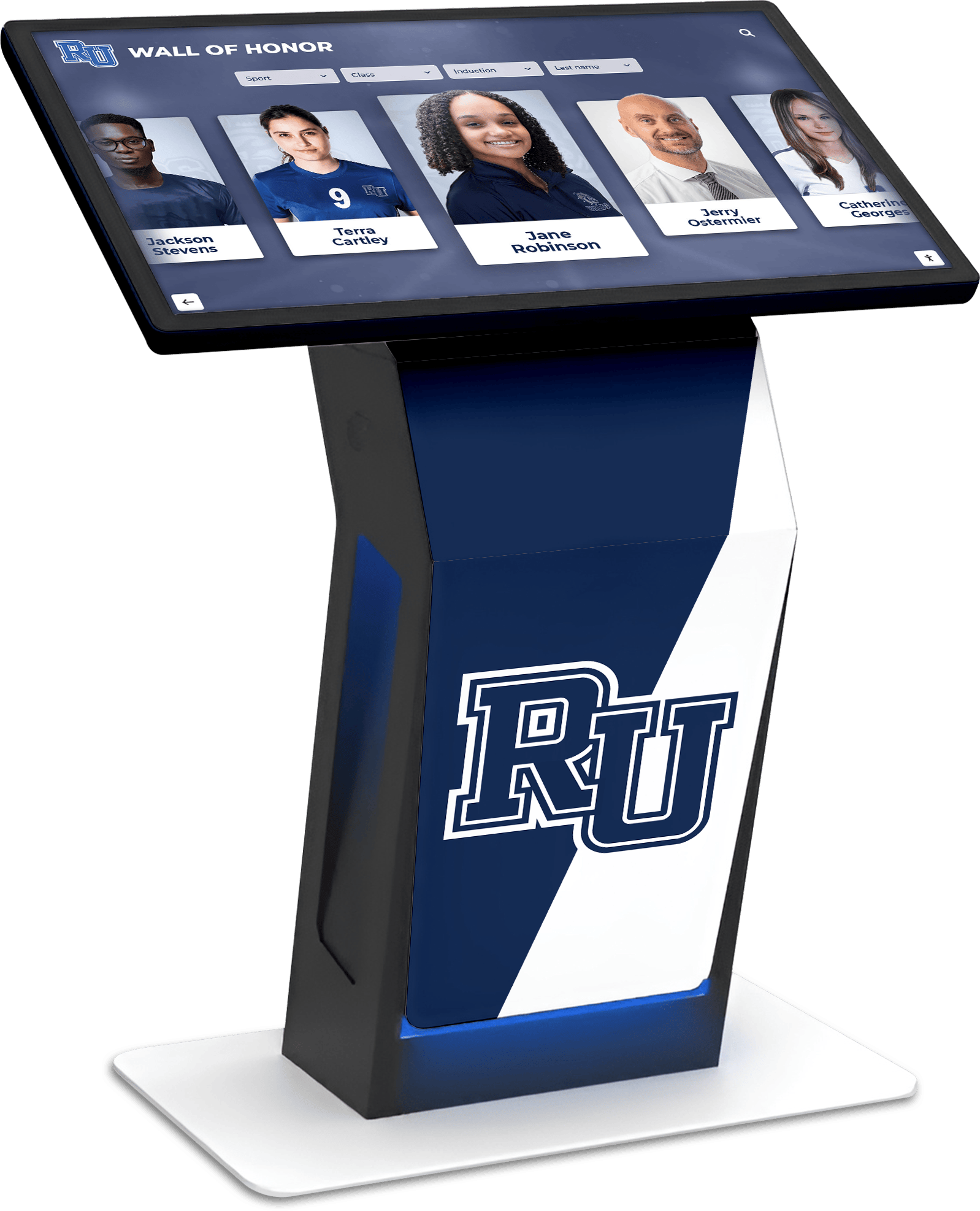
Donors, sponsors, alumni, and students who engage with a school's recognition display are relying on the accuracy of the archive behind it — inventory reconciliation is how schools ensure that what they display is what they actually hold
Reconciliation Schedule by Archive Size and Activity
The appropriate reconciliation frequency depends on two factors: how frequently new content is added to the archive, and how actively the archive’s content is used in recognition programs, display platforms, and donor outreach.
| Archive Profile | Recommended Reconciliation Frequency | Trigger for Unscheduled Reconciliation |
|---|---|---|
| Active archive — new content added each season, content used in active display | Annual | Platform migration, storage system change, staff turnover in archive role, physical storage relocation |
| Moderate archive — content added occasionally, display updated periodically | Annual or biennial | Any of the above plus: discovery of significant catalog discrepancy during normal operations |
| Stable archive — primarily historical, minimal new additions | Biennial | Any storage system change, physical facility renovation, or reported display inaccuracy |
| Post-migration archive — recently moved from one system to another | Within 90 days of migration completion, then regular cycle | Any content access error or display discrepancy |
For schools undergoing physical facility changes — including renovations that affect athletic spaces — unscheduled reconciliation is the appropriate response even if a regular cycle is not due. Construction-related moves, temporary storage, and facilities staff changes are the most common cause of physical archive location discrepancies, and an unscheduled reconciliation after a renovation ensures that the physical inventory is accurate before the next regular cycle relies on it as a baseline.
Frequently Asked Questions
What is an athletic archive inventory reconciliation checklist and how is it different from a regular inventory?
A regular inventory documents what is in one source — typically the physical storage or the catalog. An athletic archive inventory reconciliation checklist compares three sources simultaneously — the digital file store, the catalog or database of record, and the physical storage — and identifies every point where the three sources disagree. The reconciliation checklist is a discrepancy-finding and resolution tool, not simply a counting exercise. It catches the gaps that a single-source inventory cannot see: files that exist digitally but are uncatalogued, catalog entries that reference physical items that cannot be found, and physical materials that are present but have never been described or digitized.
How long does a complete athletic archive reconciliation take?
Timeline depends on archive size and the condition of all three sources. A modest archive with a few thousand digital files, a reasonably current catalog, and a single organized physical storage location can complete a full reconciliation in two to four weeks of part-time work. A larger archive with multiple storage locations, a catalog that has not been maintained consistently, and a digital file store spread across multiple systems should budget four to eight weeks. The discrepancy resolution phase is usually longer than the audit phases — particularly when missing files must be located, physical items must be searched, or catalog records must be created for previously undescribed materials.
What should we do if the catalog export and the digital file store are completely out of sync?
An archive where the catalog and file store have diverged significantly — due to years of additions to one without updates to the other — requires a phased approach rather than a single reconciliation cycle. Begin by reconciling a defined, high-priority subset: current hall-of-fame records, championship documentation, and any content currently in active display use. Complete and sign off on that subset before expanding to the broader archive. Attempting to reconcile a heavily mismatched archive all at once produces an unmanageable discrepancy list and a reconciliation that stalls before completion.
Who should have authority to mark a discrepancy as “permanently unresolved”?
The reconciliation lead should require sign-off from at least one other institutional stakeholder — typically the athletic director or an archive committee chair — before closing a discrepancy as permanently unresolved. A permanently unresolved status means the archive acknowledges a known gap in its institutional record and has documented the reason it cannot be filled. That is a significant institutional decision and should not be made by a single staff member working alone.
How do we handle physical materials discovered in a location that is not in the archive’s custody?
Physical athletic archive materials found outside the archive’s custody — in a former coach’s home, in a parent volunteer’s possession, or in a local storage unit — require the same process as any unsolicited donation: confirm the school’s rights to the materials before bringing them into the archive or cataloging them, then process them through the archive’s acquisition procedures. The reconciliation checklist does not grant authority to retrieve or claim materials; it surfaces the existence of materials that may warrant a formal acquisition process.
Can we use reconciliation findings to prioritize digitization projects?
Yes — and this is one of the most practical uses of a completed reconciliation. Physical items confirmed present in storage but not yet digitized, particularly those in poor or critical condition, are exactly the content that digitization projects should prioritize. The reconciliation’s condition assessment and significance rating for physical materials provides a ready-made triage list for the next digitization cycle. Schools using their athletic archives to support ongoing recognition programs benefit from connecting the reconciliation’s findings directly to digitization planning, so that the most needed content is the first to become available as a verified digital file with a complete catalog record.
How does reconciliation connect to a school’s broader records management program?
Inventory reconciliation is one component of a complete athletic archive governance framework that also includes a collection development policy, a data classification policy, a digital preservation format standard, and a records retention schedule. Each of those documents governs a different aspect of how the archive is built, managed, and maintained. Reconciliation is the periodic audit that confirms the archive’s actual state matches what all those governance documents say it should be. Schools building a complete governance framework benefit from treating reconciliation as the verification step that closes the loop on all other archive management decisions.
From Reconciliation to Recognition
A reconciled athletic archive is the foundation that every recognition program, hall-of-fame display, and donor engagement initiative builds on. When the three sources of the archive — digital files, catalog records, and physical holdings — agree, the institution can draw on its history with confidence: the record it claims to hold is the record it can produce, in the format it needs, at the moment the program requires it.
Schools preparing for anniversary events, induction ceremonies, and alumni engagement programs find that reconciliation eliminates the last-minute scramble to locate missing photographs, verify championship records, or confirm that a physical original still exists. Schools building interactive recognition displays find that a reconciled archive can be connected directly to a display platform, without the manual remediation that unreconciled archives always require before they can be surfaced for public view.
Reconciliation is not a single-event cleanup. It is a recurring institutional practice — the scheduled check that confirms the archive remains what it is meant to be: a complete, accurate, and accessible record of the athletic history that the school, its athletes, and its community have earned together.
Connect Your Reconciled Archive to an Interactive Recognition Display
When your athletic archive inventory is reconciled — digital files matched to catalog records, physical holdings confirmed, and display copies traced to archival masters — every photograph, championship record, and award document is ready to power a recognition experience that inspires students, engages alumni, and builds donor and sponsor trust. Rocket Alumni Solutions helps schools transform well-organized, reconciled athletic archives into interactive touchscreen displays that bring institutional history to life. Request a demo to see what your reconciled archive can become on a display built to honor the history your athletes have made.
Request a DemoLive Example: Rocket Alumni Solutions Touchscreen Display
Interact with a live example (16:9 scaled 1920x1080 display). All content is automatically responsive to all screen sizes and orientations.































