Athletic Archive Technology Obsolescence Risk Register: Plan Before Hardware and Formats Fail
- Home /
- Touch Archive Blog /
- Athletic Archive Technology Obsolescence Risk Register: Plan Before Hardware and Formats Fail
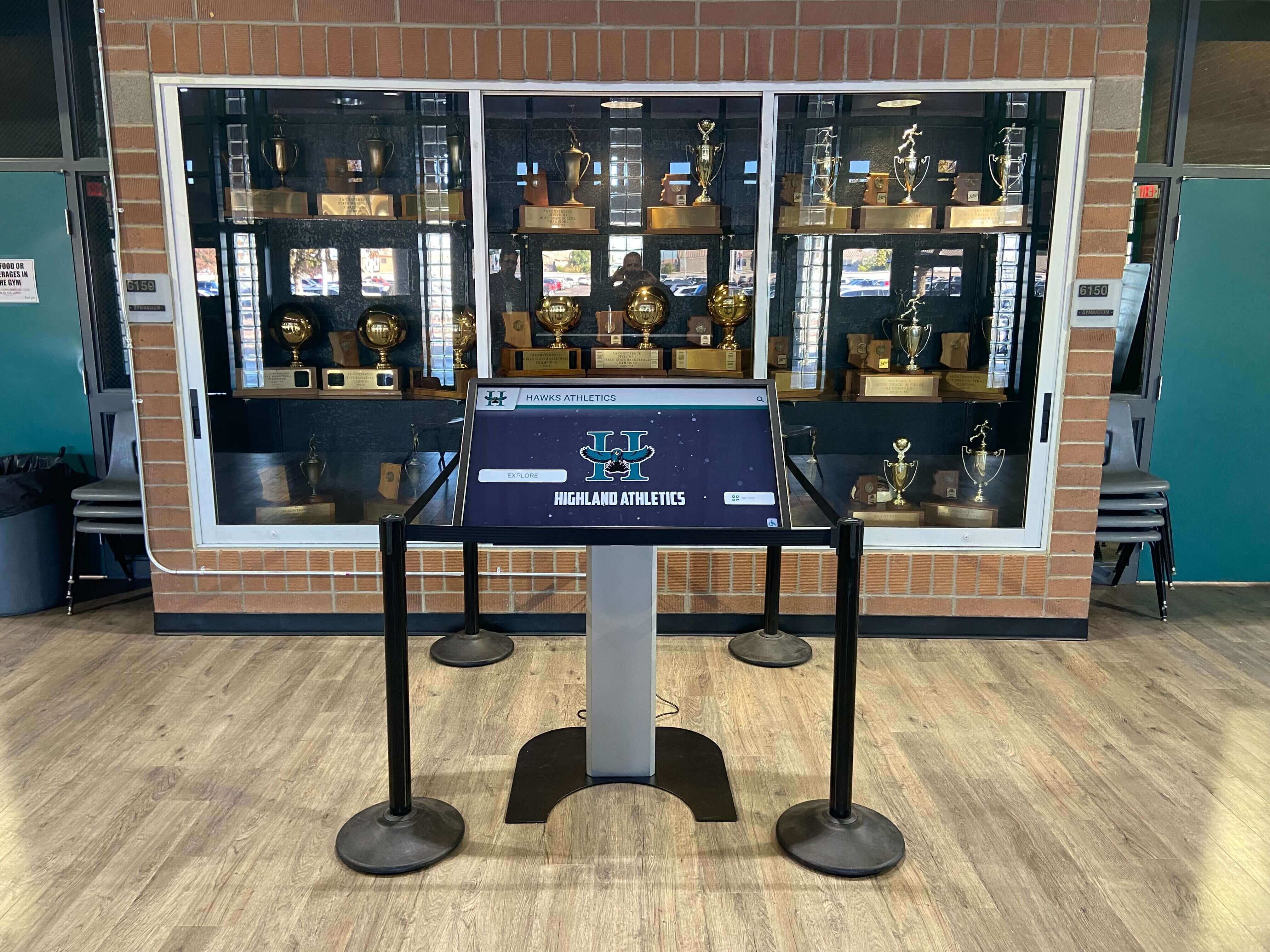
The Easiest Touchscreen Solution




Live Example: Rocket Alumni Solutions Touchscreen Display
Interact with a live example (16:9 scaled 1920x1080 display). All content is automatically responsive to all screen sizes and orientations.
An athletic archive technology obsolescence risk register is a structured inventory that identifies every technology dependency in a school’s athletic archive — hardware, media format, software application, and playback device — and assigns each one a likelihood-of-failure rating, an impact rating if access is permanently lost, and a recommended mitigation action, so that the athletic department can prioritize digitization and format migration before irreplaceable records become unreadable. The direct answer: without a risk register, schools discover technology obsolescence reactively — when the VCR needed to play 1994 championship footage no longer powers on, when the software that created the statistical database is no longer sold, or when the only person who knew how to export the legacy file format has retired. A risk register converts reactive discovery into proactive planning by mapping every dependency before it fails. This guide provides a complete risk register framework for school athletic archives, a likelihood-impact-action table covering the most common technology dependencies in school athletic programs, a practical mitigation guide for each risk category, and a FAQ written for school administrators, athletic directors, advancement staff, facilities managers, and IT or content owners who are responsible for ensuring that decades of athletic history remain accessible and displayable as the underlying technology ages out.
Nothing in this guide constitutes legal, IT security, or records management advice. Technology risk assessments, vendor contracts, and compliance obligations should be reviewed by your school’s qualified staff and professionals before implementation.
Every school athletic archive contains technology dependencies that will eventually fail. The question is not whether aging media, unsupported software, proprietary formats, and obsolete playback hardware will eventually become inaccessible — they will — but whether the athletic department discovers each failure in time to recover the content or too late to do anything about it.
A technology obsolescence risk register makes the difference between planned recovery and catastrophic loss. It names every dependency, assigns it a risk level, assigns a responsible owner and a mitigation deadline, and creates the basis for a digitization budget request before the failure occurs rather than after.

Recognition displays in athletic facilities draw from archives that have been actively preserved — a technology obsolescence risk register is the planning tool that ensures content survives the transitions between hardware generations
What Is a Technology Obsolescence Risk Register
A risk register is a project and operations management tool adapted here for the specific challenge of archival technology dependencies. In the context of an athletic archive, it is a living document — typically a table — that records:
- The technology dependency: a specific media format, hardware type, software application, or playback device that the archive relies on to access, read, or display content
- The content it touches: which records, and approximately how many, depend on this technology remaining functional
- Likelihood of failure: how likely is this technology to become inaccessible within a defined planning horizon — typically three to five years
- Impact if access is lost: how significant would the loss be to the school’s recognition programs, alumni relations, hall-of-fame archives, and institutional memory
- Current status: is the technology still functional, degraded, or already non-functional
- Mitigation action: the specific step the school should take to reduce or eliminate this risk — digitization, format migration, software upgrade, equipment acquisition, or vendor data export
- Owner and deadline: who is responsible for executing the mitigation, and by when
A risk register is not a digitization project plan, though it will often become the basis for one. It is a comprehensive map of what is at risk, ranked so that the most urgent and highest-impact dependencies receive attention first.
The Athletic Archive Technology Obsolescence Risk Register
The table below covers the most common technology dependencies in school athletic archives. Likelihood ratings (High, Medium, Low) and impact ratings (Critical, Significant, Moderate) are general guidance; each institution should evaluate its own collection and adjust ratings based on the volume of content, the current condition of the technology, and the strategic importance of the affected records to the school’s recognition and advancement programs.
| Technology Dependency | Typical Content at Risk | Likelihood of Failure (3–5 yr) | Impact if Lost | Recommended Mitigation Action | Priority |
|---|---|---|---|---|---|
| VHS tape | Championship footage, coach highlights, signing events | High | Critical | Transfer to digital (MP4/MOV) via broadcast-grade transfer service; prioritize tapes showing visual degradation | Urgent |
| Betamax tape | Early-era game footage | High | Critical | Professional transfer; Betamax playback equipment is extremely scarce | Urgent |
| 8mm and Super-8 film | Pre-video era action footage | High | Critical | Film telecine transfer; inspect reels for vinegar syndrome before shipping | Urgent |
| Hi-8 and Video8 cassette | 1990s–2000s game recordings | High | Significant | Capture to digital via camcorder playback or professional transfer service | Urgent |
| MiniDV tape | 2000s–2010s game and event footage | Medium | Significant | Capture to digital via original camcorder or FireWire deck; encode to MP4 | High |
| 35mm slides and film negatives | Pre-digital sports photographs | Medium | Critical | Drum scan or flatbed scan at minimum 2,400 dpi; store as TIFF master files | High |
| Floppy disk (3.5-inch and 5.25-inch) | Early statistical databases, rosters | High | Significant | USB floppy drive or disk imaging service; recover files before drives fail | Urgent |
| Zip and Jaz drive media | Mid-1990s to early 2000s records | High | Moderate | Legacy drive acquisition or vendor service for image extraction | High |
| Recordable CD and early DVD | 2000s–2010s photos, video, databases | Medium | Significant | Copy to current storage immediately; recordable discs degrade faster than pressed discs | High |
| Legacy proprietary database software (early FileMaker, Access, dBase) | Statistical records, rosters, award databases | Medium | Critical | Export to open formats (CSV, SQLite); document schema before export | High |
| Legacy photo library software (iPhoto libraries, early Lightroom catalogs) | Edited image archives, organized album collections | Medium | Moderate | Export libraries to JPEG and TIFF; document export settings | Medium |
| Flash-based kiosk and CD-ROM recognition software | Early-2000s recognition kiosks, interactive web tributes | High | Moderate | Screen-record remaining content; extract underlying media files before display machine fails | High |
| Proprietary video codecs (legacy .mov, .wmv, early .avi) | Archived clips from early editing software | Medium | Significant | Transcode to H.264 or H.265 in MP4 container using current conversion tools | High |
| Discontinued score and record board software | Record boards, digital signage in discontinued platforms | Medium | Significant | Document all record data in format-neutral spreadsheet; migrate to current platform | Medium |
| Vendor-proprietary recognition kiosk database | Athlete profiles, timelines, hall-of-fame records in vendor-only format | Medium | Critical | Request vendor data export in writing while vendor support is still active | High |
| Aging playback hardware (VCRs, LaserDisc players, early DVD players) | Any content requiring hardware-dependent playback | High | Significant | Acquire backup units from secondary market while available; transfer content before hardware fails | High |
How to read this table: Priority ratings combine likelihood and impact. Urgent items carry high likelihood of failure and significant-to-critical content at risk — address these within the current fiscal year. High-priority items should be scheduled within one to two years. Medium-priority items warrant monitoring and inclusion in the next budget cycle.

Portrait cards and historical records that appear in recognition displays today were preserved because someone made a deliberate decision to address technology obsolescence before the original media became unreadable
Understanding the Four Risk Categories
The risk register organizes technology obsolescence threats into four categories. Each behaves differently, requires different mitigation strategies, and degrades on a different timeline.
Category 1: Aging Physical Media
Physical media decays. Magnetic tape — VHS, Betamax, Hi-8, MiniDV — stores data on a thin layer of oxide particles suspended in a binder compound. As the binder ages, it absorbs moisture, becomes sticky, and sheds the oxide layer during playback. This is called sticky shed syndrome. A tape showing early signs of this condition can sometimes be stabilized temporarily for a final transfer pass. A tape that has progressed further may shed oxide on the first playback attempt, destroying the very content being recovered.
Film — 16mm, 8mm, Super-8 — decays through chemical processes, the most recognizable of which is vinegar syndrome: the film base breaks down and releases acetic acid, producing the distinctive vinegar smell that signals irreversible degradation is underway. Film showing vinegar syndrome should be prioritized for transfer immediately, before the base becomes too brittle to run through a telecine machine.
Optical discs — recordable CDs and DVDs — are often assumed to be stable because they are not magnetic. They are not stable. Recordable discs use a dye layer that degrades over time, particularly when exposed to light or temperature fluctuations. Disc rot — the physical delamination of the reflective layer — can render a disc unreadable with no visible surface damage. Any recordable disc older than ten years in athletic archive storage should be considered at risk and copied to current storage as a priority.
Mitigation principle: Physical media requires physical action before physical failure. Prioritize tapes and film by visible condition: anything showing discoloration, brittleness, odor, or surface flaking is in the urgent category regardless of content significance.
Category 2: Unsupported Software
Software obsolescence is slower than physical media degradation but equally certain. Legacy database software — early FileMaker versions, Access databases built for 32-bit Windows, dBase files — continues to function until the operating system beneath it is upgraded, at which point the software may refuse to launch. A statistical database maintained in software that runs only on Windows XP is effectively inaccessible the moment the last XP machine is decommissioned.
The mitigation for software obsolescence is not to preserve the software but to migrate the data. An athletic archive maintained in a legacy database application should export all records to an open, format-neutral file — CSV for tabular data, SQLite for relational structures, PDF for documents — before the operating system upgrade that will make the software non-functional. The export should be tested by importing the file into a current application and verifying that all data transferred correctly.
For schools building recognition programs that connect athletic archives to public-facing displays, migrating data out of proprietary software into open formats is also the step that makes content available for interactive hall of fame displays that cannot read legacy database files directly.
Category 3: Proprietary File Formats
Proprietary file formats are formats that require a specific application — often a commercial application with a license that must be renewed — to open. They are distinct from software obsolescence because the format itself, not just the software interface, limits access. A file saved in a format proprietary to a discontinued application may be unreadable by any current software, even though the data exists on the disk.
Common proprietary format risks in school athletic archives:
- Legacy video codec dependencies: Video files from early editing systems may require the original codec for playback. Transcoding to H.264 in an MP4 container eliminates this dependency.
- Proprietary image formats: Early scanning software and digital cameras sometimes used manufacturer-specific formats. Identify any non-standard image files in the archive and convert them to TIFF master files before the reading software is unavailable.
- Vendor-specific recognition platform data: Some early digital recognition kiosk systems store athlete profiles, record boards, and historical timelines in a proprietary database accessible only through the vendor’s software. If the vendor has been acquired, discontinued the product, or exited the market, requesting a data export while vendor support is still available is time-sensitive.
Proprietary format risk is especially significant for schools that installed first-generation digital recognition kiosks in the early 2000s. Content built for those systems may exist only in vendor-proprietary formats, accessible only through software the vendor no longer supports.
Category 4: Playback Hardware Dependencies
Some archive content is not readable by any software alone — it requires functioning physical hardware. A VHS tape cannot be digitized without a working VCR. A LaserDisc cannot be played without a LaserDisc player. A film reel cannot be projected without a functioning projector in the correct gauge.
Playback hardware enters an obsolescence risk zone when it is no longer manufactured and the supply of functional used units is declining. VCRs are past this point: the last major VCR manufacturer stopped production in 2016, and functional used units are increasingly scarce. LaserDisc players, Betamax players, and early DV camcorders with FireWire ports — required to capture from MiniDV tape — are in a similar position.
Mitigation principle: Content that requires specialized hardware should be treated as urgent regardless of its nominal condition, because the hardware needed to access it may fail before the content does. Acquiring backup playback hardware now — while still available on the secondary market — is a valid short-term mitigation, but the goal is to eliminate the hardware dependency through digitization before the hardware fails permanently.

Interactive recognition displays depend on content that has been liberated from hardware dependencies — a technology obsolescence risk register identifies which archive content still requires specialized playback hardware to access
Building Your Risk Register: A Step-by-Step Process
Step 1: Conduct a Technology Inventory
Before assigning risk ratings, complete a physical inventory of every technology dependency in the athletic archive. Walk the storage areas — equipment rooms, archive rooms, facilities closets — and document every format, device, and piece of software that the archive depends on.
For each item, record:
- Format or device type
- Estimated quantity of content dependent on it (number of tapes, discs, files, or database records)
- Approximate date range of the content
- Current functional status of the required playback hardware or software
- Last time this content was successfully accessed
This inventory is the input to the risk register table. Without it, risk ratings are estimates; with it, they are specific assessments applied to known content.
Step 2: Assign Likelihood Ratings
Likelihood ratings reflect how probable it is that this technology dependency will become a barrier to access within the planning horizon. Use these criteria:
- High: Technology is already discontinued, hardware is scarce, software is unsupported, or known failure modes are actively progressing in the existing equipment or media
- Medium: Technology is aging but still supported or available; failure is likely within two to five years without intervention
- Low: Technology is current, well-supported, and widely available; no near-term failure risk
Step 3: Assign Impact Ratings
Impact ratings reflect what is institutionally lost if access to this content is permanently lost:
- Critical: Content is irreplaceable and directly supports hall-of-fame programs, alumni recognition, major advancement campaigns, or donor relationships. Loss would be publicly visible and institutionally significant.
- Significant: Content supports important but secondary recognition functions — routine game documentation, seasonal records, or supporting material for displays. Loss would reduce the depth of recognition programs.
- Moderate: Content is supplementary or partially duplicated elsewhere. Loss is regrettable but recoverable.
For schools with active alumni engagement programs, the impact rating should reflect the content’s role in those programs. Footage of a championship season that alumni recall and donors reference in conversations about institutional legacy may warrant a Critical rating even when the volume of content is small. Schools developing alumni recognition programs consistently find that archive content most meaningful to returning alumni is the oldest content — and therefore among the most at-risk formats.
Step 4: Identify Specific Mitigation Actions
For each High-likelihood or Critical-impact item, the mitigation action should be specific enough to execute: not “digitize VHS tapes” but “contract with a professional tape transfer vendor to transfer approximately [volume] VHS tapes to MP4 at [quality specification] by [deadline], with master files stored at [location].” Vague mitigation actions are not executed; specific ones can be scoped, budgeted, and assigned.
Step 5: Assign Owners and Deadlines
A risk register without owners and deadlines is a list of problems, not a plan. Assign each mitigation action to a specific role — athletic director, archive coordinator, IT staff, facilities manager — and set a deadline that reflects the urgency rating. Urgent items should have deadlines within the current fiscal year. High-priority items should have deadlines within twelve to twenty-four months.
Step 6: Schedule Annual Reviews
A risk register is not a one-time document. An annual review — timed to the budget planning cycle — should assess whether any previously lower risks have advanced, whether prior-year mitigation actions were completed and can be closed, whether new technology dependencies have appeared, and whether playback hardware supply has decreased enough to require proactive acquisition.
Connecting Obsolescence Risk to Recognition Programs
Technology obsolescence risk is not primarily an IT problem. It is a recognition program problem.
When an athletic director cannot access footage of a state championship from fifteen years ago because the VHS tape has degraded beyond recovery, the hall-of-fame induction ceremony for that team is diminished. When the statistical database tracking forty years of program records is locked in a discontinued application, the record board that alumni and donors reference is incomplete. When photographs from a decade of athletic history exist only on deteriorating negatives, the recognition displays that tell the program’s story have a visible gap.
Touchscreen class composite and team history displays draw from the archive content that the school has successfully preserved. A risk register that drives active mitigation expands what the school can display; an unaddressed risk register produces displays that reflect only the most recent years because older content has been lost.
For schools that support multiple recognition programs — including academic and scholar recognition programs alongside athletic programs — the technology obsolescence risk register framework applies across all institutional archive holdings. The same principles that govern VHS tape preservation apply to the digitization of academic award records stored on floppy disk or proprietary software.
When recognition programs expand to include achievement showcases and student program history that draw on broader institutional archives, the scope of what belongs in the technology obsolescence risk register expands correspondingly. Any archived content that the school intends to display publicly should be included.
See What a Preserved Athletic Archive Can Look Like on Display
When your risk register has driven active format migration — and your archive content is in durable, open formats — every photograph, championship record, and video highlight can feed an interactive touchscreen display that students, alumni, and visitors engage with every day. Request a demo to see what your archive can become.
Request a Demo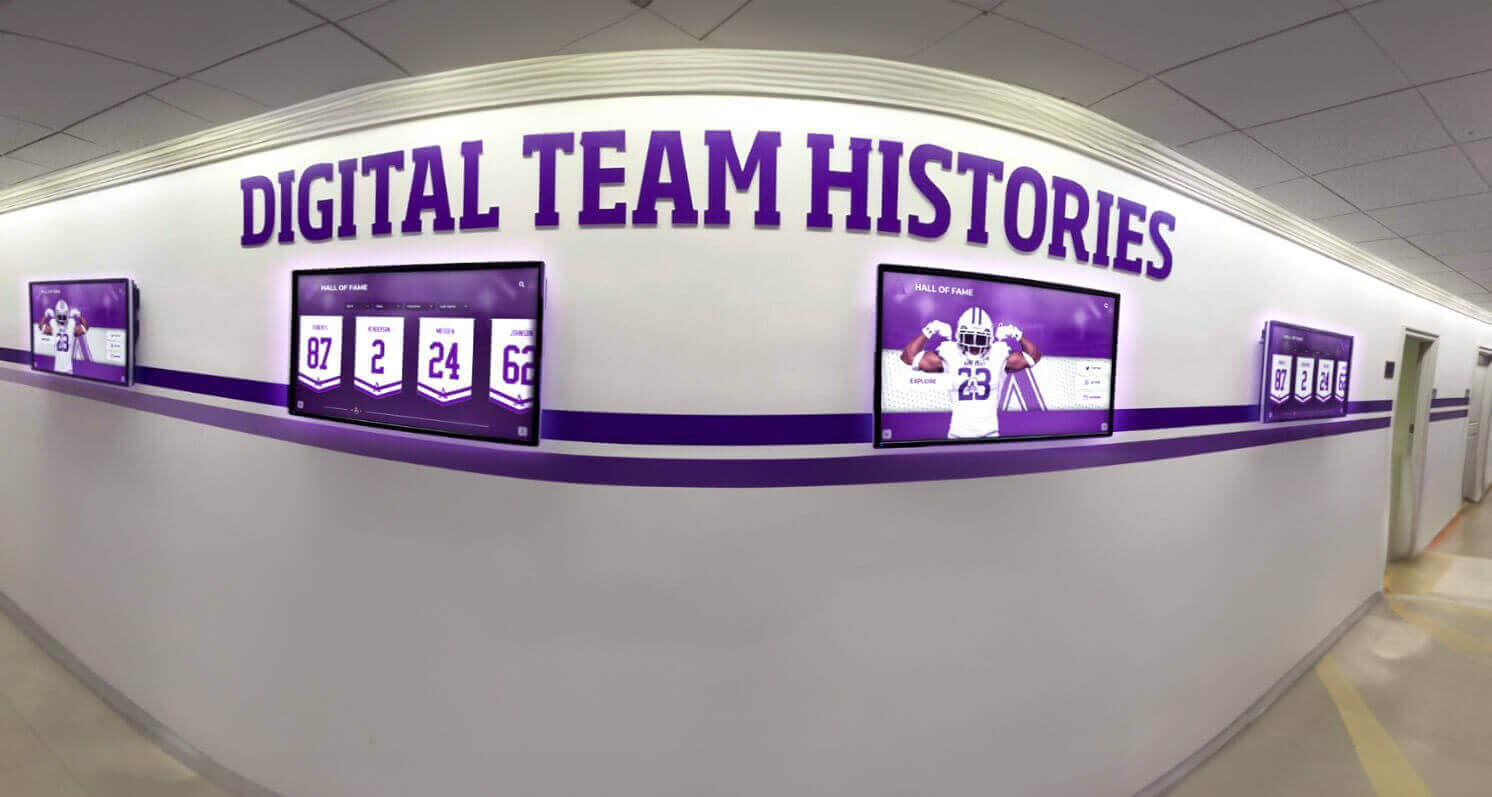
Team history displays require a continuous stream of well-preserved content — a technology obsolescence risk register ensures that the format migration work needed to keep that content accessible is planned and budgeted in advance
Special Considerations by Role
Athletic Directors
The athletic director’s primary responsibility in the risk register process is defining impact ratings. Which archive content is essential to the program’s public identity, its recognition programs, and its donor and alumni relationships? Content carrying the highest impact rating should receive the highest mitigation priority regardless of its format.
Athletic directors should also evaluate the risk register against the school’s recognition program roadmap. If a touchscreen display installation is planned for the following year, the content that will populate that display should be identified now, and any technology dependencies blocking access to that content should be escalated to urgent status.
School Administrators
School administrators are typically the budget decision-makers for digitization and technology migration projects. A risk register provides the administrative justification for those budget requests: specific content at risk, specific likelihood of loss, and specific cost to mitigate. A digitization budget request supported by a risk register is more fundable than a general request because it connects the expenditure to a quantified institutional risk.
Administrators should also be aware that some technology obsolescence risks — particularly those involving student-athlete records or records with privacy implications — may have legal or compliance dimensions that require review by district counsel or records management staff before any disposition decisions are made. Requirements vary by jurisdiction.
Facilities and IT Staff
Facilities and IT staff are typically the first to know when hardware fails, software reaches end-of-life, or vendor support agreements are discontinued. Their role in the risk register process is maintaining the current status field: updating the register when a VCR fails, when a software renewal notice indicates end-of-support, or when a storage medium shows physical signs of degradation.
IT staff are also frequently responsible for evaluating digitization services, format migration tools, and replacement storage infrastructure. For schools considering how a digital recognition platform connects to the school’s broader content management infrastructure, IT staff input on format standards, storage architecture, and vendor evaluation is essential to both the risk register process and the display implementation.
Advancement and Donor Relations Staff
Advancement staff who use athletic archive content in alumni communications, donor presentations, and sponsorship materials have a direct interest in the risk register because the content they depend on is at risk of becoming inaccessible. Advancement staff should review the register for content actively used in donor and alumni engagement — historical footage used in anniversary campaigns, championship photographs used in recognition events, records referenced in hall-of-fame induction materials.
When major digitization projects are needed, advancement staff are well-positioned to connect those projects to alumni fundraising and engagement programming that can offset costs while increasing alumni investment in the school’s historical legacy.
Budget Planning for Obsolescence Mitigation
Technology obsolescence mitigation has real costs, but those costs are predictable when planned in advance and effectively unlimited — in terms of irreplaceable loss — when not addressed.
Common cost categories for athletic archive obsolescence mitigation:
- Professional tape transfer services: Cost per tape varies by format and tape length; volume discounts are typically available for batches of twenty or more. Obtain quotes from multiple vendors and verify that deliverables include master files in an open digital format.
- Film telecine transfer: Film transfer is more expensive per reel than tape transfer, reflecting the specialized equipment required. Plan for a four to twelve-week turnaround from professional services.
- Disk imaging and data recovery: For floppy disks, Zip drives, and early optical media, professional disk imaging services charge per disk or per hour. Corrupted data recovery requires additional specialized work.
- Format migration software: Open-source tools can transcode most video formats at no software cost, though staff time for processing and quality review should be budgeted.
- Storage infrastructure: Migrated master files require reliable, redundant storage. The 3-2-1 backup principle — three copies, two media types, one copy offsite — provides the baseline. Cloud storage costs for the offsite copy should be included in the mitigation budget.
- Vendor data export assistance: If content is locked in a proprietary vendor system, some vendors charge for export services. Engage the vendor in writing and obtain a quote before assuming that data export is included in existing support terms.
Frequently Asked Questions
What is the most urgent technology obsolescence risk in most school athletic archives?
Magnetic tape — VHS, Betamax, Hi-8, and MiniDV — is typically the most urgent category because it combines active physical degradation with rapidly declining availability of functional playback hardware. A school with VHS tapes from the 1980s and 1990s that have never been transferred to digital should treat that transfer as the highest-priority archive project, regardless of other competing needs. The window to recover this content is measured in years, not decades.
How often should the risk register be updated?
At minimum, annually — timed to the budget cycle so that newly identified risks can be funded in the next planning period. Additionally, the register should be updated whenever a specific technology dependency changes status: when hardware fails, when software reaches end-of-life, when a vendor discontinues a product, or when a successful mitigation action eliminates a risk from the register.
Can a school manage this process without a dedicated archivist?
Yes. The risk register framework is designed for schools without professional archive staff. The process requires someone to conduct the initial inventory, convene the annual review, and coordinate vendor relationships — roles that can be filled by an athletic director, archive coordinator, or IT staff member with additional responsibilities. The complexity is in the mitigation work — particularly professional tape and film transfer — which is typically contracted to specialized vendors rather than performed in-house.
How does technology obsolescence risk connect to the school’s data retention schedule?
Technology obsolescence risk and data retention are related but separate concerns. A retention schedule defines how long records must be kept before they are eligible for disposal. An obsolescence risk register defines which records are at risk of becoming unreadable before their retention period ends. Both frameworks are needed: a record that should be retained permanently but exists only on a degrading VHS tape needs a retention policy that protects it from disposal and a risk mitigation plan that ensures it remains accessible. Schools should consult their district records management staff or legal counsel to confirm that their retention schedule applies to digital surrogates created through format migration, as requirements vary by jurisdiction.
What should we do with hardware that is no longer functional?
Non-functional playback hardware should not be discarded until all content that depended on it has been successfully migrated to another format. If a VCR fails before the tapes that required it have been transferred, those tapes should be sent to a professional transfer service before the hardware is disposed of. Hardware that is aging but still functional should be maintained in working order and kept available until all dependent content has been migrated.
Should donor and sponsorship materials be included in the technology risk register?
Yes, if those materials exist in athletic archive formats. Donor recognition ceremonies, major gift announcements, and naming events that were recorded on video or documented in archive-dependent formats should be included in the register. These materials support ongoing advancement relationships and may be referenced in future recognition programming. Donors who learn that documentation of their gifts or named athletes has been lost may view that loss as a stewardship failure — the connection between archive preservation and donor trust is a dimension of obsolescence risk that is often overlooked in purely technical assessments.
How does a technology risk register differ from a disaster recovery plan?
A disaster recovery plan addresses acute, unpredictable events — fire, flood, server failure. A technology obsolescence risk register addresses slow, predictable failures — format decay, hardware scarcity, software discontinuation. Both are necessary. The risk register is distinctive because its risks are knowable in advance: every technology in the register will eventually fail, and the register’s purpose is to ensure that the school responds before the failure rather than after. Proactive mitigation on a predictable timeline is far less expensive than emergency data recovery after a failure.
Recognition programs that draw on decades of athletic history depend on archives that have been actively maintained against technology obsolescence. A risk register built today — identifying every hardware dependency, format risk, and software vulnerability in the school’s athletic archive — is the planning document that determines what remains accessible for recognition programs in five, ten, and twenty years. The schools with the richest recognition histories to display are not the ones that accumulated the most content — they are the ones that preserved what they had.
Connect Your Preserved Athletic Archive to a Recognition Display Built to Last
When your technology obsolescence risk register has driven active digitization and format migration — and your archive content is in durable, open formats — every photograph, championship record, and video highlight can feed an interactive touchscreen display that students, alumni, and visitors engage with every day. Rocket Alumni Solutions helps schools transform well-preserved athletic archives into living recognition experiences. Request a demo to see what your archive can become when the history you have worked to preserve is displayed where it belongs.
Request a DemoLive Example: Rocket Alumni Solutions Touchscreen Display
Interact with a live example (16:9 scaled 1920x1080 display). All content is automatically responsive to all screen sizes and orientations.































