



An athletic archive timecode metadata guide is a documented set of standards and procedures a school or athletic department uses to attach precise time references — hours, minutes, and seconds — to meaningful moments inside digitized sports video, making those moments discoverable without requiring anyone to watch an entire recording from start to finish. The direct answer: timecode metadata transforms an unnavigable two-hour game recording into a searchable index of key plays, athlete appearances, ceremonies, and interviews. A game-winning field goal labeled 01:14:37 with athlete identifiers for every player visible in the sequence becomes findable through a catalog search, a digital archive display, or a hall of fame nomination workflow — none of which are possible from a raw video file with no internal index. This guide covers the four core timecode tasks for athletic video archives — key play indexing, ceremony documentation, interview timestamping, and athlete appearance tagging — with a complete metadata field table, timestamp format examples, and a practical workflow written for athletic directors, archive coordinators, IT staff, and booster volunteers managing historic sports video collections.
Nothing in this guide constitutes legal, copyright, or broadcast rights advice. Rights and permissions questions related to game footage should be reviewed by your institution’s qualified legal staff before distributing or displaying any video content.
Historic game footage is the most difficult content in an athletic archive to make useful. A digitized photograph takes seconds to locate by filename. A scanned program can be filtered by season and sport. A two-hour game recording from a state championship played decades ago is only retrievable if someone already knows roughly where to look — or if the recording has been indexed with timecode metadata that makes the relevant moment findable without watching the full recording.
An athletic archive timecode metadata guide provides the framework for building that index. Timecode metadata does not alter the video file itself. It creates an external record — a spreadsheet row, a database entry, or a structured metadata document — that maps a time reference to a description of the content at that point. When those records are complete and consistent, a collection of game footage becomes searchable in the same way that a photograph collection becomes searchable after it has been cataloged with athlete names, sports, and seasons.
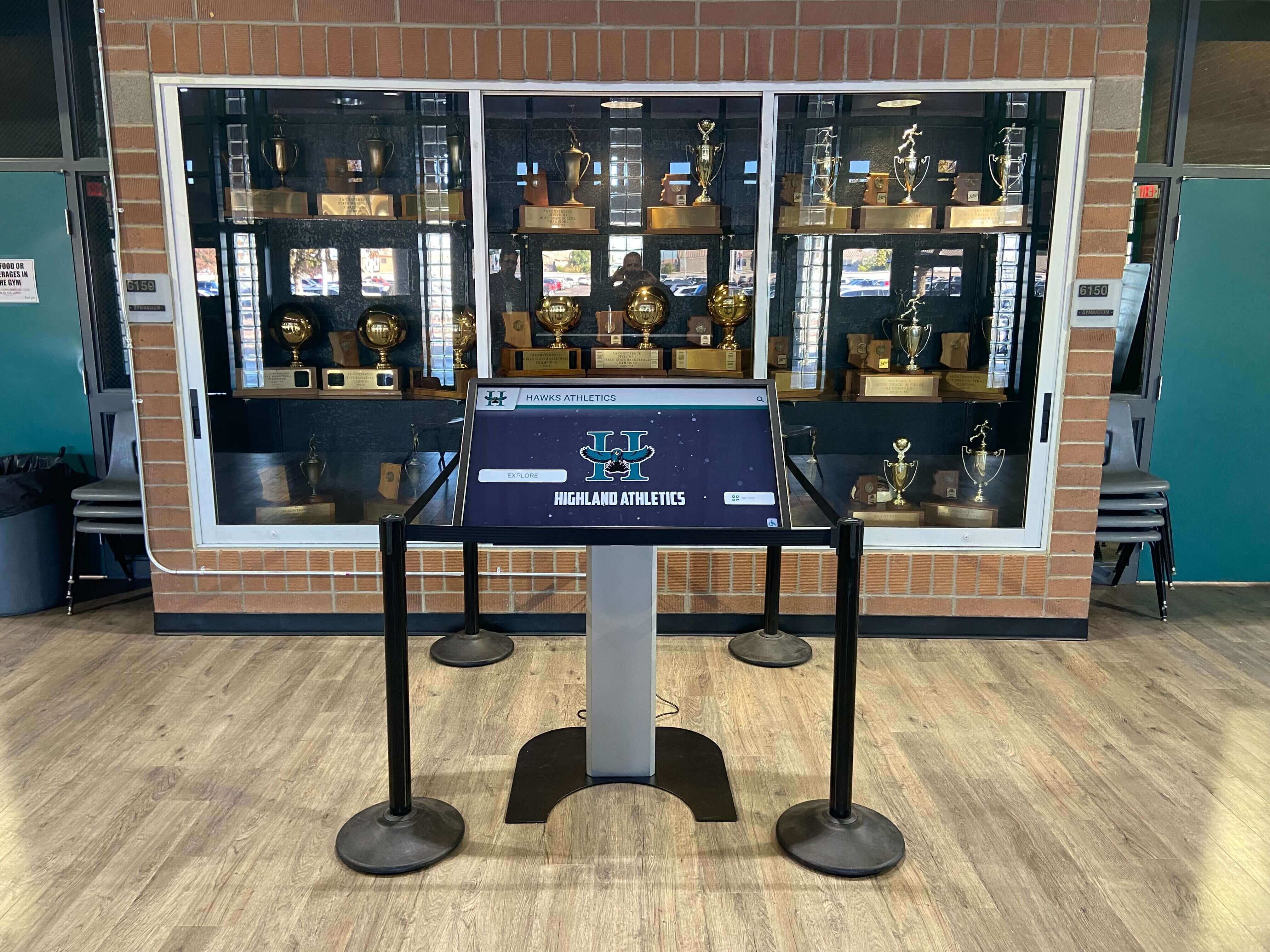
Building searchable team records into an athletic display is a goal that extends beyond photographs and statistics — video moments indexed with timecode are the content that brings an athlete’s record to life in ways that a trophy photo alone cannot.

The most engaging recognition displays present specific moments from athletic history — which is only possible when those moments have been indexed with timecode metadata that makes them discoverable and retrievable
What Timecode Is — and Why Athletic Archives Need It
Timecode is a sequence of numbers that identifies a specific point in a video recording. The most common format is SMPTE timecode, expressed as HH:MM:SS:FF — hours, minutes, seconds, and frames. A timecode of 00:47:22:15 identifies the frame at zero hours, forty-seven minutes, twenty-two seconds, and fifteen frames into the recording.
Why second-level precision is sufficient for most archives: Standard video runs at 29.97 or 30 frames per second for NTSC content (the North American standard) or 25 frames per second for PAL content. Frame-level precision (00:47:22:15) is more relevant in professional broadcast workflows than in most school athletic archive contexts. Second-level timestamps — 00:47:22 — are specific enough to locate a particular play, an athlete making contact, or a coach’s reaction on the sideline, and are far more practical to create and maintain in a school setting.
The practical result for athletic archives: Timecode metadata lets a staff member build a navigable index of an entire season’s worth of game footage without watching every recording in real time. By scanning recordings at fast-forward speed, marking timestamps for identifiable moments, and entering those timestamps with descriptive metadata into a catalog, a coordinator can produce a searchable record for a two-hour game in a fraction of the original runtime.
Timecode formats encountered in athletic archives:
| Format | Expression | Common Source | Notes |
|---|---|---|---|
| SMPTE HH:MM:SS:FF | 01:14:37:00 | Broadcast-originated video; professional cameras | Most precise; frame count varies by frame rate |
| HH:MM:SS | 01:14:37 | Consumer cameras, smartphones, DVDs | Second-level precision; adequate for most archive indexing |
| Millisecond offset | 4477000 ms | Some video editing applications | Convert to HH:MM:SS for human-readable records |
| Chapter/scene markers | Disc chapter 4 | DVD-format recordings | Require playback device for navigation; convert to timestamps during digitization |
| Burn-in timecode (BITC) | Visible on-screen counter | Broadcast masters, field tapes | Readable from the video image itself; useful when embedded metadata is absent |
For athletic archives working with legacy VHS tapes or camcorder recordings from the 1980s through early 2000s, the effective timecode is a counter reading — the tape counter position rather than a true SMPTE value. When digitizing tapes with counter-based references, zero the counter at the beginning of the recording during digitization and document the resulting second-based timestamps in HH:MM:SS format from that starting point.
Core Metadata Fields for Athletic Video Records
A timecode entry without supporting metadata is a time reference with no context. The metadata fields surrounding a timecode record are what make the entry searchable: an entry that reads 01:14:37 is not findable by athlete name, sport, season, or event type — the fields that a hall of fame coordinator, an athletic director, or an alum researching their career history will actually search.
The following table covers the minimum metadata fields for each timecoded video event record. Schools using a spreadsheet catalog should establish one column per field; schools using a database catalog should create one record per timecoded moment.
Timecode event metadata fields:
| Field | Purpose | Example Values |
|---|---|---|
| Video file identifier | Links the event record to the specific video file | BBALL_19992000_StateChamp_Game3.mp4 |
| Timecode in | Start of the indexed segment | 01:14:37 |
| Timecode out | End of the indexed segment | 01:14:52 |
| Event type | Controlled vocabulary category | Key Play, Ceremony, Interview, Athlete Appearance, Coach Statement, Crowd/Atmosphere |
| Event subtype | More specific category within event type | Field Goal, Free Throw, Buzzer Beater; Trophy Presentation, Ring Ceremony, Senior Night |
| Sport | Controlled vocabulary | Basketball (Boys), Basketball (Girls), Football, Baseball, Volleyball, Track, Wrestling |
| Season | Academic year | 1999-2000 |
| Opponent | For game footage | Jefferson High School |
| Game context | Where in the game | Q4 2:14 remaining; 2nd Period Overtime; 9th Inning |
| Score at moment | Game score at the indexed moment | 62–60 (trailing) |
| Outcome relevance | Whether this play contributed to the final result | Game-winning, Season-defining, Record-breaking, Routine |
| Athlete identifiers | Names of athletes visible or audible | Last, First — one row per athlete, or comma-separated list |
| Athlete graduation year | Ties athlete to their class record | 2000, 2001 |
| Jersey number | Confirms identification when names are uncertain | 24, 7 |
| Coach/staff visible | Staff members present and identifiable | Head Coach Surname; Assistant Coach Surname |
| Description | Free-text description of what occurs | “Final-second three-pointer ties the game; overtime begins” |
| Visibility quality | Usability of the video at this moment | Clear, Acceptable, Degraded, Obscured |
| Audio quality | Whether voices are audible and clear | Clear Speech, Background Only, Inaudible |
| Display-ready flag | Whether this segment is suitable for public display | Yes, No — pending rights review |
| Rights notes | Any known broadcast or rights restrictions | “Local cable broadcast; confirm rights before distribution” |
| Cataloged by | Staff member who created the record | Initials or name |
| Catalog date | When the record was created | 2026-08-14 |
These fields do not all need to be completed for every entry. A realistic minimum for a searchable record is: video file identifier, timecode in, event type, sport, season, and athlete identifiers. Additional fields increase the searchability and context of each entry and become more valuable as the archive grows.
Indexing Key Plays: The Core Timecode Workflow
Key play indexing is the most direct path to making athletic video archives useful for recognition, recruitment, and display programs. A key play record answers the question every recognition program eventually asks: “Do we have footage of that moment?”
Key play indexing workflow:
Phase 1: Review the recording at speed
- Open the video file in a media player capable of fast-forward playback at 2x–4x speed (VLC, QuickTime, Windows Media Player)
- Create a new spreadsheet row or catalog entry with the video file identifier and the game’s basic identifying information (sport, season, opponent, date if known)
- At 2x–4x speed, watch for visual changes that indicate scoring plays, turnovers, or high-crowd-reaction moments — camera motion and crowd response are faster indicators than tracking individual players
- Pause when a candidate play appears; note the timecode shown in the media player’s progress bar
Phase 2: Verify and classify each candidate moment
- Return to normal speed at the noted timecode
- Watch the full play in context — from the moment the action begins through the play’s completion
- Identify athletes visible and confirm jersey numbers against roster records
- Record timecode in, timecode out (end of the visible play sequence), event subtype, game context, and score
- Write a one-sentence description of the play
Phase 3: Flag display-eligible moments
- After completing the event record, assess whether the clip is suitable for display in a digital recognition context
- Apply the display-ready flag based on video clarity, audio quality, and any known rights considerations
- Add rights notes for any segment that originated as a broadcast recording rather than a school-produced video
Key play priority hierarchy:
For programs beginning a timecode indexing project with limited staff time, apply indexing effort to plays in this order:
- Record-breaking individual performances (scoring records, statistical milestones, all-time program bests)
- Playoff and championship-clinching moments
- Individual award-winning performances (game MVP, all-tournament)
- Ranked and rivalry game highlights
- Senior night and milestone game moments
- Regular-season highlights with multiple identified athletes
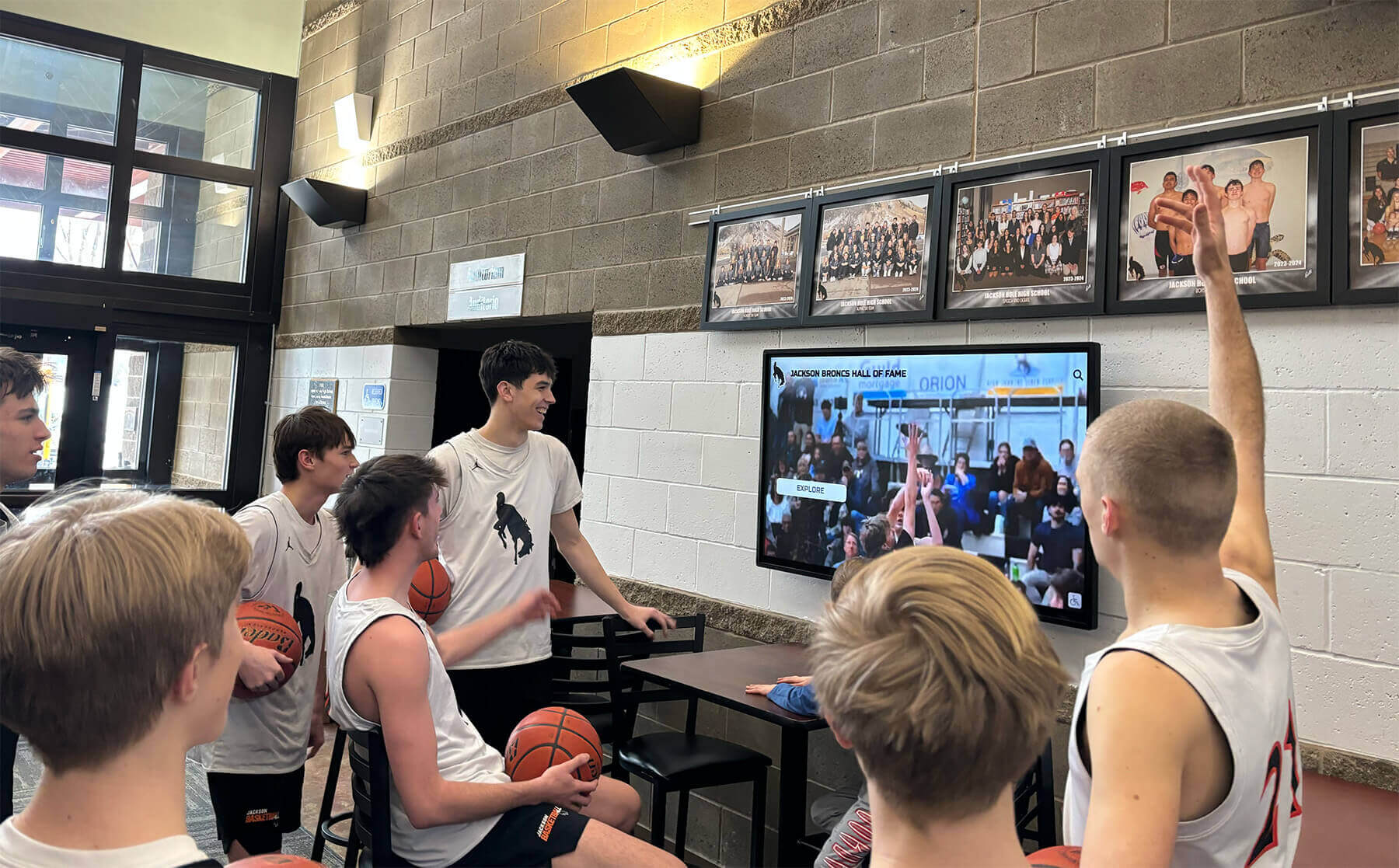
The highlight clips students and alumni watch on recognition displays come from video files that were indexed with timecode metadata — without that index, retrieving a specific play from years of game footage requires watching every recording in full
Ceremony and Award Event Indexing
Ceremony footage — championship trophy presentations, ring ceremonies, senior nights, letter jacket presentations, hall of fame inductions — captures the formal recognition moments that athletic programs mark as high points in their history. These moments are often underindexed because they appear in the middle of recordings alongside game footage, making them difficult to locate without a timecoded guide.
Ceremony metadata fields (additions to the core set):
| Field | Purpose | Example Values |
|---|---|---|
| Ceremony type | Category of recognition event | Trophy Presentation, Ring Ceremony, Senior Night, Letter Jacket, Hall of Fame Induction, Championship Banner Raising, Retirement Ceremony |
| Award recipient | Primary honoree if a specific individual is recognized | Last, First |
| Presenting official | Who presents the award or leads the ceremony | Athletic Director Surname, Principal Surname, State Association Representative |
| Ceremony location | Where the ceremony takes place | Home gymnasium, Stadium, Banquet hall, Lobby |
| Audience present | Nature of the attending group | Full student body, Team only, Public event, Alumni and families |
For award ceremonies captured on video alongside game footage, the ceremony typically appears in the pregame, halftime, or postgame period. A timecoded ceremony record should index:
- The opening of the ceremony sequence (first audible or visible indication the ceremony has begun)
- Any formal remarks by administrators or coaches
- Each individual recipient’s recognition moment (a separate timecoded entry per recipient for ceremonies with multiple honorees)
- The conclusion of the ceremony sequence
For schools planning recognition events where ceremony video will accompany or precede a live recognition program, a well-indexed archive of past ceremonies provides the sourcing for tribute video segments, historical context clips, and “then and now” programming sequences.
Ceremony footage is among the most valuable content for hall of fame programs specifically because it documents the institutional act of recognition — not just the athlete’s performance, but the moment the school formally honored them. An induction ceremony from fifteen years ago, properly indexed, can be retrieved and displayed in a collegiate donor wall or hall of fame context as part of an honoree’s lasting recognition record.
Interview and Oral History Timecoding
Athletic archive video collections often include recordings of coach interviews, athlete oral histories, and program retrospectives captured informally or as part of anniversary projects. Unlike game footage, interview recordings are typically monologues or structured conversations with identifiable speakers, consistent audio quality, and content organized around specific topics.
Timecoding interview content serves a different purpose than key play indexing. The goal is not to locate a specific visual moment but to make specific statements, recollections, or topic areas retrievable without listening to a full recording.
Interview timecoding approach:
| Content Element | Timecoding Depth | Example Entry |
|---|---|---|
| Speaker identification | Single entry at first appearance | 00:00:45 — Subject identified as [Name], Head Coach 1988–2001 |
| Topic change | New entry at each significant shift | 00:04:12 — Transition: coach begins discussing 1990 regional championship |
| Key statement or quotable moment | Individual entry with description | 00:07:33 — Coach describes locker room speech before state final |
| Named athlete reference | Note in description field | 00:11:18 — Coach discusses [Athlete Name]’s role in program turnaround |
| Historical reference | Entry with date and context | 00:18:45 — Reference to founding of the program in 1962 |
| Emotional high point | Entry with description | 00:22:10 — Coach discusses what the championship meant to the community |
Transcript linkage: For interview recordings where a partial or full transcript has been produced, link the transcript to the timecoded record by inserting timestamps at each paragraph break. A timestamp in the transcript matches the timecoded catalog entry; a researcher reads the transcript to identify a passage of interest, finds the associated timestamp, and jumps directly to that moment in the video without a linear scan.
Interview recordings that document the perspective of athletes who have since been inducted into a hall of fame carry specific value for display programs — these recordings can be excerpted and presented alongside the inductee’s statistical record and recognition history in an interactive archive display.

Hall of fame displays that surface video moments alongside an athlete's statistics and awards depend on a timecoded archive that makes those moments retrievable — the display technology is only as powerful as the metadata that supports it
Athlete Appearance Tagging
Athlete appearance tagging is the process of creating a timecoded record for every identifiable appearance of a specific athlete across the video archive — not just during plays or award ceremonies, but during warmups, sideline moments, team celebrations, and ceremony footage. The resulting tag set creates an athlete-centric view of the archive: a search for a specific individual returns every video segment in which they appear.
Athlete appearance tagging is the most labor-intensive component of a timecode metadata project and should be treated as a secondary pass after key play indexing is complete. The value it delivers is specific: when an alumni coordinator or hall of fame committee is building a recognition profile for a former athlete, appearance tagging provides a starting point for sourcing video content without requiring a manual search through every recording from that athlete’s playing seasons.
Athlete appearance tagging workflow:
- Start with athletes who are confirmed hall of fame honorees or active nomination candidates — their appearance records have immediate use
- Pull the athlete’s roster record to confirm their sport seasons, jersey number, and graduation year
- Search the video catalog for recordings that fall within the athlete’s playing seasons
- For each relevant recording, conduct an appearance scan at 2x–4x speed, pausing to verify identification by jersey number against the roster
- Create a timecoded appearance entry for each identifiable segment: timecode in, timecode out, context description (during play, on bench, in ceremony, in crowd), and visibility quality
- Link each appearance entry to the athlete’s profile record in the archive database
Ambiguous identification handling: When a jersey number is legible but cannot be matched to a roster with confidence, create the entry with the jersey number and add an identification status field: “Confirmed,” “Probable (jersey #24, matches roster),” or “Unconfirmed — requires verification.” Do not attribute an appearance to a specific athlete without a basis for identification. A probable identification can be confirmed or corrected by staff or alumni with firsthand knowledge of the team.
For programs building comprehensive athlete archive records to support a digital wall of fame or recognition display platform, athlete appearance tagging provides the sourcing layer that connects the athlete’s display profile to actual video footage — which is more compelling for visitors than statistics and photographs alone.
Structuring Your Video Catalog: File Naming and Organization
Timecode metadata is only useful if the video files it references can be found. A timecoded entry that points to Game3.mp4 in an unspecified folder is not a retrievable record — it is a notation without a reliable path to the source file.
Video file naming convention for athletic archives:
[SPORT]-[SEASON]-[GAMETYPE]-[OPPONENT]-[SEQUENCE].[EXTENSION]
Examples:
MFOOTBALL_202425_PLAYOFF_R2_RiverwoodHS_001.mp4WBASKETBALL_199899_STATECHAMP_FINAL_001.mp4BASEBALL_200304_REGULAR_EvanstonHS_004.mp4INTERVIEW_200102_CoachSurname_PreSeason_001.mp4CEREMONY_200405_SeniorNight_Basketball_001.mp4
Controlled vocabulary for sport codes:
Establish a fixed list of sport abbreviations before processing begins. Inconsistent abbreviations — “BB,” “BBALL,” and “BASKETBALL” all used for the same sport — prevent consistent filtering and search. Recommended abbreviations:
| Sport | Code |
|---|---|
| Football (Boys) | MFOOTBALL |
| Basketball (Boys) | MBASKETBALL |
| Basketball (Girls) | WBASKETBALL |
| Baseball | BASEBALL |
| Softball | SOFTBALL |
| Volleyball (Girls) | WVOLLEYBALL |
| Soccer (Boys) | MSOCCER |
| Soccer (Girls) | WSOCCER |
| Track & Field | TRACK |
| Wrestling | WRESTLING |
| Swimming | SWIMMING |
| Cross Country | XCOUNTRY |
Add sport codes as needed for your program. The key constraint is consistency — once a code is assigned, apply it to all records across all seasons without variation.
Integrating Timecode Records with Digital Archive Displays
A timecoded video catalog produces its most visible value when the indexed moments are connected to a digital display platform that can surface them in context — alongside athlete profiles, award records, and team statistics on an interactive touchscreen or archive website.
For most school athletic programs, the connection between the timecoded catalog and a display platform is a content selection workflow rather than a technical integration. The steps are:
- Query the timecode catalog for segments associated with a specific athlete, season, or event type
- Export or copy the relevant video segment from the source file using the timecoded in and out points
- Deliver the clip to the display platform through its content management system
- Associate the clip with the relevant athlete profile, award record, or team season entry in the display platform
For programs at the stage of evaluating recognition display platforms, the ability to attach video clips to individual athlete or award records — rather than presenting raw full-length recordings — is a meaningful functional distinction. Planning a recognition or fundraising event around a hall of fame class or sports anniversary becomes more compelling when indexed video content from the program’s own archive can be presented as part of the event programming.
For programs that want to extend recognition to include academic distinction alongside athletic achievement, a unified archive with athlete profiles that combine academic and athletic video moments creates a more complete picture of the student-athlete’s legacy.
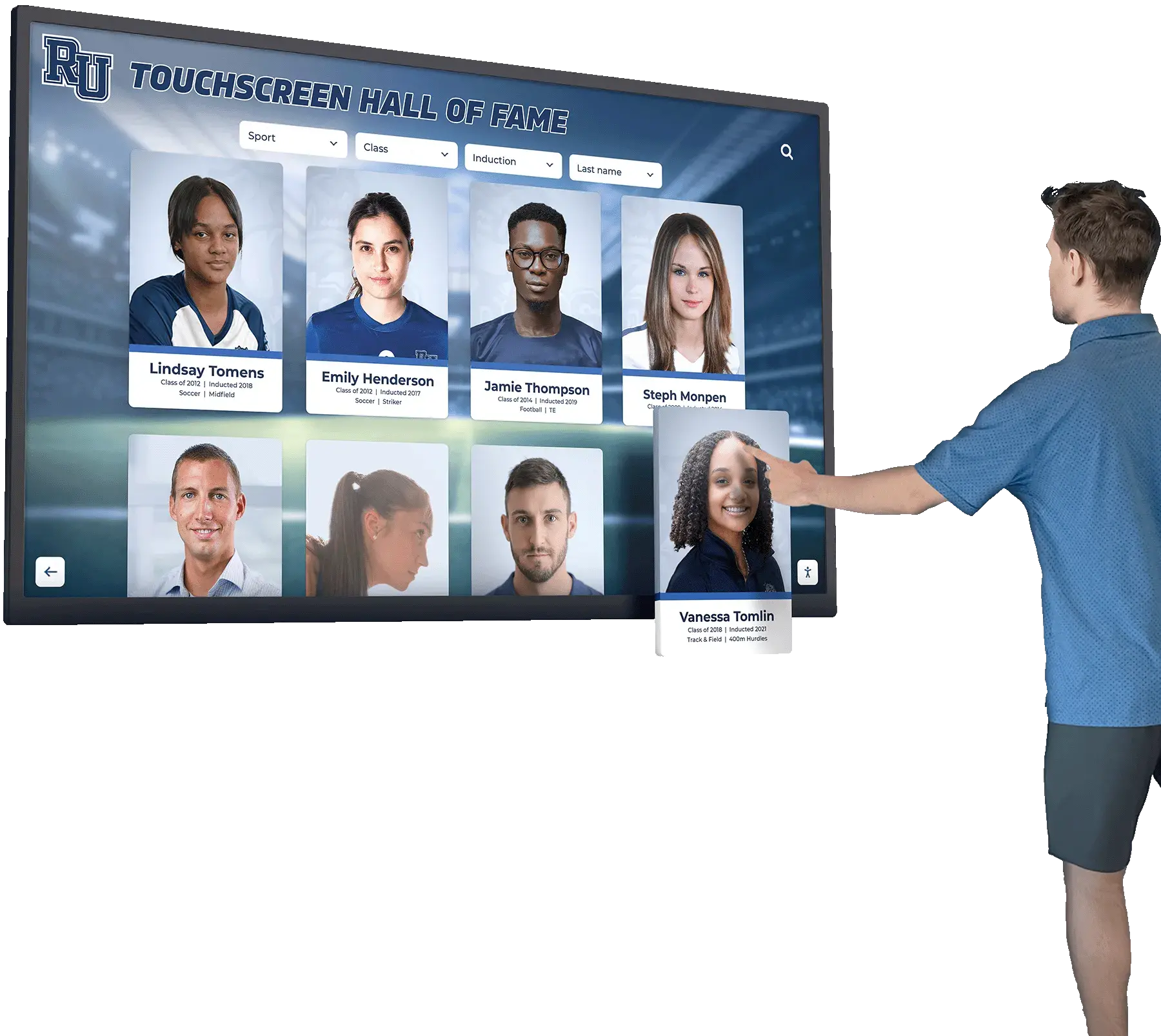
Interactive hall of fame displays that present video moments alongside athlete records provide the historical depth that engages visitors — and that depth is only possible when the underlying video archive has been indexed with timecode metadata
Ready to Connect Your Indexed Video Archive to a Recognition Display?
Once your historic game footage is indexed with timecode metadata, Rocket Alumni Solutions helps schools connect those key plays, ceremony moments, and athlete appearances to interactive recognition displays that visitors can explore. From hall of fame profiles with embedded video clips to searchable game highlight archives, our platform is built to surface the full depth of athletic history that your archive contains. Request a demo to see how your indexed video content can power a recognition experience worthy of your program's legacy.
Request a DemoFrequently Asked Questions
What exactly is timecode in the context of an athletic video archive?
Timecode is a number that identifies a specific point in time within a video recording. In athletic archives, timecode is typically expressed as hours:minutes:seconds — for example, 01:14:37 means one hour, fourteen minutes, and thirty-seven seconds into the recording. SMPTE timecode adds a frame count in professional broadcast formats: 01:14:37:15. For practical archive purposes, second-level precision is sufficient to locate a specific play, ceremony moment, or interview segment. The value of timecode is that it creates a retrievable address for any moment in a recording that would otherwise require linear playback to find.
Do we need special software to create a timecode metadata catalog?
No specialized software is required for a functional timecode catalog. A spreadsheet with one row per indexed moment — including columns for video file identifier, timecode in, timecode out, event type, sport, season, and athlete identifiers — is sufficient to build a searchable index for most school athletic archives. More capable options include dedicated media cataloging tools, digital asset management platforms, and archive database software, but the core task of assigning timestamps and documenting content can be completed with general-purpose spreadsheet software that most schools already have.
How do we handle recordings where we don’t know the exact game or season?
Unknown or partially known recordings are common in school athletic archives. For recordings with uncertain identifying information, create a catalog entry with the known fields and use an identification status vocabulary to flag what is missing: “Season confirmed, opponent unknown,” “Estimated late 1990s based on uniform style,” or “Unidentified — requires review by staff with firsthand knowledge.” An incomplete entry is more useful than no entry. Entries with uncertain identifications can be reviewed and updated when staff or alumni with relevant knowledge are available.
How long does it take to index a game recording?
Indexing time depends on the depth of indexing required and the reviewer’s familiarity with the players and events. A first pass at 4x speed to identify candidate moments in a two-hour game recording typically takes thirty to forty-five minutes. A verification and metadata entry pass at normal speed adds time proportional to the number of candidate moments identified — a high-scoring championship game with many identifiable plays requires more review time than a lower-scoring regular-season contest. For ceremony recordings, indexing is faster because moments are sequentially organized with clear visual and audio cues.
Should we index every moment in every recording, or only highlight-level moments?
For most school athletic archives, a highlight-level index is the practical starting point: key plays, record-breaking moments, ceremony sequences, and identifiable athlete appearances. A comprehensive index of an entire archive’s content is rarely feasible with the staff and time available in a school context, and is rarely necessary for the primary use cases — recognition displays, hall of fame nominations, and alumni outreach. The goal is an index that answers “Do we have footage of that?” for the moments that matter most. Comprehensive indexing of full-game content is appropriate for well-resourced programs with dedicated archive staff; most programs benefit more from a prioritized index of high-value moments.
Who should own the timecode metadata catalog in a school athletic archive?
Catalog ownership should be assigned to a specific role, not left as a shared responsibility. Athletic directors, archive coordinators, school librarians, or IT staff can own the catalog — the determining factor is who has consistent access to the video files, time to conduct indexing sessions, and authority to establish and enforce the naming and metadata conventions that keep the catalog consistent over time. Booster volunteers can contribute to indexing efforts under staff supervision, particularly for reviewing recordings in which they may have firsthand knowledge of the athletes and events depicted.
What do we do with timecoded records when a video file is migrated to a new format or storage location?
Timecode values — the HH:MM:SS timestamps — remain accurate regardless of the file format or storage location of the video, as long as the video content itself has not been altered (trimmed, re-encoded with a different frame rate, or had segments removed). When migrating video files to a new format or location, update the video file identifier in the catalog to reflect the new filename or path, and add a migration note documenting the migration date and the original file identifier. If the migration changes the video’s frame rate or duration, validate that the timecoded moments still align with the correct content before confirming the migration.
Can timecode records be shared across multiple display platforms?
Yes. Because timecode records are external to the video files themselves — stored in a spreadsheet or database rather than embedded in the video — they can be used to supply clip information to any platform that accepts video content and metadata. A single catalog entry for a game-winning play can source a clip for a hall of fame display, a recruitment highlight package, a reunion event slideshow, and a booster newsletter video without requiring the clip to be separately indexed for each use. The timecoded catalog is the shared source of truth; individual platforms draw from it as needed.
From Unnavigable Tape to Searchable Archive
A two-hour game recording from twenty years ago that has never been indexed is not a searchable archive — it is a single undifferentiated file that requires a full viewing to produce anything useful. The same recording, indexed with timecoded entries for key plays, ceremony moments, and athlete appearances, becomes a findable source for hall of fame nominations, recognition displays, reunion programming, and athletic history documentation.
The athletic archive timecode metadata guide framework — consistent field definitions, a controlled vocabulary for event types, a prioritized indexing workflow, and a video file naming convention — converts that gap into a systematic project. It does not require broadcast-level expertise or professional software. It requires staff or volunteers willing to work through game recordings in a structured way and document what they find in a consistent format.
Programs that complete even a partial key play index for their highest-priority recordings — championship games, record-breaking seasons, hall of fame inductees’ playing careers — build an archive that serves recognition programs for decades. Programs that leave their game footage unindexed rely entirely on institutional memory: the staff member who remembers which recording contains the winning play, and what happens to that knowledge when that staff member is no longer available.
The timecoded archive is the institutional memory that does not retire.
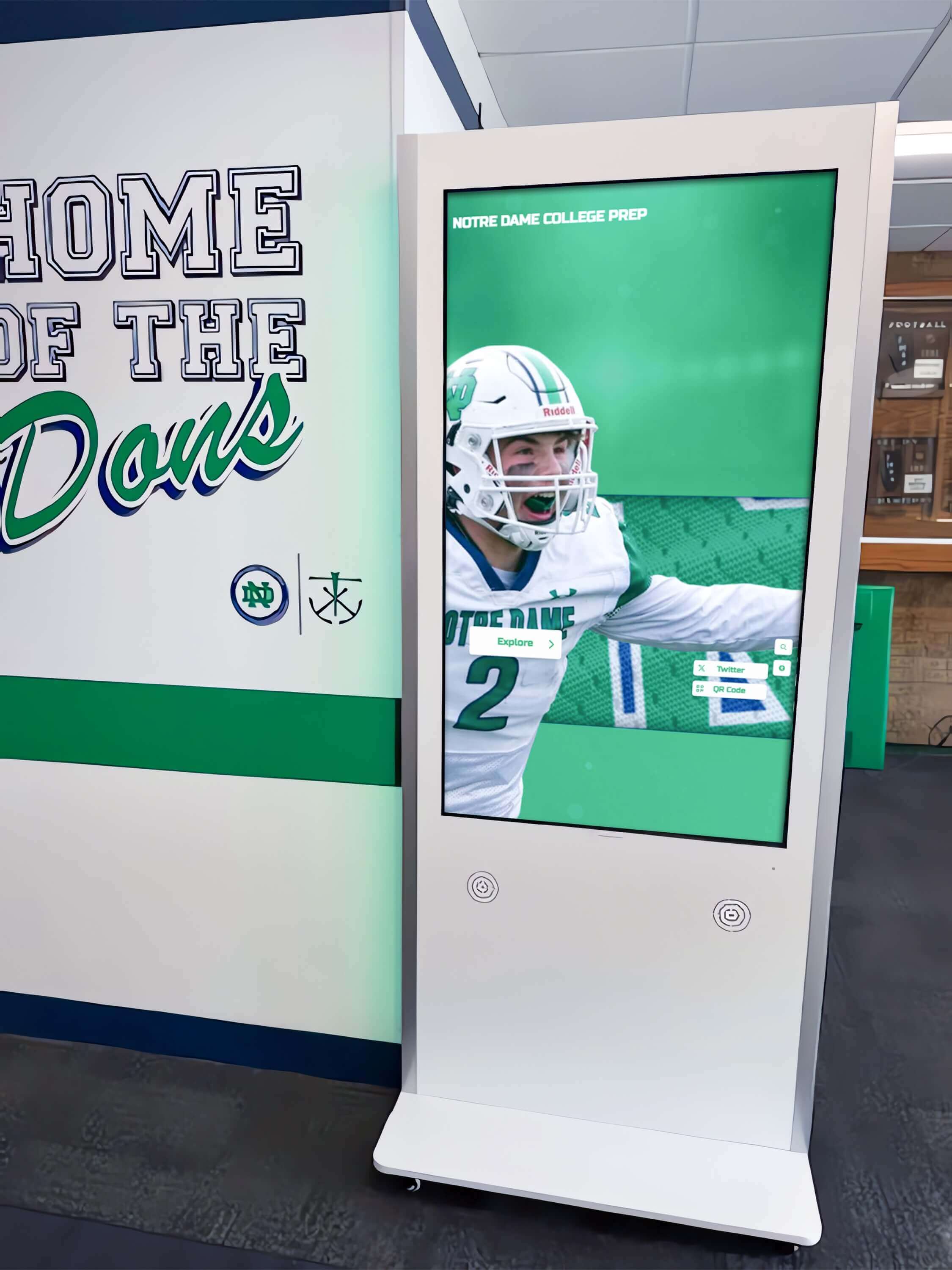
Recognition kiosks that present specific moments from a program's history — including game highlights, ceremony footage, and athlete appearances — depend on a timecoded archive that makes those moments retrievable on demand































