Athletic Archive Web Capture Checklist: Preserve Team Pages, Scores, and Recognition Stories
- Home /
- Touch Archive Blog /
- Athletic Archive Web Capture Checklist: Preserve Team Pages, Scores, and Recognition Stories
The Easiest Touchscreen Solution




Live Example: Rocket Alumni Solutions Touchscreen Display
Interact with a live example (16:9 scaled 1920x1080 display). All content is automatically responsive to all screen sizes and orientations.
An athletic archive web capture checklist is a structured process for identifying, capturing, naming, and storing web-based athletic content — team roster pages, season score records, all-conference announcements, coach profiles, and senior recognition stories — before a school website redesign, a conference platform migration, or a vendor contract change removes that content from public access permanently.
The short answer: work through the checklist sport by sport, starting with pages that contain award or record information, capture each page using a tool that saves the full HTML and linked assets, name every file according to a consistent convention, store the files in institutional rather than personal storage, and connect the captured records to the recognition programs and displays that depend on accurate historical data.
This guide gives athletic directors, school administrators, booster leaders, and recognition-program owners a repeatable workflow to protect web-based athletic history before it disappears.
School websites are redesigned on average every three to five years, and each redesign carries a quiet risk: team history pages, score archives, award announcements, and senior recognition content that existed on the previous version of the site are rarely migrated completely. Conference athletic portals retire old entries when roster limits are reached. Booster websites disappear when an organization changes platforms or a key volunteer steps away. The result is a growing gap between the athletic history a school program has earned and the athletic history it can actually document, display, and verify.
A systematic web capture process is how programs close that gap before it opens.

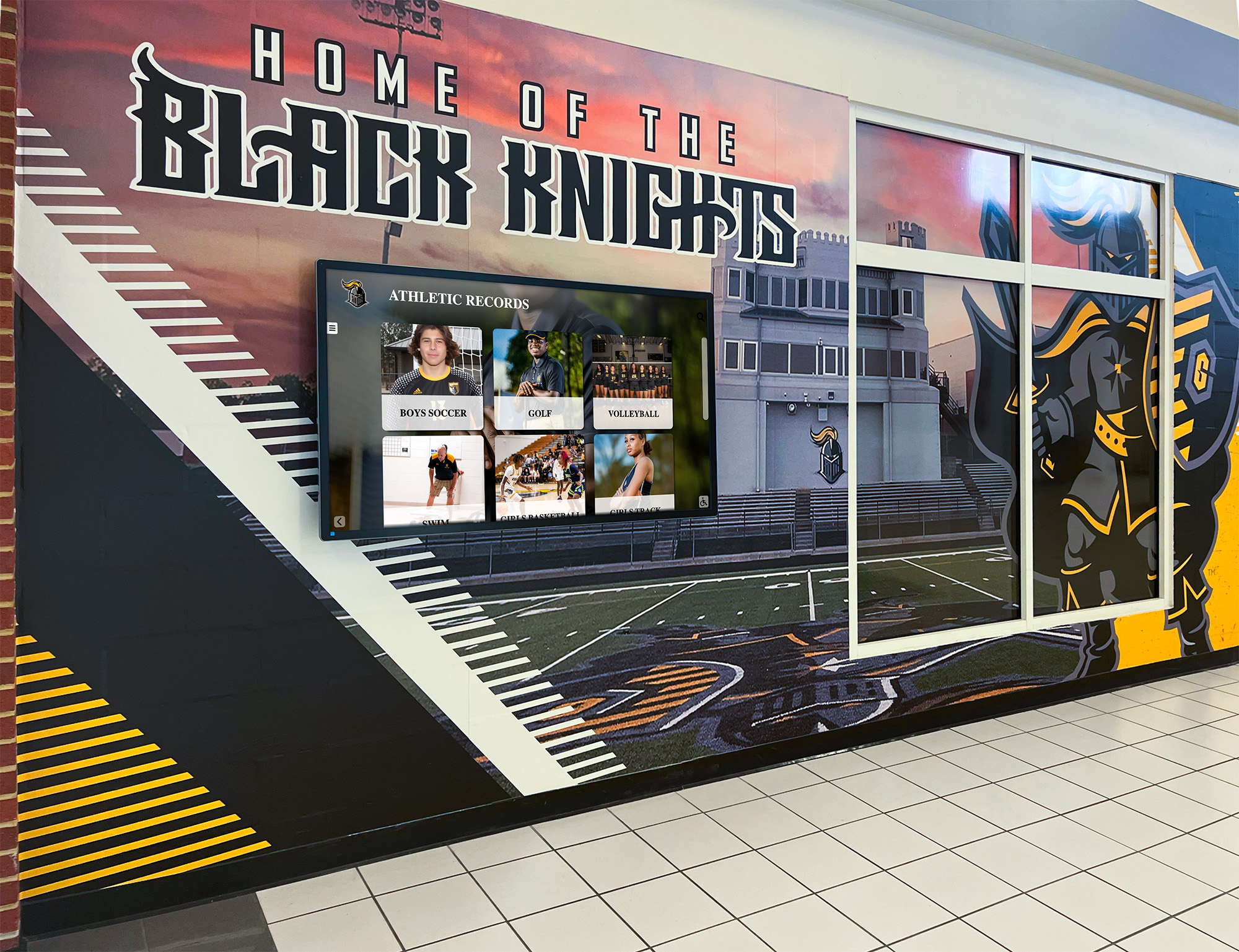
Recognition displays draw from multiple archived sources — web capture preserves the team pages, score records, and award announcements that physical archives and printed programs never fully captured
Why Web-Based Athletic Content Disappears
Understanding the specific mechanisms behind content loss makes the checklist requirements more concrete. Web-based athletic records disappear through four reliable pathways.
Website redesigns without archive migration. When a school’s web vendor delivers a new site design, the migration contract typically covers current content — current rosters, current schedules, current news. Historical season pages, legacy award announcements, and recognition content from prior years are frequently excluded from the scope, left on the old server, and eventually deleted when the old server is decommissioned.
Conference and league platform transitions. Many schools rely on conference athletic portals to host team pages, roster data, and score records. When a conference changes its technology vendor — which happens regularly — old records are migrated only partially or not at all. Score archives from platforms that have since been retired may be unrecoverable from any source other than a systematic web capture taken before the transition.
Booster and booster-adjacent websites. Booster organizations often maintain their own sites, social accounts, and alumni sections that contain senior tribute content, donor recognition pages, and program history not duplicated on the official school site. When the volunteer who managed the site moves on, the domain may lapse, the hosting may be cancelled, or the login credentials may be lost — and with them, years of recognition content.
Domain and SSL changes. When a school district changes its domain structure — a common outcome of consolidations, rebranding, or technology contract changes — old URLs break. Pages that once ranked in search results and served as primary sources for athletic records become unreachable. Even content that technically still exists on a server somewhere may be functionally inaccessible without the original URL structure.
The Athletic Archive Web Capture Checklist
Work through the following steps in sequence. For programs with large archives spanning many sports and years, apply the checklist sport by sport, prioritizing sports with the most active recognition programs and the highest volume of web-hosted history.
Step 1: Audit all web locations holding athletic content.
Before capturing anything, catalog every web location where your program’s athletic history lives. This audit should cover the current school website, any archived or legacy versions accessible through the Wayback Machine or district records, the current and past conference athletic portal, booster organization websites, alumni association pages, sport-specific team sites or alumni sites, and any third-party platforms used for scheduling, score tracking, or live game updates that may retain historical data. Document the URL, the type of content hosted, the account owner, and whether the school has institutional access or relies on a third-party account.
Step 2: Identify priority content for immediate capture.
Not all web content warrants formal archiving. Use the following priority framework to triage:
| Priority | Content Type | Rationale |
|---|---|---|
| Tier 1 — Capture immediately | All-conference and all-state award pages | Primary source for recognition program documentation |
| Tier 1 — Capture immediately | Championship and playoff result pages | Core competitive record; frequently not in printed sources |
| Tier 1 — Capture immediately | Hall-of-fame induction announcement pages | Directly relevant to nomination documentation |
| Tier 1 — Capture immediately | Senior recognition and senior night content | Only contemporaneous record for many individual athletes |
| Tier 1 — Capture immediately | Record-holder pages and records boards | Verification source for all-time achievements |
| Tier 2 — Capture within 30 days | Season roster pages | Complete roster documentation beyond what printed programs carry |
| Tier 2 — Capture within 30 days | Season score and statistics summaries | Supporting documentation for win-loss records and performance milestones |
| Tier 2 — Capture within 30 days | Coach and staff profile pages | Biography documentation for administrator recognition programs |
| Tier 2 — Capture within 30 days | Sponsor and donor acknowledgment pages | Documentation of public commitments and recognition granted |
| Tier 3 — Capture at next scheduled review | Game preview and post-game recap articles | Context and color for historical seasons |
| Tier 3 — Capture at next scheduled review | General program history and “about” pages | Program narrative and founding history |
| Not archived | Routine promotional and news content | No long-term archival value |
Step 3: Select a capture tool appropriate to each content type.
Different content types require different capture approaches. The right tool depends on whether the content is static HTML, dynamically rendered, behind a login, or embedded in a platform with limited accessibility.
For static HTML pages — team history pages, score archives, coach profiles: The Internet Archive’s Save Page Now feature accepts a URL and captures a snapshot of publicly accessible pages. This is appropriate for tier-one content that can be captured immediately and does not require the full linked asset structure. For a more complete capture including images and stylesheets, browser-based tools such as SingleFile (a browser extension) save a complete self-contained HTML file of any page the browser can render.
For dynamically rendered pages — conference portal roster tables, JavaScript-driven score archives: Standard HTML capture tools do not save dynamically rendered content reliably because the content is generated client-side rather than embedded in the page source. For these pages, a PDF export from the browser (File → Print → Save as PDF) captures the rendered visual state accurately. Supplement the PDF with a full-resolution screenshot for pages where visual layout carries informational content (awards banners, photo galleries).
For pages behind authentication — private league portals, conference administrative tools: If institutional credentials allow access, capture the rendered content via PDF and screenshot within the authenticated session. Do not attempt to bypass or circumvent access restrictions; consult your school or district’s technology and legal policies regarding access to password-protected systems before proceeding.
Step 4: Execute the capture and verify completeness.
For each page captured, verify that the capture includes:
- All text content visible on the page
- Images embedded in the page (athlete photos, award graphics, championship images)
- Relevant navigation context that identifies the section and season
- The original URL, visible in the PDF header or noted in the file name
- The capture date
After capturing, open the saved file and compare it visually against the live page to confirm that no content was truncated and that images loaded correctly in the captured version. A capture that saves only partial content is worse than no capture in some contexts because it may be mistaken for a complete record.
Step 5: Apply the archive file naming convention.
Captured web pages should follow the same naming convention used across the broader athletic archive. A consistent structure — [SCHOOL]_[SPORT]_[YEAR]_[TYPE]_[DESCRIPTION].[EXT] — makes every file identifiable without opening it.
| Captured Content | Example File Name |
|---|---|
| 2024 varsity football all-conference page | OAK_FTBL_2024_AWARD_AllConference-Page.pdf |
| 2023 girls basketball championship announcement | OAK_BBALL-G_2023_CHAMP_DistrictTitle-Announcement.pdf |
| 2024 senior recognition page | OAK_ATHL_2024_SENIOR_NightRecognition-Page.pdf |
| Conference portal roster — boys soccer 2024 | OAK_SOCC-B_2024_ROSTER_ConferencePortal-Page.pdf |
| School website coach profile — head football coach | OAK_FTBL_2024_STAFF_HeadCoach-Profile.pdf |
| Booster site sponsor recognition page | OAK_ATHL_2024_SPONSOR_BoosterRecognition-Page.pdf |
For HTML captures saved as self-contained files, use the same naming convention with a .html extension. Store the HTML file and any exported PDF side by side in the same archive folder — the HTML preserves interactive structure while the PDF provides a durable visual reference.
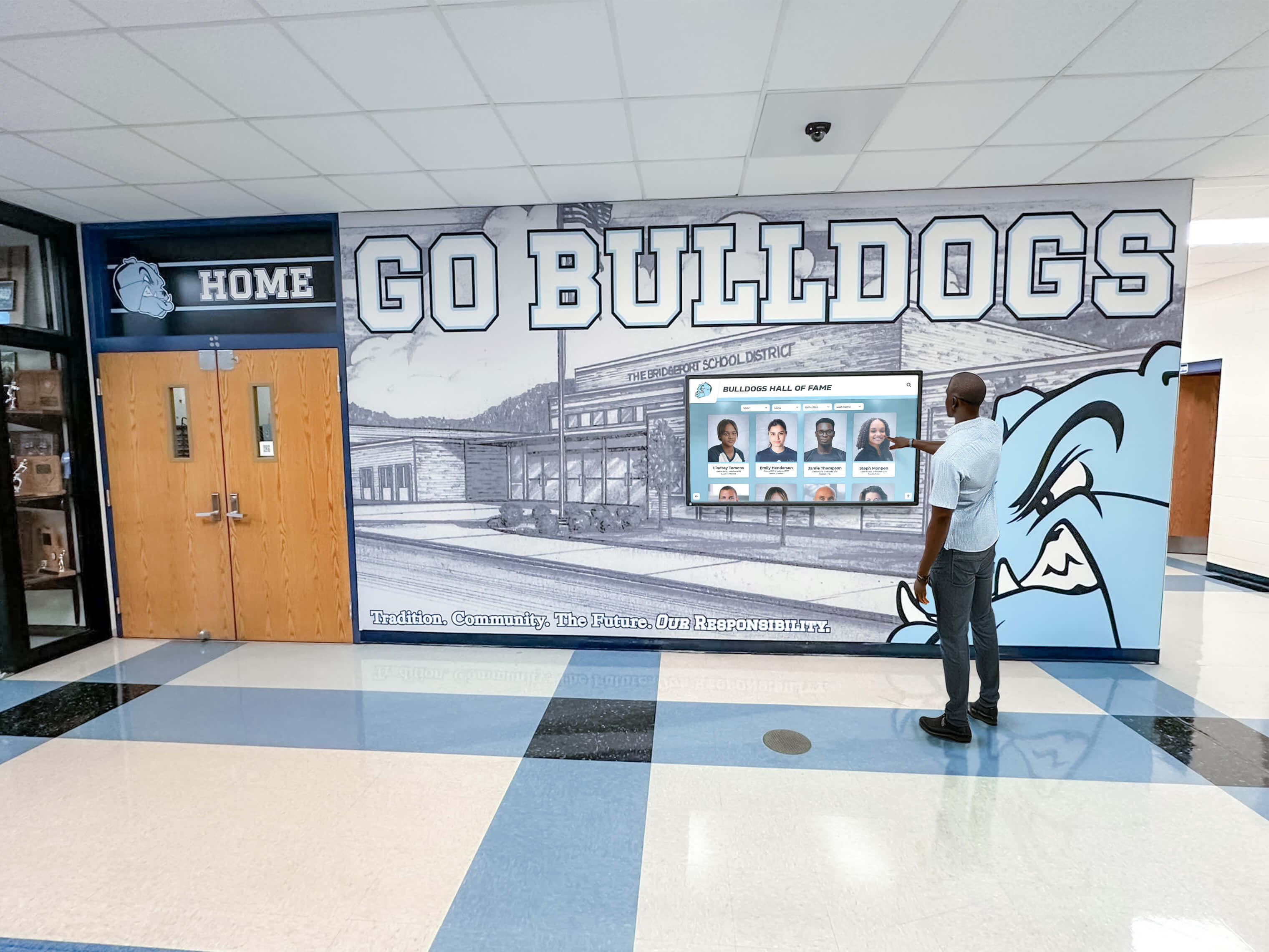
The depth of a recognition display depends on the completeness of the archive feeding it — web capture preserves sources that printed programs and physical plaques never recorded
Step 6: Document each capture with a metadata record.
A captured web page without a metadata record is difficult to find, difficult to trust, and difficult to connect to other records about the same athlete, team, or season. For each capture, create a metadata record in the archive’s tracking system:
| Metadata Field | Purpose | Example |
|---|---|---|
| RecordType | WEB-CAPTURE | WEB-CAPTURE |
| Title | Descriptive title | 2024 All-Conference Football Announcement |
| Sport | Sport covered | Football |
| Year | Academic year | 2024 |
| OriginalURL | URL captured | https://school.edu/athletics/football/2024-all-conference |
| CaptureDate | Date the capture was executed | 2024-06-10 |
| CaptureMethod | Tool or method used | SingleFile browser extension, HTML |
| ContentType | Type of content | Award announcement |
| ArchiveFiles | Names of saved files | OAK_FTBL_2024_AWARD_AllConference-Page.html, .pdf |
| CapturedBy | Staff member who executed the capture | J. Smith |
Metadata records are what transform a folder of saved files into a searchable archive. Without them, the files require opening one by one to determine their contents — a significant barrier for a hall-of-fame committee working under time pressure.
Step 7: Store captures in institutional, not personal, storage.
Every captured file must be stored in a location the school or district controls — a school-managed shared drive, a district file server, or an institutional cloud storage system with defined access controls. Personal devices, personal Google Drive accounts, and personal cloud subscriptions are not appropriate storage for institutional athletic records, because access depends on the individual remaining in their role and maintaining the account. The moment a staff member or booster volunteer changes roles, personal storage becomes inaccessible institutional memory.
Step 8: Schedule a pre-redesign capture sweep.
The most common trigger for catastrophic web content loss is not a sudden event but a planned one: a website redesign project that proceeds without anyone flagging the need to archive existing content first. Establish a standing procedure: whenever a school website redesign, content management system migration, or vendor change is announced, the athletic archive coordinator receives notification and executes a priority capture sweep before the old site is taken offline. This single procedural step — adding the archive coordinator to the redesign notification list — prevents the most common category of web content loss.
Step 9: Conduct an annual web capture review.
Beyond event-triggered sweeps, schedule an annual review of web-based athletic content. The review identifies new pages and content added since the last review, checks whether previously captured pages have been updated with significant new information (a conference portal that added historical data, for example), and verifies that the capture of existing priority pages remains current. The annual review is also the time to check whether any captured URLs have gone offline, confirming that the capture was the last available record of that content.
Step 10: Connect captured records to the recognition programs that use them.
Preserved web captures have the most value when they actively support recognition programs — hall-of-fame nominations, digital display builds, award verifications, and donor acknowledgments. Build a connection between the web capture archive and the recognition program workflow by ensuring that the metadata record for each captured page is searchable by athlete name, sport, year, and content type. When a nomination committee requests documentation for a candidate’s all-conference selections, the archive search should surface the captured web pages that documented those selections — not require a manual hunt through folders.
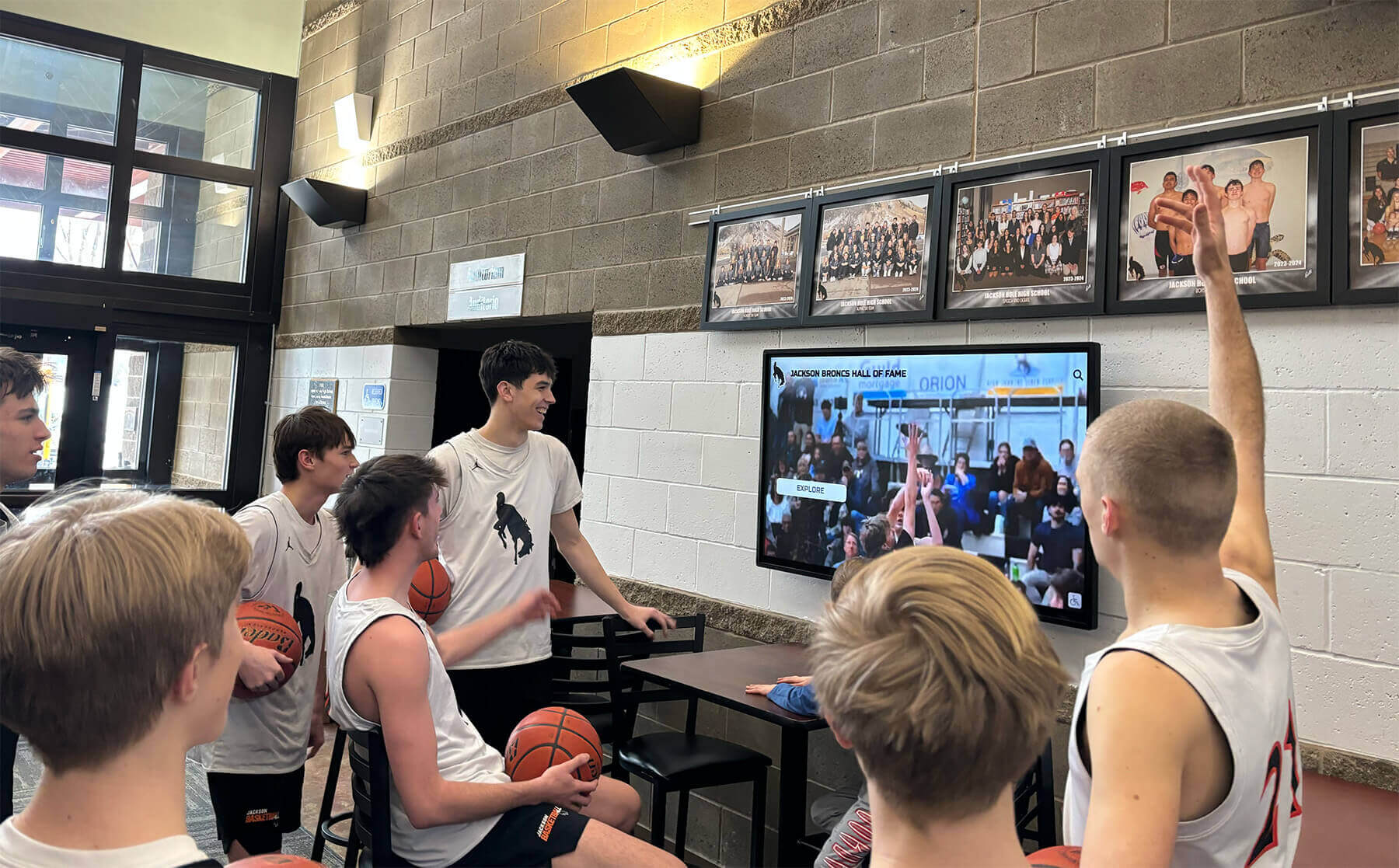
Athletic content captured from the web can feed digital lobby displays with historical highlights, scores, and recognition stories — provided the captures are organized and accessible to display system administrators
Content Types Requiring Special Capture Considerations
Several categories of web-based athletic content require approaches beyond standard HTML and PDF capture.
Score and Statistics Archive Pages
Conference athletic portals and state activities association websites frequently maintain multi-year score and statistics databases that render differently depending on query parameters — filtering by year, sport, or division produces a different URL with different content. Capturing these pages requires capturing each filtered view separately, not just the top-level URL. For programs with deep statistics archives, export the data table to a CSV using the browser’s “copy table” functionality or the site’s own export option if available, rather than relying solely on a PDF that captures only the visual layout. The CSV gives downstream systems a machine-readable record; the PDF gives a human-readable reference.
Organized photo and record archives that support athletic displays follow the same principle: captured web data is most useful when it is structured for downstream use, not just preserved as a static visual snapshot.
Recognition and Award Announcement Pages
Award announcement pages are tier-one capture priorities because they often contain athlete names, sport, year, award category, and conferring organization in a single location — precisely the combination needed for hall-of-fame nomination documentation. When capturing award pages, verify that the full list of honorees is visible in the capture and that no content was cut off below the fold. For paginated award lists, capture each page separately. Structured recognition checklists for athletic directors treat award documentation as a standing responsibility; web capture is the mechanism that preserves the digital portion of that record.
Senior Night and Senior Recognition Content
Senior tribute pages and senior night recognition content are among the most at-risk categories of web-based athletic history because they are often produced quickly during the season, published on the school site or booster page, and not systematically linked to the permanent athletic record. A senior who competed before the program had a systematic archive may have no formal historical record outside of these tribute posts. Capturing them is not a convenience — for some athletes, it is the difference between having a documented institutional record and not having one. Stories and recognition captured during senior moments form the foundation of lasting program memory, and web capture is the mechanism that preserves the digital layer of that record.
Team Room and Recruiting Pages
Athletic program team room pages and recruiting profile sections frequently contain historical award lists, record boards, and program achievement summaries that are updated seasonally and then overwritten. These pages represent a curated, program-maintained record of historical achievement — exactly the kind of content that disappears completely when the site is redesigned without archive migration. Capturing these pages at the end of each season, before they are updated for the next, creates a year-by-year record of how the program documented its own achievements. Well-designed athletic team spaces reflect and reinforce program history; the web capture archive is what preserves the digital record of that history across platform changes.
Tools Reference: Web Capture Options for School Athletic Programs
| Tool | Best For | Cost | Fidelity | Notes |
|---|---|---|---|---|
| Internet Archive Save Page Now | Static public pages, immediate tier-one captures | Free | Moderate — images sometimes not captured | Public record; no login required |
| SingleFile browser extension | Full self-contained HTML captures with images | Free | High — complete page in one file | Requires browser extension install |
| Browser Print → Save as PDF | Dynamically rendered pages, authenticated pages | Free | High for visual layout; no interactive elements | Standard tool available on all platforms |
| Full-page screenshot tool | Award graphics, photo galleries, visual records | Free/low cost | Visual only — no text searchability | Supplement with PDF for text content |
| HTTrack Website Copier | Full site mirror captures before redesign | Free | High — preserves site structure | Best for pre-redesign complete sweeps |
| Wayback Machine (retrieval) | Recovering already-lost pages | Free | Varies — depends on prior crawl frequency | Reactive; does not guarantee coverage |
| Conifer / Webrecorder | Interactive and authenticated web content | Free/subscription | High — preserves interactive elements | Useful for JavaScript-heavy portals |
For most school athletic programs, a combination of Save Page Now for immediate public captures and browser PDF export for authenticated or dynamic pages covers the majority of capture needs without requiring software installation or technical expertise.
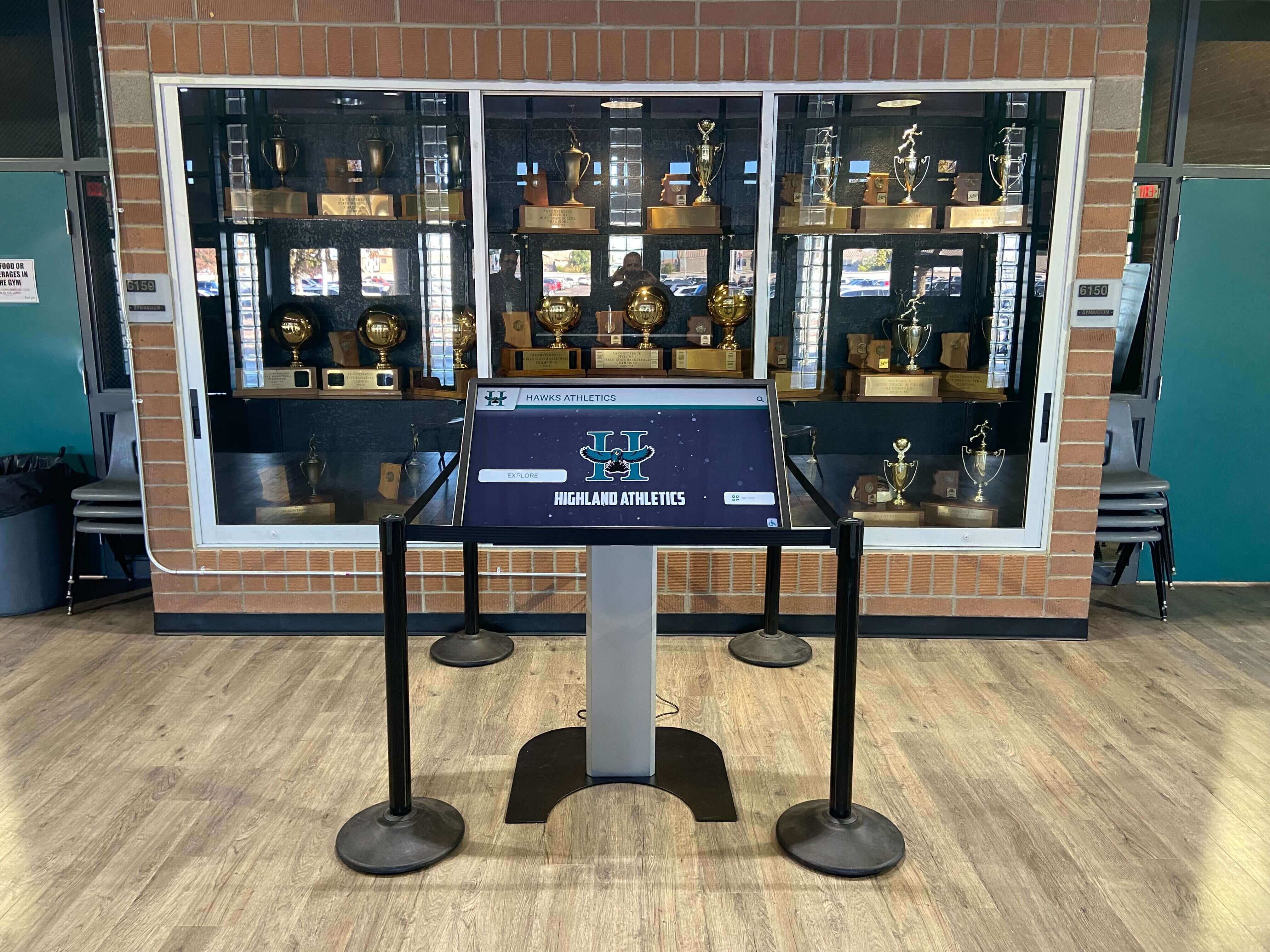
Interactive kiosks that surface program history depend on archive completeness — web captures that preserved team pages, score records, and recognition content before they disappeared are part of the foundation that makes these displays historically accurate
Connecting the Web Capture Archive to Digital Recognition Programs
A web capture archive has compounding value when it feeds a recognition program that makes the preserved content visible. When a hall-of-fame nomination committee reviews candidates, captured award announcement pages provide contemporaneous documentation that nomination packets require. When a new recognition display is being built, captured team pages and records board content provide the historical data that makes the display accurate across multiple decades.
The practical integration point is the archive’s metadata system. When each captured web page has a metadata record searchable by athlete name, sport, year, and content type, the archive becomes a retrieval tool rather than a storage folder. A display administrator who needs documentation for a specific athlete’s all-conference selections can query the archive by athlete name and content type rather than browsing through season folders.
Capturing and organizing team photos alongside web records creates a richer archive that feeds more complete display profiles. Web captures that include team photos embedded in award pages — not just the text of the announcement — preserve the visual layer of the recognition alongside the documentary record.
Programs that are building or rebuilding recognition displays frequently discover that their digital archive is the most complete source for recent decades while physical archives are stronger for earlier periods. A systematic web capture program is how the digital-era record becomes as reliable and retrievable as the physical-era record. Duplicate detection and deduplication practices for athletic archives apply directly to web captures — when the same award announcement appears on both the school site and the conference portal, only one capture needs to be retained, with the other noted in the metadata record.
For programs also building team recognition experiences, celebrating athletic group achievement through structured recognition programs is more historically grounded when the web-based documentation behind each team’s story has been systematically captured and preserved.
Frequently Asked Questions
How far back should we go when capturing athletic content that is still live?
Prioritize the current site and the most recent three to five seasons first — those are at highest risk from an imminent redesign. Then work backward year by year, capturing any historical content still accessible through current URLs or through the Wayback Machine. For content already gone from the live site, check the Wayback Machine at web.archive.org with the original URL before concluding the record is unrecoverable. The Wayback Machine may have crawled the page automatically even if no one captured it intentionally.
What do we do if a page has already been taken offline before we captured it?
Check the Wayback Machine first — enter the URL and review the capture calendar to see whether the page was crawled before it went offline. For conference portal pages and private platforms that the Wayback Machine would not have crawled, contact the conference office or platform vendor directly; they may retain database records even after removing public access. Document the gap in the archive’s metadata record so future researchers understand the provenance limitation rather than assuming the record never existed.
Should we ask for permission before capturing a school athletic webpage?
For your own institution’s pages — the school website, the booster organization’s site, the athletic department’s social accounts — no separate permission is needed beyond normal institutional authorization. For conference portal pages and third-party platforms, check the platform’s terms of service, as some restrict automated capturing or mass downloading. Manual captures of publicly accessible pages for archival and non-commercial purposes are generally consistent with standard web practices, but aligning the program with your school or district’s technology policy and, where appropriate, qualified counsel is always advisable.
How do we handle athletic content on social media during a web capture sweep?
Web capture and social media capture are related but separate workflows. Web capture tools are appropriate for standard HTML pages, but social media platforms require platform-specific export tools (native data export from Instagram, Facebook, or X) or dedicated social archiving software. When a web capture sweep identifies that key recognition content exists primarily on social platforms rather than on the school website, flag that content for capture through the social media preservation workflow. An athletic archive social media preservation policy runs parallel to the web capture checklist and uses different tools for different content types.
What format should we prioritize when a captured page can be saved as either HTML or PDF?
Save both when feasible. The HTML file preserves the full text content in a machine-searchable format and retains embedded links; the PDF preserves the visual layout in a format that is universally readable without a browser and that renders consistently regardless of software version. For tier-one captures — award announcements, championship pages, senior recognition content — maintaining both ensures that neither the textual content nor the visual context is lost. For tier-two and tier-three captures where storage overhead is a consideration, the PDF alone is an acceptable preservation copy.
How should web captures be organized relative to other archive file types for the same season?
Store web captures in the same sport and year folder as other archive files for the same period — alongside photo files, spreadsheet exports, and scanned documents from the same season. Do not create a separate “Web Captures” silo that separates the captured award page from the photograph of the same award ceremony. A researcher or display administrator looking for complete documentation of a specific season should find everything in one location, organized by sport and year rather than by source type. Athletic archive file naming conventions for photos, rosters, and records use the same folder structure and should be applied consistently across all archive file types including web captures.
What should the pre-redesign notification procedure include?
The procedure should name who receives notification (the athletic archive coordinator and, if different, the person responsible for web captures), the minimum lead time before site changes take effect (at minimum two weeks; four to six weeks is preferable for programs with large amounts of historical content), the scope of the capture sweep required (all tier-one and tier-two content on all pages that will not be migrated), and the verification step confirming that the sweep was completed before the old site went offline. Treat this as a formal handoff item in the redesign project checklist, not an informal reminder.
Transform your captured athletic archive into a recognition experience your program will be proud of.
A completed web capture checklist is the foundation — team pages preserved, score records saved, award announcements documented before the next redesign erases them. The next step is making that history visible: an interactive touchscreen that surfaces decades of athletic achievement for students, alumni, and visitors every day they walk through the building. Rocket Alumni Solutions works with athletic programs to turn organized archives into recognition displays that bring school history to life.
Live Example: Rocket Alumni Solutions Touchscreen Display
Interact with a live example (16:9 scaled 1920x1080 display). All content is automatically responsive to all screen sizes and orientations.































