



Family caregivers supporting loved ones with dementia face unique challenges in maintaining connection, providing comfort, and preserving precious memories. When caring for two family members—a mother and a wife—with dementia, the need for effective, economical memory support solutions becomes particularly important for solo caregivers managing multiple responsibilities.
Memory displays and touchscreen technology offer powerful tools for dementia care, providing familiar photos, videos, and memories that can reduce anxiety, trigger positive reminiscence, and create moments of connection even as cognitive abilities decline. The question facing many family caregivers centers on finding solutions that deliver meaningful support without requiring institutional budgets or complex technical infrastructure.
This comprehensive guide explores economical touchscreen memory display options specifically designed for family caregivers managing dementia care at home. You’ll discover affordable technology solutions, practical implementation strategies, and evidence-based approaches to digital reminiscence therapy that can make a real difference in your caregiving journey.
Managing dementia care for multiple family members creates compounded challenges for solo caregivers. While institutional memory care facilities invest in specialized technology and programming, families providing home care need solutions that balance effectiveness with affordability, simplicity with meaningful impact.

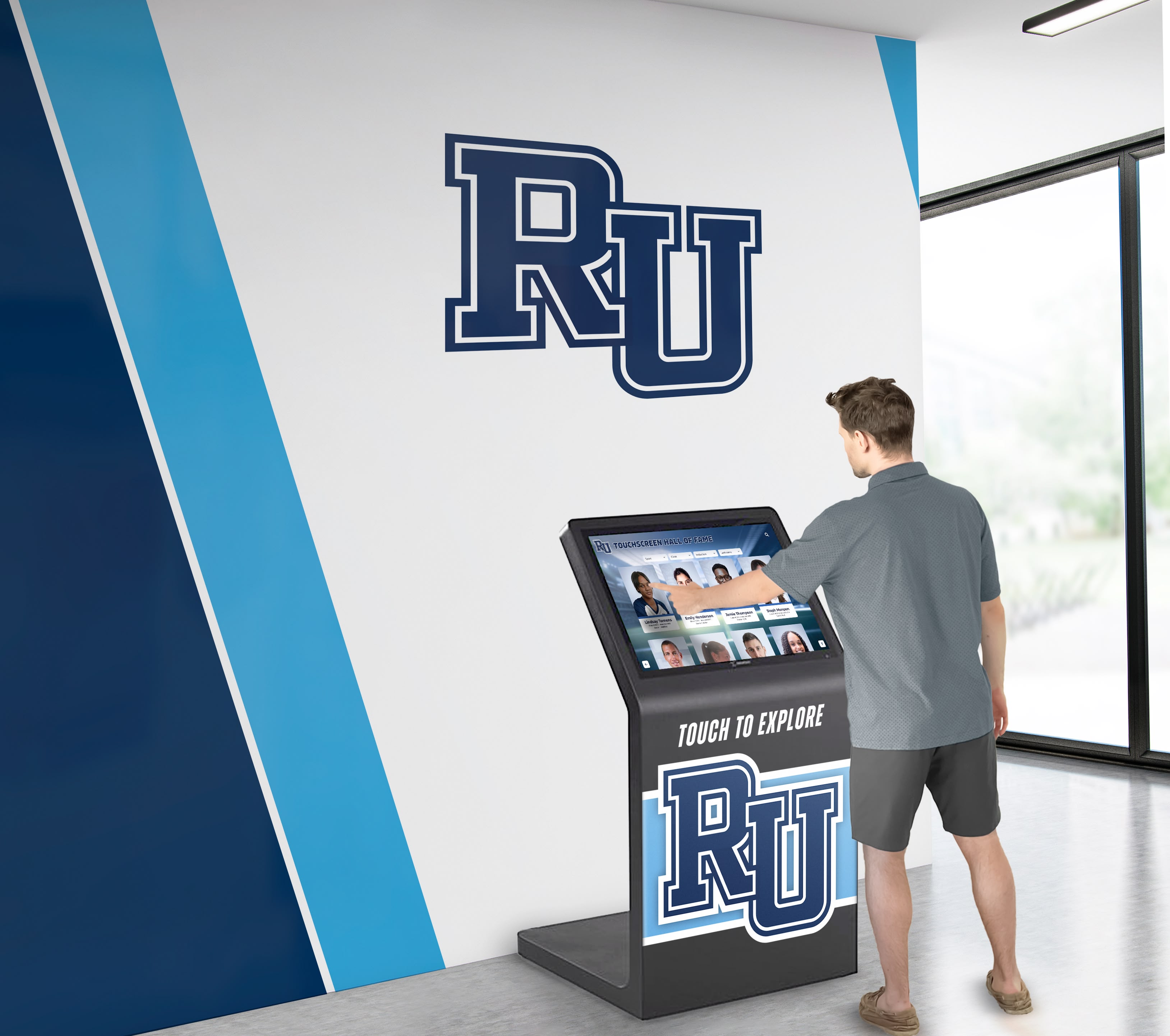
Accessible touchscreen displays enable people of all abilities to engage with familiar photos and memories independently
Understanding Memory Displays for Dementia Care
Before exploring specific solutions, understanding how memory displays support dementia care clarifies what features matter most for family caregivers.
How Visual Memory Support Helps Dementia Patients
Research consistently demonstrates that visual cues and familiar images provide significant benefits for people experiencing cognitive decline:
Reminiscence Therapy Benefits
Digital displays supporting reminiscence therapy offer measurable improvements:
- Reduction in agitation and anxiety when viewing familiar photos
- Improved mood and emotional wellbeing through positive memory triggers
- Enhanced social interaction when discussing photos with caregivers
- Maintained sense of identity through connection to past experiences
- Reduced confusion through visual orientation cues (calendar, time, weather)
According to research on touchscreen technology for dementia patients, people with early-stage dementia can use tablet devices independently, with 48% of study participants spending approximately 24 hours using tablets on their own, suggesting that appropriately designed interfaces support autonomous engagement.
Visual Recognition vs. Verbal Memory
Dementia typically affects different memory types at different rates:
- Visual recognition often persists longer than verbal recall
- Familiar faces trigger emotional connections even when names are forgotten
- Photographs from earlier life periods may be recognized when recent events are not
- Repeated viewing of familiar images reinforces remaining memory pathways
- Visual cues reduce reliance on declining verbal memory
Reducing Caregiver Burden
Technology supporting independent engagement provides practical benefits:
- Creates meaningful activity occupying attention productively
- Reduces repetitive questioning by providing visible information
- Offers respite allowing caregivers brief breaks from direct supervision
- Provides conversation starters facilitating positive interactions
- Documents family history for moments of connection
Studies show that technology supporting dementia care can reduce emergency room visits and hospital admissions, translating to both financial savings and reduced stress for family caregivers.
Key Features for Family Dementia Memory Displays
Effective home memory displays require specific characteristics different from institutional systems:
Simplicity and Ease of Use
Dementia-friendly interfaces prioritize:
- Large, clear touchscreen elements requiring minimal dexterity
- Automatic playback eliminating need for complex navigation
- No passwords or security measures creating barriers
- Immediate visual engagement without startup delays
- Intuitive interaction matching preserved cognitive abilities
Research indicates that “simple and clear messages and options” work better than complex interfaces, with basic products often providing the best solutions for dementia care technology.
Familiar Content Display
Personal relevance drives engagement:
- Family photos showing loved ones across different life stages
- Videos capturing familiar voices and celebrations
- Music from meaningful life periods triggering emotional responses
- Calendar and clock information providing orientation
- Weather displays connecting to outside environment
Remote Content Management
For family caregivers managing multiple responsibilities:
- Ability to add or update content from phone or computer remotely
- No physical access required for content changes
- Scheduled content rotation maintaining freshness
- Multiple family members able to contribute photos
- Cloud-based storage preventing data loss
Always-On Availability
Unlike tablets requiring charging and activation:
- Continuous display without sleep mode
- Plug-in power eliminating battery concerns
- Motion-activated features drawing attention when person approaches
- Ambient display showing photos continuously
- No buttons or switches creating confusion

Touchscreen memory displays provide intuitive interfaces that people with cognitive challenges can navigate independently
Economical Solutions for Family Caregivers
Budget constraints represent a major consideration for families providing home dementia care. Several solution tiers address different financial situations.
Budget-Friendly Digital Photo Frame Approach
The most economical entry point uses enhanced digital photo frames:
Basic Digital Photo Frames ($50-$150)
Standard digital frames offer limited but useful functionality:
- Display rotating family photos loaded via USB or SD card
- Frame sizes typically 8-10 inches diagonal
- Manual content updates requiring physical access
- No touchscreen interaction
- Power via included adapter
Enhanced Digital Frames ($150-$300)
Mid-range frames add valuable features:
- WiFi connectivity enabling remote photo uploads
- Companion apps allowing family members to send photos from phones
- Video playback with sound
- Calendar and clock display modes
- Email-to-frame photo delivery
- Cloud storage integration
Popular options include:
- Nixplay Smart Photo Frame (starting around $130)
- Skylight Frame (approximately $160)
- Aura Frame (roughly $200)
Advantages
- Lowest upfront investment
- Simple setup and operation
- Familiar form factor resembling traditional frames
- Multiple family members can contribute photos remotely
- Small size fits easily in bedroom or living space
Limitations
- No touchscreen interaction limiting engagement
- Smaller screens may be difficult to see clearly
- Limited customization of display behavior
- No calendar reminder or orientation features
- Sound quality often poor on compact frames
This approach works best when budget is primary constraint and basic photo display meets needs.
Tablet-Based Memory Display Solutions ($200-$600)
Consumer tablets configured as dedicated memory displays offer significantly enhanced functionality:
iPad or Android Tablet Configuration
Standard tablets become effective memory displays:
- 10-13 inch screens providing good visibility
- Touchscreen interaction enabling engagement
- Robust app ecosystem supporting specialized dementia care applications
- Wall mounting options creating permanent installation
- Built-in cameras enabling video calls with family
Recommended Tablets
- iPad (10th generation): Approximately $350
- Samsung Galaxy Tab A9+: Around $220
- Amazon Fire HD 10: Budget option at $150
Specialized Dementia Apps
Several applications transform tablets into dementia-specific tools:
Memory Lane TV provides curated content designed specifically for dementia care, focusing on reminiscence therapy without frustrating storytelling that requires following complex narratives. The service emphasizes uplifting, frustration-free experiences with digital therapies inviting users to relive or create their own memories.
Memotivate offers photo-based activities combining familiar images with simple cognitive exercises designed to engage without frustrating.
My Life creates digital life story books combining photos, music, and videos into coherent reminiscence experiences.
Google Photos in slideshow mode provides simple, free photo display with automatic face recognition grouping family members.
Cost Breakdown
- Tablet device: $150-$400
- Wall mount and power: $30-$80
- Apps and subscriptions: $0-$10/month
- Total initial investment: $180-$480
- Annual ongoing cost: $0-$120
Setup Approach
For solo caregivers managing two family members:
- Purchase two tablets of the same model (simplifies management)
- Configure identical apps on both devices
- Create shared photo library accessible to both tablets
- Mount tablets in each person’s primary living space (bedroom or favorite chair location)
- Enable automatic photo slideshow as default behavior
- Disable lock screens and notifications to prevent confusion
Research shows that people with dementia can use tablets independently, with proper configuration supporting autonomous engagement without caregiver assistance for each interaction.
Advantages
- Moderate cost suitable for most family budgets
- True touchscreen interaction
- Extensive app options supporting various needs
- Family video calling capability
- Regular software updates maintaining functionality
- Portable for relocation if needed
Limitations
- Battery management if not continuously plugged in
- Software updates occasionally changing interface
- Can be removed from mount or damaged if portable
- Some apps require ongoing subscriptions
- Screen timeout requiring reactivation
This middle-tier solution balances cost with functionality for most family caregiving situations.
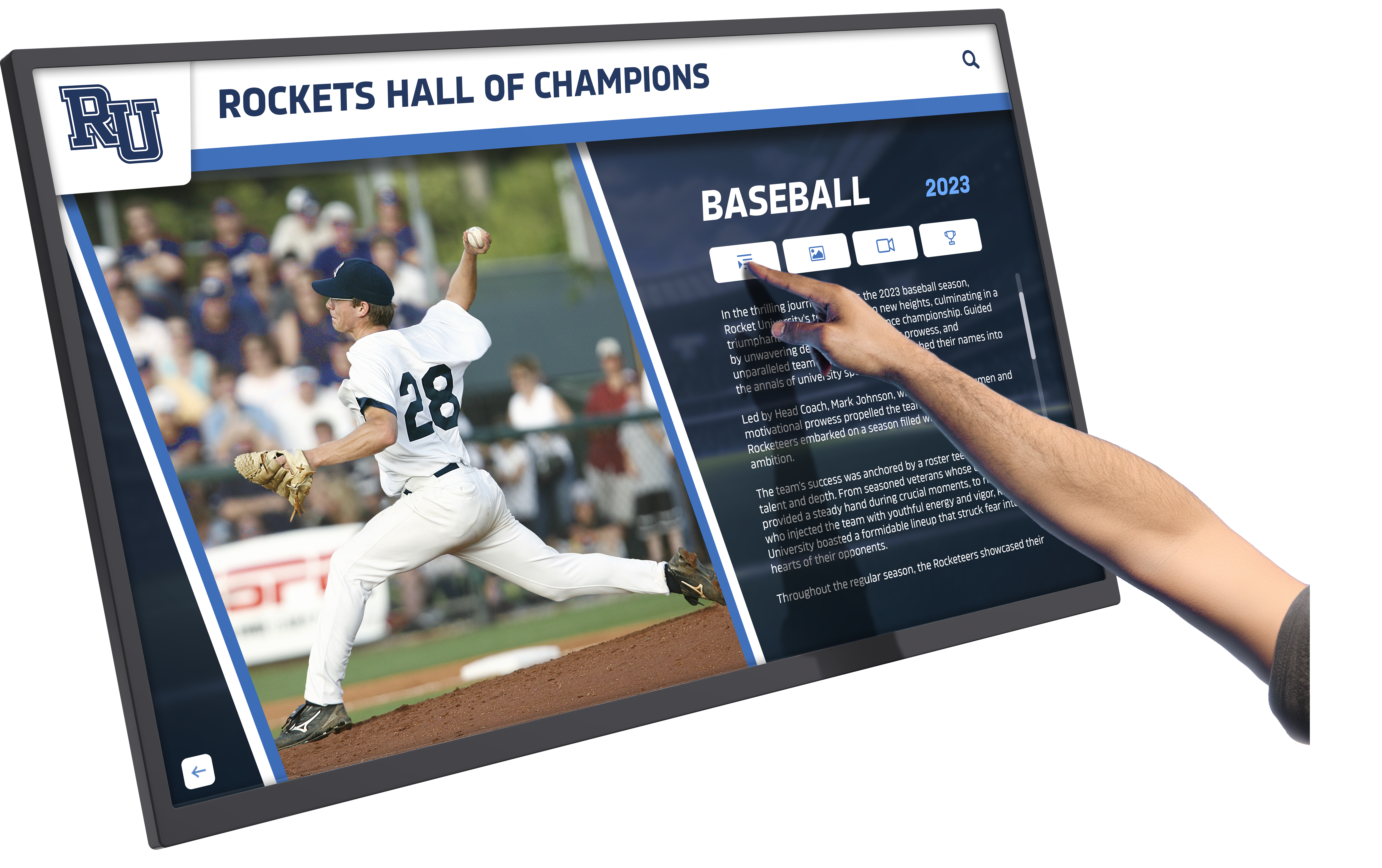
Touchscreen technology enables direct interaction with memory content, supporting engagement and reminiscence
Dedicated Memory Display Systems ($300-$800)
Purpose-built memory care displays offer optimized experiences:
Memoryboard Digital Display
Memoryboard creates displays specifically designed for memory loss and dementia:
- Large, clear digital message board showing calendar, weather, and reminders
- Family members send messages and updates remotely via app
- Displays important information like daily schedule and appointments
- Photo display integrated with practical orientation information
- Designed specifically for dementia care needs
According to user reports, Memoryboard promotes independence, connection, and peace of mind by keeping loved ones informed through daily reminders while enabling family members to stay connected remotely.
Cost: Approximately $350-$400 for device plus monthly or annual subscription for cloud connectivity (typically $10-$15/month or $100/year)
Clock and Calendar Systems ($30-$150)
Specialized dementia clocks address orientation challenges:
- Large, clear displays showing date and time without abbreviations
- Plain text indicating “Morning,” “Afternoon,” “Evening,” or “Night”
- High contrast for visual accessibility
- No complex settings to confuse users
These dementia-specific clocks typically cost between $30 and $100, providing affordable orientation support.
Talking Photo Albums ($40-$80)
Physical photo albums with audio recording:
- Each page includes button playing recorded message
- Family members record explanations of photos
- Familiar voices provide context and connection
- No screens reducing technology barriers
- One-time cost with no ongoing fees
These work particularly well for people who find screens overwhelming but respond to physical objects and familiar voices.
Advantages of Purpose-Built Solutions
- Designed specifically for dementia care needs
- Simplified interfaces eliminating unnecessary complexity
- Reliable operation without technical troubleshooting
- Family support and guidance included
- Integration of multiple functions (calendar, reminders, photos)
Limitations
- Higher initial cost than general-purpose devices
- Less flexibility for customization
- Ongoing subscription costs for some systems
- Limited to specific manufacturer’s ecosystem
Purpose-built systems work best when simplicity and reliability outweigh cost considerations.
Television-Based Display Solutions ($100-$300 plus existing TV)
Leveraging existing televisions provides large-screen displays:
Streaming Device Approach
Use Amazon Fire TV Stick, Chromecast, or Apple TV with existing television:
- Display photo slideshows on large screen
- Stream memory care content services
- Remote control operation (can be simplified)
- Utilize existing television in living room or bedroom
Digital Picture Frame TV Art Mode
Samsung Frame TV and similar art display televisions:
- Display photos when not actively watching TV
- Large screen (32-65 inches) providing excellent visibility
- Sophisticated aesthetic appearing as framed art
- Remote photo management via smartphone app
Cost Breakdown
- Streaming device: $30-$150
- Photo management app/service: $0-$10/month
- Existing television: Already owned
- Total additional cost: $30-$150 initial
Advantages
- Leverages existing equipment
- Very large screen providing excellent visibility across room
- Can alternate between regular TV programming and photo display
- Simple remote control operation
Limitations
- Requires television in appropriate location
- Remote controls can be confusing
- Not always-on display (TV must be turned on)
- Less portable than dedicated devices
- May not be located in optimal position for memory care
This works well when care recipients spend time in living areas with televisions and budget is limited.
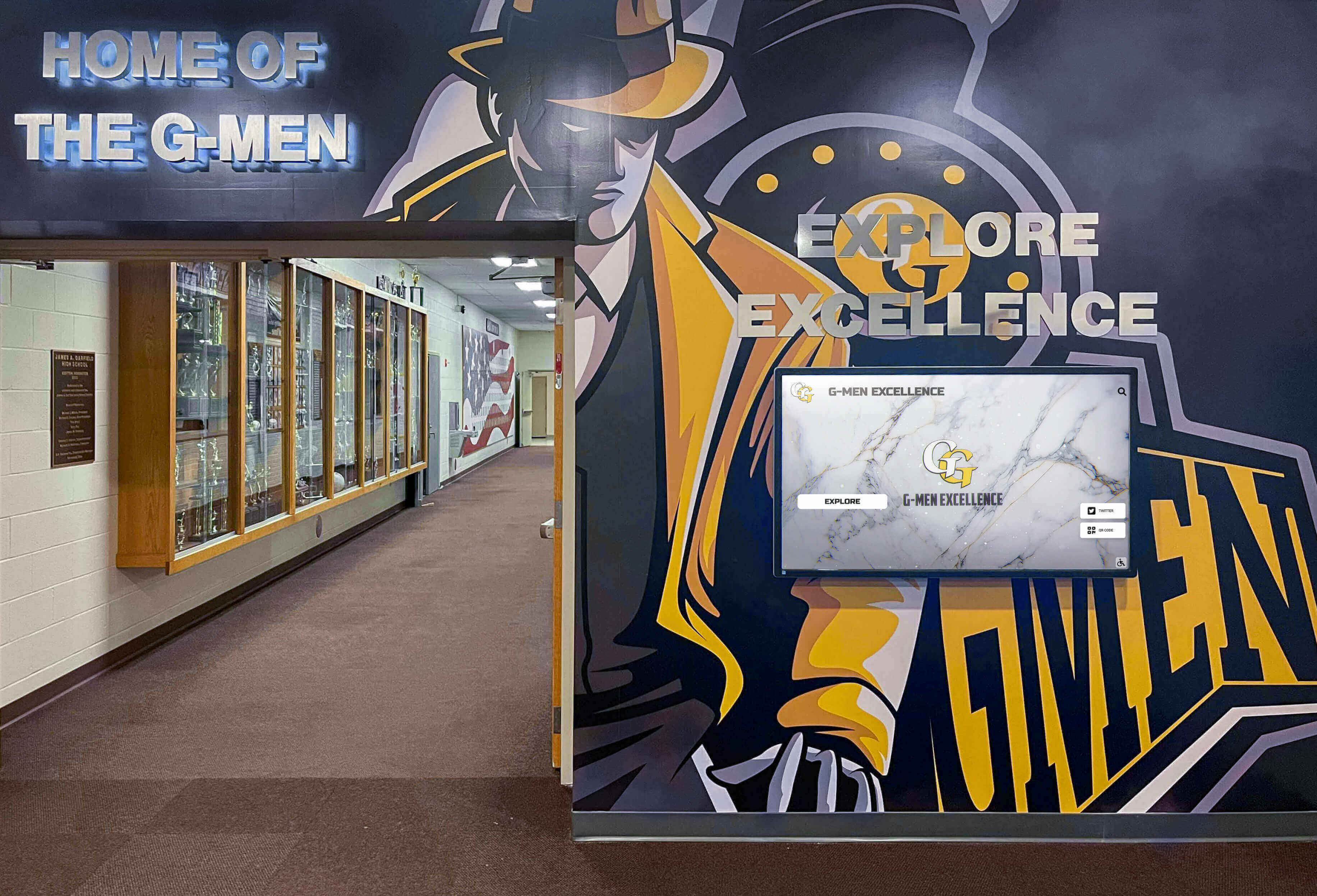
Larger displays provide better visibility for users with age-related vision changes common in dementia populations
Implementing Memory Displays: Practical Guidance for Family Caregivers
Selecting appropriate technology represents only the first step. Successful implementation requires thoughtful content selection and setup.
Content Creation and Organization
The photos and videos you display significantly impact effectiveness:
Photo Selection Principles
Choose images strategically:
- Focus on long-term memory periods: Photos from young adulthood, wedding, children’s early years
- Clear, high-quality images: Blurry or dark photos cause frustration
- Familiar faces prominently featured: Close-ups of spouse, children, parents, siblings
- Positive emotional content: Happy occasions, celebrations, vacations
- Variety across life periods: Childhood, young adulthood, middle age, recent years
- Consistent subjects: Repeated viewing of same people reinforces recognition
- Context-rich scenes: Photos showing recognizable places and events
Photos to Avoid
- Recent photos of people who have aged significantly (may not be recognized)
- Unfamiliar people or events that cause confusion
- Stressful situations or negative memories
- Overly complex group photos with many people
- Poor quality images difficult to see clearly
Video Content
Short video clips offer powerful engagement:
- Family members speaking directly to camera saying “I love you”
- Birthday celebrations showing singing and cake
- Children or grandchildren talking about their days
- Pets playing or sleeping (very calming for many people)
- Familiar music performances or singing together
- Holiday gatherings showing family interaction
- Nature scenes with soothing music
Keep videos short (30 seconds to 2 minutes) to match attention spans.
Organizational Systems
Structure content libraries for easy management:
- Create folders by decade or life period (1940s, 1950s, etc.)
- Label files clearly (Mom_Wedding_1965.jpg)
- Maintain master backup on computer or cloud storage
- Rotate seasonal content (summer vacation photos in summer, holiday photos in December)
- Update regularly adding new family photos or events
- Remove content that causes distress or confusion
Device Setup and Configuration
Optimize devices for dementia care specifically:
Tablet Configuration
If using tablet-based approach:
- Disable lock screen and passwords
- Set display to never sleep/turn off when plugged in
- Install Guided Access (iOS) or Screen Pinning (Android) keeping device in single app
- Turn off all notifications to prevent confusion
- Set slideshow to auto-play on startup
- Maximize brightness for visibility
- Disable app store access preventing accidental downloads
- Create single-purpose device dedicated to memory display
Physical Mounting
Install securely and appropriately:
- Eye level when seated in favorite chair or lying in bed
- Within comfortable viewing distance (3-5 feet)
- Avoid glare from windows or overhead lights
- Secure mounting preventing device being removed or dropped
- Cable management keeping power cords safe and hidden
- Position allowing touchscreen access if interactive
- Consider mounting swivel arm enabling angle adjustment
Multiple Device Management
For caregivers supporting two family members:
- Use identical devices simplifying troubleshooting
- Configure same apps and settings on both
- Create shared photo library both devices access
- Test thoroughly before deploying to care recipients
- Place devices in each person’s primary living space
- Consider individual content preferences if interests differ
- Establish weekly check routine ensuring both function properly
Many senior living facilities utilize interactive display systems for resident engagement, though families can implement similar approaches on much smaller budgets using consumer technology.
Daily Operation and Maintenance
Sustainable solutions require minimal ongoing effort:
Routine Checks
Weekly maintenance tasks:
- Verify both devices are functioning properly
- Clean screens gently with microfiber cloth
- Check power connections remain secure
- Ensure content is playing as expected
- Restart devices if performance seems slow
- Update apps if necessary (schedule during quiet times)
Content Updates
Monthly or as-needed:
- Add recent family photos or videos
- Rotate seasonal content
- Replace content that no longer engages
- Ask family members to contribute photos remotely
- Adjust content based on what generates positive responses
- Remove any images causing distress or agitation
Troubleshooting Common Issues
Simple solutions to typical problems:
- Device frozen: Restart by unplugging and plugging back in
- Content not updating: Check WiFi connection
- Screen too bright or dark: Adjust brightness settings
- Device makes confusing sounds: Mute notifications
- Slideshow stopped: Reconfigure auto-play settings
- Touchscreen unresponsive: Clean screen and restart device
Keep setup instructions documented for occasions when you need to reconfigure or when other family members assist.
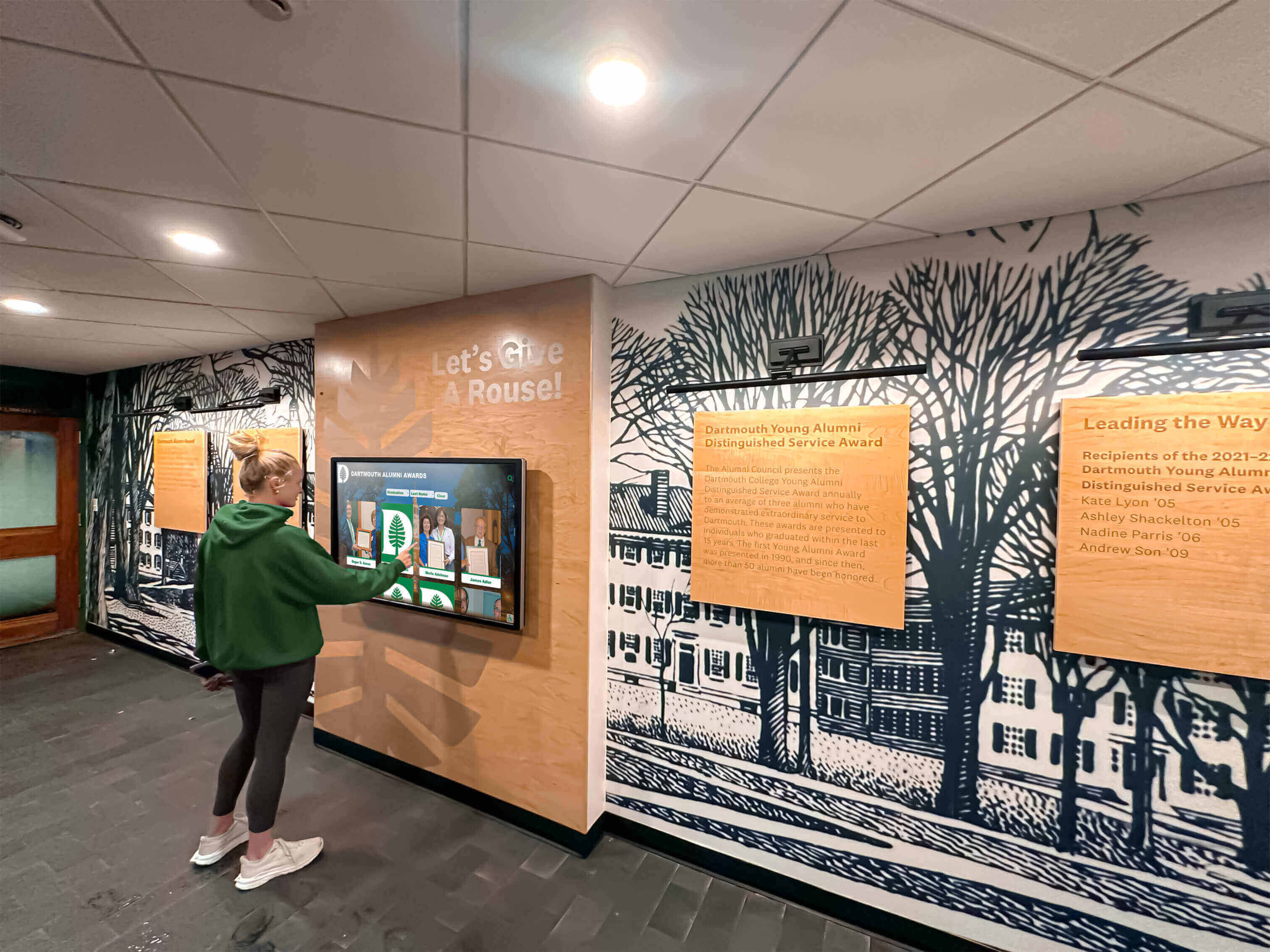
Simple, intuitive interfaces enable caregivers to manage content without technical expertise
Beyond Memory Displays: Complementary Technologies
Memory displays work best as part of comprehensive dementia care technology:
Communication and Connection Tools
Maintaining family connections:
Simplified Video Calling
Devices dedicated to video communication:
- Amazon Echo Show or Google Nest Hub for one-touch calling
- GrandPad tablet pre-configured for seniors ($80/month all-inclusive)
- Portal from Meta designed for simple video calls
- RAZ Memory Cell Phone ($349) with large photo-button interface
These specialized devices eliminate complex dialing, enabling family members to initiate calls that care recipients answer with single touch.
Photo Sharing Services
Family members contribute to displays remotely:
- Google Photos shared albums (free)
- Apple Photos shared albums (free for Apple families)
- Nixplay app sending photos to WiFi frames
- Skylight Frame email-to-frame service
- TouchNote and similar services sending physical photos via mail
These services enable distributed families to participate in memory care even when geographically separated.
Safety and Monitoring Technology
Peace of mind for solo caregivers:
Motion Sensors and Alerts
- Simple motion detection alerting if person hasn’t moved (around $30-$80)
- Door/window sensors preventing wandering ($30-$50 per sensor)
- Bed/chair sensors detecting when person rises ($50-$150)
Medication Management
- Automated pill dispensers with alerts ($50-$200)
- Reminder apps sending notifications to caregiver
- Smart pill bottles tracking when medications taken ($30-$80)
Location Tracking
- GPS tracking devices for wandering risk ($30-$150 plus monthly service)
- AirTag or Tile trackers in wallet or attached to clothing ($25-$35)
- Smartwatches with location features ($150-$400)
Budget-conscious caregivers should prioritize safety technologies addressing specific risks their family members present.
Sensory and Engagement Tools
Beyond visual displays:
Music Therapy Technology
- Smart speakers playing familiar music from formative years (free with streaming service)
- Specialized music therapy apps like Music & Memory
- Playlist creation featuring favorite artists and genres
- Radio apps playing period-specific programming
Research consistently shows music from ages 15-25 produces strongest emotional responses and memory activation.
Tactile Activities
- Tablet apps with simple games and puzzles
- Digital coloring books and painting apps
- Photo puzzle apps using family photos
- Virtual pet apps providing interaction
These complement passive photo viewing with light activity when energy and attention allow.
For families seeking comprehensive approaches to maintaining connection through technology, explore digital engagement solutions that integrate multiple content types into unified experiences.

Interactive touchscreens enable users to select content that interests them, supporting autonomy and engagement
Cost Comparison and Budget Planning
Understanding total costs helps families make informed decisions:
Solution Comparison Table
Basic Digital Photo Frame
- Initial cost: $50-$300
- Monthly cost: $0
- Setup complexity: Simple
- Features: Photo display only
- Best for: Tight budget, basic needs
Tablet-Based System
- Initial cost: $180-$480 per device
- Monthly cost: $0-$10
- Setup complexity: Moderate
- Features: Photos, video, interaction, apps
- Best for: Balance of cost and features
Purpose-Built Memory Display
- Initial cost: $300-$800 per device
- Monthly cost: $10-$15
- Setup complexity: Simple
- Features: Integrated calendar, reminders, photos
- Best for: Simplicity priority, moderate budget
TV-Based Display
- Initial cost: $30-$150 (using existing TV)
- Monthly cost: $0-$10
- Setup complexity: Simple to moderate
- Features: Large display, photos, video
- Best for: Limited budget, existing equipment
Two-Device Solution Budgets
For caregivers supporting two family members:
Maximum Economy ($100-$300 total)
- Two basic digital photo frames ($50-$150 each)
- Setup time: 2-3 hours
- Ongoing management: Minimal
- Functionality: Basic photo display
Recommended Balanced Approach ($400-$1,000 total)
- Two mid-range tablets ($200-$400 each)
- Wall mounts and accessories ($50-$100 total)
- Apps and initial setup ($50-$100)
- Setup time: 4-6 hours
- Ongoing cost: $0-$20/month
- Functionality: Comprehensive with room to expand
Premium Simplicity ($700-$1,600 total)
- Two purpose-built memory displays ($350-$800 each)
- Professional installation if desired ($100-$200 optional)
- Setup time: 2-3 hours
- Ongoing cost: $20-$30/month
- Functionality: Optimized for dementia care
Most family caregivers find the tablet-based balanced approach provides best value, offering significant functionality while remaining affordable for families managing care costs.
Funding and Financial Assistance
Potential resources for memory care technology:
Insurance and Benefits
- Some long-term care insurance policies cover assistive technology
- Medicare Advantage plans occasionally include technology benefits
- Veterans benefits may cover communication and memory aids
- State Medicaid programs vary in assistive technology coverage
Non-Profit and Community Support
- Alzheimer’s Association local chapters sometimes offer technology lending libraries
- Area Agencies on Aging may provide assistive technology grants
- Community foundations occasionally fund dementia care resources
- Faith communities and service organizations may assist with costs
Tax Considerations
- Medical expense deductions may include assistive technology for diagnosed conditions
- Consult tax professional about documenting dementia care expenses
- Dependent care credits may apply in some situations
Research available resources in your state and community to potentially offset costs.
Evidence-Based Benefits and Realistic Expectations
Setting appropriate expectations ensures satisfaction with implemented solutions:
What Memory Displays Can Accomplish
Research-supported benefits:
Emotional Wellbeing
- Reduced agitation and anxiety when viewing familiar photos
- Improved mood through positive reminiscence
- Decreased challenging behaviors through engaging occupation
- Enhanced sense of identity and self through memory connection
Studies on digital technology supporting dementia care show that visual reminiscence tools provide measurable improvements in emotional wellbeing and behavioral symptoms.
Cognitive Engagement
- Stimulation of remaining memory pathways
- Practice with recognition and recall
- Maintained attention to meaningful content
- Connection between past memories and present awareness
Social Connection
- Conversation starters facilitating caregiver interaction
- Shared experience reviewing photos together
- Connection to family members through recently shared photos
- Reduced isolation through visual reminders of relationships
Caregiver Support
- Respite through independent engagement
- Reduced repetitive questioning about time, date, or schedule
- Peace of mind through visible orientation information
- Simplified communication through visual references
What Memory Displays Cannot Do
Realistic limitations:
Not Therapeutic Cure
- Does not slow or reverse dementia progression
- Cannot restore lost memories or cognitive function
- Supplements but does not replace human interaction
- May become less effective as disease advances
Individual Variation
- Some people engage enthusiastically, others show limited interest
- Content preferences vary significantly between individuals
- Effectiveness changes based on dementia stage and type
- Technology comfort levels differ widely
Ongoing Management Required
- Regular content updates maintain effectiveness
- Technical issues require troubleshooting
- Individual preferences change requiring adjustment
- Not maintenance-free solution
Best Outcomes Come From
- Personalized content reflecting individual life and preferences
- Regular caregiver participation using displays as conversation tools
- Patience adjusting approach based on responses
- Integration with comprehensive care plan including medical care, safety measures, and social engagement
Research indicates that reminiscence therapy supported by digital tools works best when individualized to specific life histories and delivered with supportive human interaction rather than as solitary technological intervention.
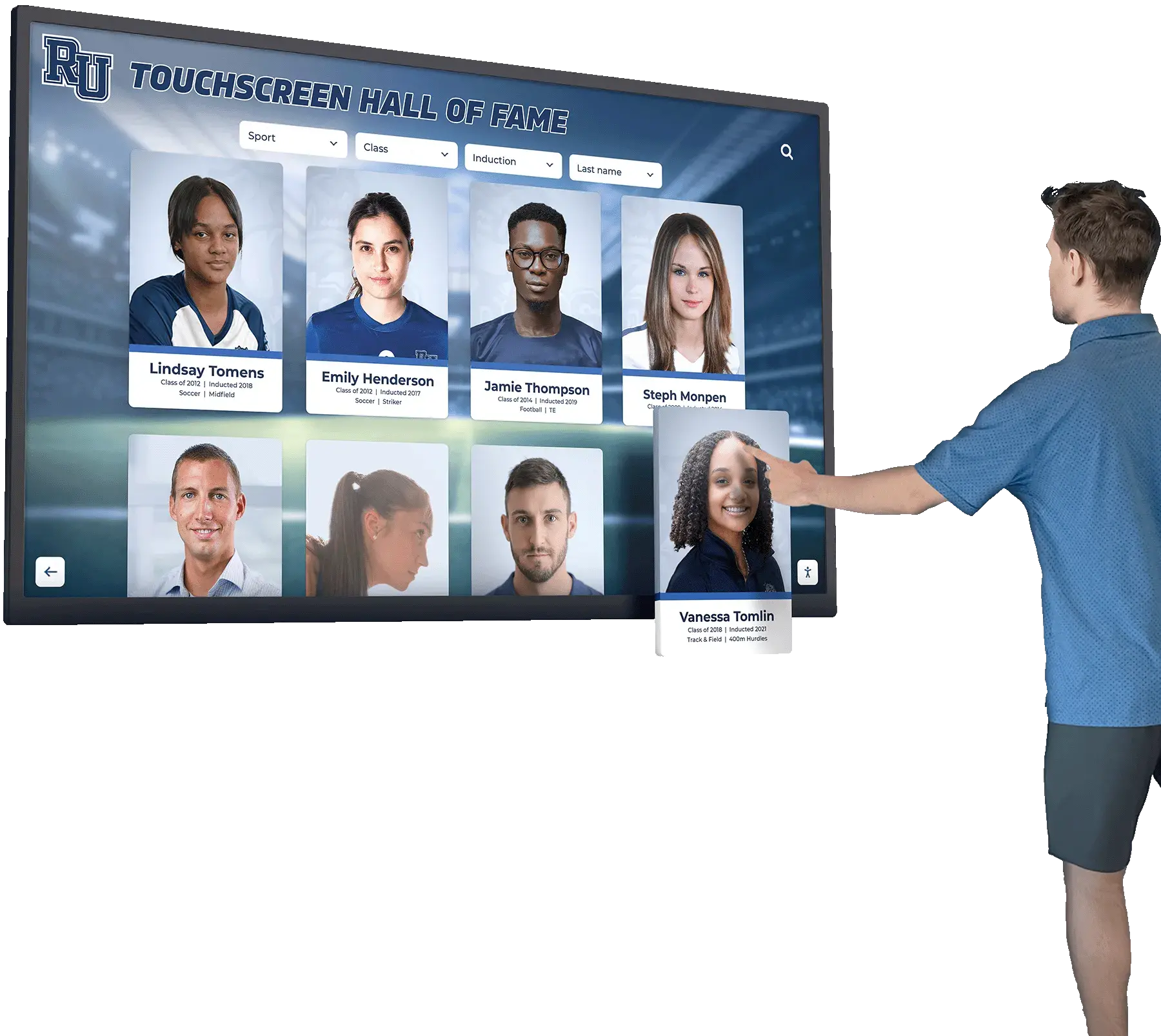
Memory displays work best when caregivers participate in reminiscence, using displayed content as conversation starters
Specific Recommendations for Your Situation
Given your unique circumstances—solo caregiver supporting both mother and wife with dementia—these specific recommendations may help:
Recommended Starting Approach
Two-Tablet Solution ($400-$600 total)
Implement matching tablet-based systems for both care recipients:
Device Selection
- Two iPad (10th generation) tablets at $350 each
- Alternative: Two Samsung Galaxy Tab A9+ at $220 each
- Choose based on budget and any existing Apple/Android familiarity
Configuration
- Install Google Photos app set to slideshow mode
- Create shared family photo album both devices access
- Configure tablets for always-on display when plugged in
- Enable Guided Access (iOS) or Screen Pinning (Android)
- Mount securely in each person’s primary living space
Content Approach
- Start with 100-200 carefully selected photos covering life periods both would recognize
- Separate albums if memories and family connections differ significantly
- Include photos of each other since relationships remain important
- Add new photos monthly of family events or seasonal activities
- Keep videos short (under 2 minutes) with familiar voices
Implementation Timeline
- Week 1: Purchase devices and mounting hardware
- Week 2: Configure devices and gather/organize photos
- Week 3: Test setup in your own space ensuring it works smoothly
- Week 4: Install in care recipients’ spaces and observe responses
- Ongoing: Adjust based on engagement and preferences
Scaling Based on Budget
If Budget is Very Limited ($150-$300)
Start with one device:
- Purchase single tablet or digital frame
- Place in shared living space both use
- Expand to second device when budget allows
- Consider TV-based approach using existing equipment
If Slightly More Investment Possible ($800-$1,000)
Add specialized features:
- Purpose-built Memoryboard for orientation support
- Dementia clocks for bedrooms ($30-$100 each)
- Talking photo album as portable option ($40-$80)
- Smart speaker for music therapy ($30-$100)
Getting Started Steps
Assess Current Situation
- What times of day are most challenging?
- Where do each spend most time during day?
- What photos or memories generate positive responses now?
- What is realistic budget for initial investment?
Gather Content
- Scan or digitize existing photo albums
- Recruit family members to contribute photos remotely
- Organize photos by decade or life period
- Create master backup on computer or cloud storage
Test with Simple Approach First
- Start with tablet or digital frame slideshow using existing device
- Observe responses and engagement levels
- Identify what works before investing significantly
- Adjust content and approach based on reactions
Implement Permanent Solution
- Purchase selected devices based on testing results
- Configure carefully following setup guidelines above
- Install securely in optimal locations
- Plan weekly check routine ensuring continued function
Adjust and Optimize
- Add or remove content based on engagement
- Troubleshoot technical issues as they arise
- Expand to additional features if beneficial
- Connect with support resources when needed
For organizations implementing broader community recognition and engagement displays, many of the same principles about intuitive design and visual engagement apply across contexts.

Well-designed memory displays feature clear, simple interfaces accessible to people with varying cognitive abilities
Support Resources and Additional Help
Family caregivers need ongoing support beyond technology:
Dementia Care Organizations
National resources providing guidance:
Alzheimer’s Association
- 24/7 helpline: 800-272-3900
- Local chapter support groups
- Educational resources and webinars
- Technology recommendations and reviews
- Caregiver support programs
Family Caregiver Alliance
- National Center on Caregiving
- State-specific resources and programs
- Legal and financial guidance
- Respite care information
AARP Caregiving Resource Center
- Technology guides for dementia care
- Financial planning assistance
- Local service locator
- Community forum for caregivers
Technology-Specific Support
Getting help with implementation:
Manufacturer Support
- Device manufacturer customer service
- Online tutorials and setup guides
- User forums with troubleshooting help
- Software update notifications
Local Tech Help
- Best Buy Geek Squad or similar services for setup assistance
- Local senior centers offering technology help
- Area Agencies on Aging technology programs
- Volunteer organizations providing tech support
Family and Community
- Enlist tech-savvy family members for setup help
- Faith community volunteers offering assistance
- Neighbors or friends with similar experience
- Online caregiver forums sharing solutions
Caregiver Self-Care
Sustainable caregiving requires supporting yourself:
Respite Services
- Adult day programs providing break time
- In-home respite care for several hours weekly
- Overnight respite for longer breaks
- Emergency backup care planning
Support Groups
- In-person caregiver support groups
- Online forums and communities
- Dementia-specific caregiver groups
- Solo caregiver peer support
Professional Support
- Counseling or therapy for caregiver stress
- Care management consultation
- Legal and financial planning assistance
- Medical team coordination
Technology can reduce some caregiver burden, but cannot replace human support network and self-care practices essential for sustainable caregiving.
Conclusion: Finding Your Right Memory Display Solution
Family caregivers supporting loved ones with dementia face the dual challenge of providing meaningful engagement while managing practical constraints of budget, time, and energy. Memory displays and touchscreen technology offer evidence-based support, creating opportunities for positive reminiscence, reduced anxiety, and maintained connection even as cognitive abilities decline.
The economical solutions explored in this guide—from basic digital photo frames starting under $100 to comprehensive tablet-based systems under $500 per person—make memory display technology accessible to families without institutional budgets. The key lies not in expensive equipment but in thoughtful content selection, appropriate configuration, and integration into caring relationships.
For a solo caregiver supporting two family members with dementia, the recommended approach balances affordability with functionality: two matching tablets configured as dedicated memory displays, mounted in each person’s primary living space, showing carefully curated photos that trigger positive memories and provide orientation support. This solution typically costs $400-$600 initially with minimal ongoing expenses, delivering meaningful benefits without overwhelming already stretched resources.
Remember that technology supplements but never replaces human connection. The most effective memory displays become conversation tools, giving you and your loved ones something to discuss, reminisce about, and enjoy together during the precious time you share. Start simply, test what works, and adjust based on responses. The goal centers not on perfect implementation but on creating moments of connection, comfort, and remembered joy.
Your caregiving journey matters, and the support you provide transforms lives even when cognitive abilities decline. Memory displays represent one tool among many, but when implemented thoughtfully with content reflecting individual lives and preferences, they can make real differences in daily experience for both care recipients and caregivers.
When you’re ready to explore how professional interactive memory display solutions might support your family’s caregiving journey, resources exist to guide implementation. Whether starting with the simplest digital frame or building comprehensive memory support systems, each step toward visual reminiscence and connection represents meaningful support for your loved ones navigating dementia’s challenges.
Sources:
- 5 Tech Innovations for Caregivers of Dementia Patients
- Studies Involving People With Dementia and Touchscreen Technology: A Literature Review
- Technology for dementia care: what would good technology look like and do, from carers’ perspectives?
- Technology & Devices to Assist Alzheimer’s & Dementia Caregiving
- Evaluating In-home Assistive Technology for Dementia Caregivers
- Digital Message Board and Clock for Dementia | Memoryboard
- Technology that CARES: Enhancing dementia care through everyday technologies































