




Creating a yearbook stands as one of the most significant projects students and advisors undertake each academic year. A well-designed yearbook captures an entire school year’s memories, celebrates student achievements, and creates a permanent record that graduates cherish for decades. Yet the yearbook design process can feel overwhelming—balancing creative vision with production deadlines, coordinating student photographers and writers, managing budgets, and ensuring no important moments get overlooked.
Successful yearbook design requires understanding fundamental layout principles, establishing efficient workflows, creating cohesive visual themes, and managing collaborative production across months of planning and execution. Schools with strong yearbook programs develop systematic approaches that distribute work effectively, maintain quality standards, and consistently deliver books students treasure long after graduation.
This comprehensive guide walks through the complete yearbook design process from initial planning through final production. Whether you’re a first-time yearbook advisor building your program or an experienced student editor refining your skills, these frameworks provide practical strategies for creating memorable yearbooks that authentically represent your school community.
The yearbook design process extends far beyond simply collecting photographs and arranging them on pages. Exceptional yearbooks tell cohesive stories about your school year, establish distinctive visual identities, balance coverage across diverse student experiences, and create layouts that remain visually appealing years after publication. Schools that view yearbook design as strategic storytelling rather than administrative documentation produce books that generations of alumni revisit and value.

Strong yearbook design preserves student memories through thoughtful layout, compelling photography, and cohesive visual storytelling
Phase 1: Planning and Foundation Setting (Summer/Early Fall)
Successful yearbook production begins months before the school year starts. Early planning establishes organizational structures that prevent crisis management later.
Building Your Yearbook Team Structure
Effective yearbook programs distribute responsibility across clearly defined roles:
Editor-in-Chief Responsibilities
- Overall vision development and theme selection
- Production timeline creation and deadline enforcement
- Quality control and final approval authority
- Liaison between staff and yearbook company representatives
- Budget management and expense tracking
- Conflict resolution and problem-solving
The editor-in-chief role typically goes to a dedicated upper-level student with proven organizational skills, strong communication abilities, and genuine interest in documenting school life comprehensively.
Section Editors and Their Coverage Areas
Divide your yearbook into manageable sections with dedicated leadership:
- Student Life Editor: Captures day-to-day school experiences, traditions, and candid moments
- Academic Editor: Documents classroom learning, intellectual achievements, and educational programs
- Sports Editor: Covers athletic seasons, team accomplishments, and individual athlete recognition
- Clubs and Organizations Editor: Chronicles extracurricular activities, competitions, and special interest groups
- People Editor: Manages student portraits, senior profiles, faculty pages, and staff recognition
- Special Features Editor: Develops theme-related content, special spreads, and creative features
Supporting Roles
- Photographers: Capture images throughout the year at events, classes, and activities
- Writers: Create captions, headlines, feature stories, and descriptive content
- Layout Designers: Arrange photographs and text into compelling page designs
- Copy Editors: Proofread all content for accuracy, grammar, and style consistency
- Business Manager: Handles advertising sales, budget tracking, and financial reporting
Many schools implementing comprehensive student recognition programs integrate yearbook coverage with other documentation systems to preserve achievements across multiple platforms.
Establishing Production Timeline and Deadlines
Professional yearbook production requires working backward from delivery dates:
Critical Timeline Milestones
Summer (Before School Year)
- Theme selection and development
- Staff recruitment and role assignments
- Budget finalization and approval
- Company selection and contract signing
- Cover design conceptualization
- Production schedule development
September-October
- Team training on design software and photography
- Portrait day scheduling and execution
- Opening pages and introductory content creation
- Athletic fall season coverage
- Club fair and organization documentation
- First deadline submissions for fall sports and activities
November-December
- Winter sports pre-season coverage
- Fall semester academics and events
- Holiday traditions and celebrations
- First semester portraits and class pages
- Mid-year review and timeline adjustments
January-February
- Winter sports in-season coverage
- Winter formal and school events
- Club and organization features
- Senior profile content development
- Spring sports pre-season preparation
March-April
- Spring sports in-season coverage
- Academic year wrap-up features
- Senior events and traditions
- Closing pages conceptualization
- Final deadline push for most sections
- Comprehensive proofreading rounds
May
- Final content submissions
- Last-minute senior events coverage
- Index completion and verification
- Final proofing and sign-off
- Printing and production
Schools with established programs often coordinate yearbook production with digital archive preservation initiatives to maintain long-term access to student memories.
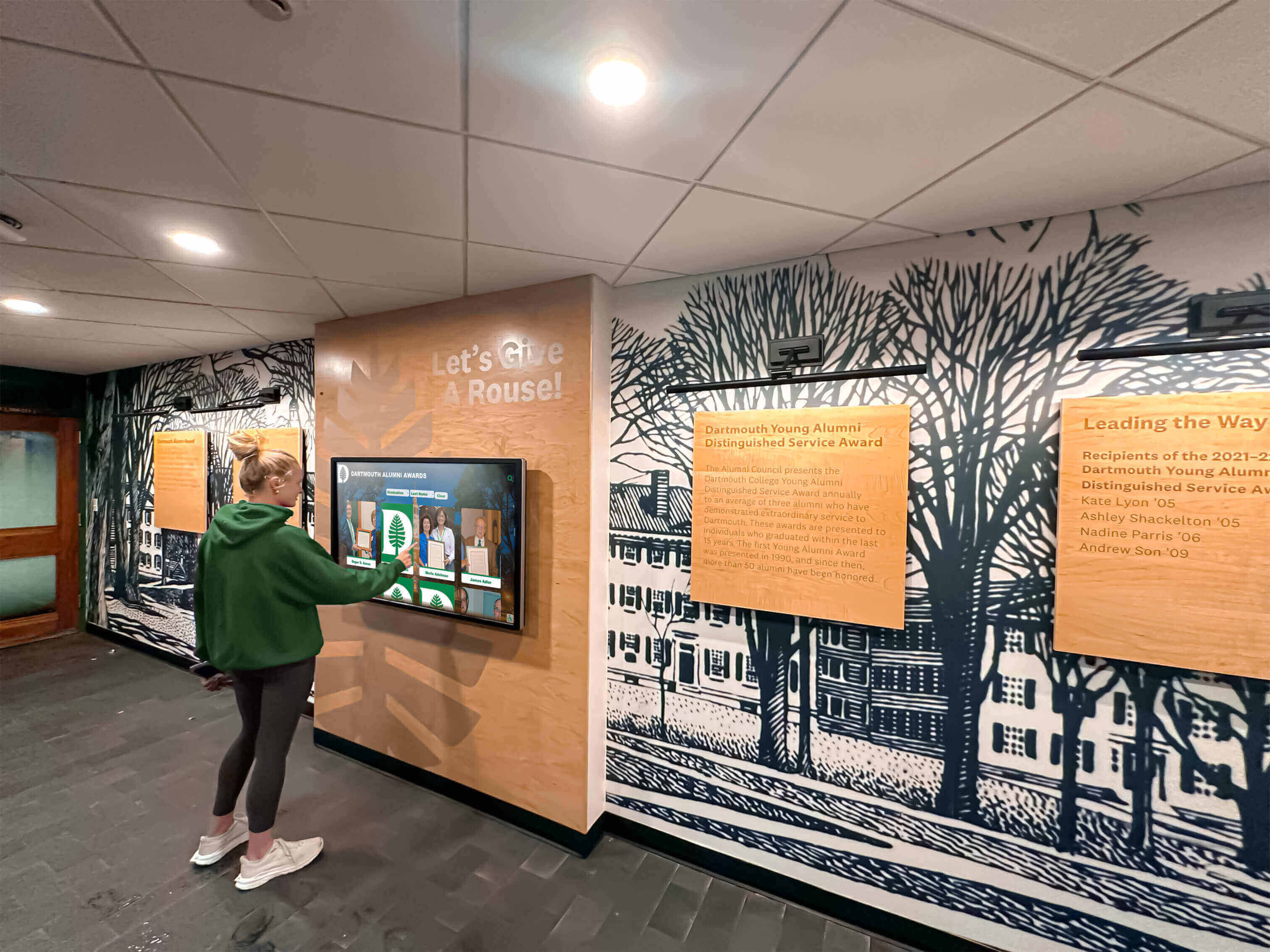
Modern schools complement printed yearbooks with digital displays that make historical content accessible to current students and alumni
Selecting Your Yearbook Theme
Strong themes provide creative direction unifying your entire book:
Characteristics of Effective Themes
- Broad Applicability: Works across all yearbook sections without forcing awkward connections
- Visual Versatility: Supports diverse graphic design treatments throughout the book
- Meaningful Connection: Reflects genuine aspects of your school culture or year’s experiences
- Timeless Quality: Avoids trendy references that date poorly or lose meaning quickly
- Student Resonance: Appeals to your actual student body rather than borrowed ideas from other schools
Theme Development Process
Brainstorming Session: Gather your yearbook staff for collaborative idea generation examining the year’s unique characteristics, significant events, school mottos, and shared experiences
Student Input: Survey broader student body about what defined their school year and which concepts resonate most strongly
Visual Exploration: Research design treatments, color palettes, typography, and graphic elements that could represent shortlisted themes
Practicality Testing: Evaluate whether each theme concept could work across sports pages, academic sections, club coverage, and special features without feeling forced
Final Selection: Choose the theme that balances creative potential, meaningful representation, and practical application across your entire book
Theme Application Strategy
Once selected, establish guidelines for theme implementation:
- Cover and Spine Design: Primary theme expression through visual identity
- Section Dividers: Themed pages separating major book sections
- Graphic Elements: Recurring design motifs appearing throughout
- Headlines and Copy: Writing style reflecting theme concepts
- Color Palette: Consistent colors reinforcing visual unity
- Photography Style: Shot selection and editing approach supporting theme
Strong themes feel present throughout your book without overwhelming actual content. The theme should enhance storytelling rather than obscuring the real focus—your students and their experiences.
Phase 2: Layout and Design Fundamentals
Professional-looking yearbooks apply consistent design principles creating visual appeal and readability.
Understanding Page Layout Basics
Effective page design balances multiple elements creating harmonious compositions:
The Grid System
Professional designers use invisible grid structures organizing page elements:
- Column Grids: Divide pages into 2-4 columns providing flexible content placement
- Modular Grids: Create rectangular zones accommodating various content types
- Baseline Grids: Establish horizontal alignment for text elements
- Margins: White space framing page content and preventing cramped appearance
Most yearbook design software provides templates with established grids. Understanding grid principles helps you modify templates effectively rather than accepting default layouts blindly.
Visual Hierarchy Principles
Direct reader attention through deliberate element sizing and placement:
- Dominant Element: One primary photograph or headline commands immediate attention
- Secondary Elements: Supporting images and text provide additional context
- Tertiary Content: Captions, bylines, and supplemental information complete the story
Successful page layouts establish clear entry points guiding readers through content in logical sequences rather than creating visual confusion with competing elements of equal size and prominence.
White Space Utilization
Empty areas serve critical functions in yearbook design:
- Prevents cluttered, overwhelming appearance
- Creates breathing room enhancing readability
- Draws attention to important elements through surrounding space
- Establishes sophistication and professional quality
- Allows design flexibility for varying content amounts
Beginning designers often fear empty space, cramming excessive content onto every page. Experienced designers strategically embrace white space as essential design element rather than wasted opportunity.
Many schools developing creative school design approaches apply similar visual principles across yearbook layout, environmental graphics, and digital displays.
Typography and Font Selection
Text styling dramatically impacts yearbook readability and aesthetic:
Font Category Guidelines
Headline Fonts
- Bold, attention-grabbing typefaces establishing visual interest
- Sans-serif fonts offering clean, modern appearance
- Display fonts reflecting theme personality
- Larger sizes (24-48 points typically) for section heads and story titles
Body Copy Fonts
- Highly readable typefaces for extended text blocks
- Serif or sans-serif depending on overall design aesthetic
- Moderate sizing (9-11 points typically) balancing readability with space efficiency
- Consistent leading (line spacing) preventing cramped text
Caption Fonts
- Smaller sizes (7-9 points typically) distinguishing from body copy
- Often italicized or different weight from body text
- High legibility essential given small size
- Consistent styling throughout book
Font Pairing Principles
Effective yearbooks typically use 2-4 font families consistently:
- One display font for major headlines and section identifiers
- One body font for stories and extended text
- One caption font for photo descriptions
- Occasional accent font for special features or callouts
Excessive font variety creates visual chaos. Limiting fonts while varying size, weight, and style generates sufficient variety within cohesive design systems.
Common Typography Mistakes to Avoid
- Using overly decorative fonts reducing readability
- Insufficient size making text difficult to read in printed format
- Inconsistent styling creating amateurish appearance
- ALL CAPS EXTENDED TEXT reducing reading speed and appearing aggressive
- Colored text on colored backgrounds reducing contrast and legibility
- Distorted fonts (stretched or compressed) destroying intended proportions
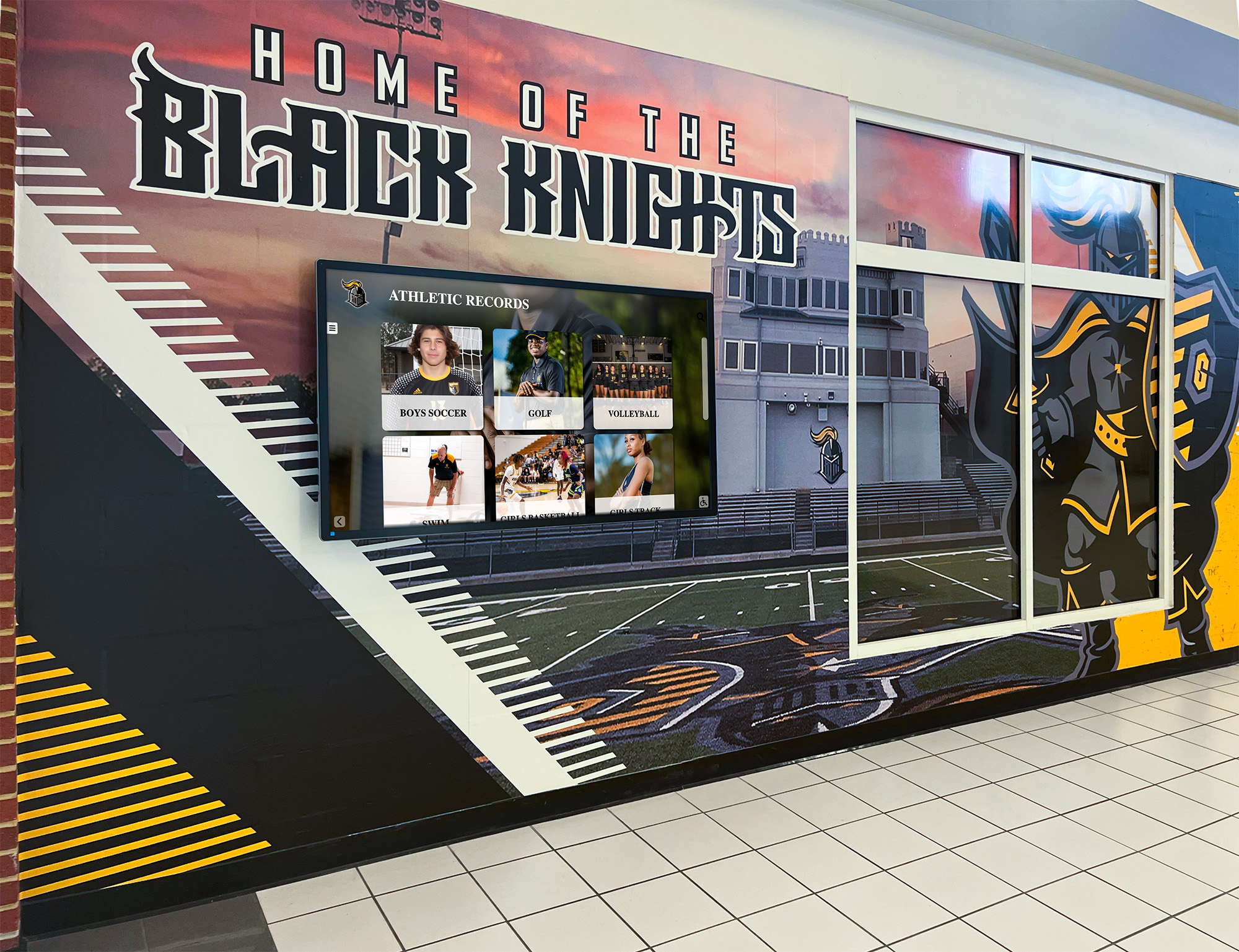
Consistent visual branding across yearbooks, murals, and digital displays strengthens school identity and recognition
Color Palette Development
Strategic color use creates visual unity and reinforces theme concepts:
Building Your Color System
Primary Colors: 1-2 dominant colors appearing frequently throughout your book, often reflecting school colors while incorporating theme-related variations
Secondary Colors: 2-3 supporting colors providing variety and visual interest without overwhelming primary palette
Accent Colors: 1-2 highlight colors used sparingly for emphasis and special features
Neutral Foundation: Black, white, and gray tones creating readable text and balanced backgrounds
Color Application Guidelines
- Backgrounds: Subtle colors or tints avoiding interference with text readability
- Headlines: Bold colors creating visual interest and hierarchy
- Graphic Elements: Theme-related colors in decorative elements and section dividers
- Photography: Color treatment in borders, frames, or overlay graphics
- Text Boxes: Colored backgrounds distinguishing special content from body text
Technical Color Considerations
Yearbooks print using CMYK (cyan, magenta, yellow, black) process, which reproduces colors differently than RGB (red, green, blue) screens:
- Design in CMYK color mode from the start
- Understand some vibrant screen colors cannot print accurately
- Request printed color proof before final production
- Test color combinations ensuring sufficient contrast for readability
- Consider how colors reproduce in black-and-white if offering grayscale economy option
Schools planning themed events throughout the year often coordinate visual identity across yearbook design, homecoming decoration concepts, and school spirit materials.
Phase 3: Photography and Image Management
Compelling photographs form the foundation of memorable yearbooks.
Developing Photography Standards and Guidelines
Consistent image quality requires clear standards communicated to all photographers:
Technical Quality Requirements
- Resolution: Minimum 300 DPI at printed size for sharp reproduction
- Focus: Properly focused subjects without blur (except intentional motion blur)
- Exposure: Appropriate brightness without blown highlights or blocked shadows
- Color Balance: Accurate white balance preventing unnatural color casts
- Composition: Thoughtful framing following basic photography principles
- File Format: High-quality JPEG or RAW files preserving editing flexibility
Content Guidelines
- Identification: Clear view of subjects’ faces enabling recognition
- Action and Emotion: Candid moments showing genuine engagement rather than posed shots exclusively
- Variety: Mix of close-ups, medium shots, and environmental context images
- Background: Clean, non-distracting backgrounds keeping focus on subjects
- Rule of Thirds: Positioning subjects off-center creating dynamic compositions
- Lighting: Adequate illumination showing subjects clearly without harsh shadows
Coverage Requirements
Systematic photography ensures comprehensive yearbook representation:
- All students appearing at least once beyond individual portraits
- Every sport, club, and organization receiving photo documentation
- School traditions and annual events captured consistently
- Academic classrooms and learning experiences represented
- Behind-the-scenes moments showing authentic school life
- Diverse student representation reflecting actual school demographics
Photo Assignment and Accountability
Prevent coverage gaps through organized assignment systems:
- Pre-schedule photographers for all major events, games, and activities
- Create coverage checklists ensuring all sections receive adequate attention
- Establish photo submission deadlines and digital organization protocols
- Review submitted photos regularly identifying coverage gaps before it’s too late
- Maintain backup photographer list for conflicts and last-minute needs
Many athletic programs coordinate yearbook photography with digital recognition displays showcasing team achievements throughout facilities.
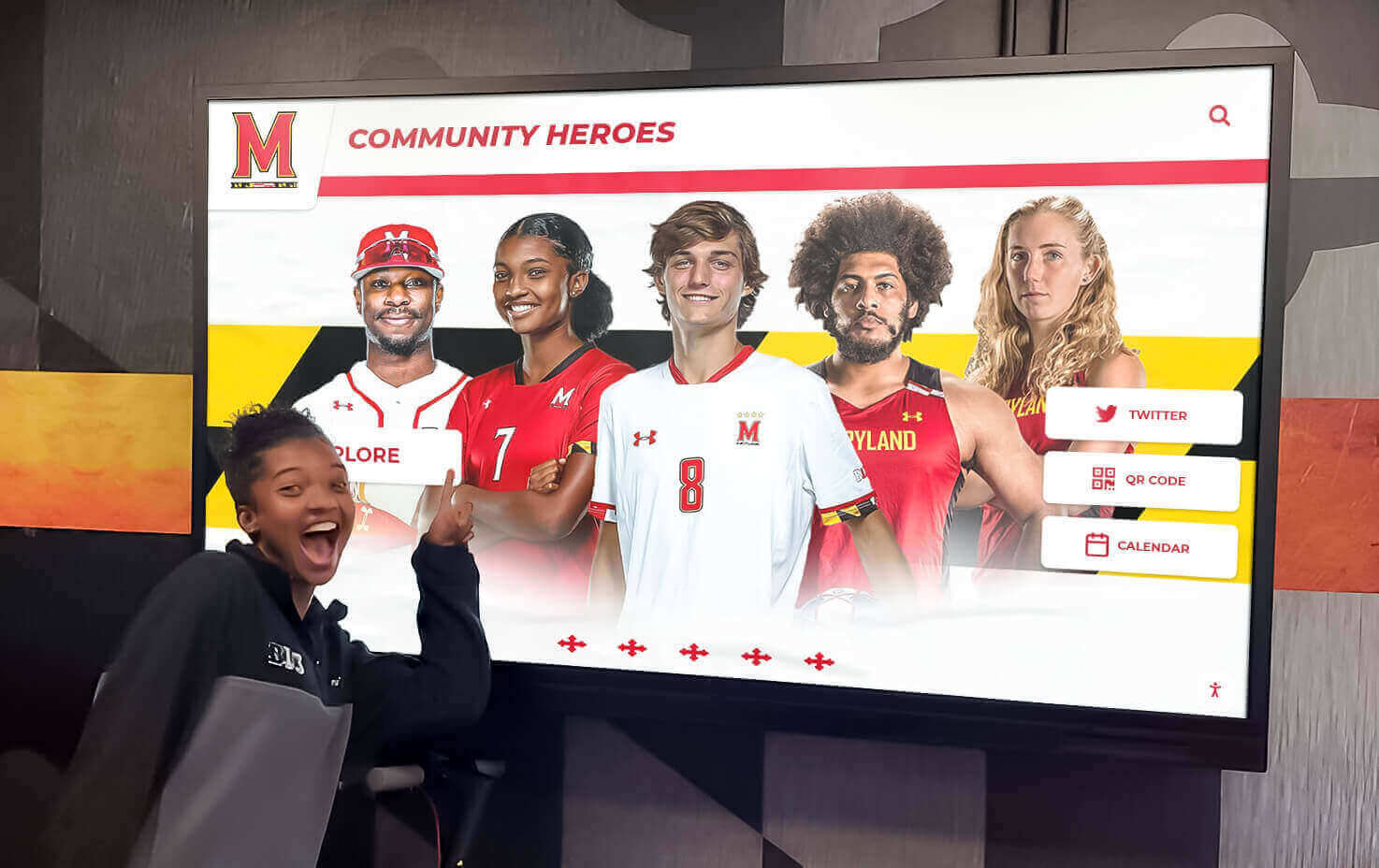
Effective photo documentation serves both printed yearbooks and digital recognition systems preserving student achievement across multiple formats
Image Organization and Digital Asset Management
Efficient photo management prevents chaos as thousands of images accumulate:
Folder Structure and Naming Conventions
Establish systematic organization from day one:
Yearbook_2026/
├── Fall_Sports/
│   ├── Football/
│   ├── Soccer/
│   ├── Volleyball/
│   └── Cross_Country/
├── Winter_Sports/
├── Spring_Sports/
├── Clubs_Organizations/
├── Student_Life/
├── Academics/
├── Portraits/
│   ├── Seniors/
│   ├── Juniors/
│   ├── Sophomores/
│   ├── Freshmen/
│   └── Faculty_Staff/
└── Special_Events/
Consistent file naming helps locate images quickly:
- Date_Event_Description_PhotogName (20260915_Homecoming_Game_Smith)
- Enables chronological sorting and quick identification
- Avoids generic names like IMG_1234 providing no context
Cloud Storage and Backup Strategy
Protect irreplaceable photos through redundant storage:
- Cloud-based shared folders (Google Drive, Dropbox, OneDrive) enabling team access
- Local backup copies on external drives stored securely
- Regular backup schedule (weekly minimum) preventing data loss
- Version control maintaining original files before editing
- Access permissions ensuring only appropriate staff can delete or modify
Photo Selection and Editing Workflow
Systematic review prevents bottlenecks in production timeline:
- Initial Culling: Photographers delete obvious rejects (out of focus, poor composition, eyes closed)
- Section Editor Review: Editors select best images for their sections marking finals or moving to curated folders
- Basic Editing: Crop, color correct, and adjust exposure on selected images
- Design Integration: Import edited photos into layout software for page design
- Final Review: Editor-in-Chief and advisor approve all photo selections before final submission
Establish clear deadlines for each workflow stage preventing last-minute chaos during final production weeks.
Addressing Common Photography Challenges
Proactive planning prevents predictable problems:
Indoor Sports and Events in Poor Lighting
- Use cameras with good high-ISO performance reducing noise in low light
- Position photographers near better-lit areas when possible
- Educate photographers on exposure compensation techniques
- Accept some grain/noise rather than rejecting all low-light photos
- Consider investing in better equipment for challenging environments
Getting Candid Natural Photos Rather Than Posed Shots
- Encourage photographers to blend into environments rather than directing subjects
- Shoot during actual activities rather than staging scenes afterward
- Take many photos of each situation increasing odds of natural moments
- Build trust with students so they ignore cameras during normal activities
- Balance candids with some posed group shots for comprehensive coverage
Ensuring Diverse Student Representation
- Regularly audit submitted photos checking representation across demographics
- Assign specific photographers to cover diverse student groups and activities
- Create intentional coverage plans for clubs and organizations representing various communities
- Review section drafts for unconscious bias toward particular groups
- Remember your yearbook should reflect your entire school community
Schools developing comprehensive student recognition approaches apply similar inclusivity principles ensuring all students receive appropriate acknowledgment across multiple platforms.
Phase 4: Writing Effective Yearbook Copy
Compelling text brings context and personality to visual content.
Caption Writing Best Practices
Captions represent your most-read yearbook text. Strong captions enhance rather than simply describe visible content:
Effective Caption Formula
- Identification: Name all recognizable individuals (check spelling!)
- Action Description: Describe what’s happening in present tense
- Context or Quote: Add relevant background, significance, or subject quote
- Connection to Theme: Subtle theme reinforcement when natural
Caption Examples
Weak Caption: “Students in chemistry class.”
Strong Caption: “Junior chemistry students Aisha Patel, Marcus Johnson, and Sofia Rodriguez conduct titration experiments during their advanced placement chemistry course. ‘The hands-on labs make abstract concepts real,’ Rodriguez said about the challenging curriculum that prepares students for college-level science.”
Caption Style Guidelines
- Write in present tense creating immediate, active feel
- Use full names and correct grade levels
- Apply consistent comma usage for name lists
- Keep length appropriate (20-40 words for most photos)
- Avoid stating obvious information visible in photos
- Include relevant quotes adding personality and voice
- Double-check all name spellings against official school records
Writing Feature Stories and Longer Content
Extended stories provide depth beyond photo captions:
Story Types for Yearbook Features
Trend Stories: Document significant patterns or changes in school culture, student interests, or institutional developments
Profile Features: Spotlight interesting individuals (students, faculty, staff) with compelling stories
Event Coverage: Provide comprehensive documentation of major events beyond simple photo spreads
Opinion Essays: Student voice pieces reflecting on school year meaning and significant experiences
Historical Retrospectives: Compare current traditions with past practices showing evolution
Behind-the-Scenes Features: Show preparation and effort invisible in final performances or events
Effective Story Structure
- Lead Paragraph: Hook readers with interesting angle or compelling detail
- Context and Background: Provide necessary information for understanding
- Supporting Details: Examples, quotes, anecdotes, and evidence
- Conclusion: Meaningful ending reflecting on significance or looking forward
Interview and Quote Guidelines
Strong quotes add authenticity and personality:
- Interview diverse students representing various perspectives
- Ask open-ended questions encouraging detailed responses beyond yes/no
- Record or carefully note exact words for accuracy
- Attribute all quotes properly with full names and identifiers
- Use quotes revealing personality rather than stating obvious facts
- Verify quotes with sources before publication
Many schools coordinate yearbook storytelling with ongoing digital recognition narratives displayed throughout facilities.
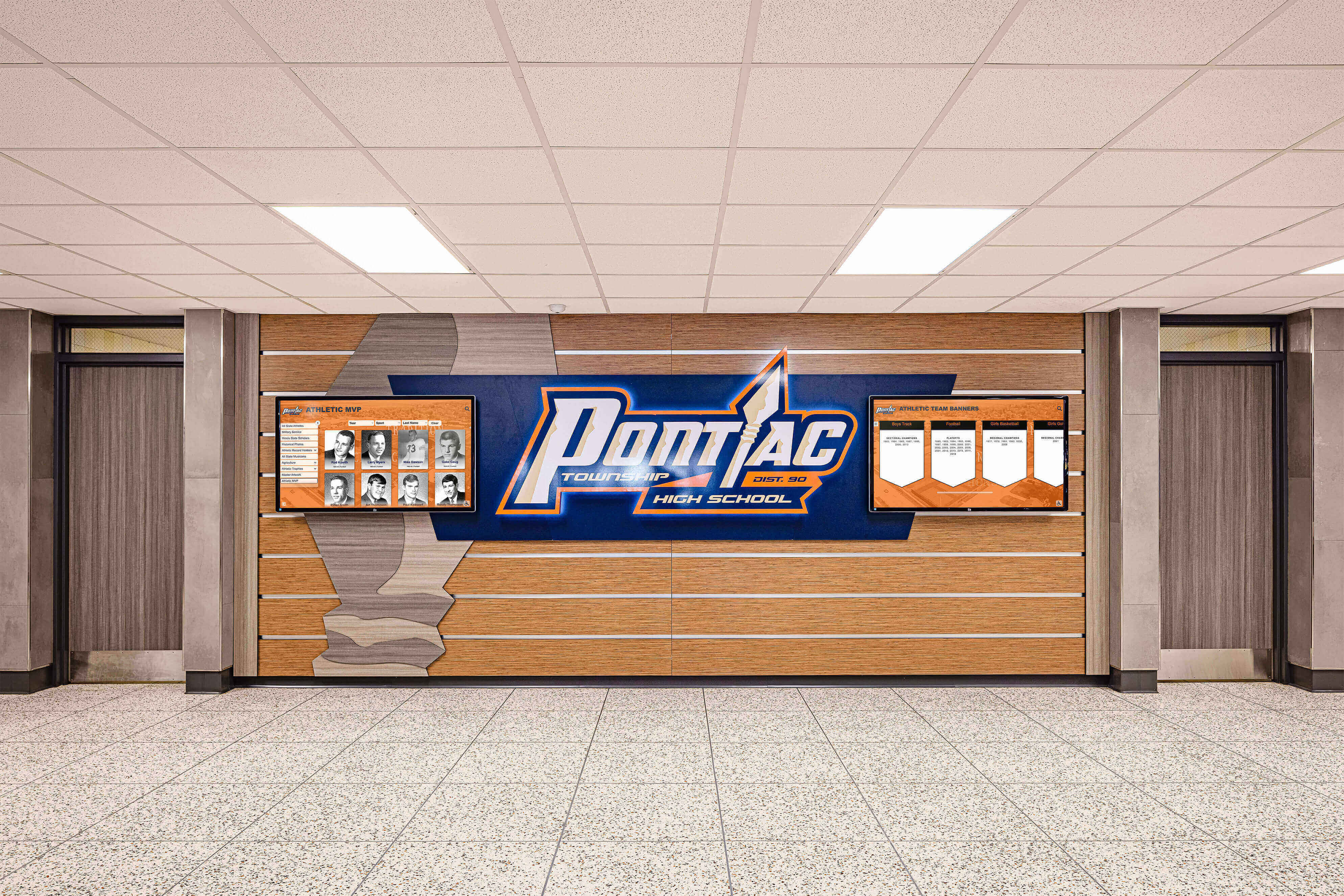
Coordinated visual storytelling across yearbooks, environmental graphics, and recognition displays creates cohesive institutional narratives
Avoiding Common Writing Mistakes
Prevent amateur errors undermining professional presentation:
Spelling and Grammar Errors
- Proofread everything multiple times
- Use spell-check but don’t rely on it exclusively (it won’t catch correctly-spelled wrong words)
- Have multiple people review all copy
- Pay special attention to names, titles, and technical terms
- Create style guide ensuring consistency across different writers
Inappropriate or Problematic Content
- Avoid inside jokes excluding broader audience
- Eliminate references to controversial incidents
- Remove content potentially embarrassing subjects years later
- Screen for inappropriate double meanings
- Consider how content will read decades in the future
- Apply consistent standards avoiding favoritism toward particular groups
Cliché and Overused Phrases
- “Fun was had by all”
- “A great time was had”
- “Students enjoyed…”
- “The crowd went wild”
- Generic descriptions lacking specific, memorable details
Replace tired phrases with specific observations, relevant quotes, and distinctive details creating genuine sense of time and place.
Phase 5: Section-Specific Design Strategies
Different yearbook sections require tailored approaches maximizing effectiveness.
Student Portrait Pages
Individual portraits represent your most standardized yet most important pages:
Portrait Layout Options
- Traditional Grid: Uniform sizing and spacing creating formal appearance
- Mosaic Style: Varied sizing adding visual interest while maintaining organization
- Candid Integration: Mixing formal portraits with smaller action photos
- Grouped by Theme: Organizing by activities, interests, or superlatives rather than strictly alphabetical
Essential Portrait Page Elements
- Full names (first and last) with accurate spelling
- Grade level or graduation year
- Consistent photo sizing within grade levels
- Adequate spacing preventing cramped appearance
- Clear organization system (alphabetical typically)
- Page numbers enabling quick location via index
Senior Portrait Special Features
Graduating class receives expanded coverage:
- Larger portrait sizes reflecting senior status
- Baby photos creating visual interest and nostalgia
- Senior quotes or future plans
- Activity lists documenting involvement
- Extended profile pages for additional personality
- Senior superlatives and awards
- Senior will and testament humor features
Sports Section Design
Athletic coverage balances team documentation with individual recognition:
Essential Sports Coverage Elements
- Team group photographs with identified individuals
- Action shots showing competition and practice
- Individual athlete spotlights featuring standout performers
- Season statistics and records
- Coach profiles and quotes
- Championship and tournament results
- Senior athlete recognition
- JV and freshman team coverage alongside varsity
Creating Dynamic Sports Layouts
- Use action photos as dominant visual elements
- Vary photo sizes preventing monotonous grids
- Incorporate motion blur and dynamic angles
- Include emotional moments (celebrations, disappointments)
- Balance team sports with individual athletic programs
- Provide equitable coverage across fall, winter, and spring sports seasons
Schools with extensive athletic programs often coordinate yearbook coverage with permanent digital recognition systems celebrating program history.
Student Life and Activities Section
This section captures authentic daily experiences:
Student Life Coverage Areas
- Typical school day moments (hallways, lunch, study hall)
- Traditions and spirit events (pep rallies, homecoming, spirit weeks)
- Performing arts (concerts, plays, dance performances)
- Clubs and organizations (meetings, competitions, service projects)
- Social events (dances, parties, informal gatherings)
- Weather and seasonal variations
- Technology and learning environments
- Fashion and style trends
Effective Student Life Page Design
- Emphasize candid photography over posed shots
- Create photo essays telling visual stories
- Use environmental shots showing context and setting
- Include diverse student representation
- Capture genuine emotion and interaction
- Balance planned events with spontaneous moments
- Document behind-the-scenes preparation and work
Many schools creating comprehensive student celebration programs coordinate yearbook documentation with live event recognition and digital archiving.
Academics and Classroom Coverage
Academic documentation often receives insufficient attention despite representing school’s primary purpose:
Making Academic Content Interesting
- Show students actively engaged rather than passively sitting
- Highlight hands-on learning, experiments, and projects
- Document field trips and educational experiences outside classrooms
- Profile interesting electives and unique programs
- Showcase student work, projects, and creative output
- Feature innovative teaching methods and technology integration
- Include academic achievement recognition
Academic Section Organization Options
- By department (English, Math, Science, Social Studies, Arts, etc.)
- By learning type (Lecture, Lab, Studio, Technology, Practical)
- By student experience level (Standard, Honors, AP/IB)
- Thematic organization reflecting your overall book theme
Phase 6: Production and Quality Control
Final production phases determine whether months of work result in professional finished product.
Comprehensive Proofreading Process
Errors in printed books remain permanent. Systematic proofreading prevents embarrassing mistakes:
Multi-Stage Review Protocol
Stage 1: Section Editor Review
- Each section editor thoroughly proofs their assigned pages
- Check all names against official school records
- Verify photo identifications and captions
- Review headlines, body copy, and design elements
- Confirm page numbers and organizational system
Stage 2: Copy Editor Detail Review
- Trained copy editors review every page systematically
- Focus on spelling, grammar, and punctuation
- Check consistency in style and formatting
- Verify fact accuracy and proper names
- Create tracking system documenting completed reviews
Stage 3: Fresh Eyes Review
- Staff members unfamiliar with specific pages review with fresh perspective
- Often catch errors editors missed through repeated exposure
- Provide objective assessment of clarity and effectiveness
Stage 4: Advisor Final Approval
- Faculty advisor conducts comprehensive review
- Applies adult judgment about appropriate content
- Verifies school policy compliance
- Provides final approval before submission
Stage 5: Page Proofs from Publisher
- Review printed proofs from yearbook company carefully
- Verify photos reproduced properly with good quality
- Check color accuracy if using color printing
- Confirm page sequence and binding specifications
- Catch any technical issues before final production
Common Proofreading Oversights
- Names spelled incorrectly or identified wrong individuals
- Captions swapped between different photos
- Missing or duplicated page numbers
- Grade level errors or graduation year mistakes
- Factual errors in statistics, dates, or records
- Formatting inconsistencies across different pages
- Missing accent marks or special characters in names
- Inconsistent hyphenation or abbreviation usage
Create detailed proofreading checklists ensuring systematic review rather than relying on random spot-checking.
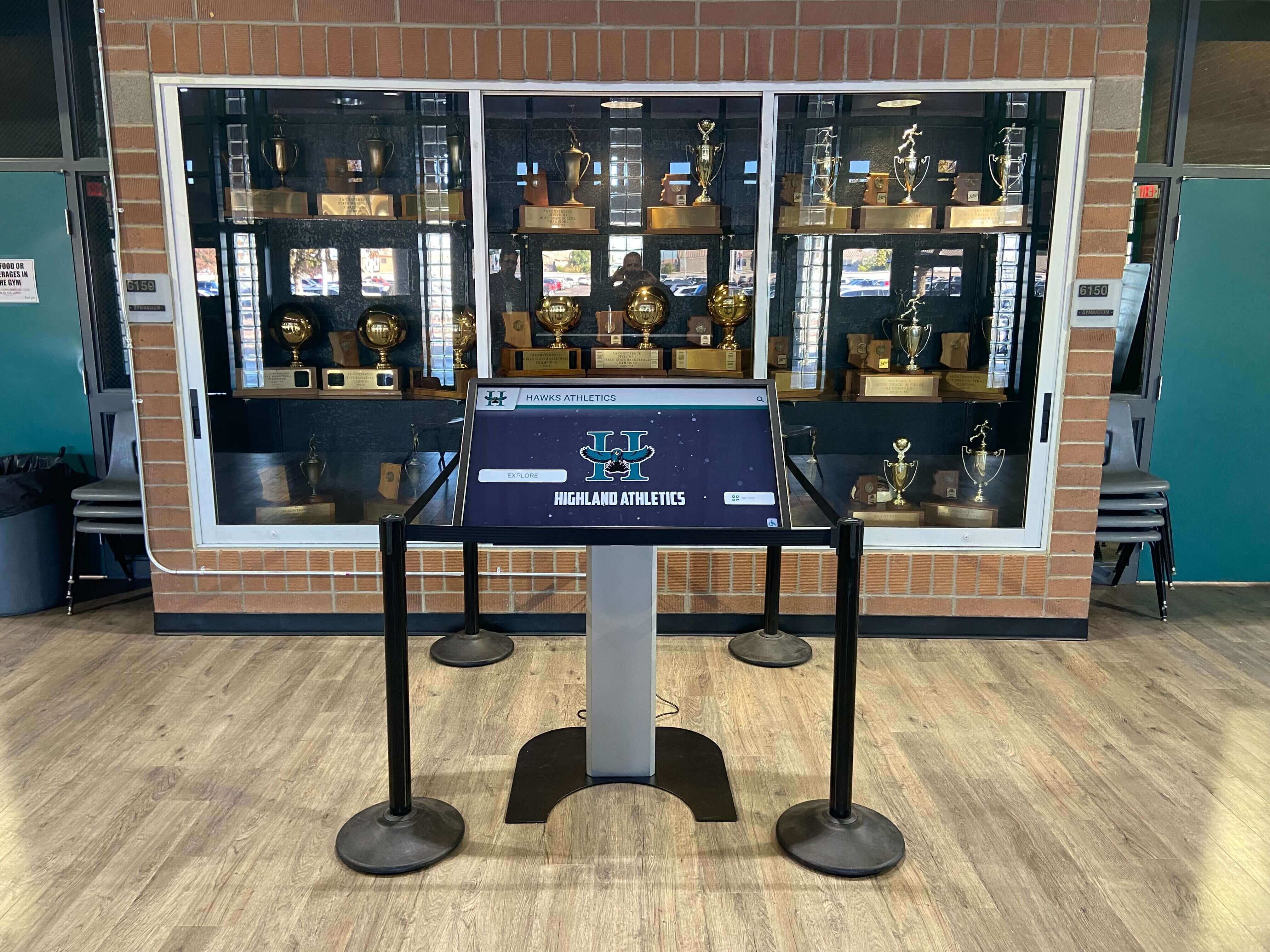
Modern schools integrate yearbook content with interactive displays creating accessible archives complementing printed books
Index Creation and Verification
Thorough indexes dramatically increase yearbook usability:
Index Development Process
- Name Collection: Extract every name appearance from all pages
- Page Number Recording: Note every page where each person appears
- Alphabetical Organization: Sort names properly (by last name, first name)
- Cross-Reference Checking: Verify page numbers accurately reference name appearances
- Consistency Verification: Ensure same person’s name spelled identically throughout
- Completeness Confirmation: Audit actual pages confirming index captures all appearances
Index Format Options
Basic Name Index
Anderson, Claire: 23, 45, 67, 89, 142
Baker, Jordan: 34, 56, 78, 91, 143
Chen, Michael: 12, 45, 67, 82, 144
Enhanced Index with Identifiers
Anderson, Claire (11): 23, 45, 67, 89, 142
Baker, Jordan (12): 34, 56, 78, 91, 143
Chen, Michael (10): 12, 45, 67, 82, 144
Most yearbook design software includes indexing tools automating much of this process, but manual verification remains essential catching errors automated systems miss.
Working with Yearbook Publishers
Successful publisher relationships prevent production problems:
Publisher Selection Criteria
- Design software and template quality
- Customer service and technical support availability
- Printing quality and binding options
- Pricing transparency and contract terms
- Delivery timeline reliability
- Reference feedback from other schools
- Training and educational resources provided
Key Publisher Communication
Maintain clear communication preventing misunderstandings:
- Clarify all deadline dates and submission requirements
- Understand file format specifications and technical requirements
- Confirm page count, trim size, and binding selections
- Verify cover design specifications and color matching
- Review proof delivery timeline and approval process
- Establish primary contact for questions and issues
- Understand payment schedule and invoicing procedures
Meeting Publisher Deadlines
Late submissions often incur rush fees or delay delivery:
- Build internal deadlines earlier than publisher deadlines
- Create buffer time for unexpected problems
- Submit completed sections as finished rather than waiting for entire book
- Respond to publisher proof comments and corrections promptly
- Maintain regular communication if challenges threaten deadline compliance
Many schools exploring digital alternatives complementing printed yearbooks work with technology providers offering integrated solutions preserving memories across formats.
Phase 7: Distribution and Beyond
Your work doesn’t end when books arrive. Distribution planning and follow-up complete the process.
Book Distribution Planning
Organized distribution prevents chaos and ensures proper delivery:
Distribution Day Preparation
- Schedule distribution during optimal time (avoiding major testing or events)
- Recruit sufficient volunteers handling high traffic
- Create alphabetical organization system for quick retrieval
- Prepare checkout system tracking who received books
- Establish process for students absent on distribution day
- Have forms ready for address corrections and missing recipients
- Plan security preventing unauthorized individuals taking multiple books
Addressing Distribution Challenges
- Lost or Damaged Books: Establish policy for replacement book purchases at cost
- Unpaid Books: Coordinate with administration on collection procedures
- Name Errors: Prepare correction labels or replacement pages for significant errors
- Missing Students: Develop mail delivery process for withdrawn or transferred students
Post-Publication Activities
Extend your yearbook’s impact beyond initial distribution:
Yearbook Signing Events
- Organize dedicated signing days or periods
- Create comfortable spaces where students can gather
- Consider providing supplies (pens, markers)
- Capture photos of signing activities for next year’s yearbook
Recognition and Celebration
- Submit your yearbook for state and national competitions
- Recognize outstanding staff contributions
- Share success stories with administration and school board
- Document your process creating reference materials for future staffs
Historical Preservation
Protect copies for long-term institutional memory:
- Submit copies to school library for permanent collection
- Provide copies to local historical societies
- Store digital files in secure long-term archive
- Consider contributing to digital yearbook archives ensuring permanent accessibility
Learning and Improvement
Use each year’s experience improving future productions:
Post-Mortem Evaluation
Conduct honest assessment while experience remains fresh:
- What worked exceptionally well this year?
- What challenges arose and how were they addressed?
- What would you do differently with hindsight?
- What timeline adjustments would improve future production?
- What training would benefit next year’s staff?
- What equipment or resources would enhance quality?
Documentation for Future Teams
Create reference materials helping future staffs:
- Detailed timeline with actual completion dates
- Contact information for publishers and vendors
- Style guide documenting design standards
- Photography guidelines and technical specifications
- Template files and design elements
- Budget breakdown with actual expenses
- Lessons learned and recommendations
Many programs implementing comprehensive hall of fame solutions coordinate yearbook content with permanent recognition displays creating integrated historical documentation.
Budget Management and Fundraising
Financial sustainability ensures program continuity and quality:
Typical Yearbook Expenses
Understanding cost components enables realistic budget development:
Production Costs
- Printing charges (per book cost × quantity ordered)
- Cover design and customization fees
- Shipping and delivery charges
- Rush fees for expedited production
- Additional page costs beyond included base
Design and Software
- Yearbook design software licenses or subscriptions
- Photo editing software (Adobe Creative Suite, etc.)
- Font licenses for commercial typefaces
- Template purchases and design assets
Photography and Equipment
- Camera equipment and lenses
- Memory cards and storage devices
- Backup hard drives and cloud storage
- Lighting equipment for event coverage
Marketing and Extras
- Advertising and sales promotion materials
- Senior ad sales support materials
- Website hosting for online sales/galleries
- Staff training and workshop attendance
Revenue Sources
Multiple income streams create financial stability:
Book Sales
- Pre-sales during school year at discounted early-bird pricing
- Full-price sales after publication
- Personalization upcharges (name embossing, custom covers)
- Digital yearbook add-on purchases
Advertising Sales
- Business advertisements from local companies
- Parent advertisements congratulating students
- Senior ads with expanded space and customization
- Organization and club sponsorships
Fundraising Activities
- School-sponsored fundraising events
- Booster club or PTSA/PTO support
- Alumni association contributions
- Corporate sponsorships and donations
School Budget Allocation
- Direct funding from school activity budgets
- Technology or media program allocations
- Grant applications for journalism programs
Transparent budget management demonstrating responsible stewardship encourages administrative and community support for program funding.
Conclusion: Creating Yearbooks That Matter
Designing exceptional yearbooks requires balancing artistic vision with systematic organization, creative storytelling with inclusive representation, and ambitious goals with realistic timelines. The most successful yearbook programs view their annual publications not as administrative obligations but as meaningful contributions to institutional culture—creating permanent records celebrating student experiences while documenting educational communities at specific moments in time.
Strong yearbook design begins with thorough planning establishing clear roles, realistic timelines, and cohesive themes guiding creative direction. It continues through systematic photography coverage, thoughtful layout design applying professional principles, and compelling writing bringing context and personality to visual content. It concludes with meticulous quality control ensuring the final product reflects the dedication invested throughout months of production.
Remember that today’s yearbook becomes tomorrow’s historical treasure. The book you create today will be revisited decades from now by alumni reconnecting with formative experiences, exploring memories, and sharing school history with their own children. That long-term significance elevates yearbook work beyond routine student activity to genuine contribution to your school’s living history.
Whether you’re designing your first yearbook or refining an established program, these fundamental principles provide frameworks for creating books that authentically capture your school community’s unique character. Invest the necessary time, maintain high standards, seek continuous improvement, and take pride in producing yearbooks that students, families, and alumni will treasure across generations.
Preserve Your School's Memories Beyond the Printed Page
While yearbooks capture annual memories beautifully, digital touchscreen displays create permanent, searchable archives preserving decades of school history. Explore how interactive recognition systems complement traditional yearbooks by making historical content accessible throughout your campus—celebrating student achievements, documenting institutional traditions, and strengthening school community connections across generations.
Discover Digital Memory PreservationThe yearbook you design today becomes part of your school’s permanent legacy. Apply these principles thoughtfully, maintain high standards throughout production, and create books that authentically represent your school community. Your dedication to documenting this academic year will be appreciated by alumni for decades to come as they revisit these pages reconnecting with formative experiences that shaped who they became.































