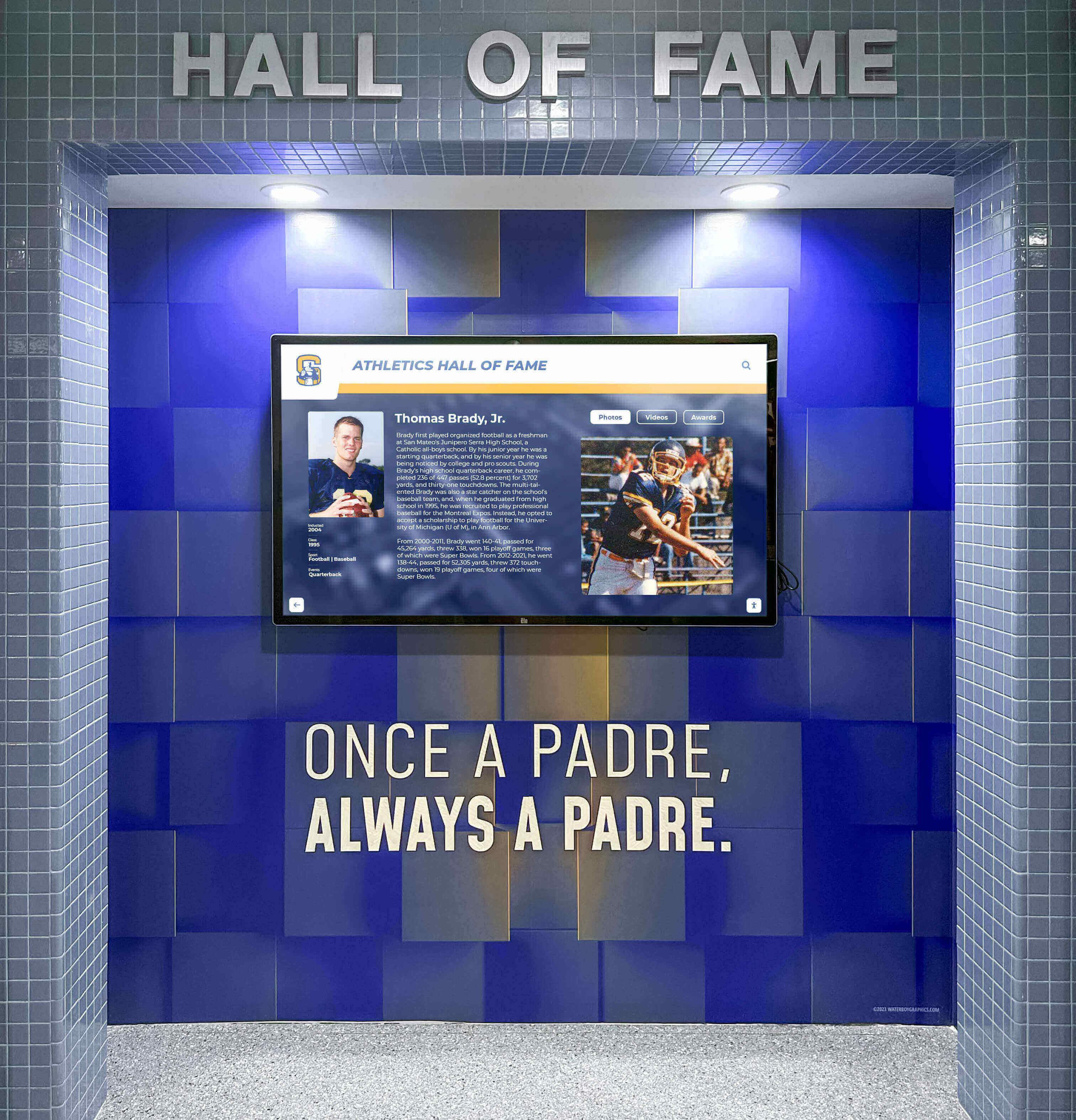




Schools evaluating digital recognition platforms often encounter an uncomfortable tradeoff: choose rigid templates that maintain consistency but stifle creativity, or embrace custom design freedom that risks visual fragmentation and technical debt. Many software vendors approach this tension by picking one side—either locking customers into static layouts that cannot adapt to unique institutional needs, or providing complete design flexibility that quickly devolves into inconsistent experiences when non-designers make rapid edits without guardrails.
Rocket Alumni Solutions operates differently. Rather than forcing schools to choose between consistency and creativity, Rocket delivers controlled flexibility through an expanding layout library, design governance built into the platform, and AI-assisted quality control that catches common mistakes before they reach visitors. Schools get truly unique layouts when needed—Rocket routinely builds custom modules for free and adds them to the shared library—while maintaining platform-grade reliability, accessibility compliance, and visual coherence across all content.
This approach eliminates the false choice between creative constraint and fragmented chaos. Schools move quickly, experiment with layouts, and request custom designs without accumulating technical debt or degrading user experience. Understanding how Rocket balances freedom with governance clarifies why organizations choose platforms that expand rather than restrict their creative options while preventing the visual inconsistency that plagues custom-built systems.
The relationship between design consistency and creative freedom fundamentally shapes how recognition systems evolve over time. Platforms limiting customization prevent fragmentation but frustrate organizations wanting distinctive presentations matching their unique identity and content needs. Conversely, systems providing unlimited flexibility initially delight users but eventually create maintenance nightmares as layouts proliferate, visual language fragments, and experiences become unpredictable across pages and sections.

Effective recognition platforms balance visual consistency with creative expression—delivering distinctive experiences without fragmentation or technical debt
The Design Consistency Problem: Static Templates Versus Fragmented Chaos
Understanding industry approaches to design governance reveals why most platforms force uncomfortable compromises.
How Static Template Systems Work
The Traditional Vendor Approach
Most digital signage and recognition platforms provide fixed layout options:
- Pre-designed templates for common content types (team rosters, photo galleries, record boards)
- Limited customization parameters (colors, fonts, header images)
- Locked layout structure preventing modification beyond surface styling
- Template selection during setup with minimal flexibility afterward
- Additional layouts requiring paid custom development or platform upgrades
Apparent Benefits of Template Rigidity
Vendors justify template constraints citing legitimate concerns:
- Visual consistency maintained automatically across all content
- Reduced support burden when layouts follow predictable patterns
- Accessibility compliance easier when templates meet standards once
- Responsive behavior across devices verified for standard configurations
- Lower development costs when templates serve all customers
Real Limitations Schools Encounter
Static templates create friction when institutional needs diverge from template assumptions:
- Unique content types don’t fit available layout structures
- Special recognition categories (century club, milestone achievements, memorial tributes) lack appropriate presentation formats
- Institutional branding requirements conflict with template constraints
- Content volume variations break layouts designed for average use cases
- Anniversary celebrations or special projects need distinctive presentation
- Competitive differentiation impossible when all schools use identical layouts
Schools choose between forcing content into inappropriate layouts or abandoning recognition ideas that cannot be represented within template limitations. This constraint reduces platform value and restricts recognition program evolution.
The Custom Design Trap: Freedom Without Guardrails
When Platforms Provide Complete Flexibility
Alternative approaches grant unrestricted design control:
- Page builders with drag-drop layout composition
- CSS override capabilities for unlimited styling
- Custom HTML injection for complex presentations
- No design system enforcement or consistency checking
- Each administrator free to create unique layouts
Initial Excitement Gives Way to Problems
Complete flexibility initially appeals but quickly generates issues:
Visual Fragmentation Accelerates
- Different administrators create incompatible design languages
- Typography varies across pages (font families, sizes, weights)
- Color palettes proliferate beyond brand guidelines
- Spacing becomes inconsistent (margins, padding, element separation)
- Navigation patterns differ across sections
- Button styles and interactive elements behave unpredictably
Accessibility Compliance Erodes
- Custom layouts bypass accessibility testing and validation
- Color contrast falls below WCAG requirements
- Touch targets shrink below minimum sizes
- Screen reader compatibility breaks with custom markup
- Keyboard navigation fails in complex custom interactions
- Alternative text and ARIA labels get omitted
Responsive Behavior Breaks
- Custom layouts tested only on desktop screens
- Mobile views collapse inappropriately
- Tablet layouts display incorrectly
- Portrait/landscape orientation changes cause layout failures
- Content overflow breaks container boundaries
- Interactive elements become unusable on touch devices
Technical Debt Accumulates
- Custom code becomes undocumented and incomprehensible
- Original designers leave, knowledge lost
- Platform updates break custom implementations
- Security vulnerabilities emerge in custom code
- Performance degrades with inefficient custom layouts
- Testing and quality assurance become impossible across layout variations
Organizations realize too late that design freedom without governance creates maintenance nightmares and degraded user experiences. The initial appeal of unlimited customization gives way to regret as systems become fragile, inconsistent, and expensive to maintain.
For schools managing recognition across multiple content types, understanding design system approaches that prevent fragmentation clarifies tradeoffs between flexibility and consistency.
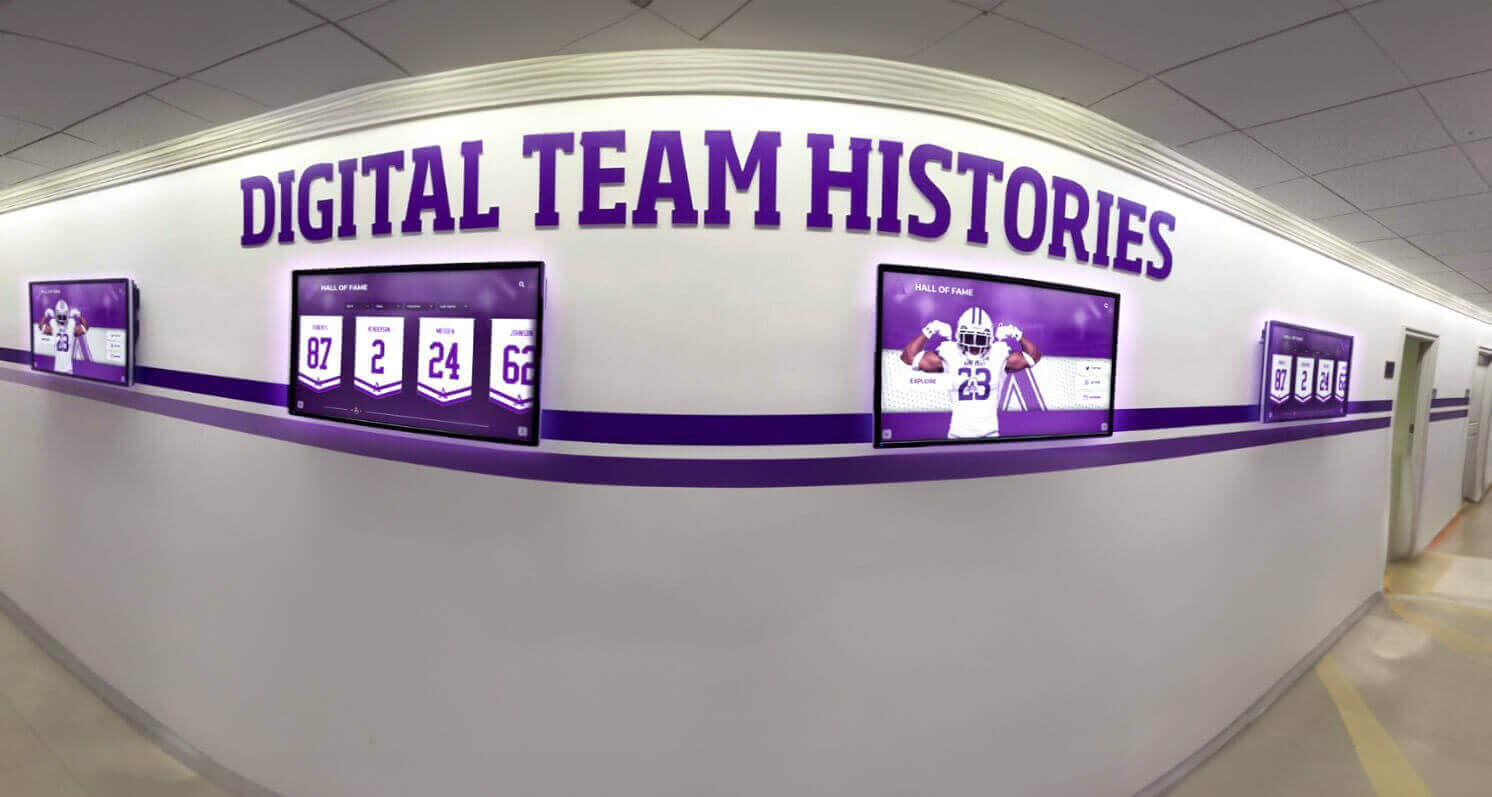
Design systems enable coordinated multi-display installations maintaining consistency while serving diverse content needs
Rocket’s Solution: Expanding Library with First-Class Components
Rocket’s approach provides genuine creative freedom while preventing fragmentation through platform-integrated custom development.
How Custom Layouts Enter the Rocket Library
Customer Request Process
Schools identify layout needs the existing library doesn’t serve:
- Special recognition format for specific achievement type
- Unique content structure requiring different information architecture
- Institutional tradition needing distinctive visual treatment
- Milestone celebration demanding special presentation
- Content volume or type not fitting available layouts
Rather than blocking these requests or charging custom development fees, Rocket treats them as platform enhancement opportunities.
Rocket’s Response: Free Custom Development
When schools request layouts the library doesn’t provide:
- Customer Success evaluates requirements and use case
- Design team develops layout addressing specific need
- Implementation typically completed within one week
- School receives custom layout at no additional cost
- Layout added to shared platform library
- Future customers accessing layout immediately
Platform Integration, Not One-Off Custom Work
This process differs fundamentally from traditional custom development:
Traditional Custom Work
- Separate project with separate pricing
- Delivered as custom code outside platform
- School owns maintenance and support burden
- Breaks during platform updates
- Cannot be used by other customers
- Creates ongoing technical debt
Rocket Custom Layouts
- No separate charge or project
- Built as platform component
- Rocket maintains and supports
- Automatically compatible with platform updates
- Available to all customers
- No technical debt for requesting school
This approach transforms custom requests from expensive, risky one-offs into platform enrichment benefiting entire customer base.
What “First-Class Component” Actually Means
Guaranteed Platform Integration
Custom layouts receive identical treatment to core platform features:
Responsive Design Across Devices
- Desktop, tablet, and mobile layouts designed simultaneously
- Portrait and landscape orientations both supported
- Touch and mouse interaction both functional
- Screen size adaptation automatic across all devices
- Content reflow handling various container widths
- No manual responsive testing required by schools
Accessibility Compliance Built In
- WCAG 2.1 AA compliance verified before release
- Color contrast meeting minimum requirements
- Touch targets sized appropriately (44x44 pixels minimum)
- Screen reader compatibility tested
- Keyboard navigation fully functional
- Alternative text prompts for all visual content
- ARIA labels and semantic markup included
Consistent Interaction Patterns
- Navigation behavior matching platform standards
- Button and control styling following design system
- Loading states and transitions consistent
- Error handling and validation unified
- Hover, focus, and active states standardized
- Animation and motion respecting user preferences
Feature Compatibility Maintained
- Search indexing including custom layout content
- Filtering and sorting working across layouts
- Analytics tracking visitor engagement
- Content management interface supporting custom fields
- Mobile app synchronization when applicable
- Third-party integrations functioning correctly
Performance Optimization Included
- Image optimization and lazy loading
- Code splitting and efficient bundling
- Caching strategies maximizing speed
- Database query optimization
- Render performance meeting platform standards
- Network request minimization
Schools requesting custom layouts receive all these guarantees automatically—no testing, validation, or technical expertise required on their part.
Library Growth Benefits All Customers
Network Effects from Custom Requests
Each custom layout request enriches the entire platform:
- School A requests century club layout for 100-year milestone recognition
- Rocket builds layout meeting School A’s requirements
- School B discovers century club layout in library months later
- School B uses existing layout immediately, no custom development needed
- School C requests minor modification to century club layout
- Rocket enhances existing layout incorporating both schools’ needs
- All three schools benefit from improved layout
This network effect means platforms become more capable over time as customer base grows and diverse needs generate library expansion.
Rapid Custom Fulfillment Through Existing Patterns
Library growth accelerates custom request fulfillment:
- Early custom requests require more development time
- Later requests often combine existing components
- Design patterns become reusable across layouts
- Code libraries enable faster implementation
- Quality assurance processes become more efficient
- Typical custom layout delivery: one week or less
Schools benefit from mature library providing faster custom development than possible with greenfield implementations.
For schools implementing unique recognition programs, exploring custom layout capabilities in digital recognition platforms demonstrates customization possibilities within structured systems.
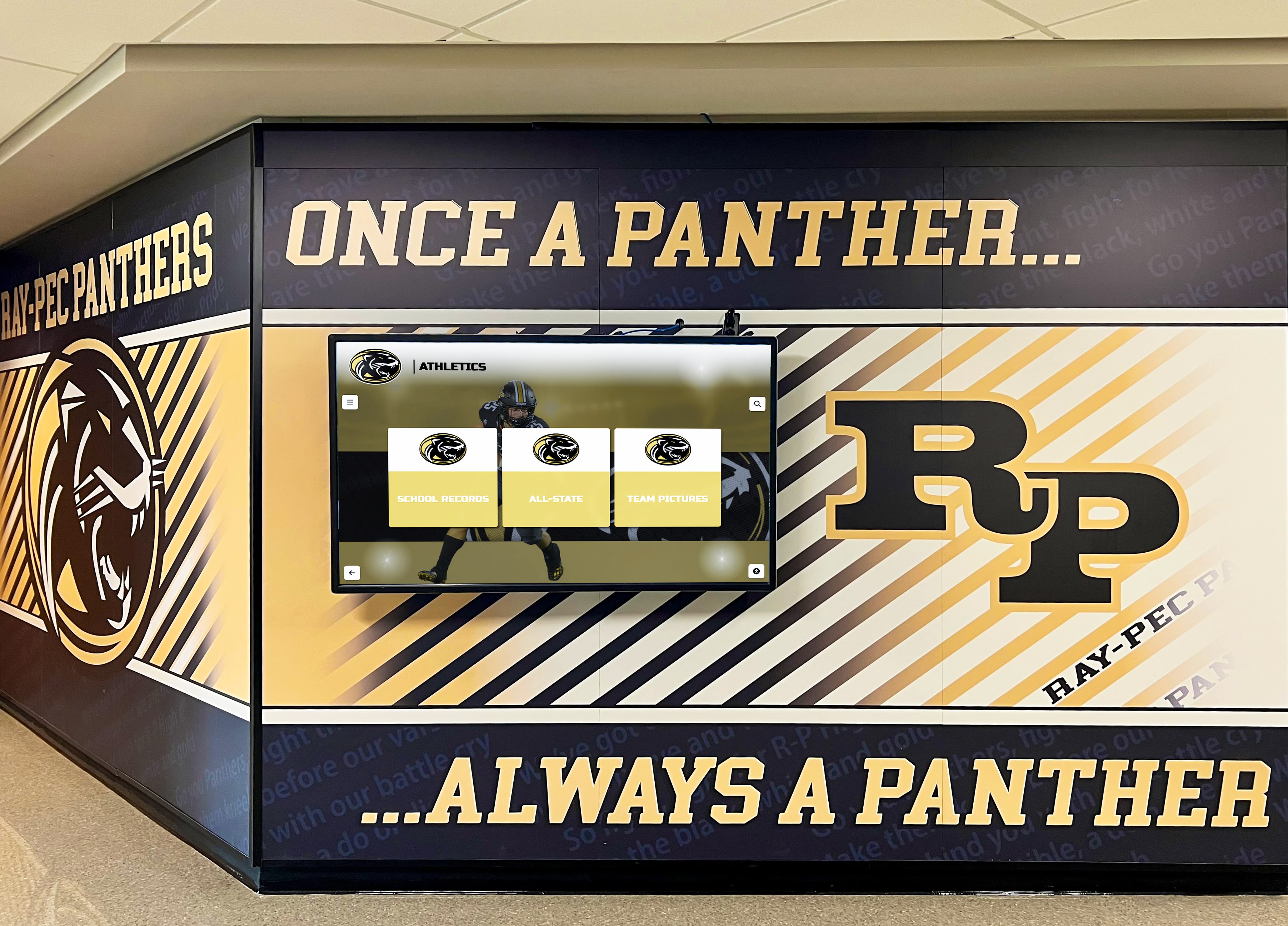
Custom layouts enable unique institutional branding while maintaining underlying platform reliability and consistency
Design Governance: Consistency Through System Constraints
Preventing fragmentation requires enforcing consistency at the design system level rather than limiting layout creativity.
What Rocket’s Design System Controls
Typography Hierarchy and Consistency
Text presentation follows systematic rules:
- Font family selection limited to brand-approved options
- Heading hierarchy enforced (H1 → H2 → H3 logical nesting)
- Font sizes following modular scale (base × ratio progression)
- Line height and letter spacing optimized for readability
- Font weights used consistently across similar contexts
- Text color selection constrained to accessible palette
- Responsive typography scaling automatically across devices
Spacing and Layout Rhythm
Visual rhythm maintained through consistent spacing:
- Margin and padding following 8-pixel grid system
- Vertical spacing between elements following predictable pattern
- Container widths and max-widths standardized
- Grid systems providing consistent column structures
- White space ratios maintained across layouts
- Responsive spacing adapting to screen size
- Density variations available but systematically defined
Color Palette and Contrast
Color usage follows accessibility and consistency requirements:
- Primary brand colors defined at platform level
- Secondary and accent colors following harmonic relationships
- Background colors ensuring sufficient text contrast
- Interactive element colors following consistent patterns
- Color contrast meeting WCAG AA minimums (4.5:1 for text)
- Semantic color coding (error, warning, success) unified
- Dark mode alternatives automatically generated
Component Behavior and Interaction
Interactive elements behave predictably:
- Button styles and states consistent across layouts
- Form inputs following unified design language
- Navigation patterns matching user expectations
- Modal and dialog presentations standardized
- Loading states and transitions unified
- Error messaging and validation feedback consistent
- Animation duration and easing functions standardized
Navigation Logic and Information Architecture
Content organization follows coherent patterns:
- Menu structures following predictable hierarchies
- Breadcrumb navigation showing consistent location context
- Search interfaces behaving identically across sections
- Filter and sort controls using unified patterns
- Pagination and infinite scroll applied consistently
- Back buttons and escape routes always available
- Cross-references and related content presented uniformly
How Governance Prevents Common Mistakes
Automatic Correction During Content Entry
Platform prevents fragmentation at creation time:
Typography Mistakes Caught Immediately
- Selecting non-brand fonts triggers warning
- Excessive font size selections automatically capped
- All-caps text beyond short headings flagged
- Insufficient line spacing automatically corrected
- Orphaned words and widows prevented
- Text color selections failing contrast tests rejected
Layout Problems Prevented
- Content overflow prevented through automatic truncation or responsive handling
- Asymmetric spacing automatically regularized
- Misaligned elements automatically corrected
- Excessive density flagged and spacing increased
- Mobile layout problems caught before publishing
- Aspect ratio preservation for media preventing distortion
Accessibility Violations Blocked
- Insufficient color contrast rejected before publishing
- Touch targets below minimum size automatically enlarged
- Missing alternative text required before content goes live
- Heading hierarchy violations flagged and corrected
- Keyboard navigation requirements enforced
- Screen reader compatibility verified automatically
Performance Issues Caught
- Oversized images automatically optimized and resized
- Excessive content load per page flagged
- Complex layouts causing render slowness identified
- Network request counts optimized automatically
- Third-party embed performance validated
This proactive governance means schools cannot accidentally create problematic content even when moving quickly or lacking design expertise.
Controlled Flexibility: Variables Within Constraints
What Schools Can Customize
Design system provides flexibility within governed parameters:
Brand Expression
- Primary brand color selection from full spectrum
- Logo placement and sizing options
- Header and footer styling variations
- Background image selection and positioning
- Accent color choices following harmonic relationships
Content Presentation
- Layout selection from expanded library
- Content density preferences (compact, standard, spacious)
- Media emphasis (photo-forward, text-forward, balanced)
- Sorting and filtering default preferences
- Featured content selection and rotation
Institutional Voice
- Custom messaging and microcopy
- Welcome text and contextual instructions
- Achievement language and terminology
- Content categorization and taxonomy
- Navigation labels and section names
Experience Personalization
- Default view preferences (grid, list, timeline)
- Interactive feature enablement
- Search prominence and behavior
- Related content recommendation strategy
- Mobile-first versus desktop-first emphasis
These customization options provide substantial creative freedom while maintaining consistency at system level.
Schools balancing institutional identity with user experience consistency benefit from understanding design governance in recognition platforms enabling both objectives simultaneously.
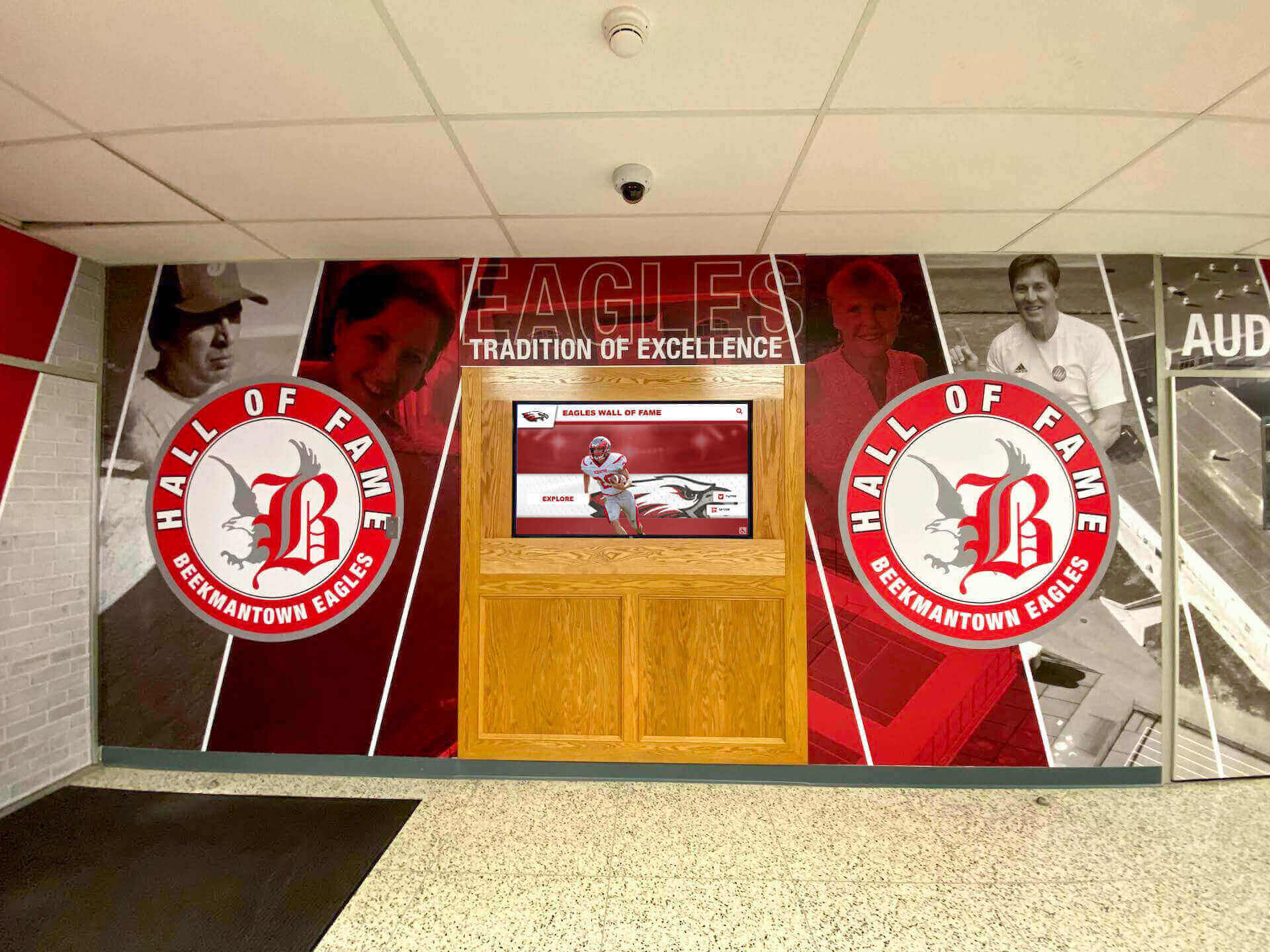
Design governance enables strong institutional branding while preventing visual fragmentation and maintaining accessibility standards
AI-Assisted Quality Control: Catching Mistakes Before They Ship
Rocket’s built-in AI design agents actively prevent the common failure modes of rapid content updates.
Common Design Mistakes Non-Designers Make
Problems Plague Fast-Moving Teams
Schools updating recognition content frequently encounter predictable issues:
Visual Consistency Degradation
- Font selection drift (mixing multiple typefaces)
- Size inconsistency (headings varying across pages)
- Color palette expansion (colors proliferating beyond brand)
- Spacing irregularities (inconsistent margins and padding)
- Alignment problems (elements misaligned across layouts)
- Style mixing (combining incompatible design treatments)
Accessibility Violations
- Poor contrast (light text on light backgrounds)
- Insufficient touch targets (tiny interactive elements)
- Missing alternative text (images without descriptions)
- Keyboard navigation breaks (focus order problems)
- Screen reader incompatibility (improper semantic markup)
Content Quality Issues
- Awkward cropping (faces cut off, important elements missing)
- Poor image quality (pixelation, compression artifacts, wrong aspect ratios)
- Overly dense pages (too much content, insufficient white space)
- Inconsistent voice and tone (mixing formal and casual language)
- Typos and grammatical errors
- Outdated information remaining after updates
Responsive Breakage
- Mobile layout collapse (elements overlapping)
- Tablet view problems (awkward content reflow)
- Portrait orientation issues (content cut off)
- Touch interaction failures (elements unresponsive)
- Text overflow (content extending beyond containers)
These mistakes accumulate gradually as different people make rapid edits without comprehensive design expertise or quality assurance processes.
How Rocket’s AI Quality Control Works
Real-Time Analysis During Content Creation
AI agents monitor content entry and flag problems immediately:
Visual Consistency Checking
- Font selections compared against brand guidelines
- Color choices evaluated for palette consistency
- Spacing measurements compared to design system
- Layout rhythm analyzed for regular patterns
- Element alignment verified automatically
- Style mixing detected and flagged
Accessibility Validation
- Color contrast calculated automatically (WCAG AA verification)
- Touch target sizes measured (minimum 44x44 pixels)
- Alternative text presence verified for images
- Heading hierarchy validated (proper H1 → H2 nesting)
- Keyboard navigation simulated and tested
- Screen reader output validated
Content Quality Assessment
- Image cropping analyzed for face detection and important elements
- Image quality evaluated (resolution, compression, sharpness)
- Page density calculated (content-to-white-space ratio)
- Text readability assessed (grade level, sentence complexity)
- Brand voice consistency evaluated
- Spelling and grammar checked automatically
Responsive Behavior Simulation
- Mobile layouts rendered and validated
- Tablet views checked for proper reflow
- Portrait and landscape orientations both tested
- Touch interaction functionality verified
- Content overflow prevented before publishing
- Cross-device consistency validated
Intelligent Suggestions, Not Hard Blocks
AI agents provide guidance while respecting editorial judgment:
Warning Levels
- Critical issues (accessibility violations) prevent publishing until resolved
- Major problems (significant inconsistency) flag with clear warnings
- Minor suggestions (style improvements) offered but not required
- Contextual help provided explaining issues and solutions
- Override capability for intentional design choices
Learning from Corrections
- AI adapts to school-specific preferences over time
- Repeated overrides inform system of institutional standards
- Pattern recognition improves with usage
- False positives decrease as system learns context
- Custom rules emerge from school behavior
This intelligent assistance enables non-expert administrators to maintain museum-quality experiences without extensive design training or constant supervision.
Preventing Off-Brand Variations Automatically
Brand Drift Detection and Prevention
AI monitors content for brand consistency:
Visual Identity Preservation
- Logo usage following brand guidelines (size, placement, clear space)
- Color palette adherence (flagging non-brand colors)
- Typography consistency (font family and hierarchy enforcement)
- Imagery style matching institutional aesthetic
- Tone and voice alignment with brand personality
Institutional Standard Enforcement
- Achievement naming conventions followed consistently
- Honor level terminology used uniformly
- Date and number formatting standardized
- Abbreviations and acronyms applied consistently
- Proper nouns spelled correctly (teams, locations, awards)
Competitive Positioning Maintenance
- Quality standards meeting or exceeding peer institutions
- Modern presentation matching current design trends
- Professional polish appropriate for institutional reputation
- Accessibility standards ensuring inclusive access
- Technical performance meeting contemporary expectations
Schools maintain brand integrity without manual style guides, review processes, or design committee approvals slowing content updates.
For organizations managing brand consistency across distributed content creators, understanding AI-assisted design quality control demonstrates how technology enables both speed and consistency.

AI quality control helps maintain professional presentation standards even when non-designers make rapid content updates
The Real Tradeoff: Build Your Own Freedom or Borrow Rocket’s
Understanding what custom-built systems actually require clarifies Rocket’s value proposition.
What Organizations Own With Custom Development
Complete Control Comes With Complete Responsibility
Building bespoke recognition systems provides maximum flexibility while creating maximum burden:
Responsiveness Across Devices
- Designing layouts for desktop, tablet, and mobile simultaneously
- Testing across dozens of device sizes and screen resolutions
- Handling portrait and landscape orientations
- Ensuring touch and mouse interactions both work correctly
- Managing content reflow across breakpoints
- Updating layouts as new device formats emerge
- Budget: $15,000-30,000 initial development, $5,000-10,000 annually for updates
Accessibility Compliance
- Understanding and implementing WCAG 2.1 AA requirements
- Color contrast calculations and validation
- Screen reader compatibility implementation
- Keyboard navigation development and testing
- Alternative text systems and enforcement
- Semantic HTML markup throughout
- Regular accessibility audits as standards evolve
- Legal liability if compliance failures cause ADA lawsuits
- Budget: $10,000-25,000 initial, $5,000-10,000 annually for compliance maintenance
Feature Parity Over Time
- Researching and implementing search functionality
- Building filtering and sorting capabilities
- Creating content management interfaces
- Developing analytics and reporting systems
- Adding mobile app integration
- Implementing security and authentication
- Managing cloud hosting and infrastructure
- Budget: $50,000-150,000 initial development, $20,000-50,000 annually for maintenance
Ongoing Quality Assurance
- Testing all features after every update
- Validating responsive behavior across devices
- Verifying accessibility compliance continuously
- Performance testing and optimization
- Security vulnerability scanning and remediation
- Browser compatibility testing and fixes
- User acceptance testing with real stakeholders
- Budget: $15,000-30,000 annually for comprehensive QA
Risk of Experience Drift
- Design fragmentation as different people make changes over time
- Feature inconsistency as implementations occur independently
- Code quality degradation without strong governance
- Documentation gaps causing knowledge loss
- Security vulnerabilities emerging in custom code
- Performance problems accumulating without systematic optimization
- Technical debt accumulation requiring eventual full rebuilds
- Budget: $30,000-100,000 every 5-7 years for major rebuilds
Total Custom System Cost
Realistic five-year budget for custom-built recognition system:
- Initial development: $100,000-250,000
- Annual maintenance and hosting: $50,000-100,000
- Five-year total: $350,000-750,000
- Plus opportunity cost of internal team time managing vendors and projects
These numbers reflect actual costs organizations encounter when choosing complete control through custom development.
What Rocket Provides: Platform-Grade Reliability With Custom Outcomes
Borrowing Rocket’s Freedom Eliminates Ownership Burden
Schools get custom layouts and distinctive experiences while Rocket owns:
Device Compatibility
- Rocket ensures all layouts work across all devices
- Automatic responsive behavior included
- Testing across device matrix handled by Rocket
- Updates for new devices and formats included
- No school action or testing required
Accessibility Compliance
- WCAG 2.1 AA compliance guaranteed for all layouts
- Rocket validates and maintains compliance
- Updates as standards evolve included
- Legal liability for compliance failures with Rocket
- Schools receive accessible content automatically
Feature Development and Maintenance
- Rocket develops and maintains all platform features
- Search, filtering, analytics, and integrations included
- New capabilities added without school development work
- Security patches and updates automatic
- Cloud infrastructure managed by Rocket
Quality Assurance Processes
- Rocket tests all features and layouts systematically
- Performance optimization included
- Cross-browser compatibility verified
- Security vulnerability scanning continuous
- User experience testing and refinement ongoing
Design System Governance
- Rocket maintains and evolves design system
- Consistency enforcement automatic
- AI quality control updated and improved
- Brand guidelines incorporated at platform level
- No fragmentation despite custom layouts
Total Rocket Cost for Equivalent Capability
Typical five-year investment with Rocket:
- Initial setup and customization: $5,000-15,000
- Annual platform licensing: $3,000-8,000
- Custom layout requests: $0 (included)
- Five-year total: $20,000-55,000
- Schools own zero ongoing technical responsibility
The financial difference—$330,000-695,000 over five years—represents the value of borrowing rather than building creative freedom infrastructure.
Beyond Financial Comparison: Risk and Complexity
Cost differences understand reality when adding:
- Technical risk eliminated (Rocket owns outcomes)
- Project management burden removed (no vendor coordination)
- Expertise requirements eliminated (no technical staff needed)
- Strategic focus preserved (school resources focus on mission, not technology)
- Predictable results (proven platform versus custom development uncertainty)
Schools get maximum creative freedom and distinctive experiences while Rocket absorbs all technical complexity, ongoing maintenance, and compliance responsibility.
Organizations evaluating build-versus-buy decisions for recognition systems benefit from understanding total cost of ownership for custom versus platform solutions including hidden costs beyond initial development.
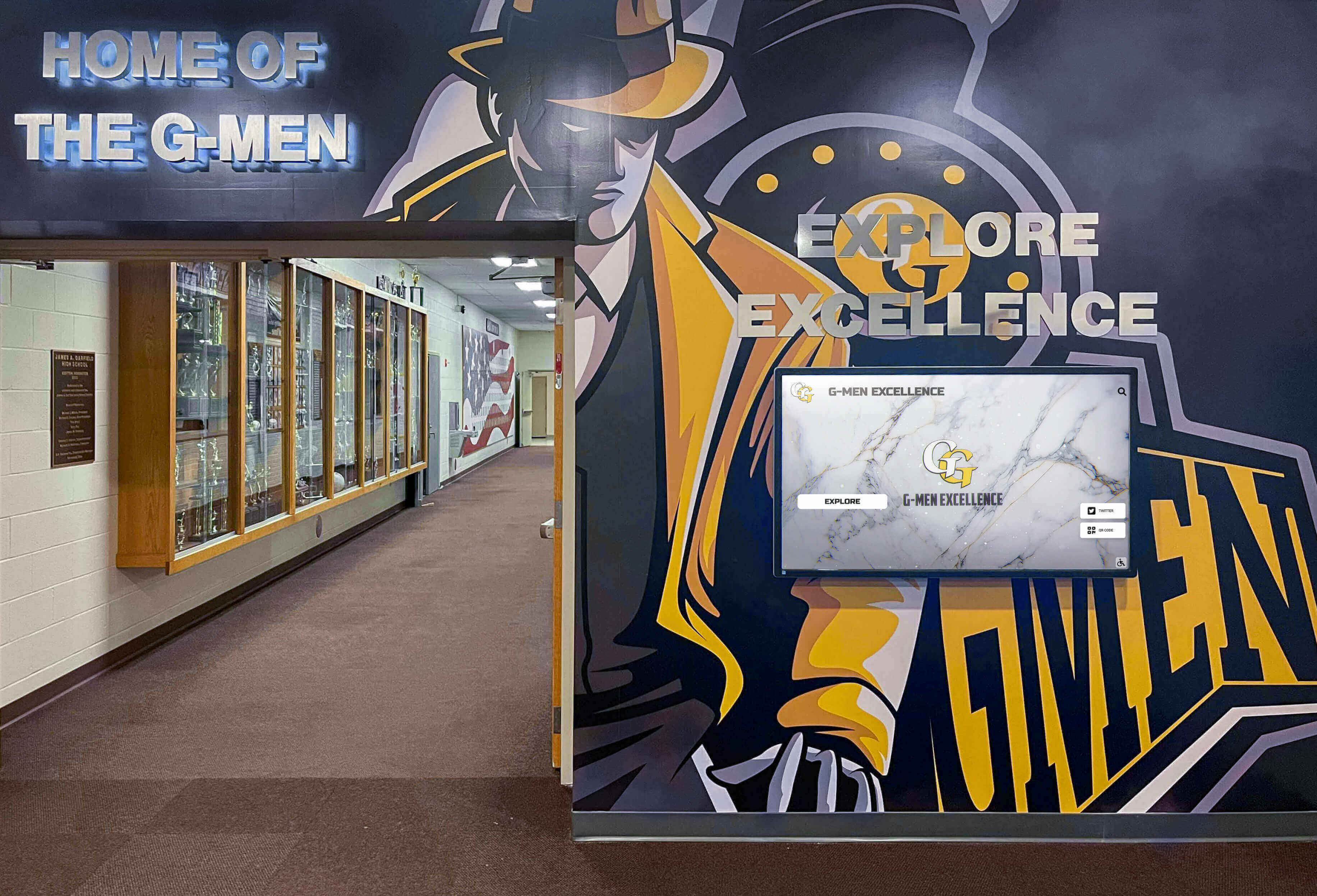
Platform-based custom layouts deliver distinctive experiences without ongoing maintenance burden or technical debt accumulation
Real-World Examples: Custom Layouts Solving Specific Problems
Understanding how custom layouts address actual school needs demonstrates practical benefits.
Century Club: 100-Year Athletic Achievement Recognition
The Need
School approaching centennial wanted to recognize athletes who achieved varsity letter status 100 years ago through present:
- 100 years of athletes requiring organized presentation
- Timeline emphasis showing program evolution
- Decade-by-decade browsing enabling exploration
- Individual athlete profiles with historical photos
- Statistical records showing performance trends over century
- Memorial recognition for deceased letter winners
Why Standard Layouts Failed
Existing options didn’t serve this unique need:
- Standard record boards emphasize recent achievements
- Photo galleries lack timeline organization
- Profile layouts assume similar career lengths and data availability
- Navigation patterns not optimized for century-spanning content
Custom Layout Solution
Rocket built century club layout featuring:
- Horizontal timeline scrubber enabling decade selection
- Graduated density (recent decades more detailed, earlier decades summarized)
- Memorial indicators with appropriate dignity
- Flexible data fields accommodating varying historical information availability
- Print-era photo optimization managing old photograph quality
- Responsive timeline adaptation for mobile exploration
Platform Integration Benefits
Custom layout inherited all platform capabilities:
- Search finding athletes across full century by name or year
- Filter options by sport, decade, and achievement type
- Analytics tracking which eras generate most interest
- Content management supporting both detailed modern entries and sparse historical records
- Mobile app synchronization enabling take-home exploration
- Accessibility compliance ensuring inclusive access to century of history
School received distinctive layout addressing specific needs while Rocket added century club template to library for other institutions celebrating significant anniversaries.
Memorial Recognition: Honoring Deceased Community Members
The Need
School wanted permanent digital memorial recognizing deceased faculty, staff, and community supporters:
- Dignified presentation appropriate for memorial context
- Individual tributes with photos, biography, and contributions
- Chronological organization by passing date
- Family submission portal for memorial information and photos
- Special occasions highlighting (Memorial Day, anniversaries)
- Privacy controls managing sensitive information
Why Standard Layouts Failed
Existing options lacked appropriate tone and features:
- Athletic achievement layouts too celebratory for memorial context
- Donor recognition templates emphasizing financial contributions over personal legacy
- Faculty directories designed for current staff, not memorial purposes
- Generic photo galleries lacking biographical depth and contextual dignity
Custom Layout Solution
Rocket built memorial recognition layout featuring:
- Muted color palette and respectful design language
- Individual memorial cards with photo, dates, biography, and contributions
- Chronological timeline organization
- Featured memorial rotation on significant dates
- Family contribution portal with approval workflow
- Privacy settings managing information visibility
- Condolence and memory sharing when appropriate
Platform Integration Benefits
Memorial layout received full platform support:
- Content management workflow respecting approval sensitivities
- Search enabling family members finding loved ones easily
- Mobile access allowing take-home remembrance
- Print generation creating physical memorial programs
- Security and privacy controls protecting sensitive information
- Analytics respecting memorial context (engagement tracking without intrusion)
This custom layout addressed unique emotional and practical requirements while maintaining technical standards and accessibility compliance.
Milestone Achievement: Career Statistics Beyond Traditional Records
The Need
School tracking non-traditional athletic statistics wanted milestone recognition:
- Career statistics beyond typical record boards (assists, steals, blocks, saves)
- Multiple sport milestone tracking (basketball, soccer, baseball, softball, volleyball)
- Threshold celebrations (1,000 points, 100 assists, 500 digs)
- Historical milestone achievers across program history
- Current season milestone tracking showing approaching thresholds
- Context showing rarity and significance of achievements
Why Standard Layouts Failed
Traditional record boards focused on single-season and career highs:
- No milestone threshold tracking
- Single-sport emphasis rather than cross-sport milestone comparisons
- Static presentations not showing current season progress toward milestones
- Limited statistical categories beyond traditional records
- No historical context showing milestone achievement rarity
Custom Layout Solution
Rocket built milestone achievement layout featuring:
- Threshold-based organization (1,000 points club, 100 assists club, etc.)
- Multi-sport milestone galleries showing achievers across programs
- Current season progress bars showing approaching milestones
- Historical timeline showing milestone achievement frequency
- Statistical context (e.g., “Only 12 athletes in program history”)
- Automatic celebration features when milestones reached
Platform Integration Benefits
Milestone layout leveraged platform capabilities:
- Automatic calculation and milestone detection from statistics database
- Real-time updates as current season statistics accumulate
- Search finding all milestone achievers by category or athlete
- Social sharing enabling celebration when milestones reached
- Analytics showing which milestones generate most community interest
- Mobile access for athletes tracking personal milestone progress
Custom layout transformed statistical tracking into recognition program celebrating diverse achievement types.
Schools implementing specialized recognition programs benefit from understanding custom layout possibilities in digital recognition addressing unique institutional needs.
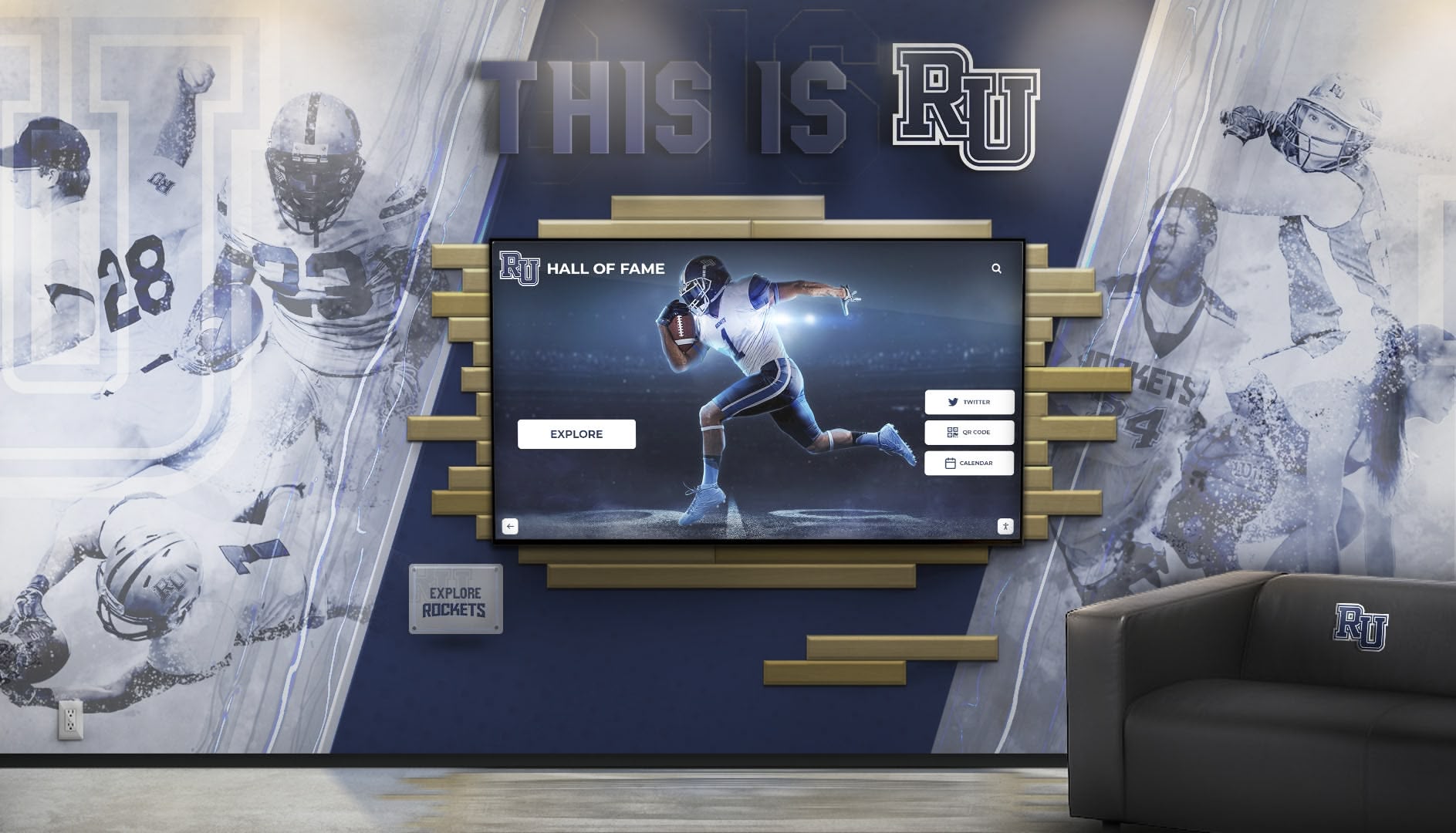
Custom layouts address specific recognition needs while maintaining design system consistency and platform capabilities
How Custom Doesn’t Mean Brittle: Technical Architecture Benefits
Understanding Rocket’s technical approach clarifies why custom layouts avoid fragility plaguing traditional custom development.
Component-Based Architecture Principles
Modern Development Patterns Enable Reliability
Rocket builds custom layouts using component architecture:
Reusable UI Components
- Atomic design system with small, tested building blocks
- Components combined into custom layouts
- Shared components ensure consistency across layouts
- Component updates automatically flow to all layouts using them
- Testing occurs at component level, reducing custom layout bugs
Separation of Content and Presentation
- Content stored in structured database independent of layouts
- Layout templates consume content through defined interfaces
- Changing layouts doesn’t require content migration
- Multiple layouts can present same content differently
- Content management interface separated from display presentation
Configuration Over Custom Code
- Layouts defined through configuration rather than custom programming
- Configuration-driven approach prevents code fragmentation
- Version control and rollback simple with configuration
- Testing configuration changes faster than testing custom code
- Documentation automatic from configuration definitions
API-Driven Integration
- Features accessed through stable APIs
- Custom layouts use same APIs as standard layouts
- API updates maintain backward compatibility
- Integration testing validates API contracts
- Custom layouts benefit automatically from API improvements
This architecture means custom layouts share infrastructure with standard layouts, inheriting reliability and benefiting from continuous platform improvement.
How Platform Updates Don’t Break Custom Layouts
Backward Compatibility Guarantees
Rocket maintains custom layout functionality during platform evolution:
API Contract Stability
- Public APIs maintain stable interfaces across versions
- Breaking changes announced years in advance with migration paths
- Deprecation warnings provide time for adjustments
- Multiple API versions supported simultaneously during transitions
- Automated migration tools provided when APIs evolve
Component Versioning
- UI components versioned independently
- Custom layouts specify component versions explicitly
- Old component versions supported during migration periods
- Gradual migration possible layout-by-layout
- No forced upgrades causing sudden breakage
Automated Testing Coverage
- Custom layouts included in comprehensive test suites
- Automated tests run before every platform update
- Regression detection catches problems before customer impact
- Visual regression testing compares layout rendering
- Accessibility testing validates compliance maintenance
Staged Rollout Procedures
- Platform updates deployed gradually across customer base
- Canary deployments catch issues early
- Rollback capability if problems detected
- Customer communication before breaking changes
- Dedicated support during major transitions
Schools never encounter sudden layout breakage from platform updates—custom layouts remain stable across platform evolution.
Future-Proofing Through Abstraction
Technology Independence Protecting Investments
Rocket’s architecture abstracts underlying technologies:
Display Technology Evolution
- Layouts work across touchscreen and non-touch displays
- Resolution and pixel density changes handled automatically
- New screen formats (foldables, ultra-wide) supported without layout changes
- Display orientation changes (portrait/landscape) managed by system
- Color depth and contrast adaptations automatic
Browser and Platform Updates
- Layouts work across all modern browsers
- Browser API changes abstracted at platform level
- JavaScript framework updates transparent to layouts
- CSS standard evolution managed by design system
- Performance optimizations applied across all layouts automatically
Device Capability Evolution
- New interaction models (voice, gesture) added through platform
- Sensor capabilities (GPS, accelerometer) accessible through stable APIs
- Camera and media features evolving without layout changes
- Network conditions and offline functionality managed at platform level
- Battery and performance optimizations automatic
Content Format Evolution
- New media types (360 photos, AR content) supported through platform updates
- Metadata standards evolving without breaking existing content
- File format updates (new image codecs) handled transparently
- Data structure improvements backward compatible
- Search and indexing improvements apply to all content automatically
This abstraction means schools invest in content and recognition strategy rather than specific technologies—underlying platforms evolve without requiring recognition system rebuilds.
Organizations making long-term recognition investments benefit from understanding technical architecture approaches ensuring longevity and protecting against technical obsolescence.
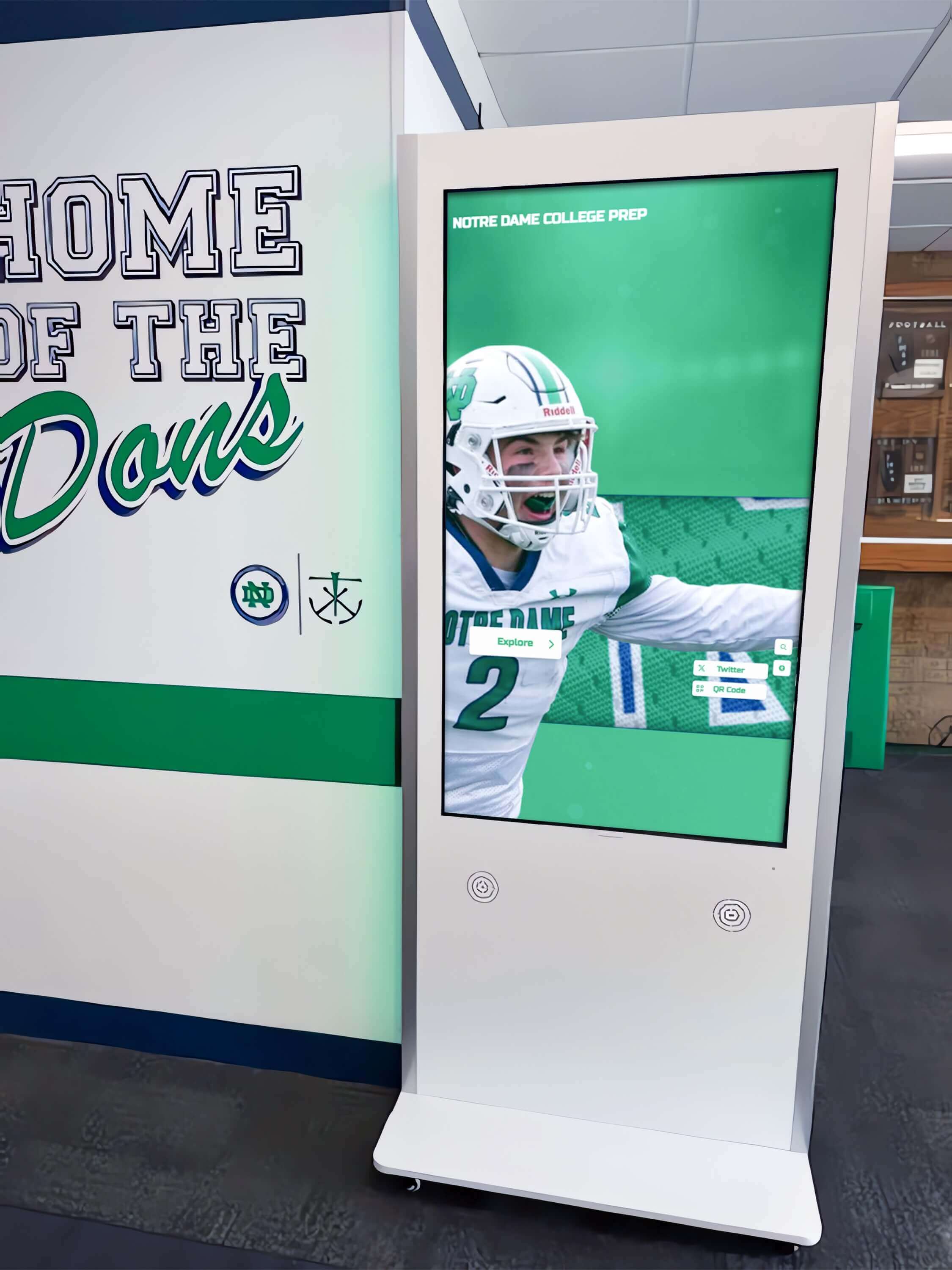
Component-based architecture ensures custom layouts remain stable and maintained as underlying platform evolves
Design by Committee Versus Controlled Flexibility
Understanding governance approaches clarifies how Rocket prevents fragmentation without limiting creativity.
The Design Committee Problem
How Traditional Organizations Manage Design
Many institutions attempt design consistency through committee review:
Typical Design Committee Structure
- Cross-functional team reviewing all visual content before publication
- Meeting frequency: weekly, bi-weekly, or monthly
- Review scope: layouts, colors, typography, imagery, copy
- Decision process: discussion, feedback, revision cycles, final approval
- Timeline: days to weeks from submission to approval
Why Design Committees Fail
Committee-based approaches create problems they intend to solve:
Bottleneck Creation
- Content updates delayed waiting for review meetings
- Time-sensitive recognition (new achievements) stale by approval
- Content creators frustrated by slow processes
- Urgent updates bypassing review creating inconsistency anyway
- Administrative burden scheduling and conducting reviews
Inconsistent Standards
- Committee composition changes over time
- Decision criteria evolve with membership changes
- Institutional knowledge lost during transitions
- Subjective preferences override objective standards
- Past decisions forgotten, precedents ignored
Focus on Symptoms Rather Than Systems
- Reviewing individual content pieces rather than fixing underlying problems
- Correcting mistakes after creation rather than preventing them
- Reactive rather than proactive quality management
- No systematic improvement over time
- Exhausting committee members with endless minor decisions
Political Dynamics
- Disagreements based on personal preference rather than principles
- Power dynamics affecting design decisions
- Compromise solutions pleasing no one
- Risk-averse decisions avoiding distinctive choices
- Innovation stifled by lowest-common-denominator consensus
Organizations investing time in design committee processes often see inconsistency persist despite substantial administrative burden.
Rocket’s Alternative: System-Enforced Governance
Preventing Problems Rather Than Reviewing Content
Rocket embeds design governance in platform architecture:
Automated Constraint Enforcement
- Design system prevents rule violations during creation
- Invalid choices unavailable rather than flagged after creation
- Real-time feedback guiding content creators
- Corrections suggested automatically
- No manual review needed for system-enforced standards
Objective Standards Replace Subjective Judgment
- Typography rules defined in design system (font hierarchy, sizing)
- Color palette constraints preventing off-brand selections
- Spacing standards enforced automatically
- Accessibility requirements validated by algorithms
- Performance standards measured objectively
Continuous Quality Assurance
- AI agents monitoring all content continuously
- Standards evolving based on platform improvements
- Retroactive fixes applied to existing content when standards improve
- No content “grandfathered” with old problems
- Quality improving over time without manual work
Empowerment Through Constraint
- Content creators confident their work meets standards
- No approval anxiety or revision cycles
- Fast publication without compromise on quality
- Freedom within proven parameters
- Learning built into creation process
This approach enables both speed and consistency—traditionally incompatible goals requiring tradeoff selection.
How Schools Maintain Identity Within System
Individual Expression Within Design Framework
Rocket’s governance doesn’t homogenize school experiences:
Brand Differentiation Preserved
- Custom color palette selection reflecting institutional identity
- Logo and visual identity integration
- Custom photography and imagery
- Institutional voice and messaging
- Layout selection and emphasis preferences
Content Strategy Autonomy
- Recognition criteria and achievement definitions
- Featured content and highlight selection
- Navigation structure and information architecture
- Content density and detail level
- Update frequency and timing
Community Engagement Approach
- Interactive feature enablement based on audience
- Social sharing and connection strategies
- Alumni engagement emphasis and tactics
- Donor recognition integration and approach
- Mobile experience priorities
Growth and Evolution Freedom
- Recognition program expansion direction
- New content types and categories
- Custom layout requests for unique needs
- Integration with institutional systems
- Feature prioritization and adoption pace
Schools maintain complete autonomy over recognition strategy and institutional expression while benefiting from systematic quality assurance and consistency enforcement.
Organizations seeking both institutional identity and professional quality benefit from understanding design governance approaches enabling both objectives without manual oversight burden.
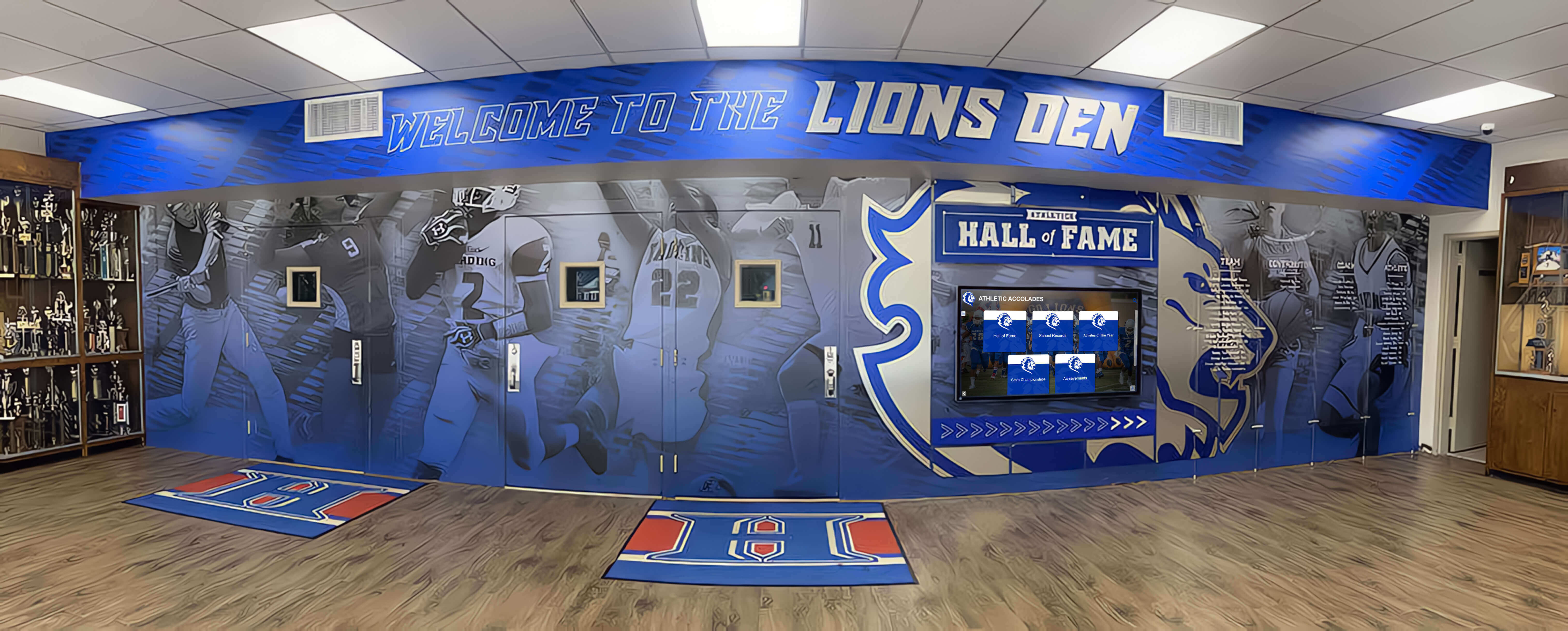
Design governance enables strong institutional branding while preventing fragmentation—schools maintain identity within proven quality framework
Moving Fast While Staying “Museum Quality”
Rocket’s platform enables rapid content updates without quality degradation—traditionally incompatible objectives.
The Speed-Quality Tradeoff in Traditional Systems
Why Fast Usually Means Low Quality
Most recognition systems force choice between speed and polish:
Manual Quality Assurance is Slow
- Reviewing content for errors takes time
- Testing across devices requires dedicated effort
- Accessibility validation needs expertise and tools
- Design consistency checking demands attention to detail
- Performance testing requires technical knowledge
Rushing Creates Predictable Problems
- Typos and errors slip through without review
- Accessibility violations when testing skipped
- Design inconsistency when guidelines ignored
- Mobile layout problems when desktop-only testing
- Performance degradation when optimization neglected
The Traditional Solution: Choose Priority
Organizations typically pick one path:
Quality-First Approach
- Comprehensive review before publication
- Multiple approval stages
- Thorough testing across scenarios
- Result: High quality, slow publication, frustrated content creators
Speed-First Approach
- Minimal review, publish immediately
- Accept errors, fix later if noticed
- Trust creators, skip validation
- Result: Fast publication, degraded quality, inconsistent experiences
Neither path delivers what schools actually want: rapid updates maintaining professional quality.
How Rocket Enables Both Speed and Quality
Automated Quality Enabling Fast Publication
Rocket’s architecture eliminates the speed-quality tradeoff:
Real-Time Quality Validation
- Design system prevents most errors during creation
- AI agents flag problems immediately with correction guidance
- Automated accessibility validation catches compliance issues
- Responsive preview shows mobile/tablet appearance instantly
- Performance testing automatic before publication
Pre-Flight Checks Replace Manual Review
- Automated checklist verifying content readiness
- Critical issues block publication until resolved
- Warnings flag potential problems without preventing publication
- Optional peer review for high-stakes content only
- No bottlenecks for routine updates
Continuous Improvement Without Republication
- Platform updates improving existing content automatically
- Performance optimizations applied retroactively
- Accessibility enhancements benefiting published content
- Design system refinements updating all layouts
- Security patches deployed without content intervention
Learning Systems Reducing Future Problems
- AI learns from corrections, improving suggestions
- Pattern recognition identifies recurring issues
- Automated fixes for common problems
- Best practice prompts based on context
- Institutional preferences remembered and applied
Schools publish content rapidly while maintaining quality standards historically requiring slow manual review.
Real Operational Tempo Examples
Daily Recognition Updates
Schools using Rocket update content at unprecedented frequency:
Athletic Recognition During Season
- Game results posted within hours
- Athlete achievements recognized immediately
- Statistical leaders updated automatically
- Milestone achievements celebrated promptly
- Playoff bracket progressions tracked in real-time
Academic Recognition Throughout Year
- Honor roll published quickly after grades finalized
- Academic competitions recognized promptly
- Scholarship awards announced immediately
- Student achievements highlighted when earned
- Faculty recognition posted without delay
Community Engagement Continuous
- Alumni updates shared promptly
- Donor recognition activated immediately upon contribution
- Event promotion published when planned
- Memorial tributes posted respectfully and quickly
- Anniversary celebrations launched on appropriate dates
Volume and Velocity Statistics
Typical active school content publication rates:
- 20-50 content updates monthly (daily during active seasons)
- 100-500 new photos uploaded monthly
- 10-30 new athlete or achievement profiles monthly
- Multiple layout and feature adjustments monthly
- Zero decrease in quality metrics despite high velocity
This operational tempo impossible with traditional manual quality assurance processes—automation enables both speed and standards.
Schools managing high-frequency recognition updates benefit from understanding content management approaches enabling operational velocity without quality compromise.
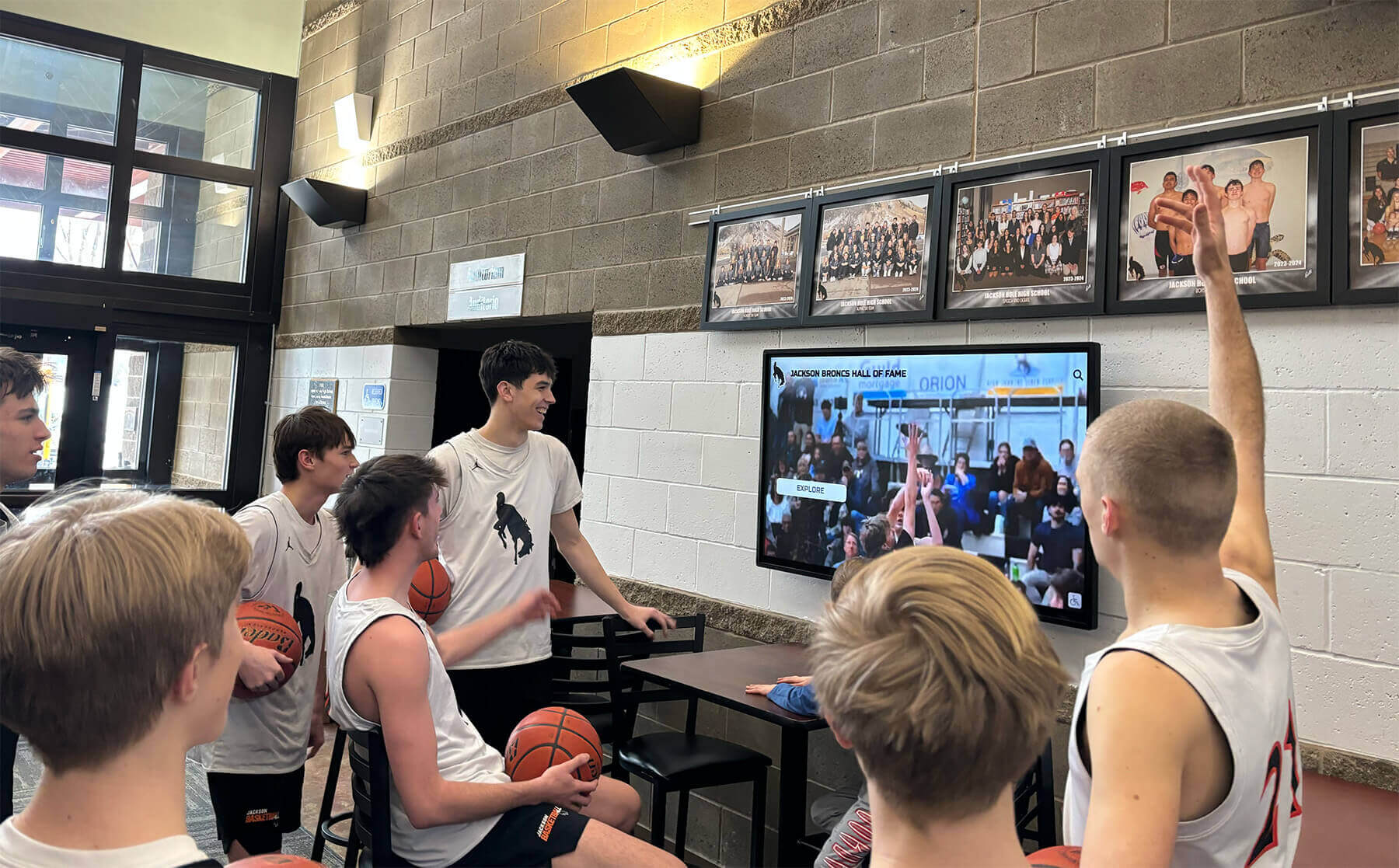
Automated quality control enables frequent content updates maintaining professional presentation without manual review bottlenecks
Conclusion: Creative Freedom With Platform-Grade Reliability
The false choice between rigid templates and fragmented custom designs has constrained recognition systems unnecessarily. Rocket Alumni Solutions eliminates this tradeoff through expanding layout libraries, design governance integrated at platform level, and AI-assisted quality control preventing common mistakes. Schools request truly custom layouts when needed—Rocket builds them quickly, typically within one week, at no additional cost—while maintaining responsive design, accessibility compliance, and compatibility with all platform features. Custom doesn’t mean brittle when layouts become first-class platform components inheriting systematic quality assurance and continuous improvement.
This approach transforms custom requests from expensive technical debt into platform enrichment benefiting all customers. Each custom layout enters the shared library, available immediately to other institutions with similar needs. Network effects accelerate over time as diverse customer requirements generate comprehensive layout options addressing increasingly specific recognition scenarios. Schools starting today access years of accumulated custom development serving hundreds of institutions—receiving mature, tested layouts without custom project costs or timelines.
Experience Creative Freedom Without Fragmentation
Discover how Rocket Alumni Solutions delivers custom layouts, design governance, and AI quality control—enabling rapid content updates while maintaining museum-quality experiences that reflect your unique institutional identity.
Book a DemoDesign governance prevents fragmentation without limiting creativity by enforcing consistency at system level rather than reviewing individual content. Typography hierarchy, spacing standards, color palette constraints, and component behavior rules prevent common mistakes during creation rather than catching them afterward through slow manual review. AI agents provide real-time guidance, flagging accessibility violations, design inconsistency, poor image quality, and responsive layout problems before publication. This automation enables schools to move quickly—publishing daily updates during active seasons—while maintaining professional quality historically requiring extensive manual review and approval processes.
The real comparison isn’t between Rocket’s templates and unlimited custom freedom—it’s between borrowing Rocket’s systematic creative freedom versus building and maintaining custom recognition infrastructure. Schools choosing custom development own responsiveness across devices, accessibility compliance, feature parity maintenance, ongoing quality assurance, and the risk of experience fragmentation over time. This responsibility costs $350,000-750,000 over five years while consuming substantial internal technical capacity. Rocket provides equivalent capability for $20,000-55,000 over five years while eliminating technical burden and guaranteeing long-term reliability and compliance.
Your recognition program deserves both distinctive presentation reflecting institutional identity and professional quality meeting contemporary standards. These objectives aren’t incompatible when platforms expand to serve custom needs rather than constraining creativity within static templates. Rocket’s approach—free custom layouts built quickly and maintained systematically—delivers genuine creative freedom without the fragmentation, technical debt, or maintenance burden plaguing alternatives.
Ready to explore recognition platforms balancing creative freedom with design consistency? See how Rocket Alumni Solutions enables custom layouts, rapid content updates, and distinctive experiences while preventing visual fragmentation and maintaining accessibility compliance, or talk to our team to discuss your specific recognition needs and learn how controlled flexibility delivers better outcomes than choosing between rigid templates and fragmented custom development.































