



Districts and institutions planning multi-screen recognition networks often face a frustrating discovery: what appears to be affordable software pricing suddenly multiplies across every display location. A gym lobby screen, cafeteria display, main entrance kiosk, and athletic hallway installation each trigger separate licensing fees with many competitors—transforming a $3,000 annual software cost into $12,000 or more as screen count grows.
This per-screen licensing model creates budget anxiety that undermines long-term planning. Schools delay adding displays in additional buildings. Districts abandon comprehensive recognition networks spanning multiple facilities. Organizations compromise vision to control escalating software costs that compound with every new screen location.
Rocket Alumni Solutions approaches multi-screen licensing differently: one subscription works on as many touchscreens as your institution needs. Whether you deploy recognition displays in two locations or twenty, software licensing remains constant. This guide examines multi-screen digital signage licensing models, explains hidden cost structures, and clarifies why Rocket’s unlimited approach better serves organizations building comprehensive recognition networks.
Schools, universities, and institutions increasingly recognize that effective digital recognition requires multiple touchscreen locations serving different audiences. A single lobby display cannot simultaneously serve athletic teams in the gym, performing arts students in the auditorium, academic scholars in the library, and alumni visitors in the main entrance. Comprehensive recognition demands distributed networks—but only when licensing costs remain predictable and manageable.

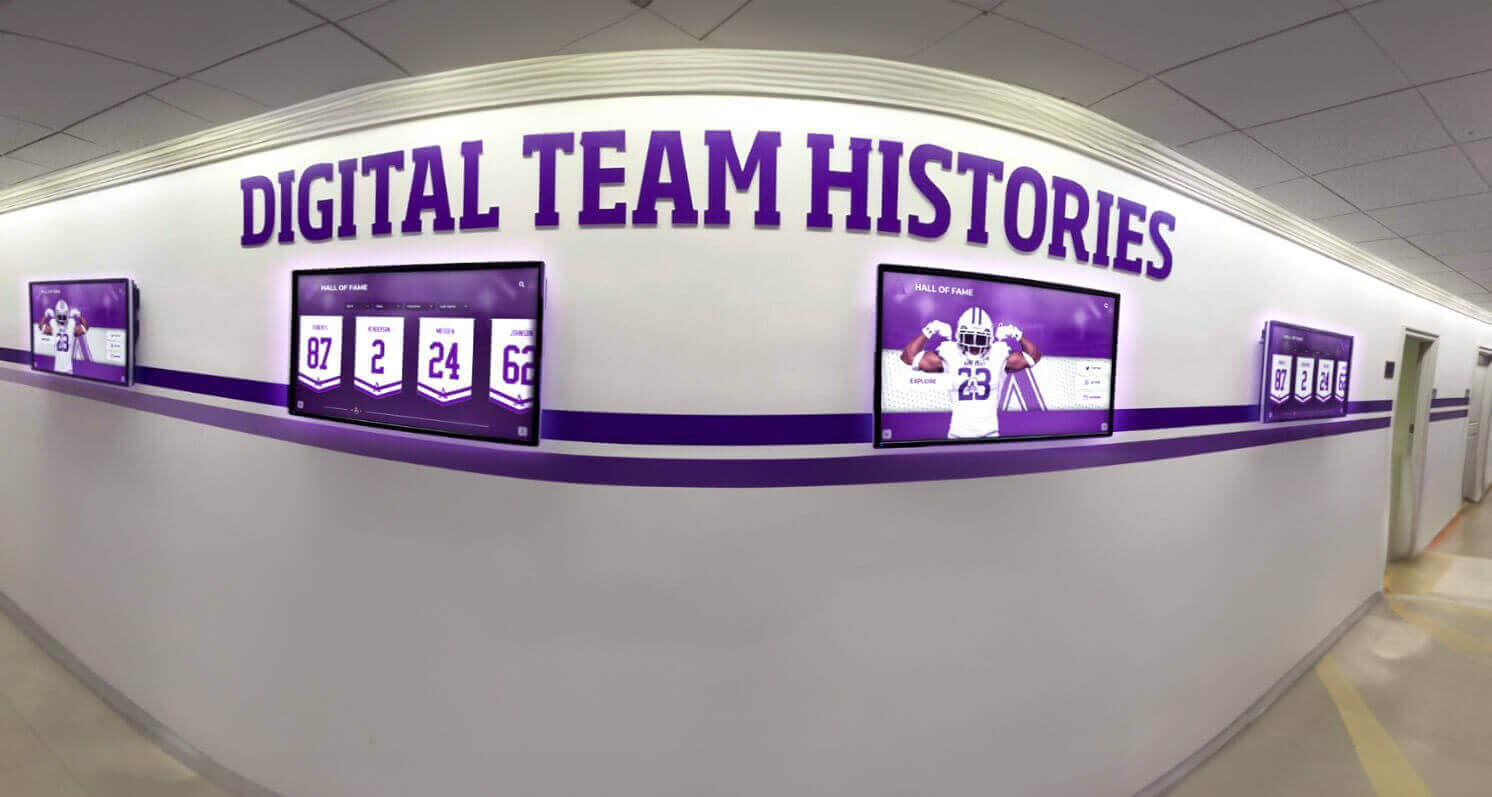
Multi-screen recognition networks serve different audiences across campus locations—but licensing models significantly impact total cost
The Hidden Cost Problem in Multi-Screen Digital Signage
Understanding common pricing structures reveals why many organizations face budget surprises when expanding beyond initial installations.
How Per-Screen Licensing Models Work
Many digital signage and recognition software vendors structure pricing around individual display licenses:
Typical Per-Screen Pricing Structures
Digital signage platforms commonly charge:
- Per-screen monthly fees ranging from $20-$80 per display location
- Annual per-screen licensing from $240-$960 per display
- Volume discounts activating only after 10+ screens
- Separate content management platform fees
- Additional charges for premium features per screen
A competitive landscape analysis shows that OptiSigns charges $10-$20 per screen monthly, NoviSign prices at $20-$30 per screen monthly, and ScreenCloud ranges from $20-$50 per screen monthly according to 2025 digital signage software comparison data.
The Multiplication Effect
Consider common school recognition network scenarios:
Example 1: Single-Building High School
- Main entrance display: $40/month
- Athletic lobby display: $40/month
- Cafeteria display: $40/month
- Auditorium lobby display: $40/month
- Total monthly cost: $160 ($1,920 annually)
Example 2: Multi-Campus District
- High school (4 displays): $160/month
- Middle school (3 displays): $120/month
- Elementary schools (2 displays each × 3 schools): $240/month
- District office: $40/month
- Total monthly cost: $560 ($6,720 annually)
These multiplication effects make comprehensive recognition networks financially challenging for organizations with limited technology budgets.
Limited Content Across Multiple Screens
The per-screen model particularly burdens institutions wanting the same core content visible in multiple locations:
- Championship teams displayed in both gym lobby and main entrance
- Hall of fame inductees shown in athletic facility and auditorium
- Donor recognition visible in multiple high-traffic areas
- Alumni achievements accessible in various campus locations
Organizations essentially pay multiple times to display identical content in different physical locations—a cost structure that feels fundamentally unfair given that content management work remains constant regardless of screen count.
For schools evaluating multi-location digital signage approaches, comprehensive digital signage implementation guides provide helpful context.
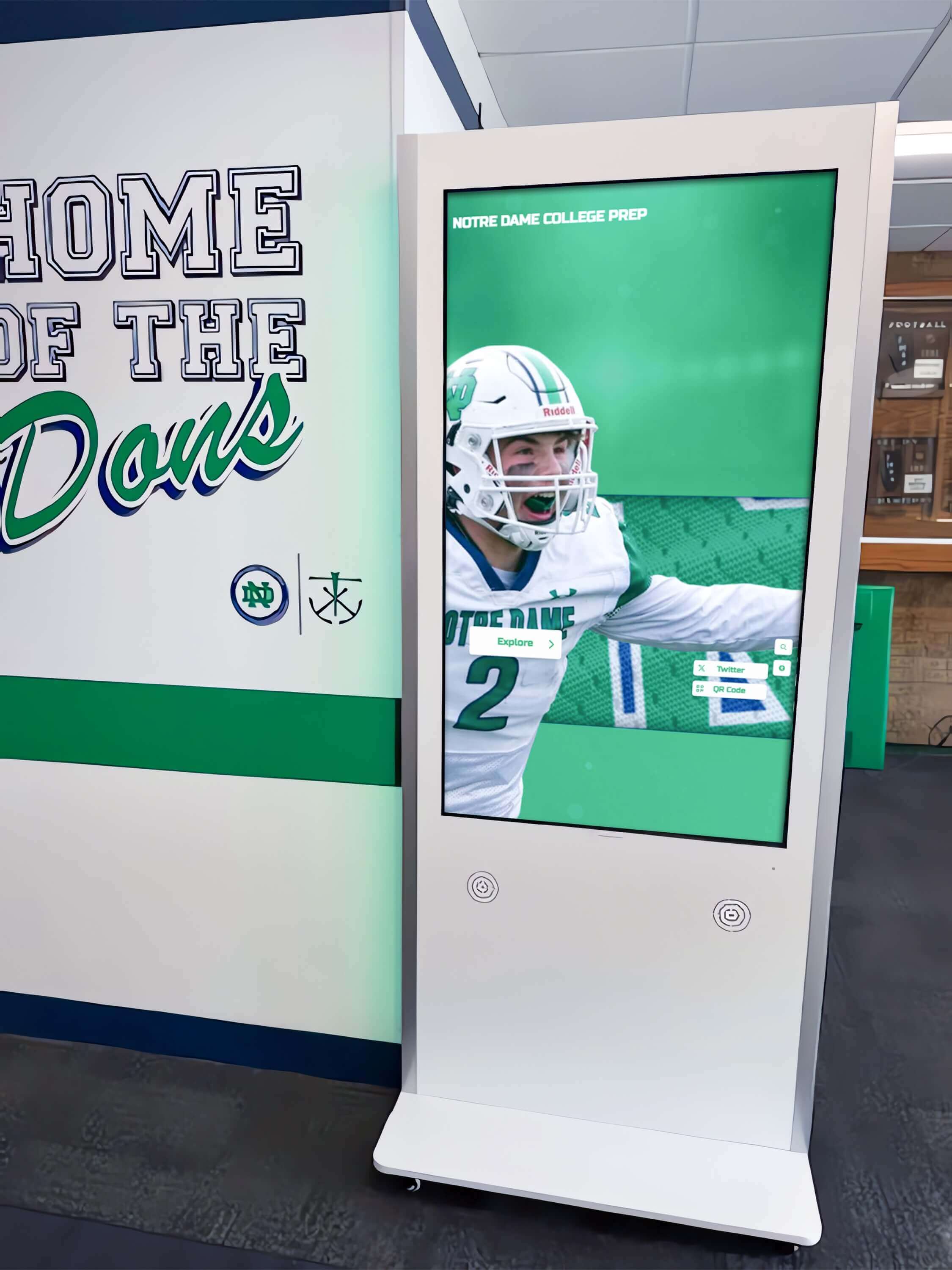
Each additional kiosk location triggers new licensing fees with per-screen pricing models—costs that compound quickly
Who Per-Screen Licensing Affects Most
Certain institution types face particularly severe impacts from per-screen pricing structures:
Large School Districts
Multi-campus districts experience compounding costs:
- Separate buildings requiring individual displays
- Multiple grade levels each needing recognition access
- Administrative buildings wanting donor and community displays
- Athletic complexes spanning multiple facilities
- Performing arts centers with separate lobby areas
A typical 5-school district wanting 3 displays per building plus 2 district office displays faces licensing fees for 17 total screens—costs that can reach $8,000-$16,000 annually with per-screen models.
Universities and Colleges
Higher education institutions particularly struggle with per-screen costs:
- Academic buildings each requiring recognition displays
- Multiple athletic facilities across large campuses
- Separate colleges or schools within universities
- Alumni centers and advancement office displays
- Student union and commons areas
- Residence hall lobbies and gathering spaces
A mid-sized university building a comprehensive recognition network across 20+ locations faces software licensing costs potentially exceeding $25,000 annually—expense that competes with content development and hardware investment budgets.
Multi-Facility Organizations
Non-educational institutions encounter similar challenges:
- Corporate campuses with multiple buildings
- Healthcare systems spanning several hospitals
- Community centers with different program areas
- Houses of worship with multiple gathering spaces
- Country clubs with various member areas
The pattern remains consistent: organizations needing distributed recognition access face licensing costs directly proportional to location count rather than usage or value.
The Planning Paradox
Per-screen licensing creates perverse incentives discouraging beneficial expansion:
- Organizations intentionally limit recognition network scope to control costs
- Facilities delay adding displays even when locations would benefit communities
- Long-term vision gets compromised by incremental cost anxiety
- Staff spend time deciding which locations “deserve” displays rather than serving all constituencies
This planning paralysis means many communities receive inadequate recognition because licensing models penalize comprehensive implementation.
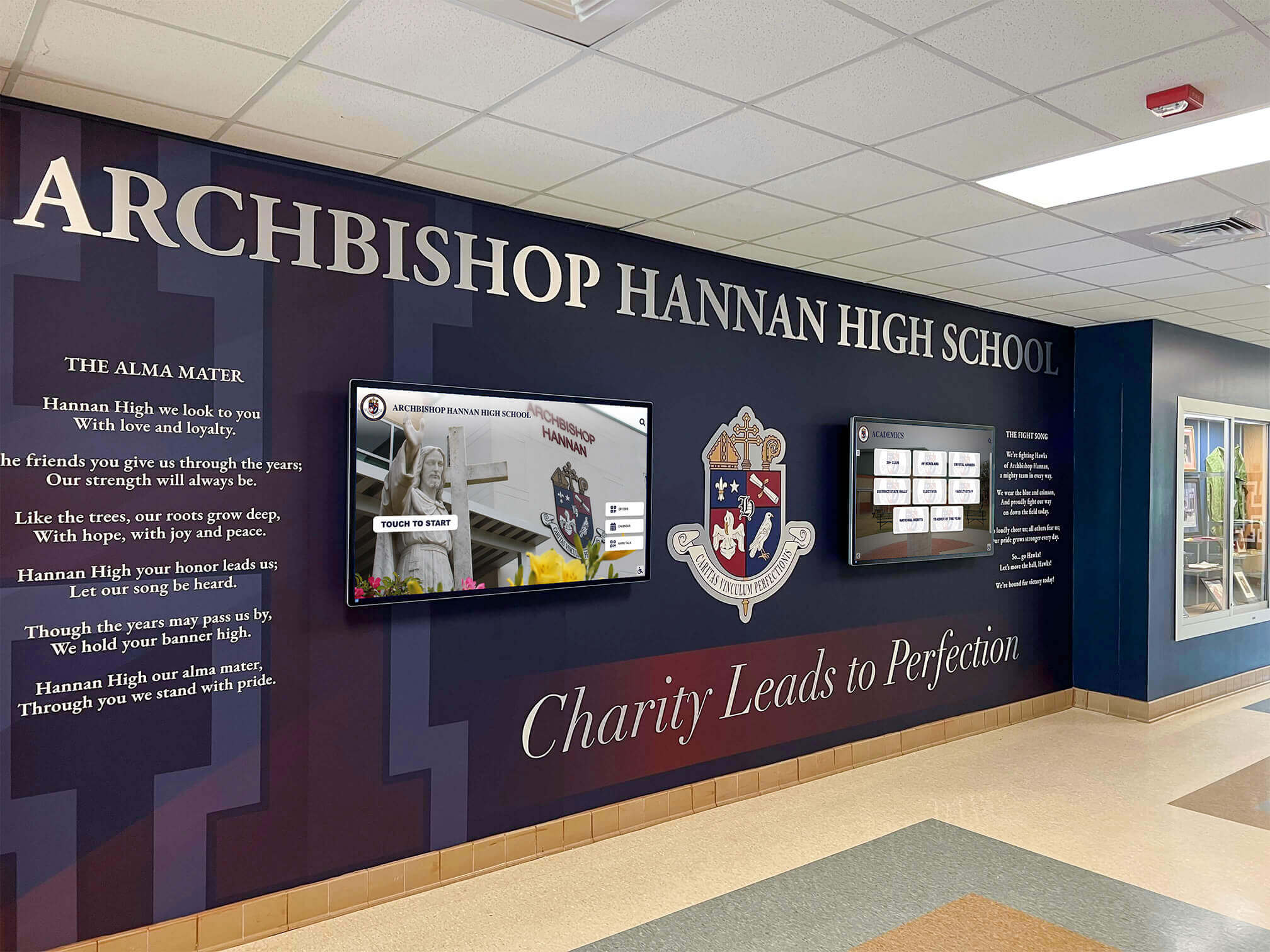
Comprehensive lobby installations often require multiple coordinated screens—each potentially triggering separate software fees
Hidden Cost Categories Beyond Base Licensing
Per-screen fees represent only the most obvious cost multiplication—additional hidden expenses compound budget challenges:
Premium Feature Charges
Many platforms charge extra for capabilities essential to recognition applications:
- Interactive touchscreen support (vs. passive displays)
- Content scheduling and playlist management
- User roles and permissions for multiple administrators
- Analytics and engagement tracking
- API access for integration with student information systems
- Mobile companion apps and QR code generation
These premium features may cost $10-$30 additional per screen monthly—further multiplying total expenses.
Content Storage and Bandwidth
Digital recognition networks with multimedia content face additional costs:
- Cloud storage fees for photos, videos, and historical content
- Bandwidth charges for content delivery to multiple screens
- Content distribution network (CDN) fees for large file delivery
- Video streaming costs for highlight content
- Backup and archival storage charges
Organizations with extensive photo and video archives can incur $50-$200 monthly in storage and bandwidth fees beyond software licensing.
Support and Training Per Location
Some vendors structure support around screen count or locations:
- Per-screen support plans and SLA agreements
- Training fees multiplied by number of content administrators
- On-site installation and configuration charged per location
- Separate support contracts for different facilities or campuses
These support costs add 15-25% to total software expenses for multi-location implementations.
Hardware Compatibility and Player Requirements
Certain software platforms require specific hardware increasing costs:
- Proprietary media players priced at $200-$600 per screen
- Annual hardware support fees per player
- Replacement media players for failures
- Specific display brands or models for compatibility
- Licensing dongles or authentication hardware per screen
When software licensing requires hardware purchases, total per-screen costs increase substantially.
For districts evaluating comprehensive display networks, digital display cost analyses help clarify true total ownership expenses.
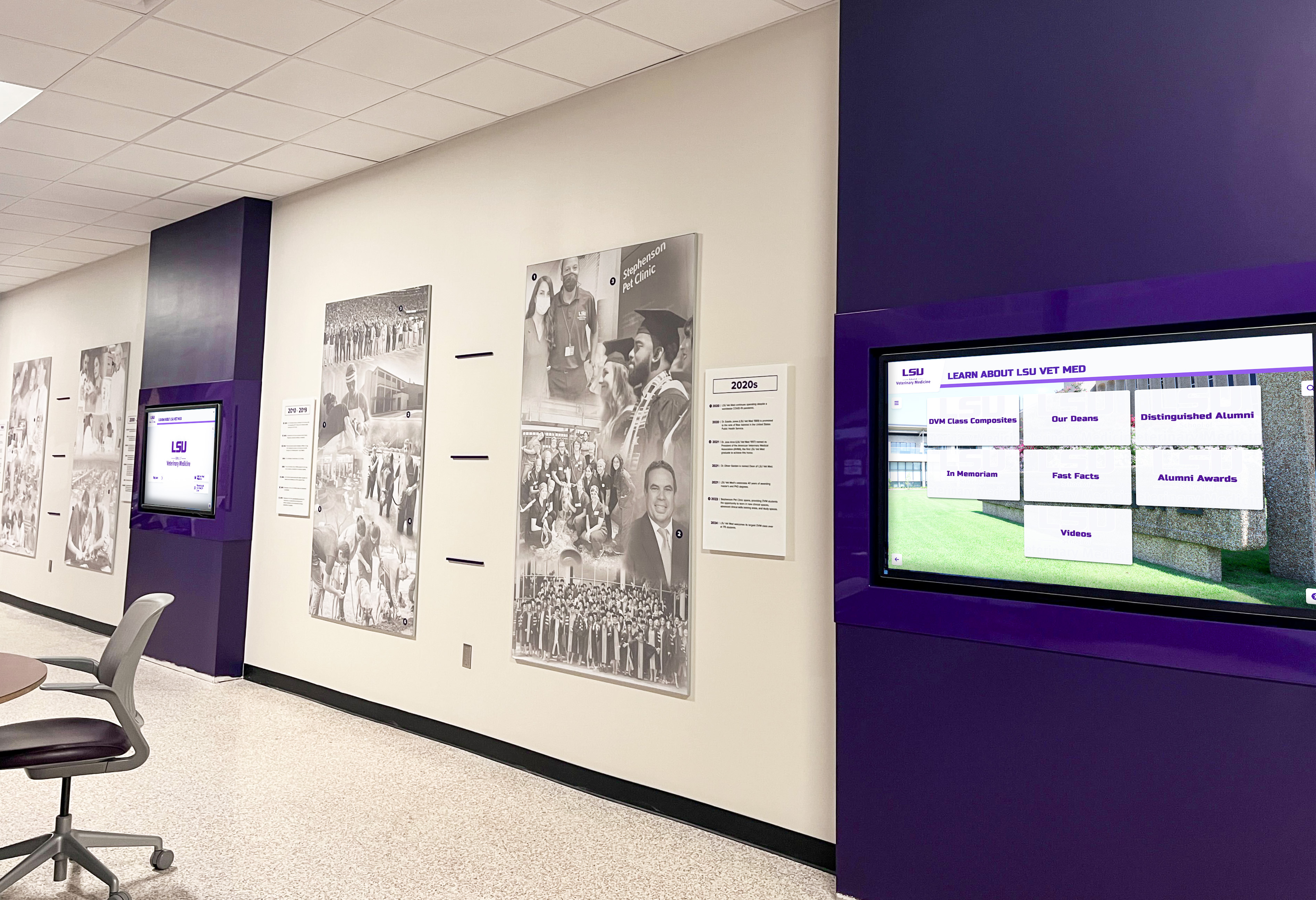
Higher education institutions managing multiple displays across distributed locations face compounding licensing costs
How Rocket Alumni Solutions Eliminates Per-Screen Licensing
Rocket structures pricing around organizational need rather than screen count—a fundamental difference that changes multi-screen economics.
One Subscription, Unlimited Touchscreens
Rocket Alumni Solutions provides software licensing that works across any number of display locations:
What “Unlimited Screens” Actually Means
When schools and institutions subscribe to Rocket:
- Install touchscreen displays in as many campus locations as needed
- Deploy recognition content across all screens without additional software fees
- Add new display locations without contacting Rocket for licensing changes
- Relocate displays between buildings without licensing implications
- Upgrade from single screens to multi-screen networks without cost increases
The software subscription covers platform access and content management regardless of how many physical touchscreens display that content.
Why This Model Makes Sense for Recognition Content
Unlike rotating advertisements or promotional content where screen count correlates with advertising value, recognition content works differently:
- A single championship team profile serves institutional purposes whether shown on one screen or five
- Hall of fame inductees provide the same value regardless of display location count
- Content management work remains constant whether serving 2 screens or 20
- Institutional mission fulfillment drives recognition, not advertising impressions
Rocket’s pricing reflects this reality—value comes from comprehensive recognition serving communities, not from multiplication of display hardware.
Comparing Rocket vs. Per-Screen Competitors
Consider a high school implementing recognition displays in 6 locations:
Traditional Per-Screen Model
- 6 screens × $40/month = $240/month
- Annual cost: $2,880
- Five-year total: $14,400
Rocket Unlimited Screen Model
- Single subscription: ~$3,000-4,000 annually regardless of screen count
- Five-year total: $15,000-20,000 for unlimited screens
The breakeven occurs around 6-8 screens in year one—but Rocket’s advantage compounds dramatically for larger networks. A 15-screen university installation would pay $28,800 annually with per-screen models but the same subscription cost with Rocket.
Real-World Impact on Planning
Unlimited licensing transforms decision-making:
- Districts can plan comprehensive multi-building recognition networks from the start
- Schools add displays whenever communities would benefit without budget negotiations
- Long-term vision drives implementation rather than cost multiplication anxiety
- Staff focus on content quality and community engagement instead of location prioritization
This alignment of incentives means communities receive more thorough recognition serving broader populations.
Solutions like Rocket Alumni Solutions for schools eliminate the financial penalty for comprehensive multi-location recognition networks.

Rocket's unlimited licensing enables institutions to deploy recognition kiosks throughout facilities without multiplying costs
What’s Actually Included in Rocket’s Subscription
Understanding platform capabilities clarifies total value:
Core Platform Features
Rocket subscriptions include comprehensive functionality:
- Cloud-based content management system accessible from any device
- Unlimited user profiles for athletes, students, donors, faculty, alumni
- Unlimited achievements, awards, and recognition entries
- Photo and video uploads for multimedia recognition
- Automatic record board ranking and updates
- Searchable directories and filter capabilities
- Social media integration and sharing tools
- QR code generation for mobile access
- Remote content publishing to all screens simultaneously
- Analytics and engagement tracking across all displays
These features work identically whether serving one screen or fifty.
Technical Support and Maintenance
Subscription includes ongoing support:
- Responsive technical assistance for platform questions
- Regular software updates and new feature releases
- Cloud hosting and infrastructure management
- Security patches and system maintenance
- Content backup and disaster recovery
- Performance monitoring and optimization
Support quality remains consistent regardless of how many screens an organization operates.
Content Management Flexibility
Rocket enables distributed content control:
- Multiple administrator accounts with role-based permissions
- Department-level content management (athletic directors, fine arts coordinators, etc.)
- Building-level administrators for district implementations
- Scheduled content publishing for future-dated recognition
- Draft and approval workflows for collaborative content development
This flexibility supports organizational structures without per-user or per-location fees.
Display Configuration Options
Screen-specific customization within unified subscription:
- Different content visible on different physical displays
- Location-specific branding or messaging
- Audience-targeted content (athletic-focused gym displays, academic-focused library screens)
- Language preferences by location
- Accessibility settings per display based on mounting and environment
Organizations control what each screen shows while managing all content from centralized platforms.
For organizations exploring comprehensive recognition capabilities, digital recognition system comparisons clarify capability differences.
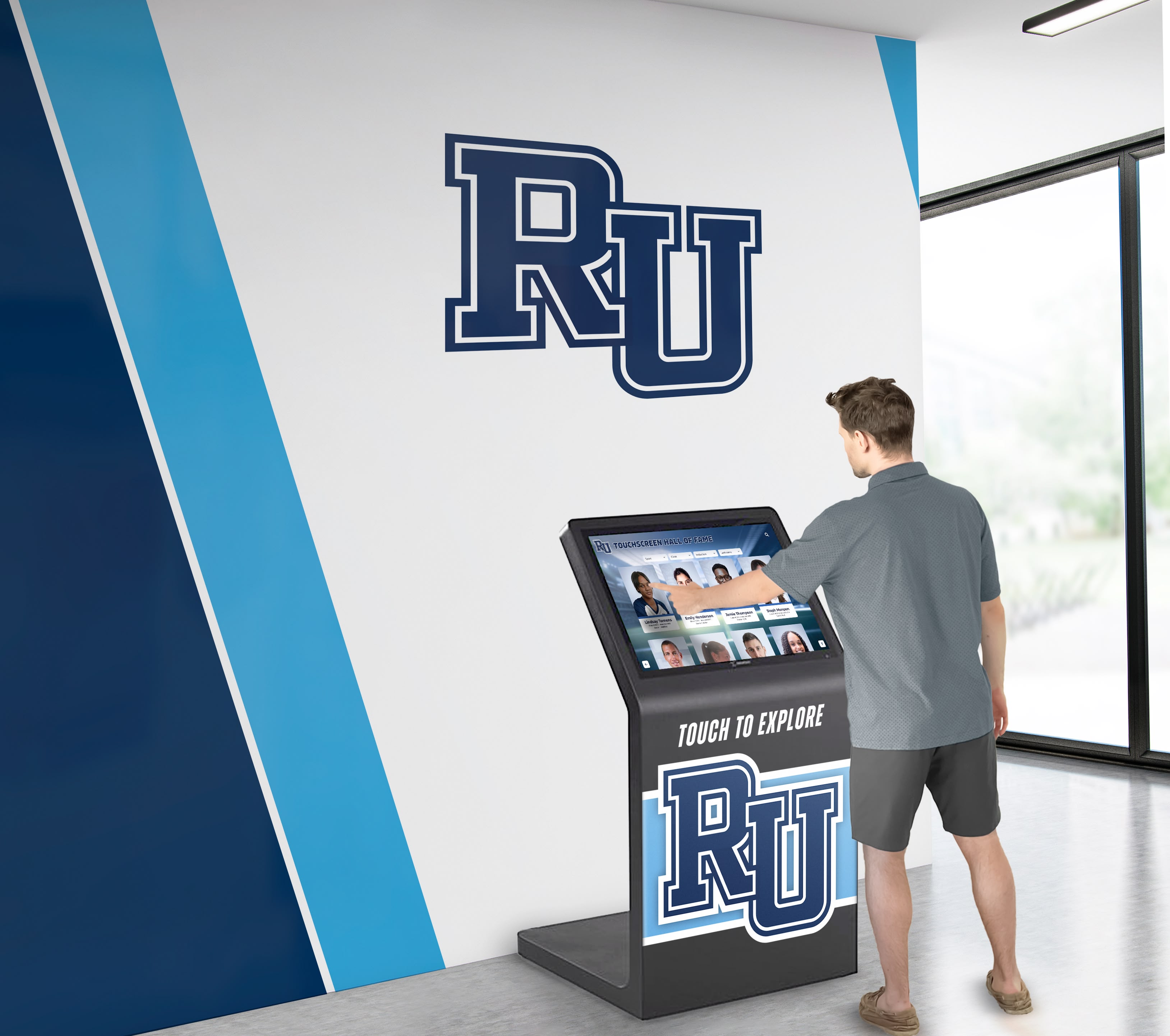
Centralized content management updates all display locations simultaneously without per-screen complexity
Implementation Flexibility for Growing Networks
Rocket’s model supports organic network expansion:
**Starting Small and Expanding
**
Organizations can implement strategically:
- Begin with single pilot display in highest-traffic location
- Demonstrate engagement and community value
- Add displays in additional locations as budgets allow
- Expand to multiple buildings or campuses over time
- Scale up without renegotiating software licensing or triggering cost increases
This flexibility particularly benefits schools and districts with limited initial budgets but long-term vision for comprehensive networks.
Phased Rollout Without Budget Anxiety
Typical implementation progression:
- Year 1: Install 2-3 displays in primary locations with full content development
- Year 2: Add 3-4 displays reaching additional campus areas
- Year 3: Complete comprehensive network across all intended locations
- Ongoing: Add displays opportunistically as facilities renovate or needs emerge
Software costs remain predictable throughout this expansion—only hardware expenses scale with screen count.
Testing Different Display Configurations
Unlimited licensing enables experimentation:
- Try displays in various locations to assess traffic and engagement
- Relocate underutilized screens to better positions
- Test different screen sizes and form factors
- Pilot new content types on select displays before broad deployment
- Rotate displays seasonally to different facilities or events
This experimentation improves final network effectiveness without financial risk.
District-Wide Standardization Benefits
Multi-building districts gain particular advantages:
- Implement consistent recognition software across all schools
- Share content development work between buildings
- Provide equitable recognition access regardless of individual school budgets
- Centralize technical support and platform expertise
- Build district-wide culture around recognition and achievement
Per-screen licensing often forces districts to limit recognition software to flagship or larger schools—creating equity problems between facilities.
For districts implementing recognition across multiple campuses, multi-school recognition strategies address coordination challenges.
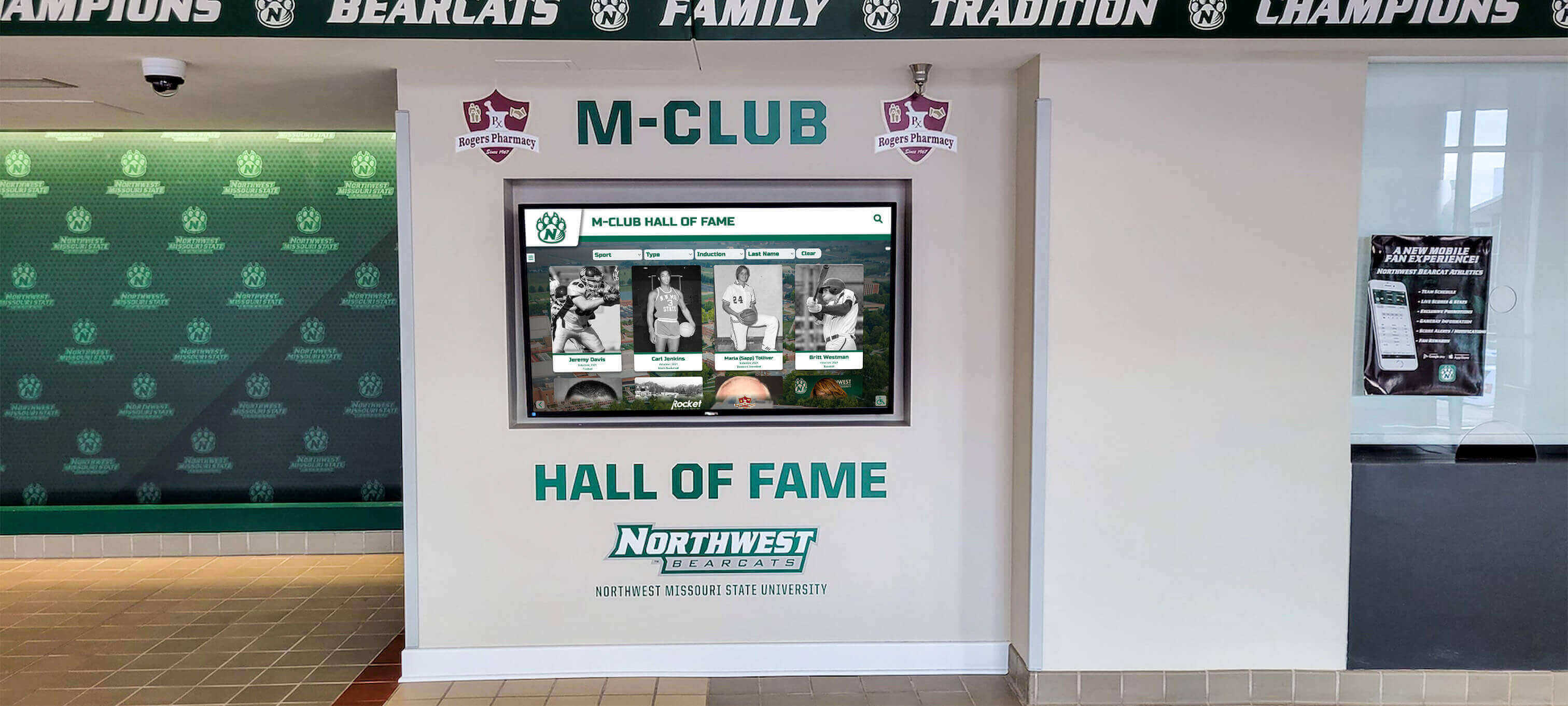
Unlimited licensing enables districts and universities to standardize recognition platforms across all facilities
Common Multi-Screen Recognition Network Scenarios
Examining typical implementations clarifies how unlimited licensing changes institutional possibilities.
Single-Building Schools with Multiple Recognition Areas
Even individual schools benefit from distributed recognition displays:
Typical High School Multi-Screen Layout
Strategic placement serves different audiences:
- Main entrance lobby: General school achievements visible to all visitors
- Athletic facility lobby: Sports championships, records, and athlete recognition
- Fine arts wing: Theater, band, choir, and visual arts achievements
- Academic hallway: Scholar recognition, competition success, honor rolls
- Cafeteria or commons: Rotating student spotlights and recent accomplishments
- Administration area: Historical school milestones and distinguished alumni
This 6-screen network provides targeted recognition matching location context—visitors see relevant achievements near associated program areas.
Cost Comparison: Per-Screen vs. Unlimited
Per-Screen Model
- 6 screens × $35/month average = $210/month
- Annual software cost: $2,520
- Over 5 years: $12,600 in software licensing alone
Rocket Unlimited Model
- Single subscription: ~$3,000-3,500 annually
- Over 5 years: $15,000-17,500 for unlimited screens plus all features
The single-building school saves money starting year 1 while enabling comprehensive recognition across all program areas.
Content Strategy for Multi-Location Recognition
Distributed displays enable audience-specific content:
- Athletic displays prioritize sports content while including general achievements
- Fine arts displays feature performing arts while showing school-wide recognition
- Academic displays emphasize scholar athletes and competition success
- Entrance displays feature recent achievements rotating across all program areas
This content customization serves diverse interests without maintaining separate platforms.
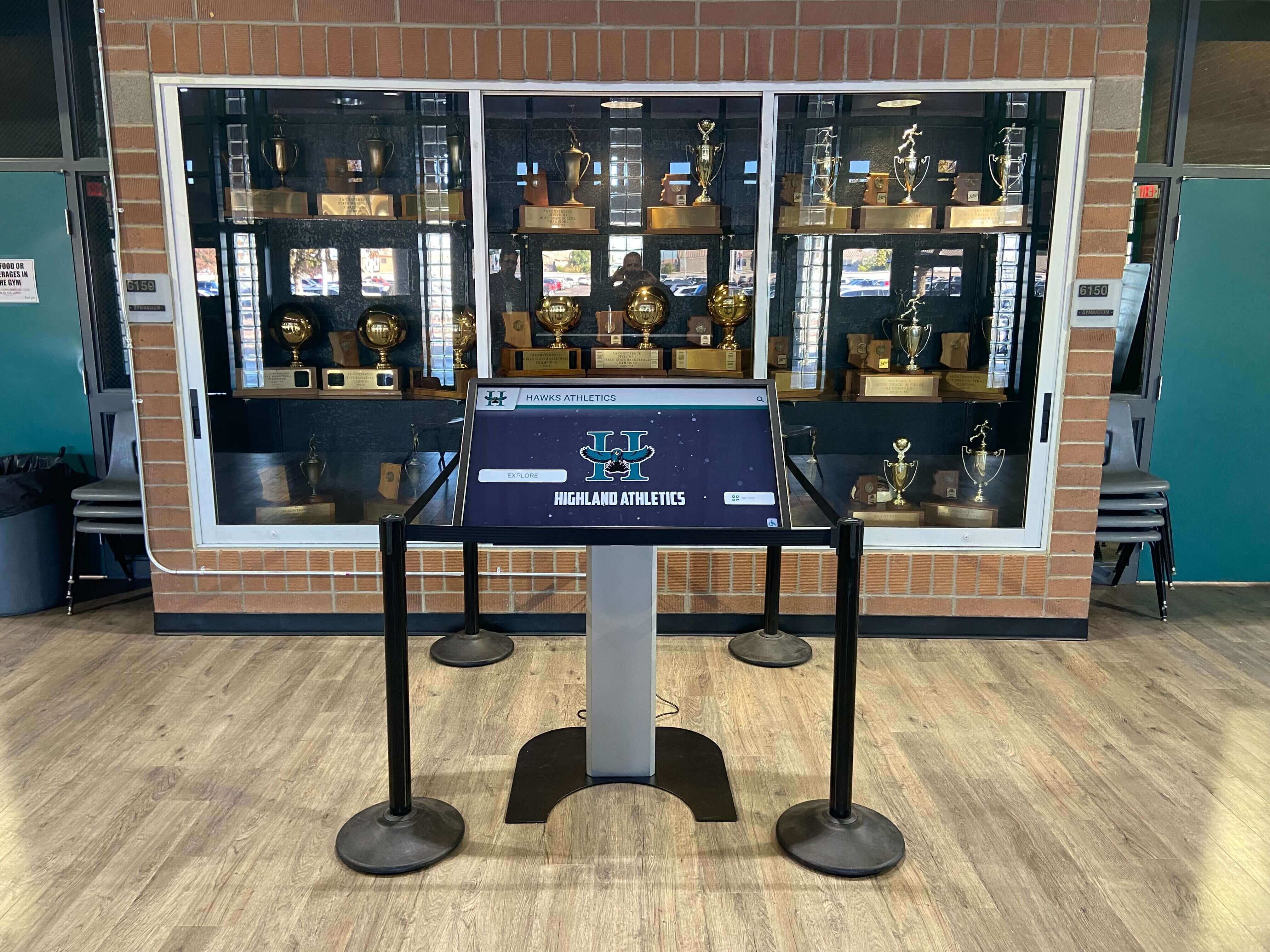
Multiple displays throughout single buildings serve different program areas and audiences without multiplying software costs
Multi-Campus Districts and Networks
District-wide recognition networks face exponential costs with per-screen models:
Typical District Configuration
Multi-building districts implement across facilities:
- High school (4-6 displays across campus)
- Middle school (3-4 displays)
- Elementary schools (1-2 displays each × 3-4 schools)
- District administration building (1-2 displays)
- Community education center or stadium (1-2 displays)
Total network: 15-25 displays across multiple locations.
Cost Impact at Scale
Per-Screen Model
- 20 screens × $35/month = $700/month
- Annual software cost: $8,400
- Over 5 years: $42,000 in software licensing
Rocket Unlimited Model
- District subscription: ~$4,000-5,000 annually
- Over 5 years: $20,000-25,000
The district saves $17,000-22,000 over five years while providing equitable recognition access across all schools—regardless of individual building budgets or enrollments.
Equity Implications
Unlimited licensing eliminates recognition disparities:
- Small elementary schools receive same platform capabilities as large high schools
- Every facility can display student achievements regardless of enrollment
- District-wide initiatives receive consistent visibility across all locations
- Parents and communities experience unified recognition culture
Per-screen pricing often forces districts to limit comprehensive recognition to flagship high schools—creating inequitable access between facilities.
Content Sharing Across District
Unified platform enables district-wide recognition:
- Superintendent’s recognition awards shown in all buildings
- District-level competition success visible across network
- Graduating seniors from middle schools appear in high school displays
- Alumni achievements from decades past accessible in all facilities
This comprehensive visibility strengthens district identity and community connections.
For districts implementing recognition networks, multi-location digital display planning addresses technical and organizational considerations.
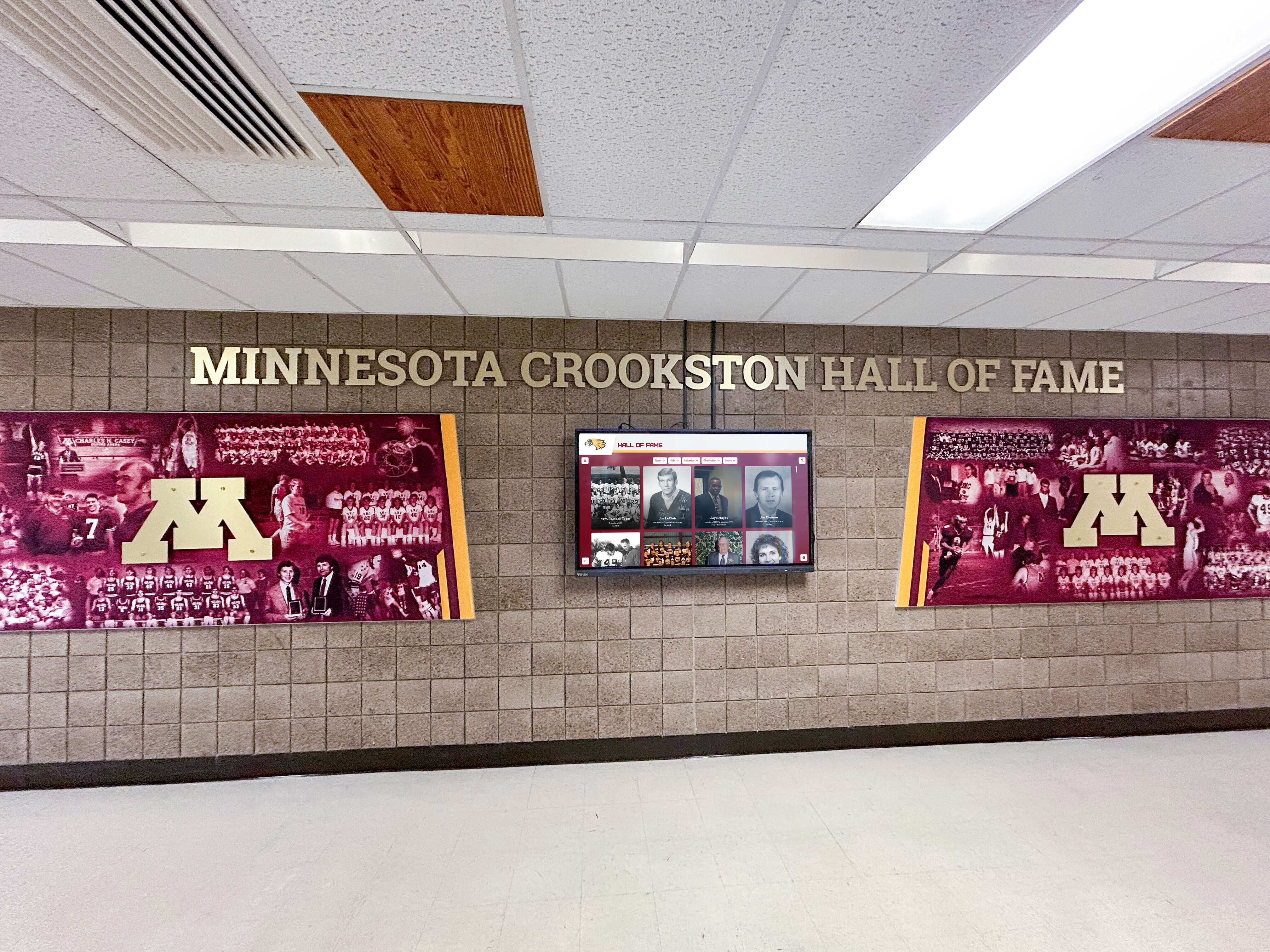
District-wide recognition networks provide equitable access across all facilities without per-screen cost multiplication
University and College Multi-Building Networks
Higher education institutions require extensive distributed recognition:
Comprehensive University Recognition Network
Large campuses implement across numerous locations:
- Academic buildings: Each college or school (5-10 displays)
- Athletic facilities: Main complex, satellite facilities, practice venues (6-12 displays)
- Student union and commons: Multiple floors and program areas (4-6 displays)
- Residence halls: Major housing complexes (3-6 displays)
- Alumni and advancement: Visitor center, development office (2-4 displays)
- Libraries: Main and branch locations (2-4 displays)
- Performing arts: Theater lobbies, music school, art galleries (3-5 displays)
Total network: 25-50+ displays across expansive campuses.
Enterprise-Scale Cost Differences
Per-Screen Model
- 40 screens × $40/month = $1,600/month
- Annual software cost: $19,200
- Over 5 years: $96,000 in software licensing alone
Rocket Unlimited Model
- Enterprise subscription: ~$5,000-7,000 annually
- Over 5 years: $25,000-35,000
Universities save $61,000-71,000 over five years—funds that can support content development, student employment, or additional hardware locations.
Decentralized Content Management
University networks require distributed control:
- Athletic department manages sports recognition
- Individual colleges control academic program displays
- Student affairs oversees student organization content
- Alumni relations manages donor and graduate recognition
- Each area operates independently within unified platform
Unlimited licensing enables this decentralization without per-user or per-department fees that compound costs.
Supporting Institutional Priorities
Comprehensive networks serve diverse university missions:
- Academic excellence recognition supporting educational goals
- Athletic tradition displaying program history and championships
- Donor recognition acknowledging philanthropic support
- Student engagement recognizing leadership and involvement
- Alumni connection maintaining graduate community relationships
- Recruitment support demonstrating institutional achievements to prospective students
Multi-location recognition serves these simultaneous priorities through targeted content in appropriate spaces.
For higher education recognition planning, university digital display strategies address campus-wide implementation considerations.
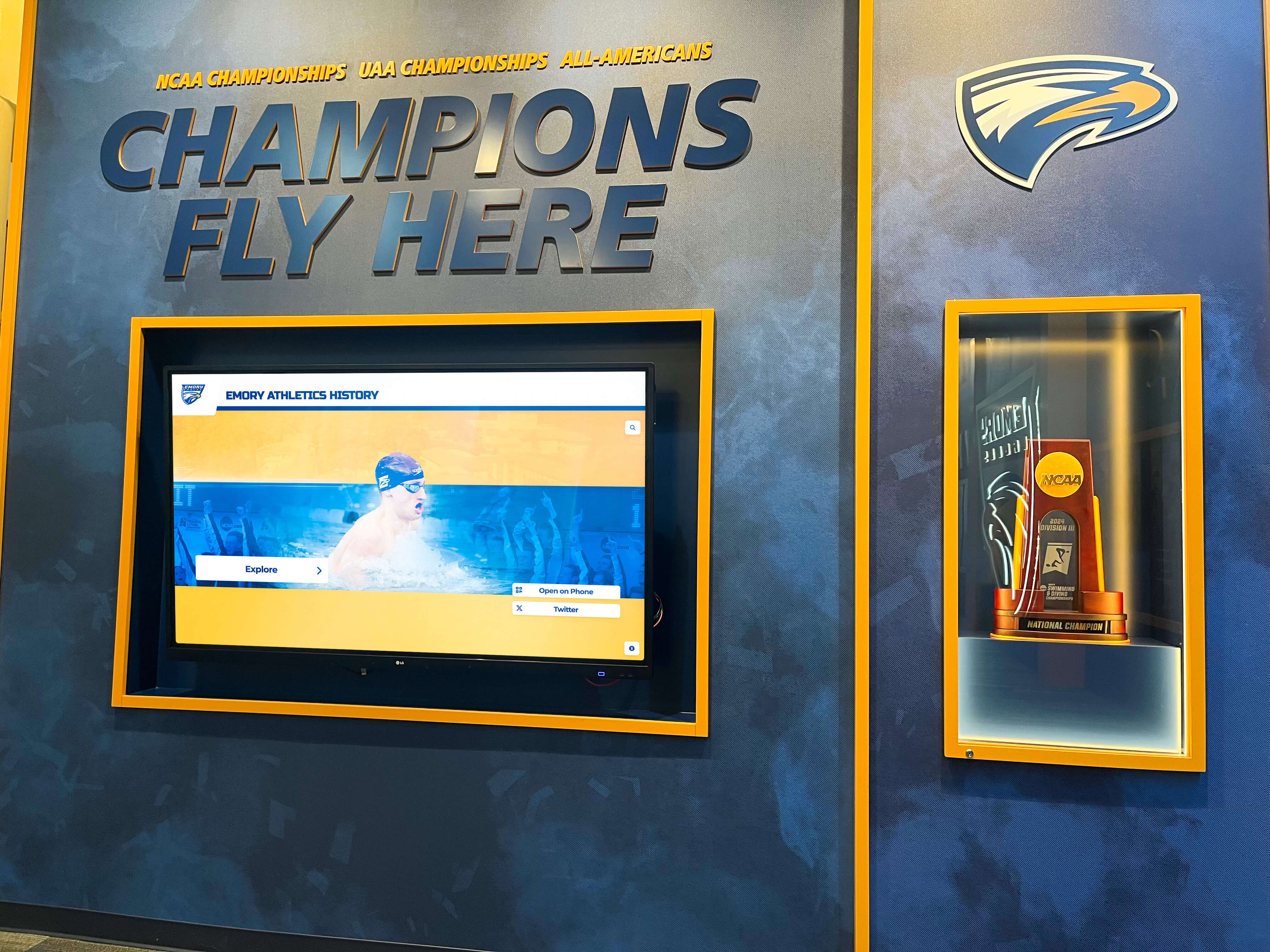
Universities managing extensive recognition networks across multiple buildings avoid massive per-screen cost multiplication
Technical Considerations for Multi-Screen Networks
Implementing recognition across multiple locations requires planning beyond just software licensing.
Network Infrastructure Requirements
Multi-screen installations need reliable technical foundation:
Connectivity Across Locations
Distributed displays require:
- Internet connectivity at each display location (wired Ethernet preferred)
- Adequate bandwidth for content delivery (minimum 10 Mbps per screen recommended)
- Secure network access complying with institutional IT policies
- VPN or private network connections for multi-building campuses
- Backup connectivity options for mission-critical displays
Cloud-based platforms like Rocket minimize local infrastructure needs—content management occurs remotely through web browsers.
Hardware Standardization
Consistent equipment simplifies management:
- Standardize display sizes and models across similar locations
- Use commercial-grade displays rated for continuous operation
- Select touchscreen technology appropriate for public environments
- Choose media players or integrated displays based on IT support capabilities
- Maintain spare hardware for quick replacement during failures
Hardware standardization reduces training complexity and simplifies technical support across locations.
Power and Physical Installation
Each location requires:
- Dedicated electrical circuits preventing overload and enabling easy troubleshooting
- Proper mounting hardware with security considerations
- Cable management concealing connections
- Accessible service locations enabling maintenance without disrupting operations
- Environmental considerations (temperature, humidity, lighting) appropriate for commercial displays
Professional installation at each location ensures reliable long-term operation.
For comprehensive installation planning, touchscreen display implementation guides address timing and coordination.
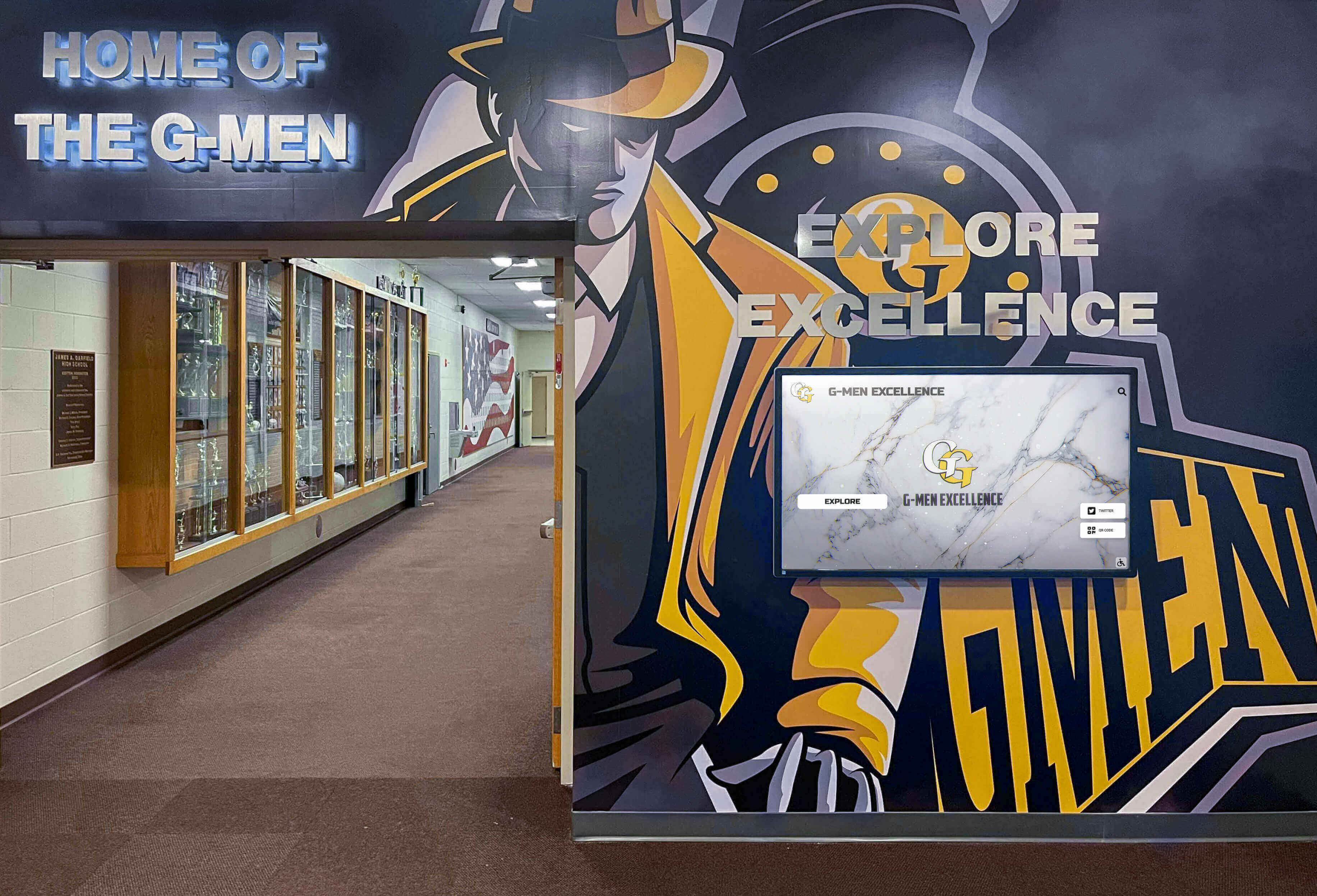
Each display location requires proper infrastructure—but software licensing shouldn't multiply with screen count
Content Management at Scale
Operating multiple displays efficiently requires systematic approaches:
Centralized Management with Local Customization
Effective multi-screen content strategies:
- Create core content library accessible across all displays
- Enable location-specific customization for audience relevance
- Implement content approval workflows maintaining quality standards
- Schedule automatic content rotation keeping displays fresh
- Use tags and categories enabling easy content organization
Rocket’s content management system enables this centralized-yet-customized approach without per-location fees.
Role-Based Access Control
Large networks benefit from distributed responsibilities:
- Athletic directors manage sports content
- Fine arts coordinators handle performing arts recognition
- Building administrators oversee school-specific content
- District staff control system-wide recognition
- Read-only access for staff monitoring content without editing permission
This distributed model scales management work appropriately without bottlenecks.
Bulk Content Operations
Multi-screen networks require efficiency tools:
- Bulk import for historical data entry
- Template systems maintaining consistent formatting
- Content duplication enabling quick variations
- Find-and-replace functions for systematic updates
- Batch publishing to multiple displays simultaneously
These capabilities reduce administrative burden as networks grow.
Analytics Across Locations
Understanding engagement requires location-specific tracking:
- Compare usage patterns between display locations
- Identify highest-traffic areas and peak engagement times
- Recognize underutilized displays needing repositioning or content adjustment
- Track content popularity across different audiences
- Measure ROI by location informing future expansion
Rocket provides analytics across all displays regardless of network size.
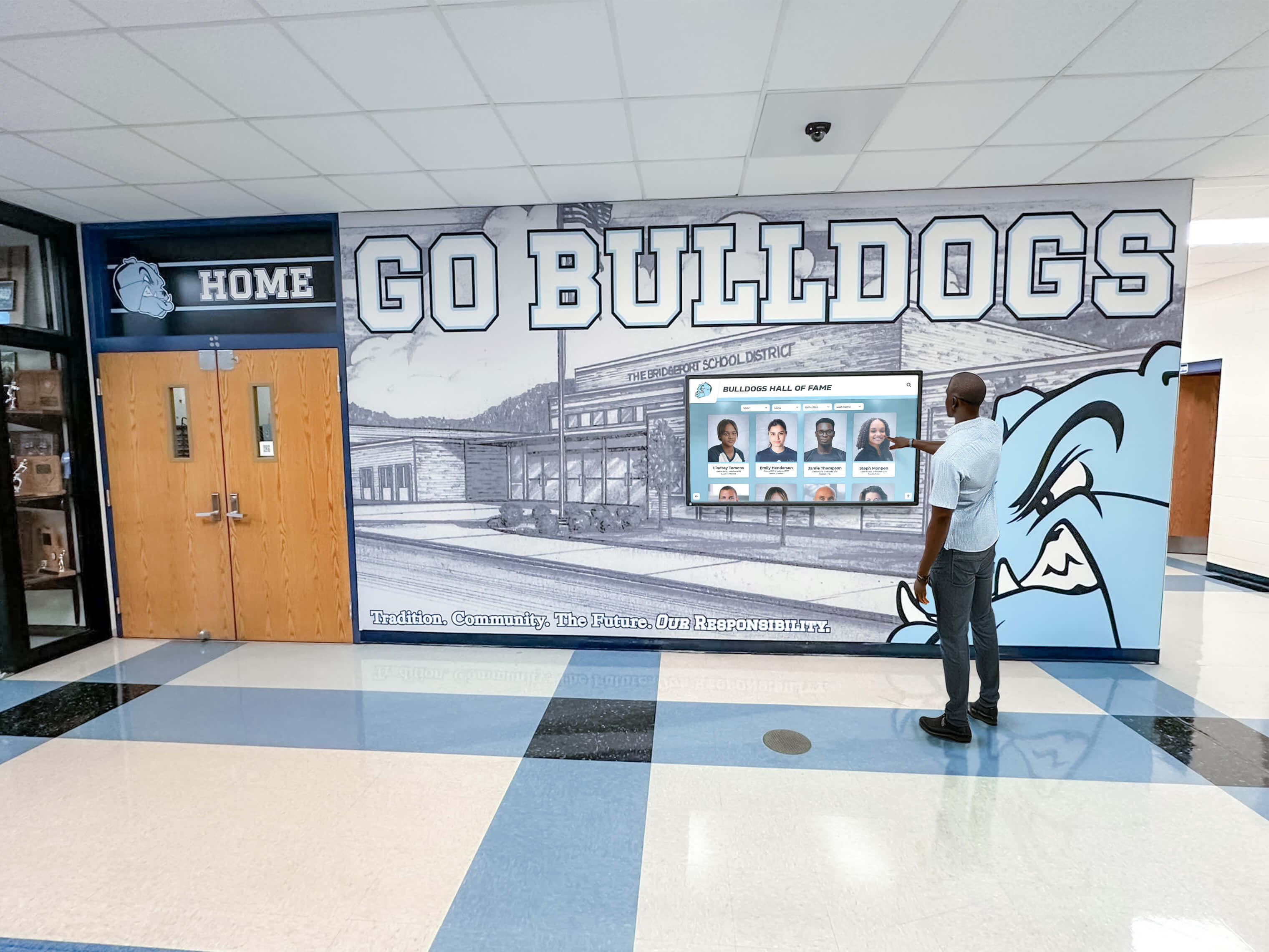
Effective multi-screen management requires centralized content control with location-specific customization
Ongoing Maintenance and Support
Multi-location networks need sustainable support structures:
Technical Support Scalability
As networks grow, support needs evolve:
- Document standard operating procedures for common tasks
- Train multiple staff members across departments or buildings
- Establish clear escalation paths for technical issues
- Maintain vendor relationships for complex problems
- Create internal knowledge bases capturing institutional expertise
Rocket’s support team assists regardless of screen count—unlimited licensing includes comprehensive technical support.
Hardware Lifecycle Management
Plan for long-term equipment maintenance:
- Commercial displays typically operate reliably for 5-7 years
- Budget for gradual hardware replacement on rolling cycles
- Maintain spare displays enabling quick swaps during failures
- Document display configurations for consistent replacement
- Plan hardware upgrades when facilities renovate
Software licensing that remains constant enables more accurate long-term hardware budgeting.
Content Refresh Strategies
Preventing stale displays requires ongoing attention:
- Assign clear content management responsibilities
- Establish regular content review and update schedules
- Rotate featured content keeping displays fresh for repeat visitors
- Archive outdated recognition while maintaining historical access
- Solicit feedback identifying content gaps or improvement opportunities
Unlimited screen licensing ensures content quality receives budget priority rather than competing with expansion costs.
For long-term operational planning, digital display maintenance strategies address sustainable management approaches.
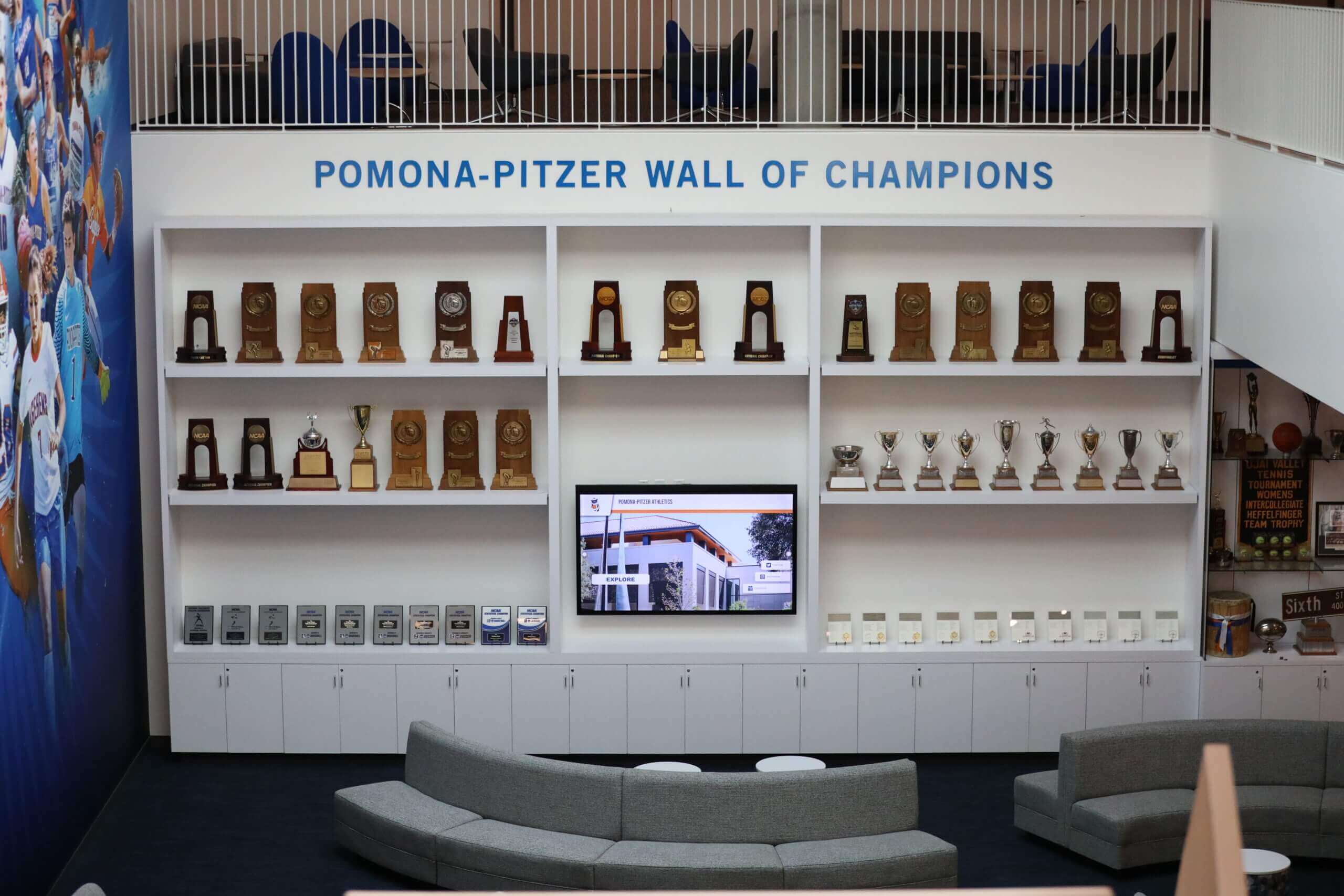
Sustainable multi-screen networks require planning for ongoing content management and hardware maintenance
Evaluating Software Licensing Models for Your Organization
Comparing options helps institutions make informed decisions aligned with long-term vision.
Questions to Ask Software Vendors
Critical inquiries clarify true costs:
Pricing Structure Questions
Understand complete cost picture:
- Is pricing per-screen, per-location, per-user, or flat subscription?
- What defines a “screen” (physical display, unique content, or something else)?
- Are there volume discounts, and at what thresholds?
- What happens to pricing if we add displays later?
- Are there separate fees for hardware, content creation, or training?
- Do premium features cost extra, and are charges per-screen or per-subscription?
Many vendors present attractive entry pricing that multiplies upon implementation.
Contract Terms and Flexibility
Clarify long-term implications:
- What contract length is required (monthly, annual, multi-year)?
- Are there cancellation penalties or minimum commitments?
- How do price increases work (annual escalators, fixed terms)?
- Can we reduce screen count if needs change without penalties?
- What happens if we outgrow current tier—is migration seamless?
Understanding flexibility prevents being locked into unsuitable arrangements.
Support and Maintenance Inclusion
Determine what subscription includes:
- Is technical support included or separately priced?
- Are software updates and new features included automatically?
- Do training and onboarding carry separate charges?
- Is cloud hosting included in software pricing?
- Are there limits on support tickets, response times, or assistance scope?
Hidden support costs often emerge after implementation begins.
Scalability and Growth Path
Plan for future expansion:
- How does pricing change as we grow from 3 to 10 to 25+ screens?
- Are there enterprise plans that make sense at certain scales?
- Can we start small and expand without switching platforms?
- Do you offer district or multi-building pricing structures?
- Are there different product tiers, and what triggers moving between them?
Short-term affordability matters less than long-term scalability aligned with institutional vision.
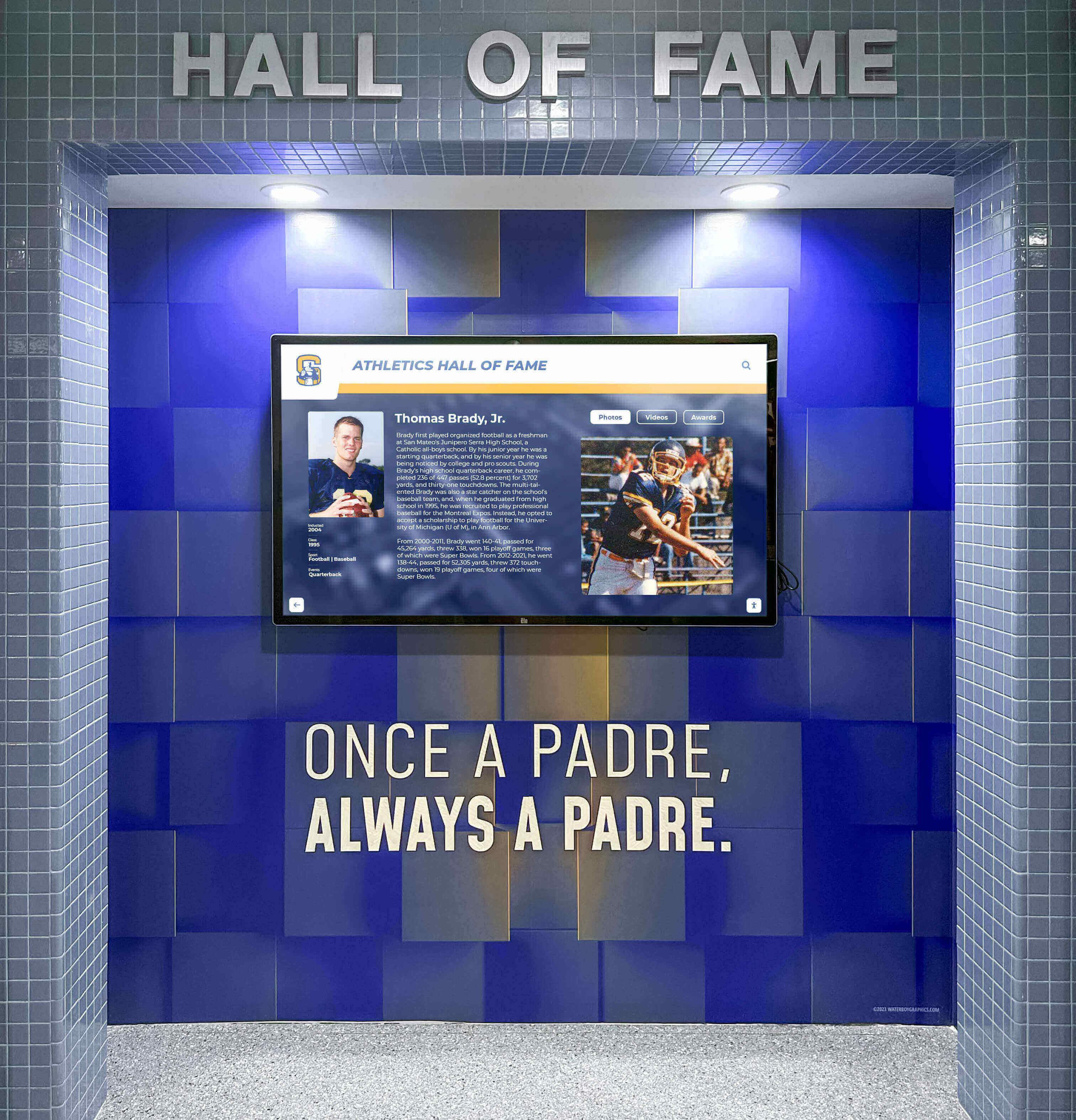
Thorough vendor evaluation prevents budget surprises as recognition networks expand
Calculating Total Cost of Ownership
Compare options accurately by examining complete five-year costs:
Initial Implementation Costs
One-time expenses getting started:
- Software setup and configuration fees
- Initial content creation and historical data entry
- Hardware purchases (displays, mounting, media players)
- Professional installation and network configuration
- Staff training and change management
- Initial year software licensing
These costs typically range $8,000-$25,000 per location depending on scope.
Ongoing Annual Costs
Recurring expenses through ownership:
- Annual software licensing or monthly subscriptions
- Technical support and maintenance agreements
- Content management labor (staff time)
- Content creation (new photos, videos, designs)
- Cloud hosting and storage (if not included)
- Network connectivity and bandwidth
- Display cleaning and basic maintenance
Annual costs typically range $1,500-$4,000 per location with per-screen models, or $3,000-$7,000 total with unlimited subscription models.
Growth and Expansion Costs
Expenses as networks develop:
- Additional displays and installation costs
- Software licensing for new screens (critical difference)
- Expanded content development for new locations
- Additional administrator training
- Potential platform tier upgrades
Growth costs with unlimited licensing include only hardware and installation—software costs remain constant.
Five-Year TCO Comparison Example
Scenario: High School planning 3 displays initially, growing to 8 by year 5
Per-Screen Model ($35/month per screen)
- Years 1-2: 3 screens = $2,520/year × 2 = $5,040
- Years 3-4: 6 screens = $5,040/year × 2 = $10,080
- Year 5: 8 screens = $6,720
- Five-year software total: $21,840
Rocket Unlimited Model ($3,500/year)
- Years 1-5: Constant subscription = $3,500/year × 5 = $17,500
- Five-year software total: $17,500
The unlimited model saves $4,340 while enabling greater expansion (8 screens vs. potentially limiting growth due to per-screen costs).
For comprehensive budgeting, digital recognition system cost analyses provide detailed breakdowns.
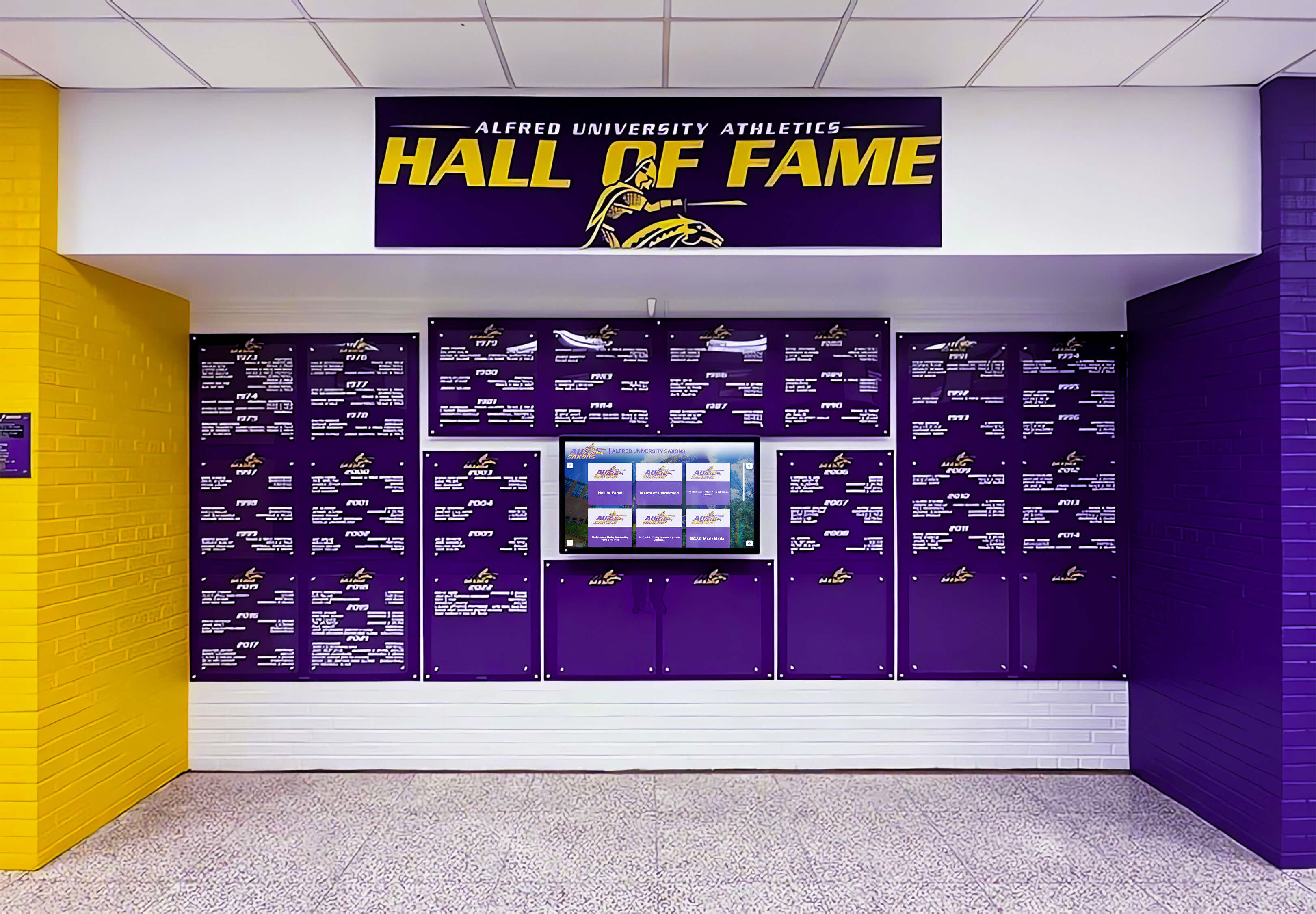
Accurate total cost of ownership calculations reveal true multi-year financial impact of different licensing models
Aligning Licensing Model with Institutional Vision
Choose platforms supporting long-term goals:
Vision-Driven vs. Cost-Driven Decisions
Consider strategic implications:
- Will per-screen costs cause us to compromise comprehensive recognition vision?
- Does unlimited licensing enable us to serve all constituencies equitably?
- Will licensing model affect which programs or buildings receive recognition?
- Can we build the network we envision, or must we settle for limited deployment?
- Does pricing structure align with institutional values around equity and access?
The licensing model fundamentally shapes what recognition networks can realistically become.
Pilot Program Considerations
Many organizations start small:
- If piloting with 1-2 displays, per-screen costs may appear affordable initially
- Consider whether pilot success will drive expansion—and how costs will scale
- Can you pilot with software that supports growth without switching platforms later?
- Does vendor offer pilot pricing that converts to scalable long-term pricing?
Platform switching after pilot success incurs significant migration costs and disruption.
Multi-Year Planning Horizon
Think beyond immediate implementation:
- Where do we want recognition network to be in 5 years?
- Which funding model remains sustainable throughout that growth?
- Will per-screen licensing constrain expansion or force compromises?
- Does unlimited licensing enable organic growth as opportunities arise?
Software platforms typically remain in place for 7-10 years—choose with long-term vision in mind.
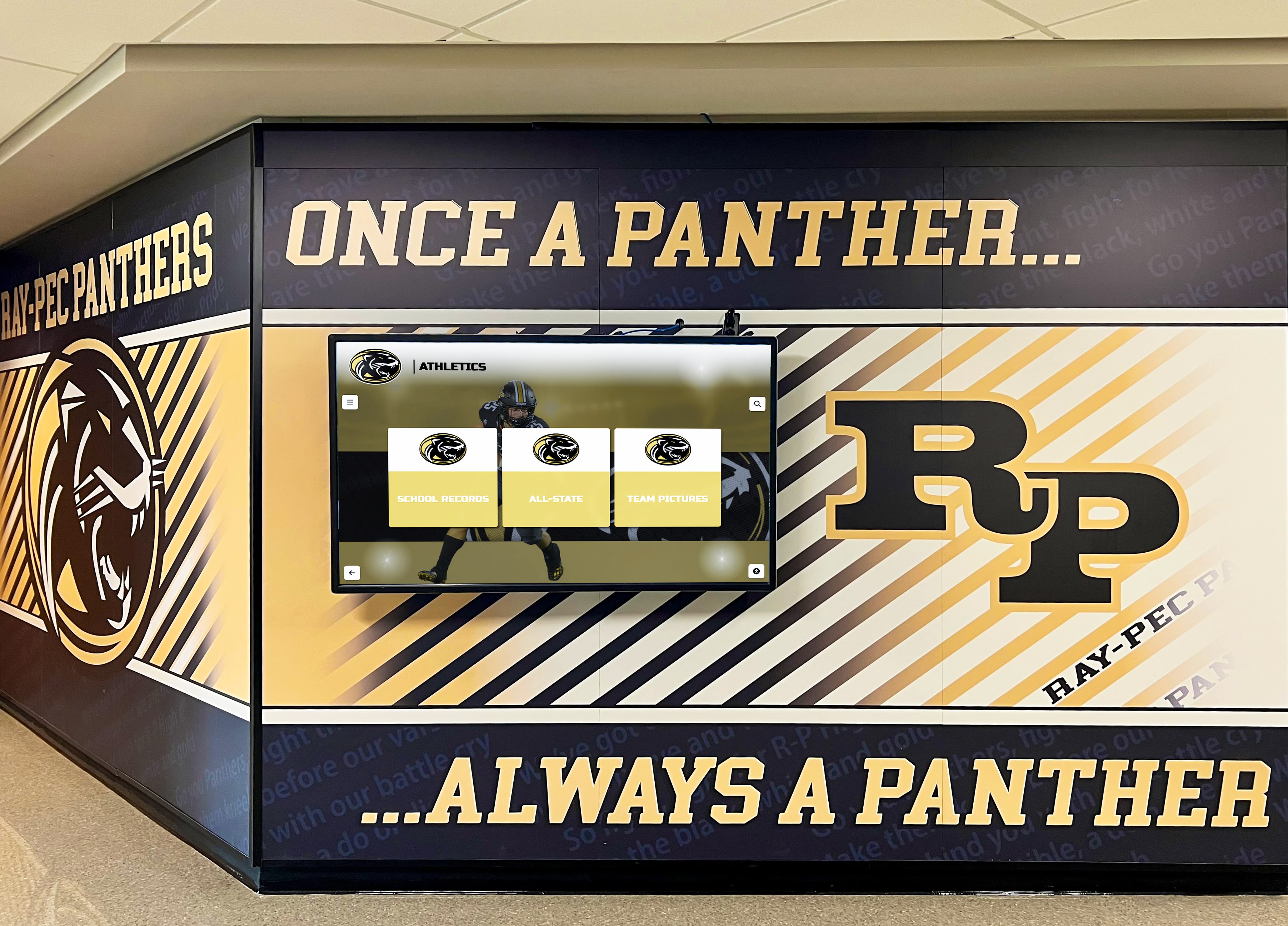
Long-term institutional vision should drive platform selection rather than just initial costs
Real-World Multi-Screen Network Examples
Examining typical implementations clarifies practical applications and benefits.
High School Athletic and Academic Recognition
Comprehensive school-wide networks serve diverse programs:
Implementation Across Program Areas
Distributed displays target specific audiences:
- Main entrance: School overview and recent achievements visible to all visitors
- Athletic lobby: Championship teams, records, hall of fame inductees
- Fine arts wing: Theater productions, band competitions, choir achievements
- Academic building: Scholar recognition, competition success, honor societies
- Cafeteria: Student of the month, club features, upcoming events
Each location provides context-appropriate recognition serving different school populations.
Content Strategy Benefits
Multi-screen approach enables:
- Targeted content matching location without overwhelming any single display
- Program-specific recognition depth impossible with single shared display
- Simultaneous visibility for diverse achievements (athletics and academics)
- Audience-appropriate detail level based on proximity and context
This comprehensive approach honors all contributions rather than forcing prioritization between program areas.
Cost Implications
With unlimited licensing:
- Software investment ($3,000-4,000 annually) remains constant across all displays
- Budget focus shifts to hardware, installation, and content quality
- Can add displays opportunistically as facilities renovate without software cost implications
- Long-term expansion (10+ years) enabled without escalating licensing fees
For schools implementing recognition across programs, comprehensive digital display strategies address content development and audience considerations.
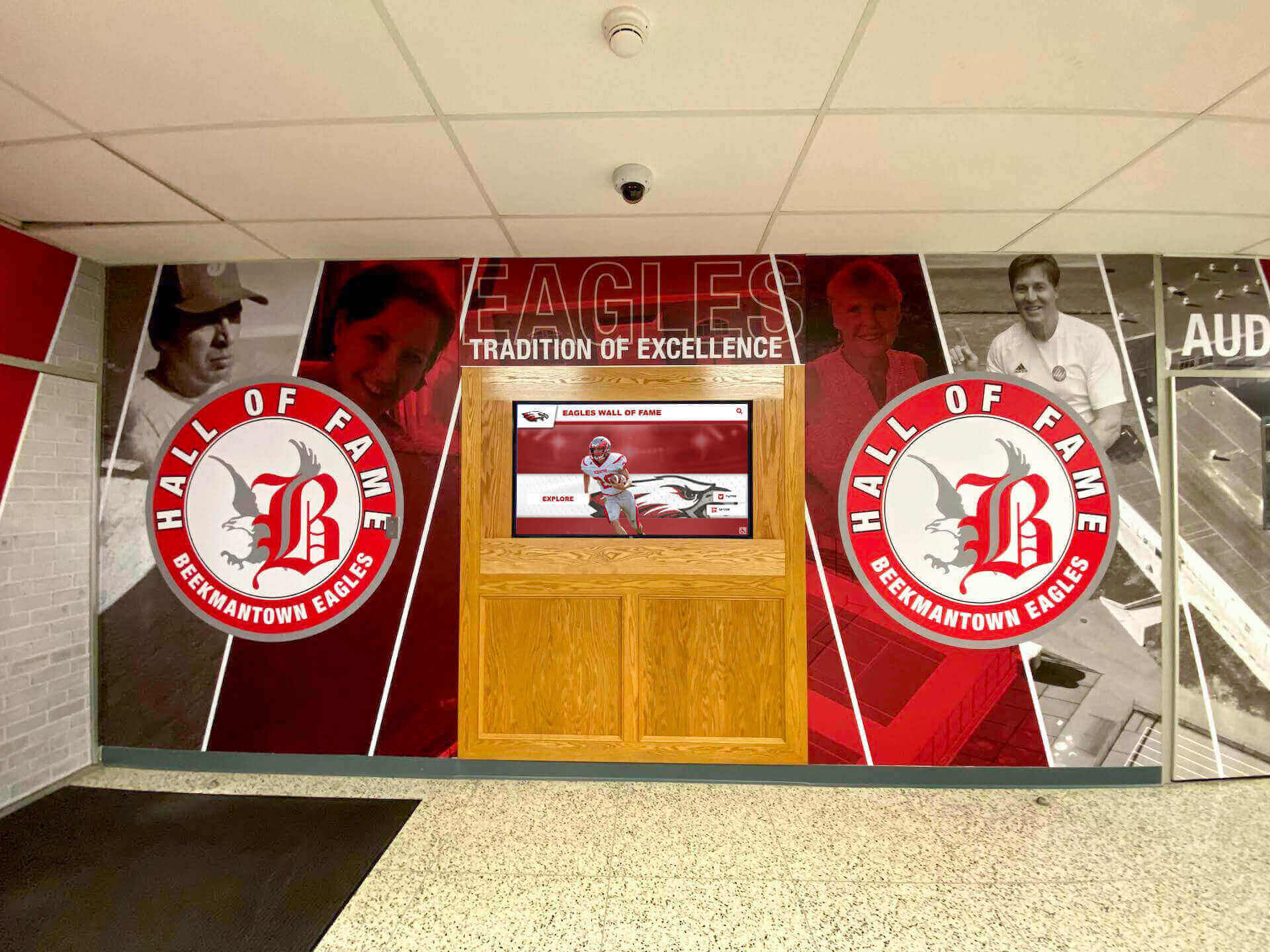
Multi-location recognition serves different program areas and audiences throughout school facilities
District-Wide Recognition Standardization
Multi-campus implementations provide equitable access:
Cross-District Deployment
Typical district configuration:
- High school: 5 displays across athletic facility, main entrance, arts wing, academic halls, commons
- Middle school: 3 displays in main entrance, athletic lobby, cafeteria
- Elementary schools (3): 1-2 displays each in main entrances and multipurpose rooms
- District office: 2 displays in reception and board room
- Stadium or community center: 2 displays in concourse and entrance
Total network: 18-22 displays across multiple facilities and campuses.
Equity and Access Benefits
Standardized platform provides:
- Identical recognition capabilities regardless of building size or budget
- Elementary students seeing their achievements displayed with same dignity as high school athletes
- District-wide initiatives receiving consistent visibility across all schools
- Families experiencing unified recognition culture regardless of which school they attend
- Smaller or lower-income schools gaining access to technology otherwise beyond individual budgets
Per-screen licensing often forces limiting comprehensive recognition to flagship buildings—creating inequitable access.
Content Coordination Opportunities
District platform enables:
- Elementary achievements feeding into middle school displays (welcoming incoming students)
- Middle school recognition continuing into high school (connecting student journeys)
- District-wide competition success visible across all buildings
- Superintendent recognition awards shown throughout district
- Retired staff honored across all schools where they served
This longitudinal recognition strengthens district identity and community connections.
Cost Comparison at District Scale
18 screens with per-screen model ($35/month)
- Annual software cost: $7,560
- Five-year total: $37,800
18 screens with Rocket unlimited model
- Annual software cost: ~$4,500-5,000
- Five-year total: $22,500-25,000
District saves $12,800-15,300 over five years while providing equitable recognition across all facilities.
For district implementation planning, multi-school recognition coordination strategies address content management and organizational considerations.
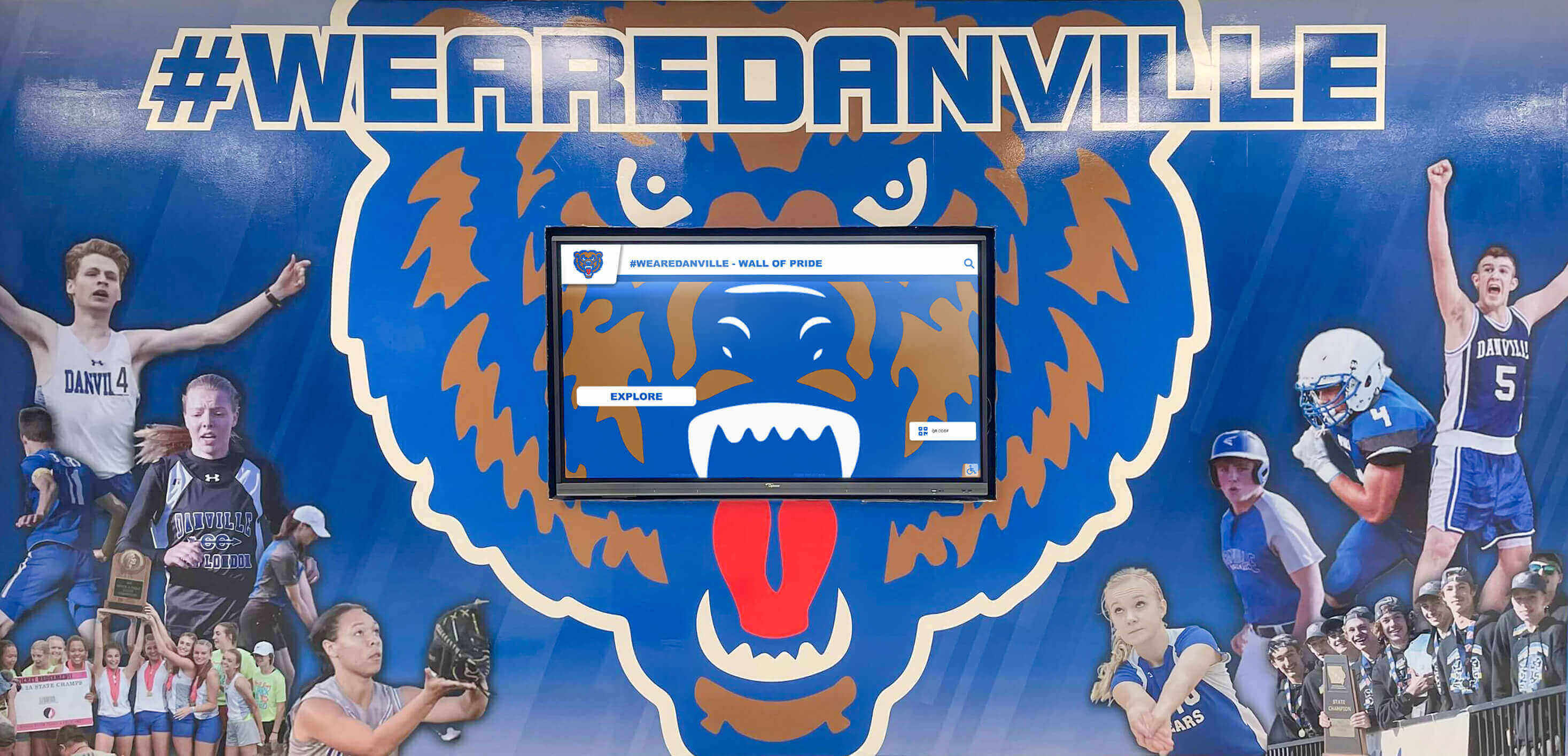
District-wide networks provide equitable recognition access across all schools regardless of size or enrollment
University Multi-Building Enterprise Networks
Higher education institutions deploy extensive recognition infrastructure:
Campus-Wide Distribution
Large university network:
- Athletic complex: 8 displays across main facility, satellite buildings, practice venues
- Academic buildings: 12 displays distributed across colleges and departments
- Student union: 6 displays on multiple floors serving different audiences
- Residence halls: 4 displays in major housing areas
- Alumni center: 3 displays for visitor recognition and donor acknowledgment
- Performing arts: 4 displays in theater lobbies and music school
- Library system: 3 displays in main and branch locations
Total network: 40+ displays across expansive campus.
Decentralized Management Structure
Enterprise scale requires distributed control:
- Athletic department manages sports recognition independently
- Individual colleges control academic achievement content
- Student affairs oversees student organization displays
- Alumni relations manages donor and graduate recognition
- Each unit operates autonomously within unified platform
Unlimited licensing enables this decentralization without per-department or per-user fees.
Cost at Enterprise Scale
40 screens with per-screen model ($40/month)
- Annual software cost: $19,200
- Five-year total: $96,000
40 screens with Rocket unlimited model
- Annual enterprise subscription: ~$6,000-7,000
- Five-year total: $30,000-35,000
University saves $61,000-66,000 over five years—funding that can support content development, student employment, or additional recognition initiatives.
Supporting Institutional Mission
Comprehensive network serves diverse university goals:
- Academic mission through scholar and research recognition
- Student development through leadership and achievement visibility
- Donor relations through acknowledgment displays
- Athletic tradition preservation through historical documentation
- Alumni engagement through accessible graduate accomplishments
Multi-location recognition serves these simultaneous priorities in contextually appropriate spaces.
For higher education implementations, university digital recognition planning addresses campus-wide coordination and content strategies.
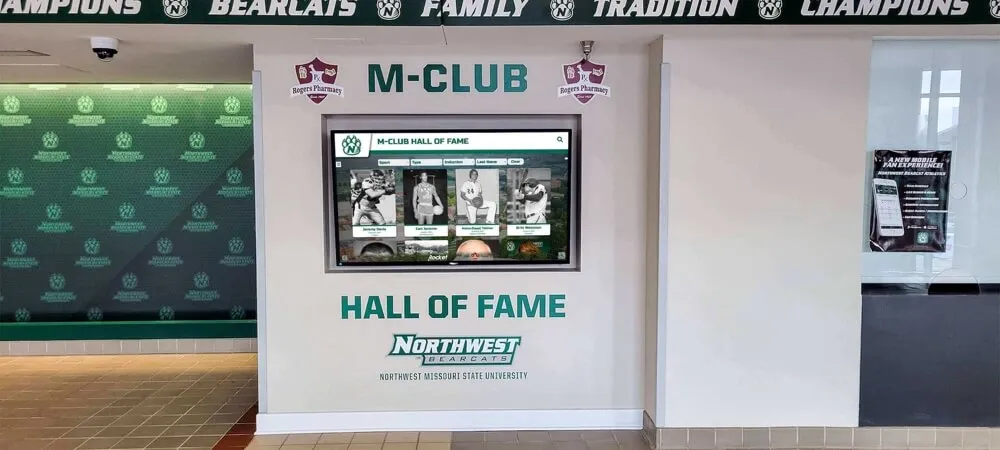
University-scale networks spanning 40+ displays avoid massive per-screen licensing costs with unlimited models
Making the Decision: Is Unlimited Licensing Right for Your Organization?
Evaluate whether per-screen or unlimited models better serve institutional needs and vision.
When Unlimited Licensing Provides Clear Advantage
Certain scenarios strongly favor unlimited subscription models:
Organizations Planning Multi-Location Networks
Unlimited licensing particularly benefits:
- Districts with multiple buildings requiring recognition displays
- Universities with distributed campus locations
- Large high schools wanting displays across diverse program areas
- Organizations with phased expansion plans across multiple years
- Institutions prioritizing equitable access across all facilities
If vision includes 6+ displays, unlimited licensing typically provides better value.
Institutions Prioritizing Budget Predictability
Financial planning advantages:
- Fixed annual software costs regardless of expansion
- No per-screen budget approvals required when adding locations
- Simplified long-term budgeting without cost multiplication
- Can pilot and expand based on community need rather than cost constraints
Organizations with complex budget approval processes benefit from cost predictability.
Programs Sharing Content Across Multiple Locations
Recognition use cases favor unlimited models:
- Same achievements displayed in multiple building locations
- District-wide recognition visible across all schools
- Historical archives accessible throughout campus
- Donor recognition shown in various facility areas
Content value comes from quality and comprehensiveness rather than display location count.
Rapid Growth or Changing Space Needs
Flexibility advantages:
- Can relocate displays between buildings without licensing implications
- Add displays opportunistically during facility renovations
- Expand network organically as needs emerge without software renegotiation
- Pilot displays in various locations to optimize placement
Unlimited licensing eliminates software costs from expansion decisions.
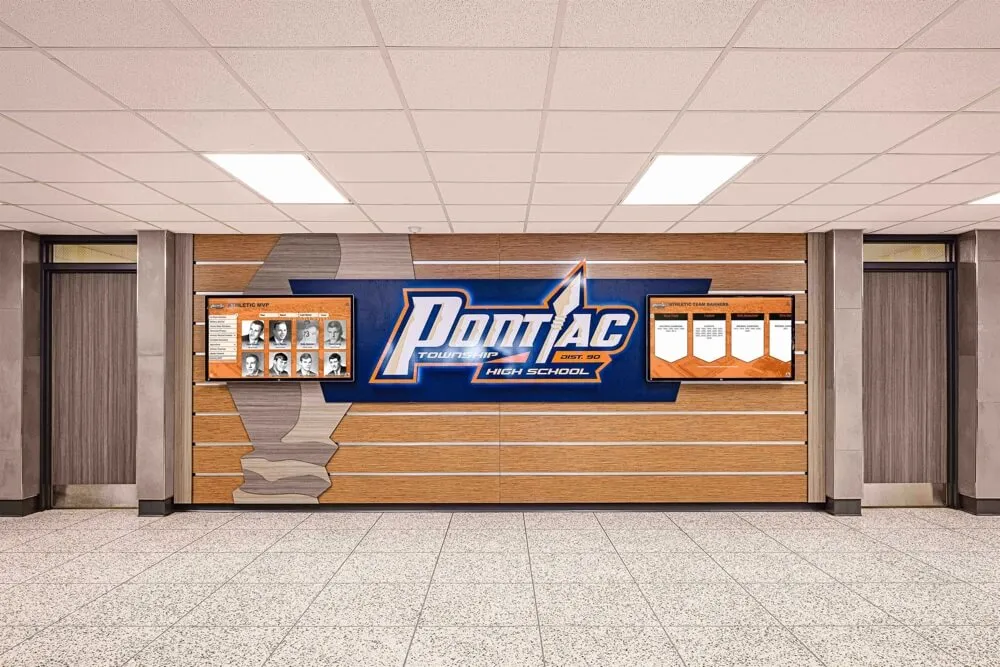
Organizations planning comprehensive recognition networks benefit significantly from unlimited licensing models
When Per-Screen Models Might Be Adequate
Some scenarios work acceptably with per-screen pricing:
Very Small Single-Display Implementations
Limited scope situations:
- Single entrance display for small private schools
- One donor recognition screen for small nonprofits
- Individual memorial or hall of fame kiosk
- Organizations absolutely certain they’ll never expand beyond 1-2 screens
If truly limited to 1-2 displays permanently, per-screen costs may remain manageable—though growth limitations persist.
Short-Term or Temporary Installations
Time-limited uses:
- Special event recognition displays
- Temporary exhibits or anniversary celebrations
- Pilot programs before permanent decisions
- Rental displays for short-term needs
Month-to-month per-screen pricing might suit temporary applications—though Rocket also serves these needs.
When Features Genuinely Differ by Pricing Tier
Occasionally legitimate reasons exist:
- Entry-tier plans lack essential features needed for comprehensive recognition
- Per-screen pricing correlates with actual feature access rather than just screen count
- Different screen types (passive vs. interactive) justify different pricing
Carefully evaluate whether “features” truly differ or if vendors simply tier access artificially.
Organizations With Extremely Limited Budgets
Budget reality considerations:
- Initial year budget only supports minimal investment
- Plan to secure additional funding for expansion in subsequent years
- Accept risk of platform switching if initial choice doesn’t scale affordably
However, even budget-constrained organizations should carefully evaluate whether “affordable” per-screen pricing remains sustainable as vision grows.
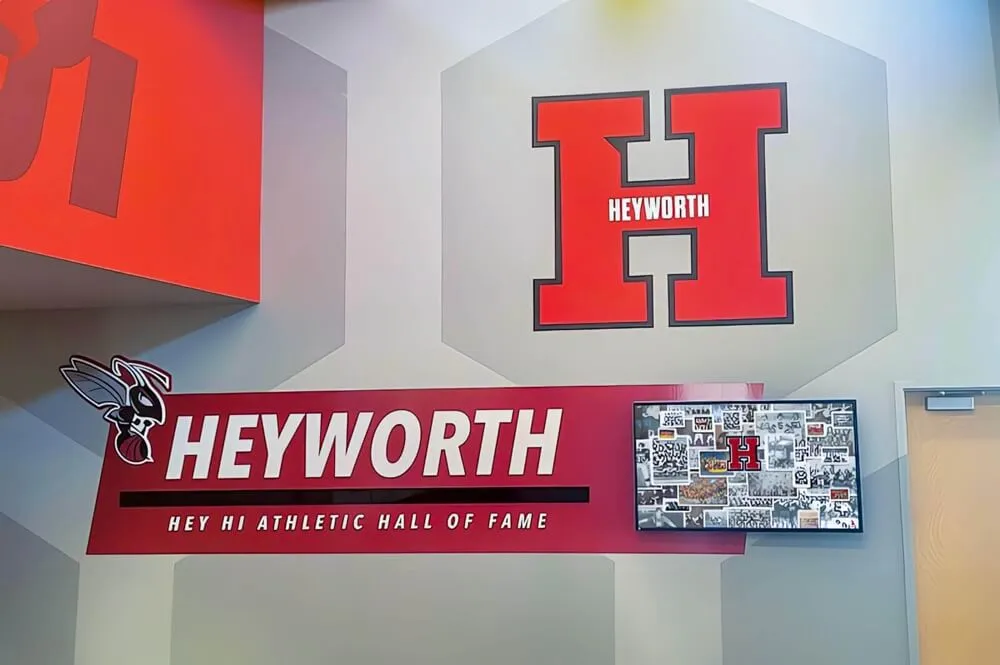
Very small single-display implementations may find per-screen pricing adequate if expansion is genuinely not envisioned
Red Flags and Warning Signs
Recognize concerning patterns during vendor evaluation:
Misleading or Unclear Pricing
Warning indicators:
- Vendors avoiding direct answers about per-screen costs
- Promotional pricing that expires after short periods
- “Contact us for pricing” without transparent public pricing information
- Significant price differences between initial quote and contract
- Complex tier structures making actual costs difficult to calculate
Reputable vendors provide clear, transparent pricing information upfront.
Pressure Tactics and Artificial Urgency
Concerning sales approaches:
- “Limited time offer” creating artificial decision pressure
- Discounts contingent on immediate commitment
- Reluctance to provide references or case studies
- Unwillingness to support pilot or phased implementations
- Pushing multi-year contracts without flexibility
Quality platforms sell on merits rather than pressure tactics.
Hidden Costs Emerging Late in Process
Common surprises to watch for:
- Premium feature fees not mentioned initially
- Per-user charges for multiple content administrators
- Support contracts priced separately from software licensing
- Required hardware purchases (proprietary players, specific displays)
- Professional services fees for basic setup and training
- Content creation charges beyond platform access
Comprehensive cost discussions should occur early in evaluation.
Vendor Lock-In and Migration Barriers
Flexibility concerns:
- Expensive cancellation penalties or minimum terms
- No content export options if switching platforms
- Proprietary hardware incompatible with other software
- Complex data formats preventing migration
- Loss of historical content when leaving platform
Organizations should maintain content ownership and portability.
For comprehensive vendor evaluation, digital recognition platform comparison guides clarify evaluation criteria and red flags.
Conclusion: Building Recognition Networks Without Cost Multiplication Anxiety
Multi-screen digital recognition networks serve institutional missions by providing comprehensive, equitable access to achievement visibility across diverse locations and constituencies. Whether displaying athletic championships in gym lobbies, academic excellence in library entrances, donor recognition in administration buildings, or fine arts accomplishments in theater wings, distributed displays honor complete communities rather than forcing recognition prioritization due to physical space constraints.
However, per-screen software licensing models create financial barriers that undermine this vision. When every additional display location triggers new monthly fees, organizations face impossible choices between comprehensive recognition and budget constraints. Districts limit recognition to flagship schools. Universities compromise between serving academic and athletic constituencies. High schools choose between athletic lobby displays and fine arts recognition—decisions that shouldn’t depend on software licensing multiplication.
Rocket Alumni Solutions eliminates this tension through unlimited screen licensing—one subscription works on any number of touchscreens your organization deploys. Whether implementing displays in 3 locations or 30, software costs remain predictable and constant. This alignment of pricing with institutional value rather than screen count enables organizations to build recognition networks matching their vision rather than their screen-specific budget tolerance.
Ready to Build Your Multi-Screen Recognition Network?
Discover how Rocket Alumni Solutions' unlimited screen licensing enables comprehensive recognition across all your facility locations without cost multiplication. One subscription, unlimited touchscreens, complete community recognition.
Talk to our teamThe cost differences compound dramatically as organizations grow. A 6-screen high school network might save $4,000-6,000 over five years with unlimited licensing versus per-screen models. A 20-screen district network saves $15,000-20,000 over the same period. A 40-screen university implementation saves $60,000-70,000—funding that can support content development, student employment, additional hardware, or other institutional priorities.
Beyond direct cost savings, unlimited licensing transforms planning and decision-making. Organizations can start small and expand organically as opportunities arise, add displays during facility renovations without budget renegotiations, relocate underutilized screens without licensing implications, and test different configurations to optimize engagement. This flexibility enables evidence-based network development rather than premature commitments driven by cost multiplication anxiety.
Your recognition vision shouldn’t be constrained by software licensing models that penalize comprehensive implementation. Whether you’re a single high school planning strategic display placement across program areas, a district seeking equitable recognition access across all schools, or a university building enterprise-scale networks serving diverse constituencies, software licensing should support rather than limit your ability to honor complete communities.
Ready to explore multi-screen recognition without per-screen cost multiplication? See how Rocket Alumni Solutions enables comprehensive networks with unlimited screen licensing aligned to institutional mission rather than display count.































