



Small schools evaluating digital recognition systems often hear that platforms like Rocket Alumni Solutions represent “overkill”—too feature-rich, too expensive, too complex for modest needs. The argument suggests simpler alternatives like Google Slides loops or basic digital signage tools provide adequate solutions at fraction of the cost. This perception stems from equating “depth of capability” with “mandatory complexity,” assuming platforms with comprehensive features force schools to use and maintain elaborate implementations.
This reasoning misses a critical distinction. The presence of analytics, donor tracking, searchable databases, and content management features doesn’t obligate schools to implement them immediately or ever. What appears as excessive capability actually provides two advantages: the ability to operate simply while keeping advanced options available, and infrastructure that reduces ongoing maintenance rather than increasing burden. For small schools where staff bandwidth represents the scarcest resource, systems requiring less continuous manual work deliver greater long-term value than cheaper solutions demanding constant attention.
The “overkill” concern deserves thorough examination. This analysis explores why database-backed recognition platforms serve small schools effectively, addresses legitimate cost and complexity concerns, and identifies scenarios where simpler alternatives genuinely make sense.
Understanding the needs of small schools requires moving beyond feature counts to examine operational realities. Schools with limited staff, volunteer administrators, and constrained budgets face different challenges than large institutions with dedicated technology teams. The question isn’t whether Rocket provides more features than small schools need today—it does. The relevant question is whether that depth creates or solves problems for resource-constrained environments.

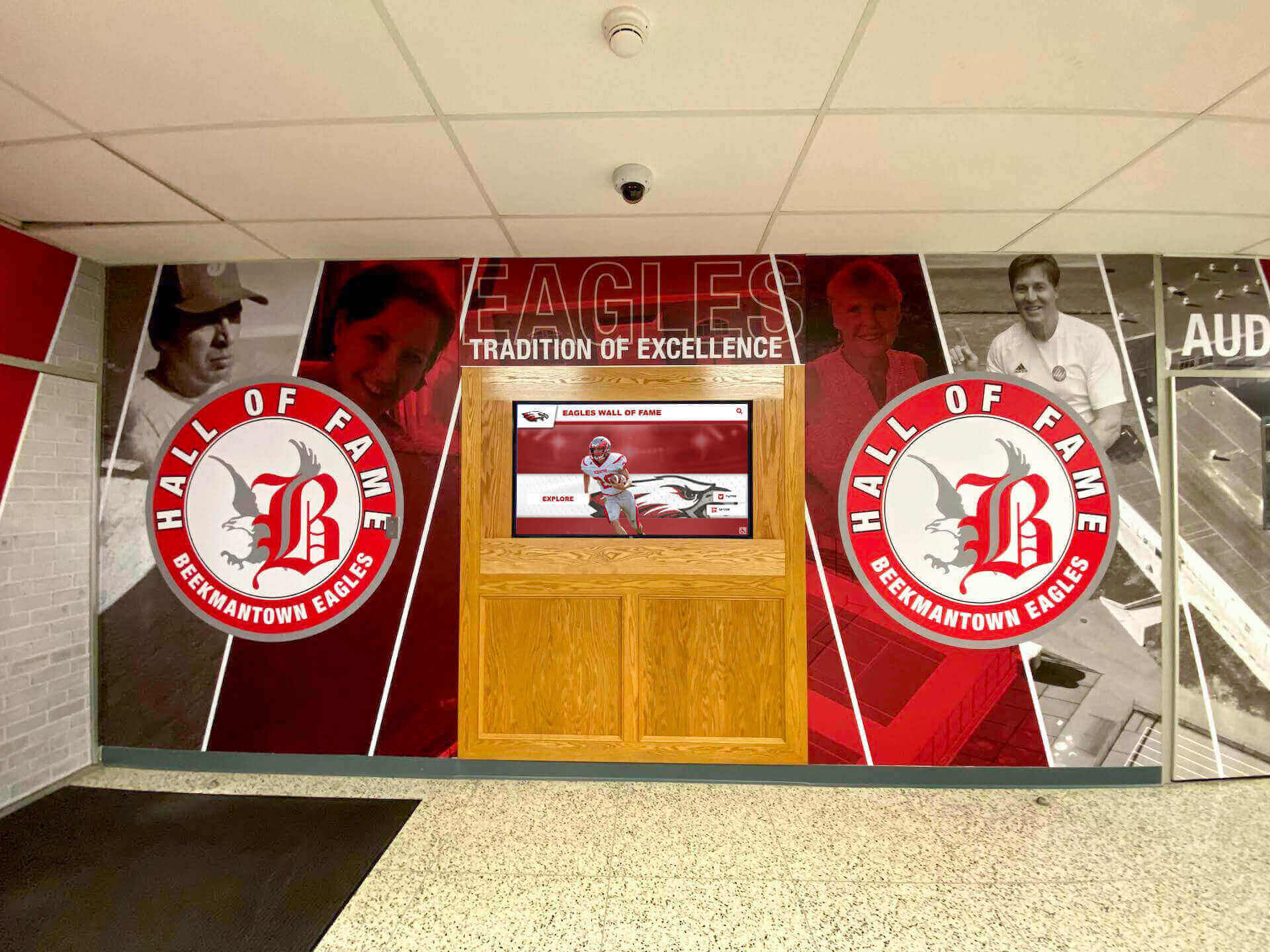
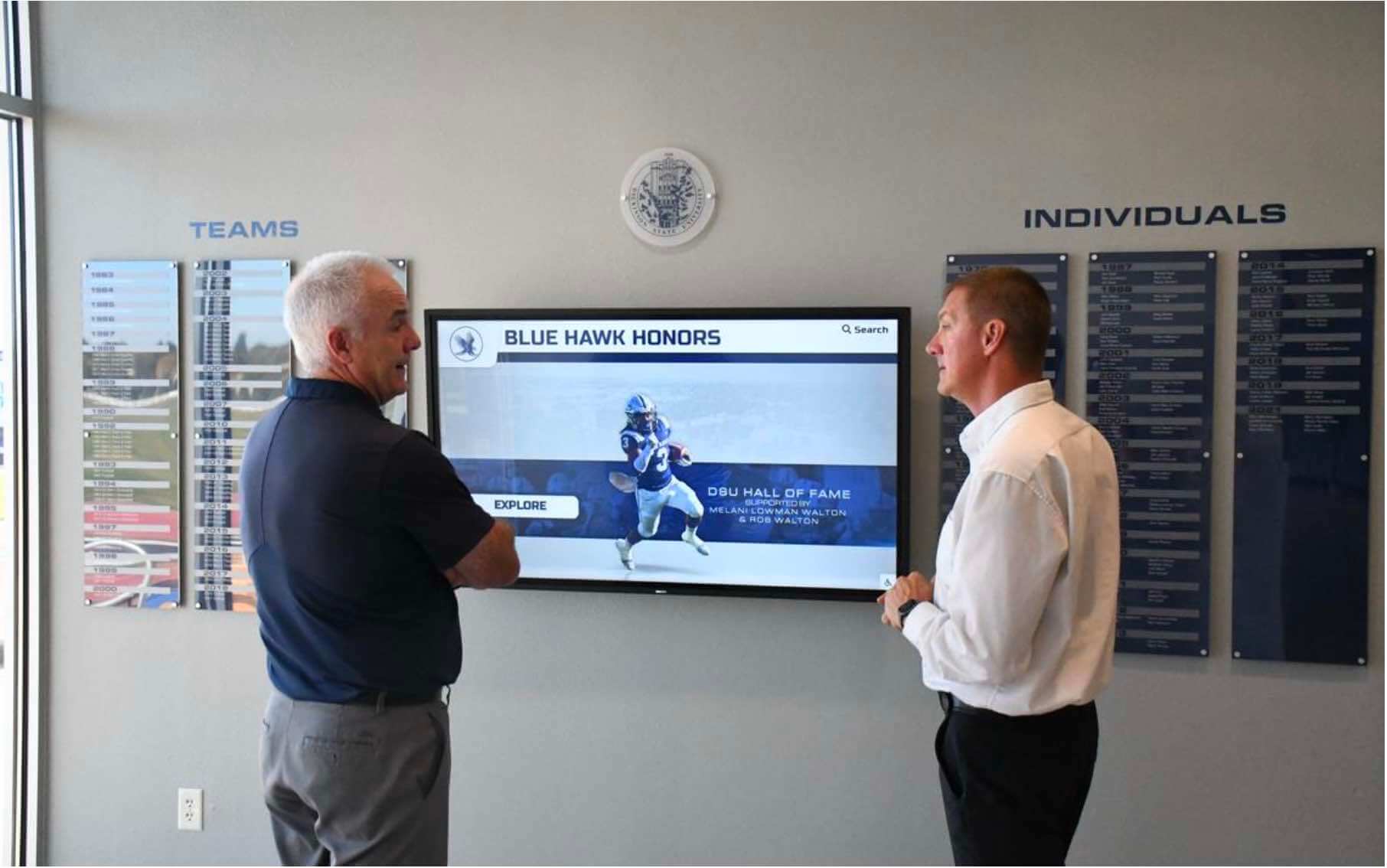
Small schools create impactful recognition environments without requiring complex implementations or extensive technical expertise
The “Overkill” Perception: Understanding the Concern
The argument against comprehensive platforms for small schools contains legitimate observations mixed with incorrect assumptions:
Where the “Overkill” Concern Comes From
Feature Density Can Appear Overwhelming
Platforms designed for comprehensive recognition naturally include capabilities addressing diverse institutional needs:
- Athletic hall of fame with searchable athlete profiles
- Donor recognition with contribution tracking and tiered displays
- Academic achievement displays with honor roll management
- Historical archives with timeline interfaces
- Event promotion and digital signage capabilities
- Analytics dashboards showing engagement metrics
- Content management workflows with approval processes
- Integration APIs connecting external systems
For schools wanting to display team photos and current schedules, this feature breadth can feel excessive—like purchasing commercial kitchen equipment to make occasional family dinners.
Perceived Implementation Burden
Feature-rich platforms can suggest complex setup requirements:
- Extensive initial data entry populating athlete databases
- Learning curve mastering content management interfaces
- Design decisions configuring layouts and navigation
- Ongoing maintenance keeping information current
- Technical troubleshooting addressing system issues
Schools already stretched thin understandably hesitate before commitments appearing to demand significant time investments.
Cost Differential Relative to Alternatives
Budget comparisons amplify overkill perceptions:
- Google Slides loops: free or minimal subscription costs
- Basic digital signage platforms: $10-30 monthly per display
- Simple website displays: minimal hosting costs
- Comprehensive recognition platforms: $1,500-$3,500 annually plus hardware
This price gap—often 90% lower for basic alternatives—makes comprehensive platforms appear financially imprudent for schools with limited recognition needs and tight budgets.
Why These Concerns Merit Consideration
The “overkill” argument deserves respectful engagement rather than dismissal:
Small Schools Have Genuine Budget Constraints
Limited funding requires careful resource allocation:
- Technology budgets often measured in hundreds rather than thousands of dollars
- Multiple competing priorities (curriculum materials, facility maintenance, athletics, arts)
- Scrutiny of discretionary spending by boards and communities
- Need to demonstrate clear value for every investment
- Pressure to minimize ongoing subscription costs
Budget limitations represent real constraints, not mere inconvenience. Solutions must deliver value justifying their cost in small school contexts.
Staff Bandwidth Truly Limited
Small schools operate with minimal administrative capacity:
- Single athletic director often coaching multiple sports
- Principals managing recognition alongside administrative responsibilities
- Secretary or administrative assistant handling multiple school functions
- Parent volunteers contributing limited hours
- No dedicated IT or communications staff
Time represents the scarcest resource. Systems requiring extensive ongoing maintenance fail regardless of feature quality.
Not Every School Needs Every Feature
Recognition needs vary by institution:
- Schools without significant donor programs don’t need contribution tracking
- Athletics-only displays don’t require academic achievement modules
- Single-display installations don’t need multi-screen coordination
- Schools satisfied with current recognition may want only incremental improvements
Paying for unused capabilities does represent waste when cheaper alternatives meet actual requirements.
For schools evaluating whether digital recognition makes sense at all, digital display considerations for educational institutions provide context for making informed decisions.
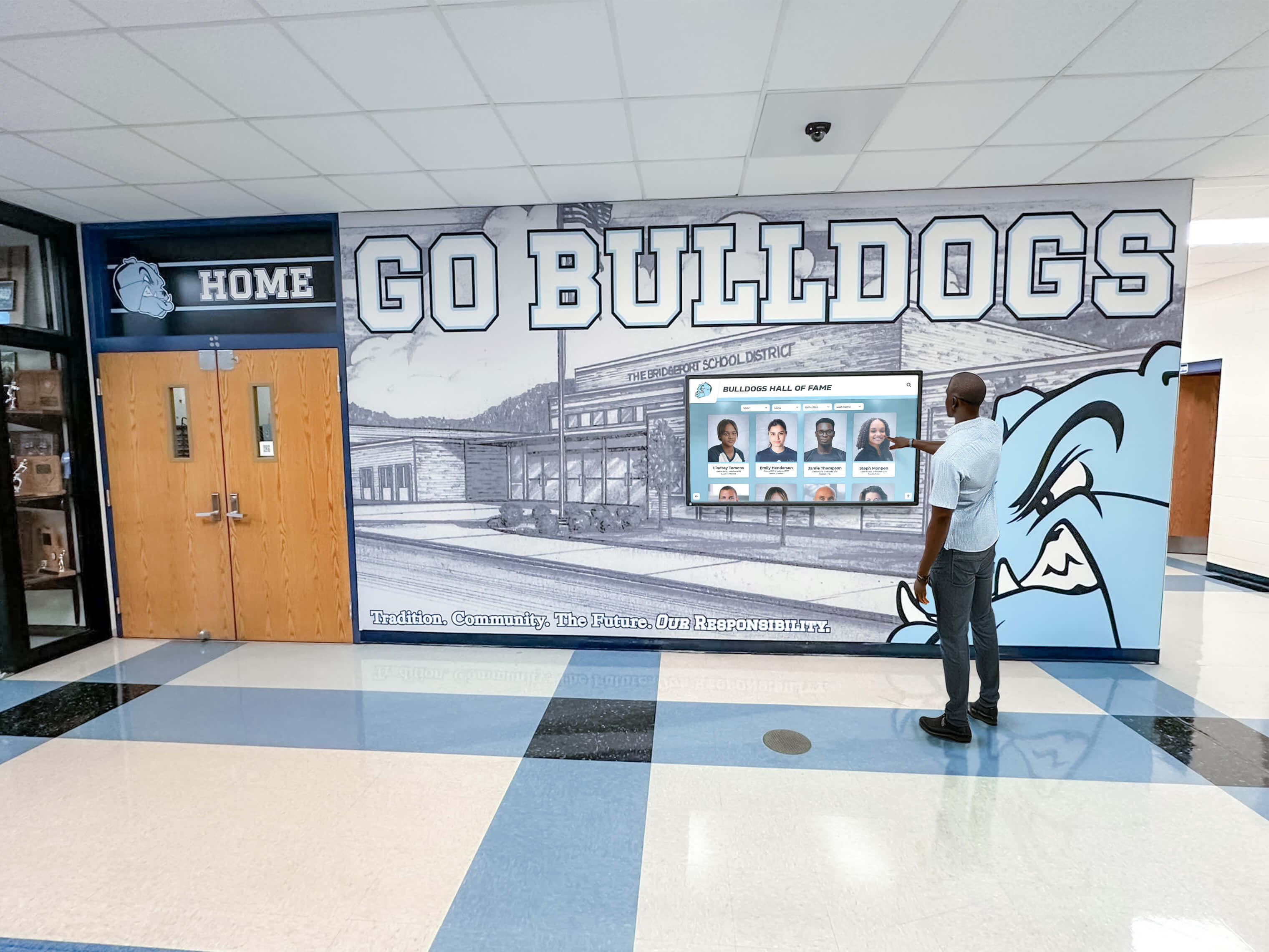
Interactive displays enable exploration without requiring users to understand system complexity—simple interfaces can hide sophisticated capabilities
Why “Depth” Doesn’t Mean “Required”: Curated Simplicity
The presence of comprehensive features doesn’t mandate their use. Well-designed platforms support simple implementations while keeping advanced capabilities optional.
Operating Modes: Simple to Sophisticated
Minimal Implementation: Photos, Teams, Schedules
Small schools can deploy Rocket in straightforward configurations:
- Team photo galleries organized by season and sport
- Current schedules with game dates, times, and locations
- Simple navigation browsing by sport or year
- Automatic display rotation requiring no manual interaction
- Minimal data entry focusing on recent content only
This basic implementation provides immediate value without touching advanced features. The database infrastructure enables structured organization and search even for simple content, but schools aren’t obligated to populate extensive historical archives or create complex athlete profiles.
Moderate Implementation: Adding Recognition Depth
Schools expand naturally based on available time and interest:
- Individual athlete profiles for recent letter winners
- Championship team documentation with rosters and records
- Basic achievement tracking (conference honors, state qualifications)
- Photo uploads from season highlights
- Historical content added gradually as capacity allows
This moderate expansion happens incrementally—adding content when convenient rather than requiring immediate comprehensive population. Database structure supports growth without system redesign.
Advanced Implementation: Full Platform Utilization
Schools with capacity or interest access deeper capabilities:
- Searchable historical archives spanning decades
- Donor recognition integrated with athletic achievements
- Detailed analytics tracking community engagement
- Content approval workflows for distributed management
- Integration with athletic management or alumni databases
- Multi-display coordination across campus
These advanced features remain available when schools want them, but their presence doesn’t create obligation or complexity for schools operating in simpler modes.
The User Interface Can Be Simple Even When Underlying System Is Sophisticated
What Visitors See Versus What Systems Do
Platform complexity lives in backend infrastructure invisible to end users:
- Schools select which features to expose in visitor interfaces
- Navigation menus show only activated content sections
- Advanced capabilities remain hidden until deliberately enabled
- Interface complexity matches actual content rather than potential features
- Simple implementations create simple experiences
A school using Rocket only for team photos and schedules can present interface identical in simplicity to basic slideshow—visitors see photo galleries and schedule listings without awareness of database, search capabilities, or donor tracking features existing but unused in the background.
Graduated Complexity Based on School Choices
Platforms adapt to implementation scope:
- Single-sport displays show sport-specific navigation only
- Schools without donor content see no donation interfaces
- Historical archives appear only when schools populate them
- Analytics dashboards accessed only by administrators wanting metrics
- Content management complexity matches activated features
This flexibility means schools experience only the complexity they choose to adopt rather than inheriting burden from full platform capabilities.
For schools considering how to start simple while preserving future options, phased digital recognition implementation approaches demonstrate growth paths.

Effective displays prioritize clarity and accessibility over feature density—simple presentations serve most visitor needs
The Real Problem: Maintenance Burden, Not Feature Count
Small schools’ scarcest resource is staff time. Platforms reducing ongoing maintenance deliver disproportionate value regardless of feature sophistication.
Google Slides: Low Cost, High Maintenance
The Hidden Labor in “Simple” Solutions
Slideshow approaches appear cost-effective until examining total effort:
Ongoing Content Creation Work
- Designing individual slides for each photo or announcement
- Maintaining consistent formatting across slide decks
- Resizing and optimizing images manually
- Creating text layouts balancing readability and aesthetics
- Version control tracking edits across multiple contributors
Update Logistics and Coordination
- Chasing coaches for current rosters and photos after each season
- Reminder emails requesting championship documentation
- Follow-up conversations clarifying achievement details
- Waiting for information from busy volunteers
- Manual data entry transcribing provided information
Error-Prone Manual Processes
- Typos in manually-typed athlete names and achievements
- Duplicate entries when multiple people update independently
- Inconsistent naming conventions across slides
- Outdated information remaining when updates fail
- Formatting breakage requiring troubleshooting and repair
Distribution and Playback Management
- Exporting updated presentations after each change
- Transferring files to display computers or storage
- Troubleshooting playback issues and crashes
- Managing automatic restart after power outages
- Coordinating updates across multiple displays
According to facilities management research, manually-maintained digital signage requires approximately 2-4 hours monthly per display for content updates and technical management. Small schools with limited administrative capacity find this ongoing burden unsustainable, leading to displays showing increasingly stale information as update frequency declines.
Database Systems: Higher Initial Investment, Lower Ongoing Work
Structure That Reduces Recurring Labor
Well-designed platforms minimize maintenance through systematic approaches:
Reusable Content and Relationships
- Athlete profiles entered once, appearing across multiple contexts automatically
- Team rosters built from existing athlete records without re-entry
- Achievements associated with profiles, updating displays automatically
- Photos uploaded once, available for multiple uses
- Template systems maintaining consistent formatting without manual work
Automated Organization and Display
- Chronological sorting happening automatically based on dates
- Search indices updating as content changes
- Record boards recalculating automatically when achievements added
- Navigation structures adjusting to available content
- Display rotations cycling through content without programming
Simplified Update Workflows
- Web-based forms replacing presentation design work
- Mobile-friendly interfaces enabling updates from anywhere
- Bulk import capabilities handling multiple entries efficiently
- Change tracking showing recent modifications and contributors
- Preview capabilities testing changes before publishing
Eliminated Technical Management
- Cloud hosting removing need for file transfers and local storage
- Automatic display refresh pulling content from remote servers
- Persistent connections eliminating manual restart requirements
- Platform maintenance handled by vendor without school involvement
- Multi-display coordination through centralized management
This structured approach reduces ongoing maintenance to simple data entry—adding new achievements, uploading photos, updating schedules. The database handles organization, display, and technical management automatically.
Time Investment: Front-Loaded Versus Continuous
Initial Setup Time Comparison
Getting systems operational requires different effort levels:
Slides/Basic Signage Initial Setup
- Creating presentation templates and layouts: 4-8 hours
- Entering initial content and photos: 6-10 hours
- Configuring playback and testing display: 2-4 hours
- Total initial investment: 12-22 hours
Database Platform Initial Setup
- Platform configuration and customization: 6-12 hours (often vendor-assisted)
- Entering initial athlete and team records: 10-20 hours depending on historical depth
- Uploading photos and organizing content: 6-12 hours
- Learning content management interface: 4-8 hours
- Total initial investment: 26-52 hours
Comprehensive platforms require roughly double the initial time investment compared to simple presentations—a significant difference for schools with limited capacity.
Ongoing Maintenance Time Comparison
Long-term burden differentials prove more significant:
Slides/Basic Signage Ongoing Maintenance
- Monthly content updates and design work: 2-4 hours
- Seasonal major updates (new teams, achievements): 6-10 hours quarterly
- Troubleshooting and technical issues: 2-4 hours quarterly
- Annual time investment: 56-96 hours
Database Platform Ongoing Maintenance
- Monthly content additions via forms: 1-2 hours
- Seasonal updates adding teams and achievements: 3-5 hours quarterly
- Technical troubleshooting (rare with cloud hosting): 0-2 hours annually
- Annual time investment: 24-44 hours
Database platforms require approximately half the ongoing maintenance time compared to manual approaches. Over multi-year periods, this differential overwhelms initial setup time differences.
Break-Even Analysis
When do higher initial investments return value through reduced maintenance?
Year 1: Slides require 68-118 hours total (12-22 setup + 56-96 maintenance); Database requires 50-96 hours total (26-52 setup + 24-44 maintenance) Year 2: Slides require 124-214 hours cumulative; Database requires 74-140 hours cumulative Year 3: Slides require 180-310 hours cumulative; Database require 98-184 hours cumulative
Database systems typically reach time-investment parity during first year and provide significant time savings in subsequent years. For small schools where administrative time represents precious resources, reduced maintenance burden justifies higher initial investment.
Schools managing recognition alongside other responsibilities benefit from approaches minimizing ongoing work. Content management strategies for resource-limited schools demonstrate effective practices.

Effective content management systems enable non-technical staff and volunteers to update recognition without extensive training or ongoing support
“Just a Few Photos” Rarely Stays “Just a Few Photos”
Schools consistently underestimate recognition scope growth. Initial modest intentions expand naturally as communities engage with displays.
Common Recognition Evolution Patterns
Phase 1: Initial Conservative Intent
Schools begin with minimal ambitions:
- Display championship team photo from recent state title
- Show current season schedule and results
- Feature graduating seniors from last class
- Perhaps include past decade of major achievements
This limited scope appears manageable with simple tools and straightforward implementation. Schools confident they need only basic capabilities select minimal platforms accordingly.
Phase 2: Natural Expansion Requests
Within months of initial deployment, expansion pressures emerge:
Athletic Program Additions
- Coaches want recognition for conference championships alongside state titles
- Other sports request inclusion beyond initial featured program
- Recent record-breaking performances need documentation
- Athletes achieving all-state honors want visibility
- Team captains and senior athletes deserve individual recognition
Historical Interest Development
- Alumni inquire about championships from their era
- Community members share photos from past decades
- Anniversary celebrations prompt historical documentation
- Retired jersey numbers need explanation and context
- Coaching milestones (wins, tenures, achievements) warrant recognition
Non-Athletic Recognition Pressure
- Academic achievement deserves equal visibility with athletics
- Fine arts accomplishments (theater, music, visual arts) need recognition
- Distinguished graduate tracking showing alumni success
- Community service and leadership recognition
- Donor acknowledgment for supporters funding improvements
Enhanced Information Requests
- Full team rosters instead of just photos
- Individual athlete statistics and career summaries
- Game highlights and championship videos
- Coach biographies and tenure information
- Search capabilities finding specific athletes or achievements
The Re-Platform Problem
When Simple Tools Hit Capacity Limits
Presentation-based approaches eventually exhaust capability:
- Slide count grows unwieldy (100+ slides becoming slow and difficult to manage)
- Search functionality nonexistent (finding specific content requires manual scanning)
- Relationship tracking impossible (connecting athletes to multiple teams and achievements)
- Maintenance burden grows linearly with content volume
- Performance degrades as file sizes increase
At this inflection point, schools face difficult choice: abandon expanded recognition ambitions or migrate to more capable platform.
Migration Costs and Disruption
Moving to new systems after initial deployment wastes resources:
- All content requires re-entry in new platform format
- Design work recreated matching new system capabilities
- Staff retraining on different content management approach
- Disruption during transition period when displays offline or incomplete
- Sunk costs in original platform never recovering value
- Community confusion as familiar interfaces change
Schools implementing comprehensive platforms initially avoid these re-platform costs even if operating in simple mode early on. The underlying capability exists when expansion needs emerge without requiring system change.
The Psychological Transition Challenge
Beyond technical migration costs, changing platforms disrupts organizational adoption:
- Staff comfortable with original system resist learning new tools
- Momentum from initial launch lost during transition
- Community engagement interrupted as displays become unreliable
- Budget conversations reopening cost discussions resolved years earlier
- Volunteer energy dissipates through repeated implementation efforts
These soft costs often exceed technical migration expenses, making initial platform selection more consequential than initial feature utilization suggests.
Planning for growth prevents rebuilding work. Scalable recognition system design addresses expansion without system replacement.
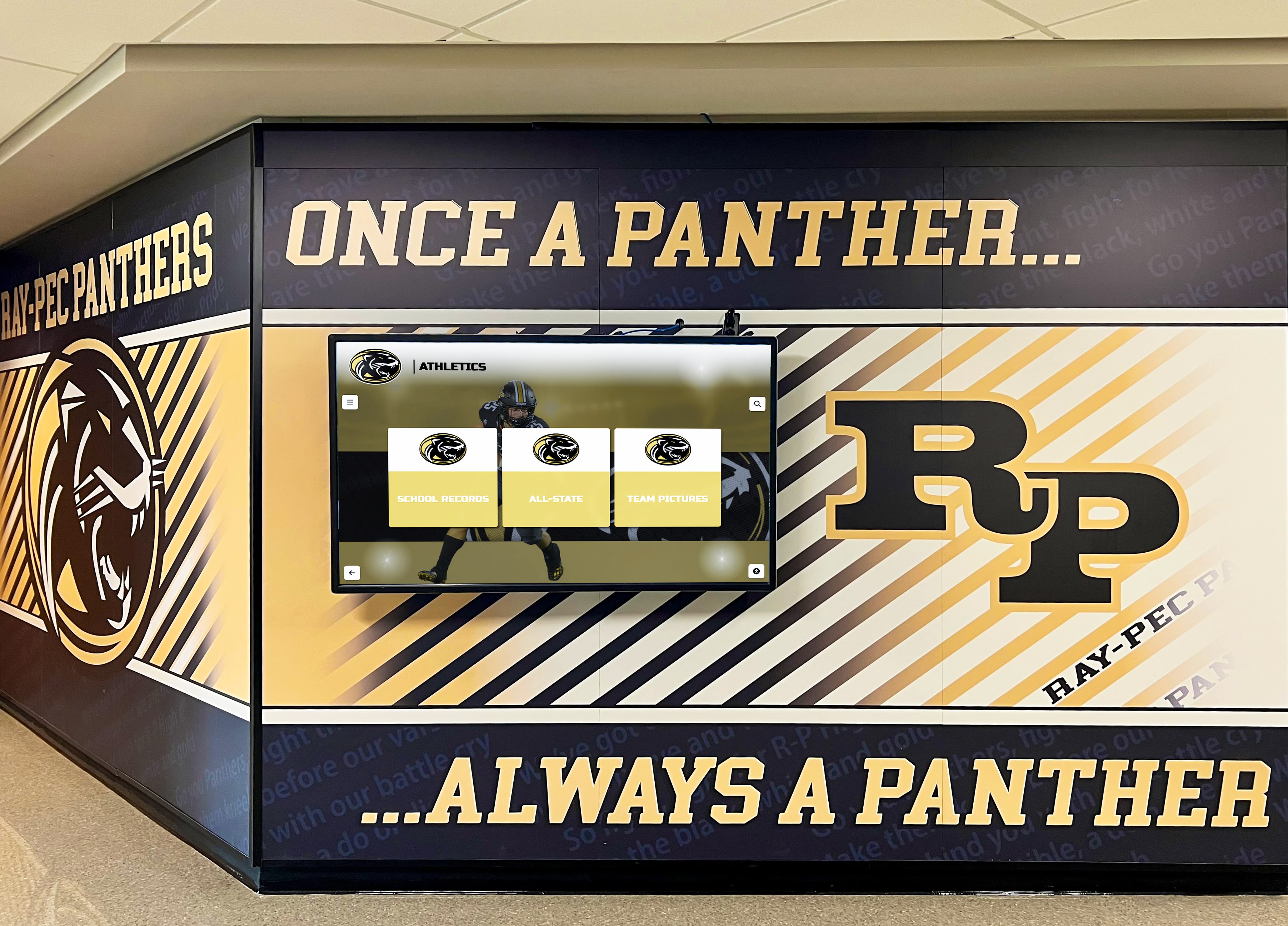
Recognition programs naturally expand as communities engage—infrastructure supporting growth prevents later rebuilding
The Cost Comparison: Apples to Oranges
Simple price comparisons miss significant cost components, overstating actual savings from basic alternatives.
What Basic Digital Signage Includes (and Excludes)
Included in Basic Signage Platforms
Budget digital signage services provide:
- Display player software showing content
- Basic content upload and scheduling
- Remote management from web dashboards
- Rotation and transition effects
- Multiple file format support (images, videos, basic layouts)
These capabilities handle playback and distribution but stop there.
Excluded from Basic Signage Platforms
Capabilities schools must provide separately:
- Content creation and design work
- Information organization and structure
- Data entry and ongoing updates
- Content management workflows
- Support for finding and fixing issues
- Integration with other systems
- Historical data management
- Search and discovery features
The Full Cost Stack
Realistic budgets include all necessary components:
Basic Digital Signage Complete Costs:
- Digital signage platform: $15-30 monthly ($180-360 annually)
- Content creation labor: 56-96 hours annually at market rates
- Display hardware: $2,000-4,000 initial
- Installation: $1,000-2,000 initial
- Troubleshooting support: variable based on issues encountered
- Future expansion costs: complete system replacement if needs grow
Comprehensive Platform Complete Costs:
- Recognition platform: $1,500-3,500 annually
- Content creation labor: 24-44 hours annually (reduced through structured workflows)
- Display hardware: $3,000-6,000 initial (often touchscreen for interactivity)
- Installation: $1,500-2,500 initial
- Vendor support: included in annual licensing
- Future expansion costs: minimal, existing system accommodates growth
Staff Time Economics
Valuing Administrative Labor
Small schools often undervalue staff time costs because administrators’ salaries continue regardless of task burden. However, time spent maintaining displays represents opportunity cost—hours unavailable for other priorities.
Realistic Hourly Value Estimates
Typical administrative rates:
- Athletic director: $35-55 per hour equivalent
- Principal: $50-75 per hour equivalent
- Administrative assistant: $20-35 per hour equivalent
- Volunteer labor: difficult to value but constrained and exhaustible
Annual Maintenance Cost Comparison
Calculating true labor burden:
Basic Digital Signage:
- 56-96 hours maintenance annually
- At $35/hour equivalent: $1,960-3,360 annual labor cost
- Plus $180-360 platform fees
- Total: $2,140-3,720 annually (excluding initial hardware)
Comprehensive Platform:
- 24-44 hours maintenance annually
- At $35/hour equivalent: $840-1,540 annual labor cost
- Plus $1,500-3,500 platform fees
- Total: $2,340-5,040 annually (excluding initial hardware)
When properly valuing staff time, comprehensive platforms cost only 9-35% more annually than “cheap” alternatives despite platform fees appearing 90% higher. For schools where staff time represents true constraint, reduced maintenance burden justifies price premium.
Total Cost of Ownership Over System Lifetime
Multi-Year Financial Analysis
Displays typically serve 5-7 years before hardware replacement. Evaluating full lifecycle costs:
5-Year Total Cost of Ownership
Basic Digital Signage:
- Initial hardware and installation: $3,000-6,000
- Platform fees (5 years): $900-1,800
- Maintenance labor (5 years at $35/hour): $9,800-16,800
- Migration costs if expanding: $3,000-8,000 (content recreation, new platform setup)
- Total 5-year cost: $16,700-32,600
Comprehensive Platform:
- Initial hardware and installation: $4,500-8,500
- Platform fees (5 years): $7,500-17,500
- Maintenance labor (5 years at $35/hour): $4,200-7,700
- Migration costs: $0 (system scales with needs)
- Total 5-year cost: $16,200-33,700
Over system lifetime, total costs prove remarkably similar despite platform licensing differences. Comprehensive platforms deliver equivalent or lower total cost through reduced maintenance and avoided migration expenses.
Understanding complete cost structures enables informed decisions. Digital recognition investment analysis for schools examines financial considerations beyond initial platform fees.
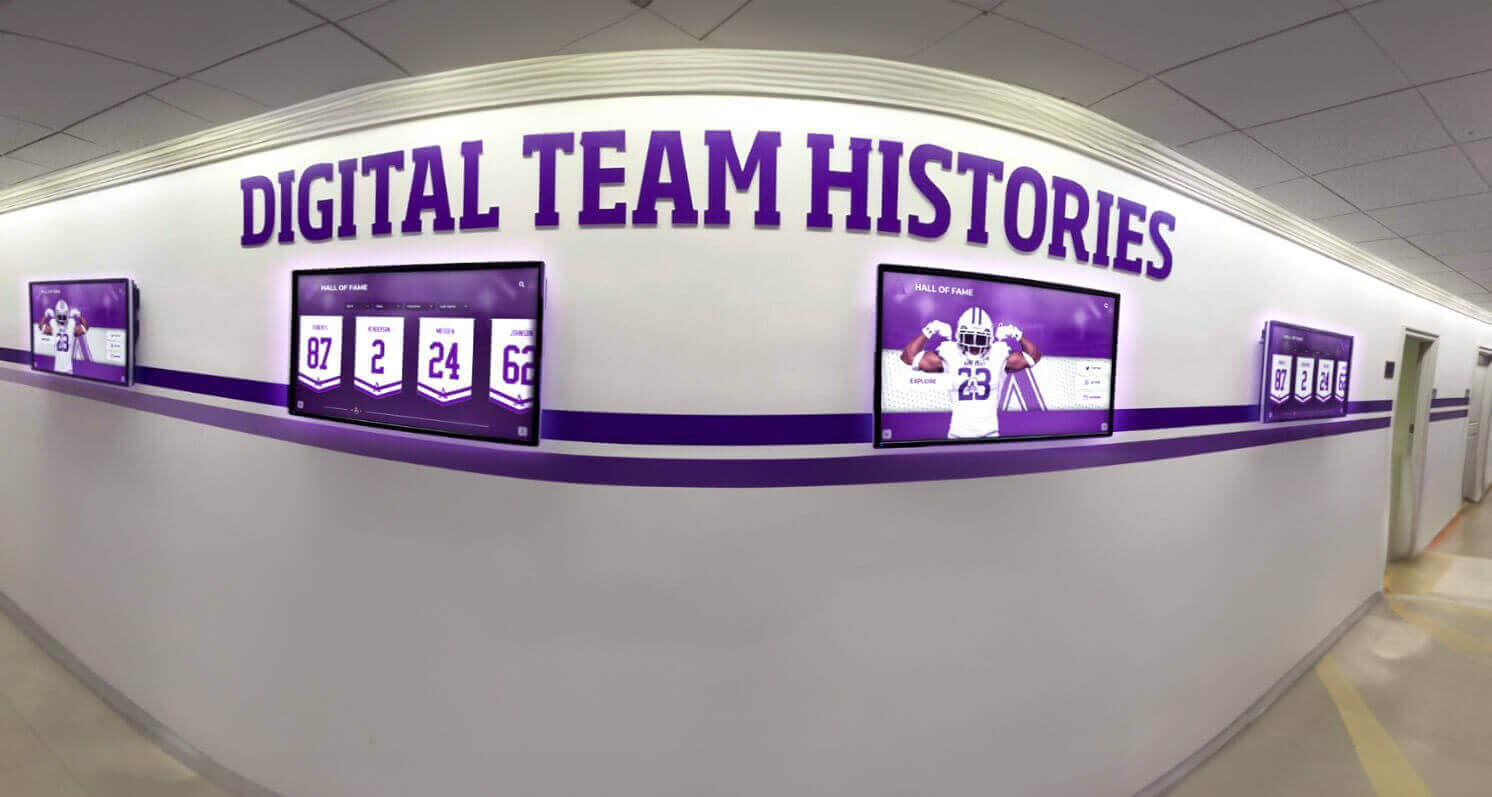
Comprehensive systems support expansion to multiple displays and diverse recognition needs without requiring platform changes
Small Schools Care About Perception and Community Prestige
Recognition quality matters regardless of school size. Modern, professional displays influence how communities perceive institutional quality.
The Strategic Visibility of Recognition Displays
High-Traffic, High-Impact Locations
Schools install recognition displays in prominent spaces:
- Main entrance lobbies where all visitors form first impressions
- Athletic facility entrances before every game and event
- Central hallways with heavy student and family traffic
- Meeting areas where board members and donors gather
- Alumni event spaces during reunions and fundraisers
These locations receive scrutiny from audiences whose perceptions significantly impact schools:
- Prospective families evaluating school quality during tours
- Alumni assessing institutional vitality and tradition
- Community members forming opinions about investment and excellence
- Donors considering financial support levels
- Current families evaluating satisfaction with school choice
Display quality in these contexts creates lasting impressions—positive or negative—influencing reputation and community support.
Donor and Alumni Perception Management
How Recognition Displays Signal Institutional Quality
Professional displays communicate organizational sophistication:
- Modern, well-maintained recognition suggests institutional health and forward thinking
- Searchable, detailed content demonstrates pride in community and history
- Regular updates signal active engagement and administrative capacity
- Polished presentation indicates attention to detail and quality standards
- Accessibility features show commitment to inclusion and modern standards
The Opposite Signal from Neglected Systems
Stale or poorly-maintained displays damage institutional reputation:
- Outdated information suggests administrative dysfunction
- Design quality issues communicate lack of standards or resources
- Broken features signal inadequate technical capacity
- Incomplete content implies either indifference or incompetence
- Difficult-to-use interfaces frustrate visitors and undermine confidence
These negative perceptions influence concrete decisions:
- Families choose alternative schools perceiving greater quality
- Alumni reduce engagement feeling institutional decline
- Donors redirect contributions to organizations demonstrating excellence
- Community support weakens as pride diminishes
Return on Investment in Credibility
Recognition displays’ value extends beyond information delivery:
- Enhanced reputation attracting stronger enrollment
- Increased donor confidence generating greater contributions
- Alumni engagement maintaining community connections
- Staff pride fostering retention and performance
- Competitive positioning against neighboring schools
The ROI calculation should include these institutional benefits alongside direct communication value.
For schools connecting recognition quality to broader institutional positioning, school pride and community engagement strategies explore these relationships.
Proportional Investment Relative to Visibility
Small Schools, Same Visibility Standards
School size doesn’t reduce recognition importance:
- Lobby displays receive equal scrutiny regardless of enrollment
- Donors evaluate investment quality at all institutional scales
- Alumni care equally about recognition whether class has 50 or 500 members
- Community pride connects to school quality perception regardless of size
- Prospective families compare recognition across schools of all sizes
Small schools compete for students, support, and reputation against institutions of all scales. Recognition quality must meet universal standards rather than diminished expectations based on school size.
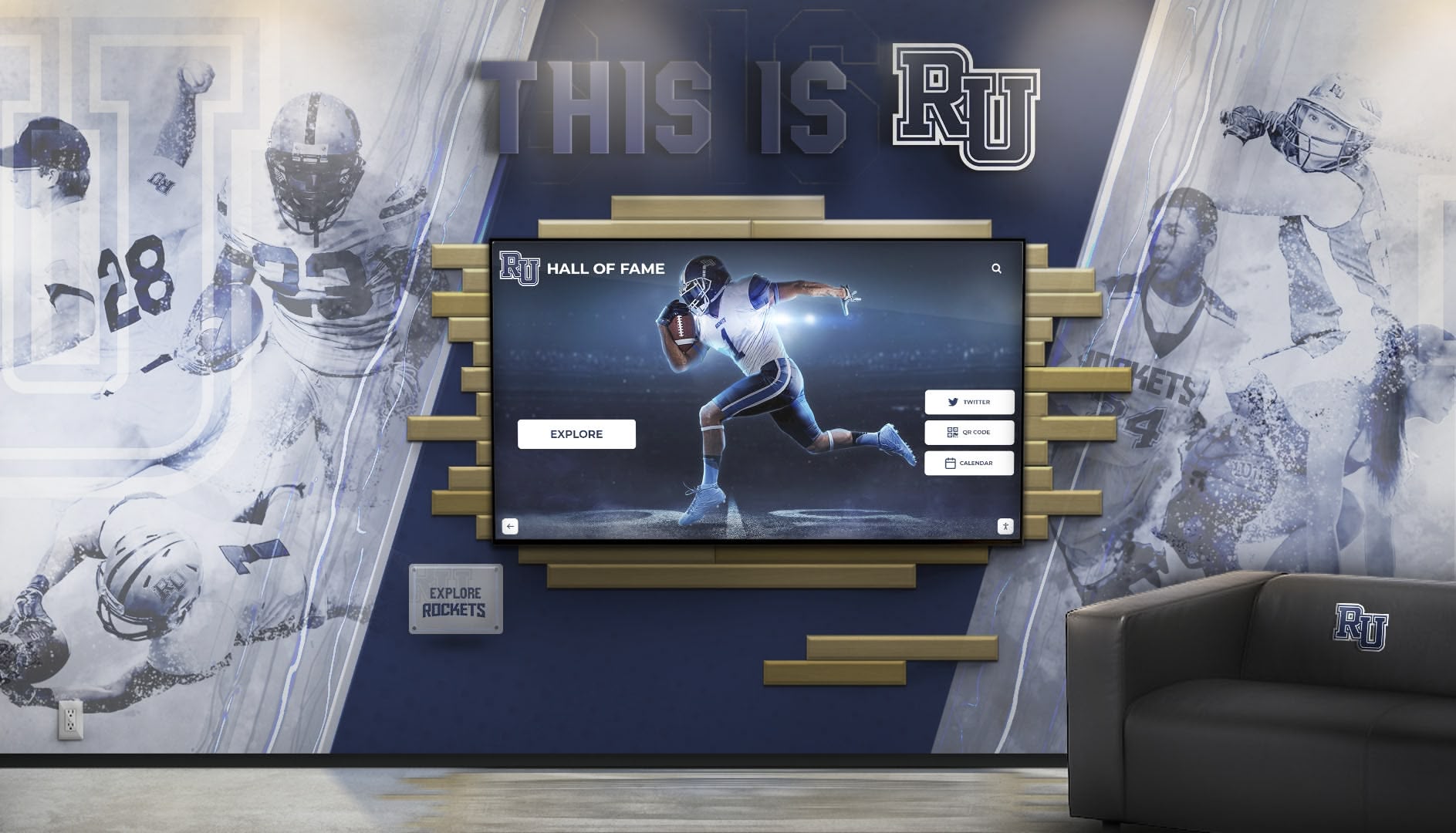
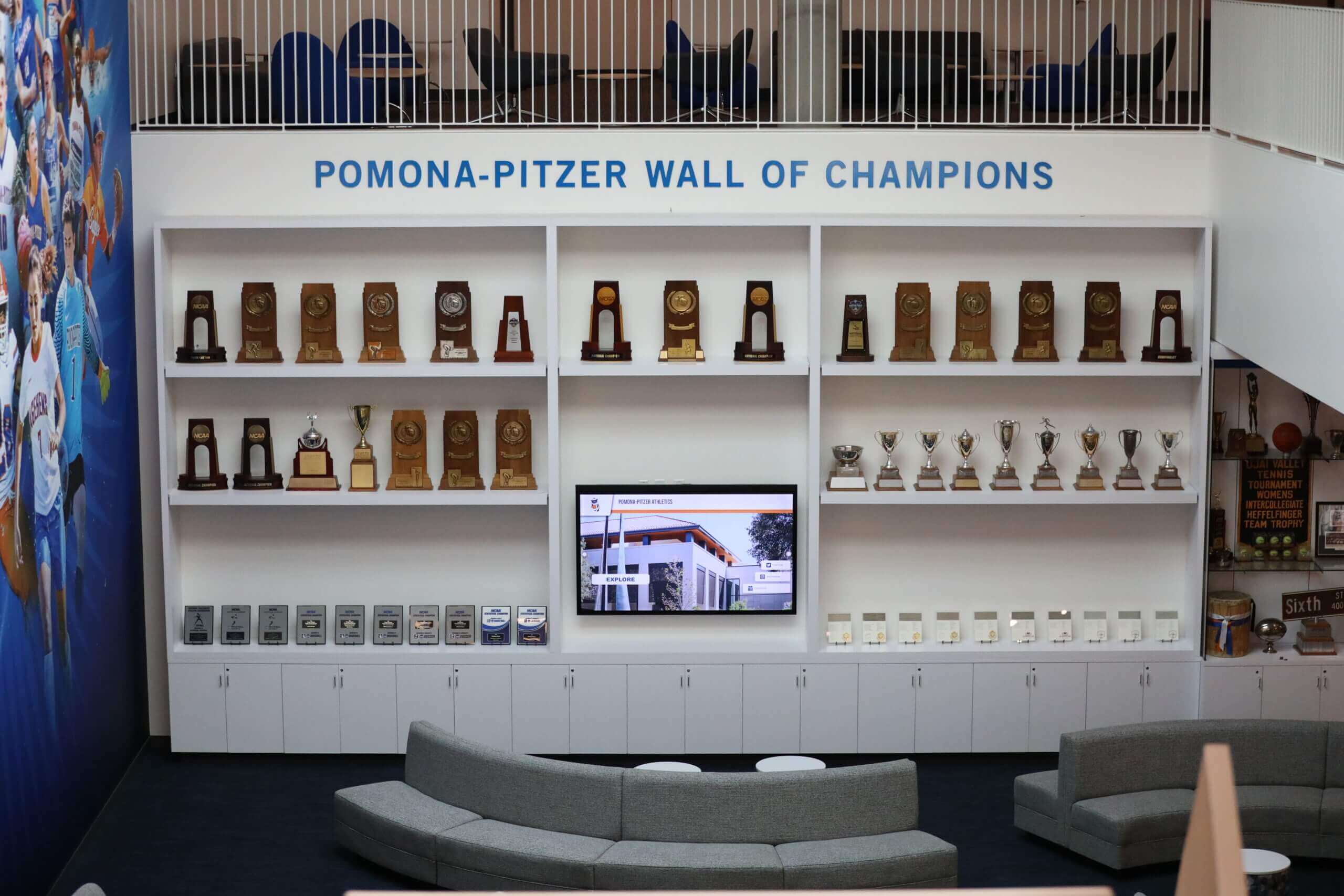
Strategic lobby placement makes recognition displays visible to all stakeholders—quality creates lasting impressions affecting institutional reputation
Touch Versus No-Touch: Capability Doesn’t Require Interaction
Schools concerned about touchscreen costs or maintenance can still benefit from Rocket’s platform advantages.
Touchscreen as One Interaction Model, Not Core Value
What Touch Enables
Interactive displays provide specific benefits:
- Visitor-directed exploration finding personally-relevant content
- Search functionality locating specific athletes or achievements
- Detailed profile viewing accessing complete information
- Photo galleries browsing through extensive collections
- Engagement tracking measuring community interest
These capabilities enhance visitor experiences when present.
What Works Without Touch
Passive display modes deliver substantial value:
- Automatic content rotation displaying featured recognition
- Scheduled programming highlighting seasonal achievements
- Slideshow presentations telling structured stories
- Record board displays showing current standings
- Event schedules and announcements
These non-interactive approaches serve many recognition needs effectively.
Running “Lean Mode” on Non-Touch Hardware
Passive Display Operation
Schools can implement Rocket on standard (non-touch) commercial displays:
- Content management through web-based interface (unchanged)
- Database structure organizing content (unchanged)
- Automatic display generation showing curated content
- Rotation programming highlighting featured achievements
- Remote updates maintaining current information
All platform benefits except visitor-directed interaction remain available.
Cost Savings from Non-Touch Hardware
Display investment differences:
- Commercial touchscreen displays: $3,000-6,000 per unit
- Commercial non-touch displays: $1,000-2,500 per unit
- Savings: $2,000-3,500 per display
For budget-constrained schools prioritizing content management and maintenance reduction over interactive exploration, non-touch implementations provide most platform benefits at reduced hardware cost.
Future Touchscreen Addition
Schools starting with passive displays can add interactivity later:
- Content already structured for search and exploration
- Platform supports touchscreen interaction without changes
- Hardware upgrade path available when budget permits
- No content recreation or system migration required
This flexibility lets schools begin simply and expand capability without rebuilding.
For schools weighing interaction value against costs, interactive versus passive display comparison examines tradeoffs.
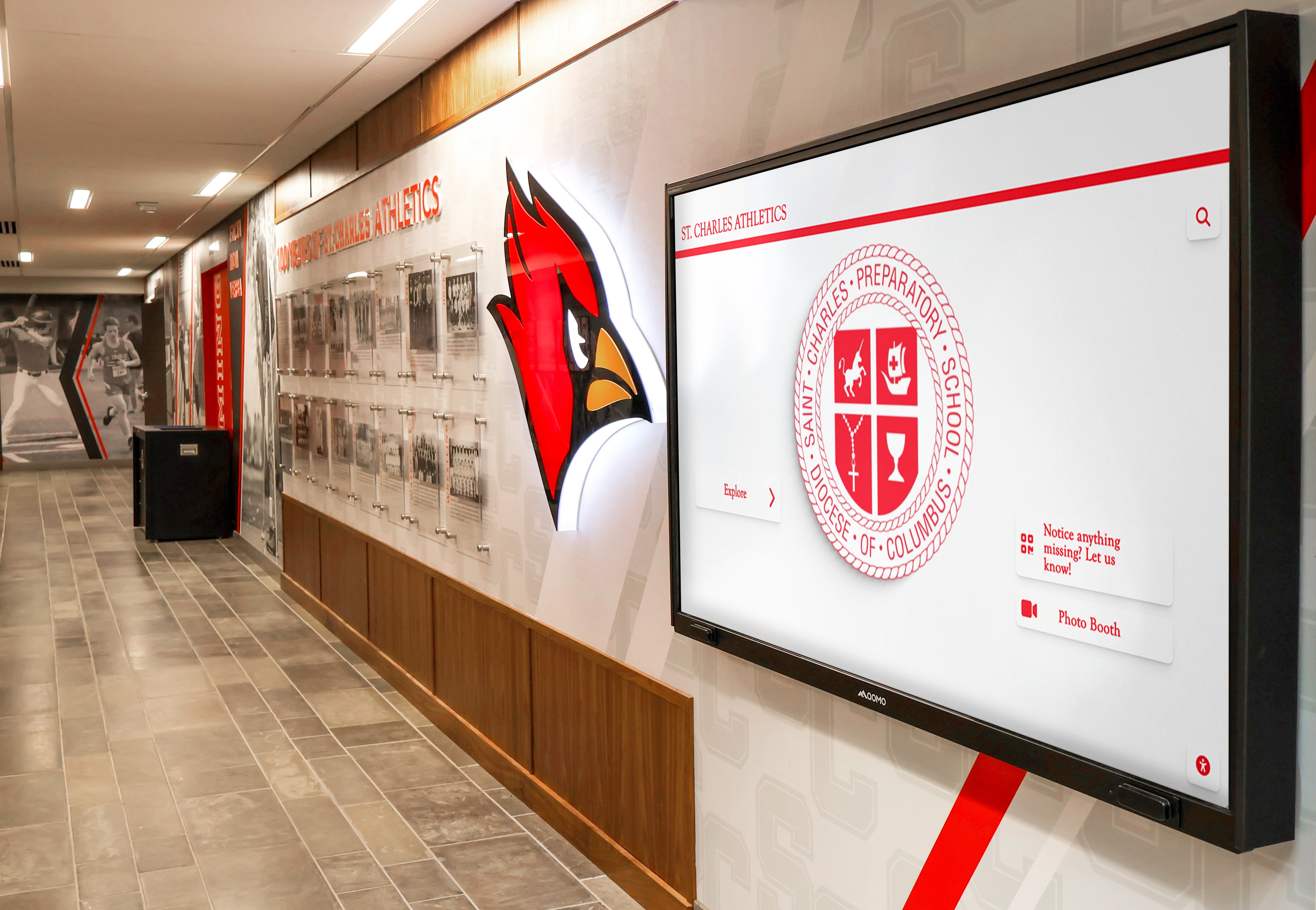
Passive displays on standard commercial screens provide professional recognition at lower hardware costs while maintaining platform benefits
The Counter-Argument in One Sentence
Rocket isn’t overkill for small schools because the database and platform depth reduce maintenance, prevent future rebuilds, and provide scalable paths from simple displays to comprehensive community engagement without switching systems.
Core Value Proposition for Small Schools
What Matters Most to Resource-Constrained Environments
Small schools should prioritize:
- Reduced ongoing maintenance burden freeing staff for core responsibilities
- Growth accommodation without system replacement
- Professional quality matching community expectations
- Vendor support reducing technical troubleshooting demands
- Predictable costs enabling multi-year budget planning
- Simple operation by non-technical staff
Comprehensive platforms deliver these priorities more effectively than basic alternatives despite higher platform fees, because underlying structure reduces long-term burden and prevents costly migrations.
When Size Doesn’t Determine Platform Suitability
Characteristics Favoring Comprehensive Platforms
Small schools benefit from Rocket when they:
- Value staff time and want maintenance reduction
- Anticipate recognition program growth over time
- Care about professional presentation quality
- Lack technical expertise for troubleshooting
- Want vendor support rather than self-service
- Appreciate structured approaches reducing errors
- Need flexibility for uncertain future requirements
These characteristics matter more than enrollment numbers in determining appropriate platform fit.
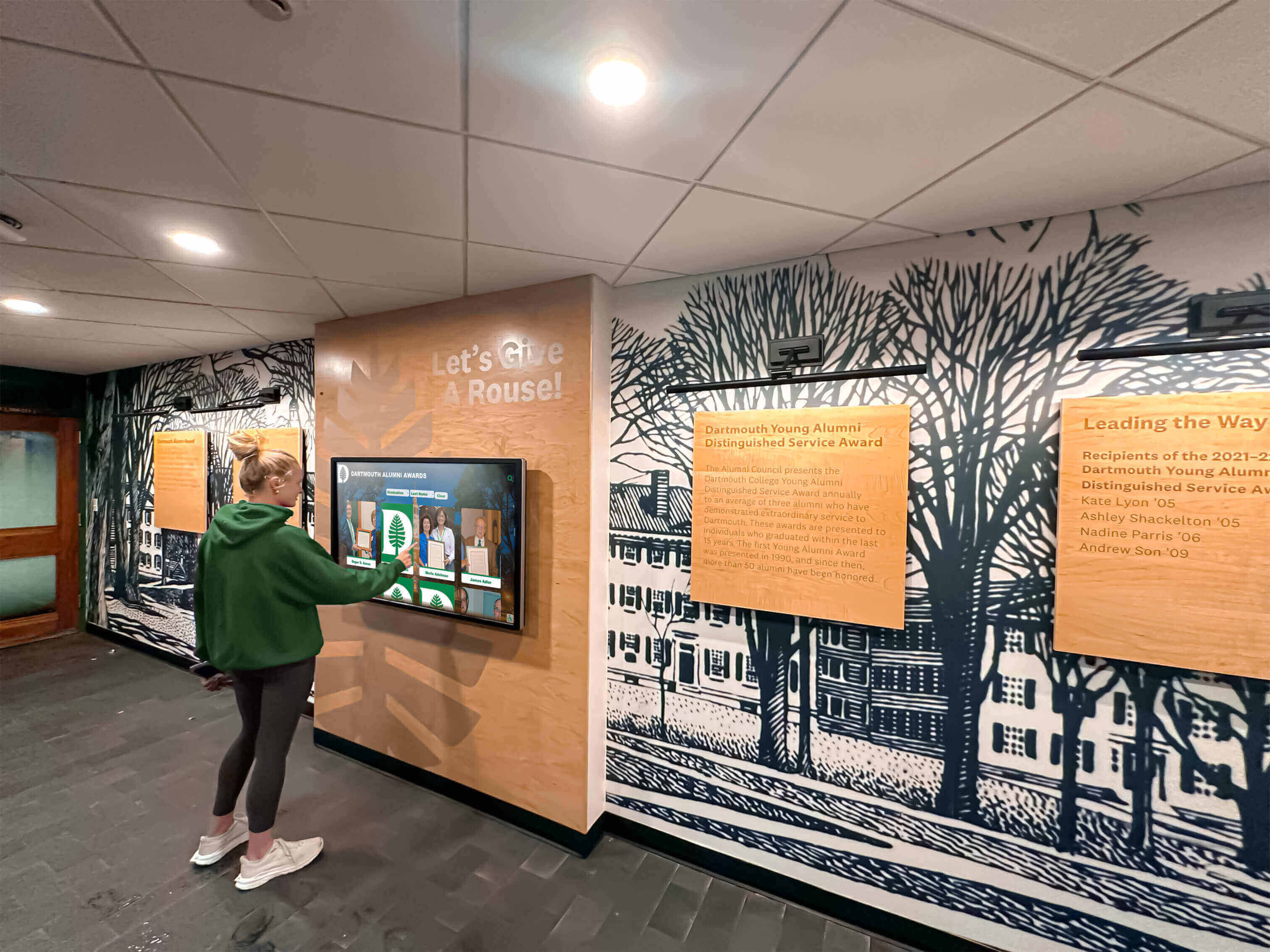
Platforms serving small schools effectively prioritize simplicity and ease of use over feature complexity—depth exists for growth without burdening basic operation
When Simpler Alternatives Actually Make Sense
Comprehensive platforms don’t suit every scenario. Understanding when basic alternatives genuinely fit better enables appropriate recommendations.
Legitimate Use Cases for Basic Approaches
Scenario 1: Single Static Display, No Growth Intent
When basic solutions work:
- School wants single display showing unchanging historical content
- No plans to update or expand recognition
- Content consists of handful of championship photos with captions
- Display installation motivated by facility aesthetics rather than ongoing communication
- Budget absolutely cannot accommodate platform licensing
In this scenario, one-time content creation with minimal ongoing needs makes comprehensive platform overkill. Creating static slideshow or basic webpage loaded locally serves adequately.
Scenario 2: One Person Enjoys Manual Management
When maintenance burden proves acceptable:
- Individual administrator or volunteer enjoys design and content creation
- Hours available and willing for ongoing updates
- Pride in personally-crafted presentations
- Manual processes feel satisfying rather than burdensome
- No concern about sustainability when individual leaves role
If specific person genuinely prefers manual approach and commits long-term, their preference matters. However, schools should plan for succession when this individual departs.
Scenario 3: Recognition Not Strategic Priority
When minimal investment matches low importance:
- Display represents nice-to-have amenity, not strategic asset
- No stakeholder pressure for quality or currency
- Indifference to whether content remains current
- Budget allocated only grudgingly
- Leadership doesn’t value recognition’s institutional role
Schools genuinely not caring about recognition quality or impact can implement accordingly. However, this indifference itself merits examination—recognition typically matters more to communities than administrators initially realize.
Scenario 4: Temporary or Experimental Installations
When permanence uncertain:
- Testing display concept before major investment
- Installation in space awaiting facility renovation
- Pilot project demonstrating value before expansion
- Short-term special recognition (anniversary celebration, campaign)
- Uncertain continuation funding
Temporary recognition with unclear future doesn’t justify platform investment. Basic approaches serve adequately for short-term needs.
Scenario 5: Budget the Only Decision Variable
When price dominates all other considerations:
- Comprehensive platform licensing genuinely unaffordable
- No flexibility in budget regardless of value proposition
- Decision-makers unwilling to consider total cost of ownership
- Immediate costs prevent considering long-term savings
- Alternative uses for funds delivering higher priority value
If budget represents insurmountable constraint regardless of maintenance burden or future costs, basic alternatives may provide only feasible option.
The “Overkill” Claim Weakens Rapidly Outside These Scenarios
Most Small Schools Don’t Match Exception Profiles
Examining typical small school situations:
- Recognition programs almost always grow over time rather than remaining static
- Staff turnover common; individual preferences shouldn’t determine institutional infrastructure
- Recognition quality influences reputation, recruitment, and support whether acknowledged or not
- Most installations intended as permanent, not temporary
- Total cost of ownership over time often makes comprehensive platforms financially comparable
The scenarios justifying basic alternatives represent minority of small school situations. Most benefit from platform depth even when operating initially in simple modes.
For schools uncertain whether comprehensive platforms suit their needs, platform selection criteria enable objective evaluation.
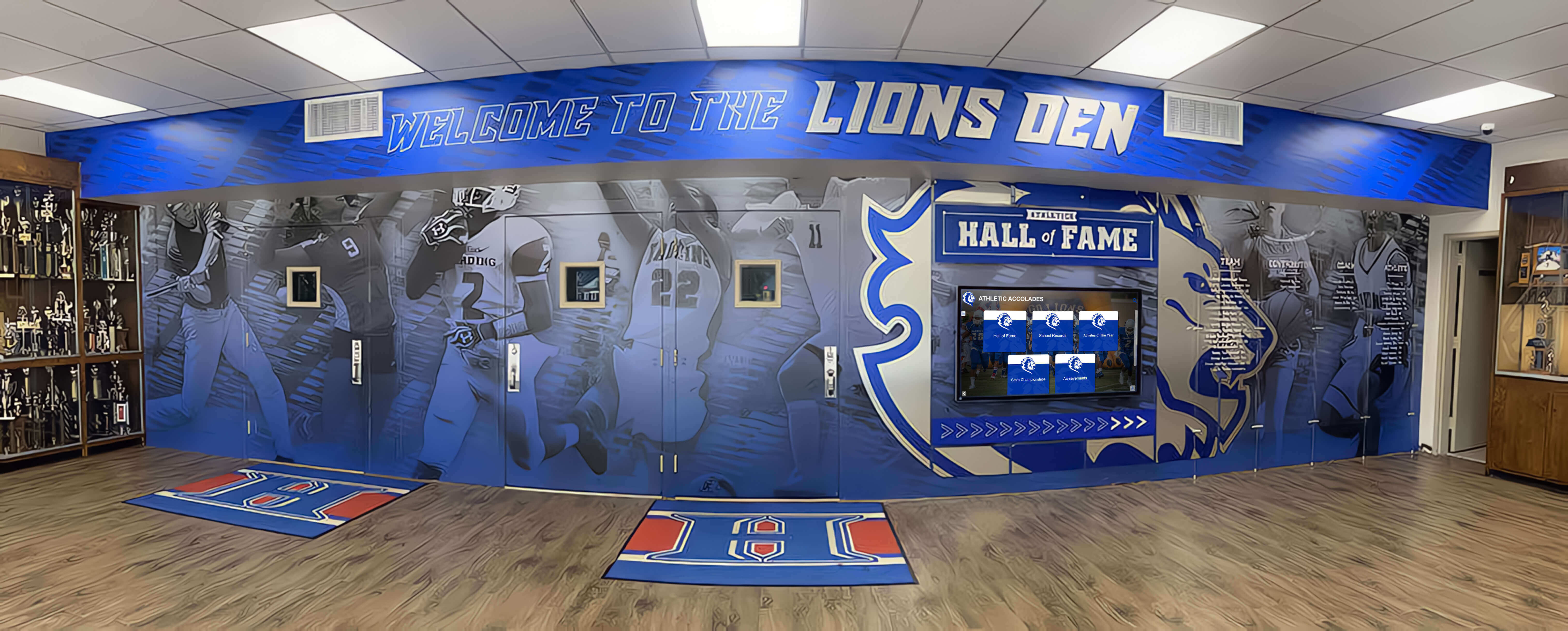
Schools benefit from evaluating recognition as long-term institutional investment rather than one-time project—planning horizons affect appropriate solutions
Implementation Approaches Minimizing Perceived Complexity
Small schools concerned about implementation burden can adopt strategies reducing initial scope while preserving future options.
Phased Deployment Strategy
Phase 1: Minimal Viable Display (Months 1-3)
Initial launch with basic content:
- Current athletic schedules for upcoming seasons
- This year’s team photos for all sports
- Recent championship recognition (past 1-3 years)
- Basic navigation by sport
- Simple automated rotation through content
This minimal implementation provides immediate value and operational experience without extensive historical data entry.
Phase 2: Recent History Addition (Months 4-12)
Natural expansion building on foundation:
- Add past 5 years of team photos and major achievements
- Include individual athlete profiles for recent graduates
- Expand championship documentation with rosters and records
- Add basic search capability
- Incorporate historical photos from readily-available yearbooks
This moderate expansion happens at comfortable pace as staff becomes familiar with content management.
Phase 3: Comprehensive Archives (Year 2+)
Long-term development as capacity allows:
- Systematic historical research adding decade-by-decade content
- Alumni engagement contributing photos and information
- Detailed athlete profiles for historical figures
- Full record board tracking program progression
- Integration with donor recognition or academic achievements
This extensive development happens gradually without deadline pressure, respecting administrative capacity constraints.
Vendor-Assisted Setup Reducing School Burden
What Quality Vendors Provide
Comprehensive platforms typically include implementation support:
- Platform configuration and customization
- Initial content templates and design
- Data import assistance for bulk content
- Training for administrative staff
- Ongoing technical support and troubleshooting
- Regular check-ins during initial period
This vendor involvement reduces school burden significantly compared to DIY basic signage implementation requiring schools to handle all aspects independently.
The Value of Professional Guidance
Vendor support particularly benefits small schools:
- Inexperienced administrators avoid common mistakes
- Best practices application ensuring effective implementation
- Troubleshooting assistance preventing frustration and abandonment
- Knowledge transfer building school capability over time
- Ongoing relationship providing resources as questions arise
For schools lacking technical staff, vendor partnership makes implementation manageable.
Alumni and Community Contribution Models
Distributed Content Development
Schools can engage stakeholders in historical research:
- Alumni submission portals for photos and information
- Community volunteer projects documenting specific eras
- Student research projects exploring school history
- Parent volunteer teams organizing data entry
- Class reunion committees adding content for their graduation years
This distributed approach reduces burden on administrative staff while building community investment in recognition success.
Quality Control with Distributed Input
Managing contributed content:
- Clear submission guidelines ensuring appropriate quality
- Review and approval workflows before publication
- Recognition for contributors building participation motivation
- Template systems maintaining formatting consistency
- Ongoing appreciation for volunteer efforts
Structured contribution processes enable community involvement while maintaining recognition quality.
Effective implementation reduces perceived complexity. Content development strategies for schools demonstrate practical approaches.
Successful implementations engage communities as contributors and audiences—distributed development reduces individual burden while building investment
Making the Right Decision for Your School
Determining appropriate recognition approaches requires honest assessment of actual needs, constraints, and priorities.
Decision Framework: Key Questions
Evaluating Recognition Program Trajectory
Consider future direction:
- Do you anticipate adding sports, content types, or displays over time?
- Will multiple people need to manage content as responsibilities shift?
- Does leadership expect recognition quality to match or exceed neighboring schools?
- Will you want search, interaction, or advanced features eventually?
- Can you commit to ongoing manual maintenance indefinitely?
Schools answering “yes” to most questions benefit from comprehensive platforms even when starting simply.
Assessing Staff Capacity and Technical Comfort
Understand organizational capabilities:
- How many hours monthly can staff realistically dedicate to display maintenance?
- Does anyone have design skills and enjoy content creation?
- Can staff troubleshoot technical issues or do you need vendor support?
- Will the person initially managing the system remain in role long-term?
- Does your school have IT staff providing technical assistance?
Limited capacity, technical discomfort, or high turnover favor comprehensive platforms with vendor support and reduced maintenance burden.
Understanding Budget Reality and Flexibility
Clarify financial constraints:
- Can budget accommodate $1,500-3,500 annually for platform licensing?
- How do decision-makers value staff time versus hard costs?
- Is budget evaluation based on year one or multi-year total ownership cost?
- Could donor or alumni contributions offset platform costs?
- Would recognition improvements influence enrollment or giving enough to justify investment?
Understanding whether budget represents absolute constraint versus optimization opportunity affects decision framing.
Defining Success Metrics
Determine what matters:
- Does recognition primarily serve current student inspiration or broader community engagement?
- Is ease of maintenance or feature richness higher priority?
- How important is professional appearance versus functional adequacy?
- Should displays impress visitors or simply inform them?
- Does recognition quality affect institutional reputation and pride?
Different priorities suggest different solutions—there’s no single correct answer for all schools.
Getting Objective Input
Talking to Comparable Schools
Learning from peers provides practical insight:
- What recognition approach did similar-sized schools choose?
- Are they satisfied with decisions years later?
- What unexpected challenges or benefits did they encounter?
- Would they make same decision again?
- What advice would they offer schools now evaluating options?
Real experiences from comparable institutions prove more valuable than vendor marketing or theoretical analysis.
Testing Platforms Before Commitment
Most vendors offer evaluation options:
- Demo accounts or trials with sample content
- Site visits seeing actual installations
- Reference conversations with current customers
- Pilot projects testing fit before full commitment
These evaluations provide direct experience informing decisions better than feature comparisons.
The Non-Decision Risk
Postponing Recognition Investments
Some small schools defer decisions indefinitely:
- Waiting for bigger budget or clearer needs
- Paralyzed by competing options and uncertainty
- Procrastinating due to implementation concerns
- Hoping better solutions emerge over time
However, delay carries costs:
- Ongoing manual maintenance continues consuming time
- Recognition gaps grow as achievements accumulate without documentation
- Community expectations increase while delivery stagnates
- Momentum for improvement dissipates
- Opportunities for donor or alumni engagement pass
Perfect certainty never arrives. Reasonable confidence combined with phased implementation enables progress while preserving flexibility.
Schools ready to evaluate platforms systematically benefit from comprehensive vendor comparison frameworks addressing key selection criteria.
Effective decisions balance current needs with future trajectory—platforms supporting growth without mandatory complexity serve diverse school situations
Conclusion: Rethinking “Overkill” for Small School Recognition
The perception that comprehensive platforms represent overkill for small schools rests on conflating feature availability with mandatory complexity. Depth of capability doesn’t create burden when platforms support simple implementations while keeping advanced options available for future needs. Small schools benefit from this architecture because it reduces maintenance through structured approaches, prevents costly re-platforming as programs grow, and delivers professional quality matching community expectations—all while respecting limited administrative capacity.
The relevant comparison isn’t “comprehensive platform with all features activated” versus “basic signage with minimal features.” The actual choice is “flexible platform supporting simple operation today with growth accommodation tomorrow” versus “basic tools requiring continuous manual work with system replacement when needs expand.” Frame recognition as long-term institutional investment rather than one-time project, and platform depth becomes advantage rather than excess.
Ready to Explore Recognition Solutions for Your Small School?
Discover how Rocket Alumni Solutions helps schools of all sizes create professional recognition displays that start simple and scale naturally—without overwhelming staff or budgets.
Talk to Our TeamBudget considerations deserve serious attention. Comprehensive platforms do cost more in annual licensing than basic alternatives—this remains true and meaningful. However, complete cost analysis including staff time, future expansion, and total ownership typically shows smaller differentials than platform fees alone suggest. For many small schools, reduced maintenance burden and avoided migration costs justify modest fee premiums, especially when valued over multi-year periods.
When do simpler alternatives genuinely make sense? Schools truly satisfied with static, minimal recognition that will never expand, where individual administrators enjoy manual content work and commit indefinitely, and where budget represents insurmountable constraint regardless of value proposition can implement accordingly. These situations exist but represent minority of small school contexts. Most benefit from platform depth even when operating simply, because needs and expectations tend to grow while administrative capacity remains constrained.
Small schools evaluating recognition investments should assess actual maintenance capacity, anticipate program evolution, consider institutional positioning needs, value professional support, and frame decisions across multi-year horizons. Platforms appearing initially complex often prove simpler in operation than manual alternatives, while delivering quality and capability supporting community pride and engagement. Your school’s size doesn’t predetermine appropriate recognition approach—your trajectory, capacity, and priorities do.
Ready to see how comprehensive recognition platforms serve small schools through flexible implementation and reduced maintenance burden? Explore Rocket Alumni Solutions to understand how platform depth enables rather than complicates effective recognition at any school scale, or book a demo to discuss your specific situation and determine whether comprehensive platforms or simpler alternatives better serve your school’s recognition needs and constraints.































