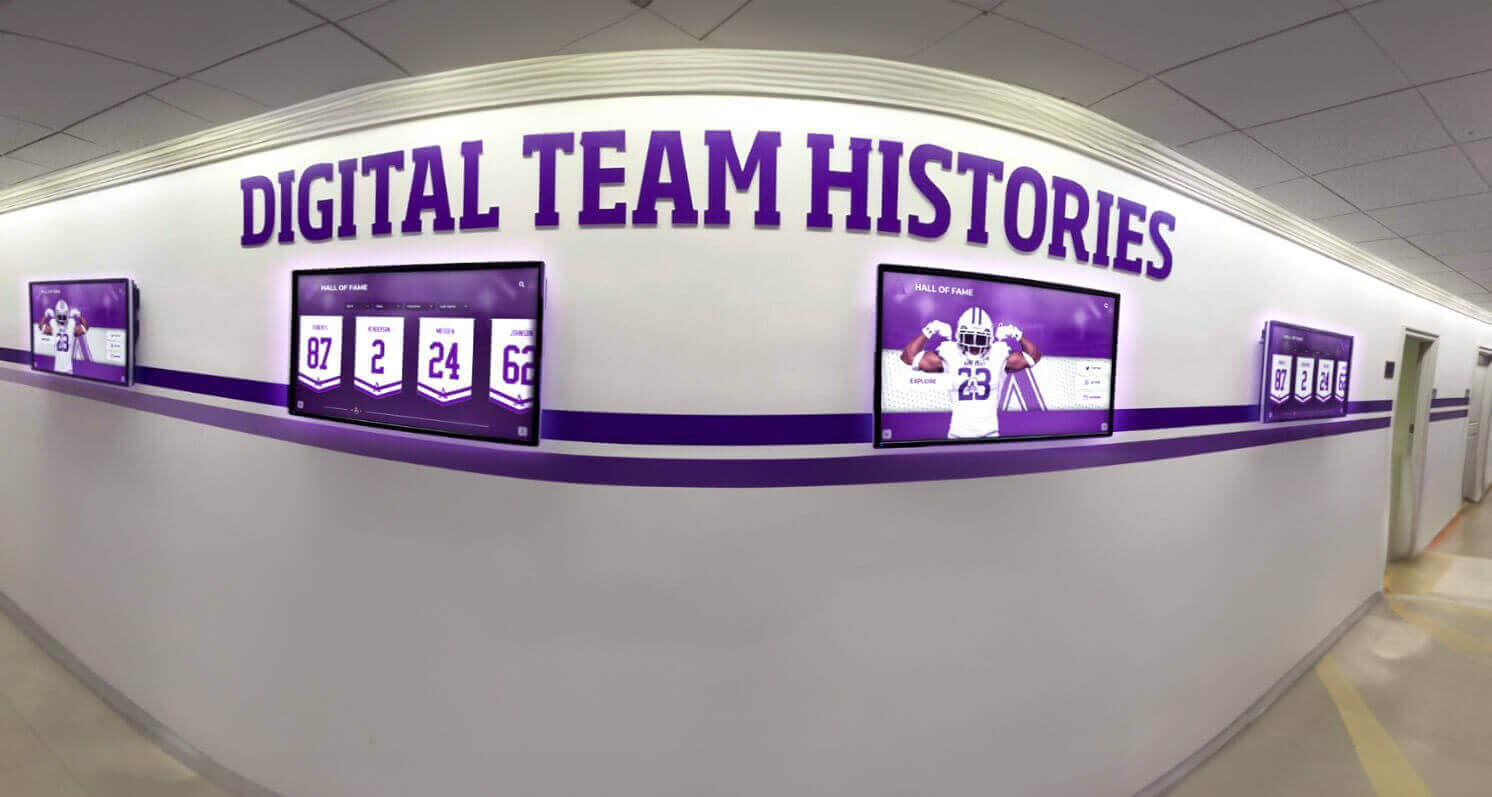




At the end of a busy season, coaches face a familiar problem: individual records exist on clipboards, award nominations live in email threads, and team history is scattered across old binders that may or may not survive a room reassignment. A well-structured team handbook solves this by creating a single, consistent place to capture rosters, award criteria, captain lists, and multi-year history—so that when it comes time to nominate an athlete for a hall of fame or populate a digital recognition display, the data is already organized and ready.
This guide breaks down the specific handbook sections that matter most for long-term athletic record-keeping, with practical checklists and a structure coaches can adapt immediately.
Quick answer: A complete team handbook should dedicate specific sections to annual roster documentation, award criteria and eligibility, captain and leadership records, season statistics and milestones, and a rolling multi-year history log. Together, these sections create a reliable data foundation that supports future recognition programs, reunion displays, and digital hall of fame tools.
Why a Team Handbook Is More Than a Policy Document
Most coaches treat the team handbook as a place for rules: practice expectations, eligibility requirements, code of conduct. Those sections are necessary. But the handbook is also the most natural place to standardize how a program collects and preserves its own history.
When records are captured consistently in the same format year after year, a school builds something more than a filing cabinet. It builds the raw material for:
- Hall of fame nominations backed by verifiable season data
- Award ceremonies with clear, documented criteria
- Digital recognition displays that include accurate statistics and historical context
- Reunion events that can reference every captain, award winner, and championship team going back decades
Schools that invest in standardized academic and athletic recognition programs often find that the data collection phase—not the display technology—is the biggest barrier to comprehensive recognition. A team handbook that bakes record-keeping into the coach’s annual workflow removes that barrier before it forms.

Digital display systems pull their content from somewhere—a team handbook that captures records systematically makes that data available when it counts.
Section 1: Annual Roster Page
Every handbook should open its record-keeping section with a structured annual roster template. This is the most foundational data set a program owns.
What to include in the roster section
A complete annual roster entry should capture:
- Full legal name (as it will appear on awards and plaques)
- Graduation year
- Jersey number
- Position or event
- Years on the team (freshman year through senior year)
- Academic year of this roster (e.g., 2025–26)
- Head coach name for that season
- Assistant coaches
Why this level of detail matters
Rosters that only capture first name and last name create problems downstream. When a school wants to create a digital display of championship teams from the past twenty years, missing jersey numbers or misspelled names require time-consuming research. Capturing full details at the point of roster creation costs almost nothing but saves significant reconstruction effort later.
Coaches should fill out this section at the start of each season and update it after any roster changes. Storing it in both a printed handbook and a shared digital folder (such as a Google Drive organized by sport and year) makes future retrieval straightforward.
Section 2: Award Criteria and Selection Process
Vague award criteria are one of the most common sources of friction in end-of-season recognition. When a handbook defines award eligibility in writing, coaches protect themselves from disputes and ensure that every selection can be explained and justified.
Awards to document
Include a subsection for each major award your program gives. At a minimum, most programs should document:
| Award Name | Eligibility Criteria | Selection Method | Who Votes | Timing |
|---|---|---|---|---|
| Most Valuable Player | Varsity roster, full season | Coaching staff vote | Head + assistants | Final week of season |
| Most Improved | Any roster level | Head coach discretion | Head coach | Final week of season |
| Team Captain | Returning varsity letter-winner | Player vote + coach approval | Team + coaching staff | Preseason |
| Academic Athlete | Minimum GPA (e.g., 3.5) + varsity | Athletic director report | Athletic director | End of semester |
| Scholar-Athlete | Set by program | Coaching staff | Coach | Annual |
The criteria for each award should be specific enough that a parent or athlete could read them and understand whether they qualified—without needing to ask the coach for interpretation.
For programs that feed into broader school-wide academic achievement award systems, documented criteria also ensure that athletic awards align with the school’s overall recognition philosophy.

Award history displayed in a digital hall of fame draws directly from the kind of documented criteria a well-structured team handbook establishes.
Award recipient log
Separate from the criteria, include a running log that records who won each award each year. Format it as a table at the end of the awards section, with columns for year, award name, and recipient full name. This log becomes one of the most-referenced sections when building hall of fame nominations or reunion recognition programs.
Section 3: Captain and Leadership Records
Captains represent the culture and identity of a program across generations. Many schools display captain lists prominently in their athletic facilities—yet when the time comes to compile that list, the data often doesn’t exist in a single accessible place.
What to capture for each captain
- Full name and graduation year
- Sport and season
- Whether the captain was elected by peers, appointed by the coach, or selected through a combined process
- Any notable leadership contributions during their tenure (conference championships led, records set, community service projects organized)
Multi-year captain log format
Structure the captain log as a running table that accumulates entries year over year:
| Season | Captain Name | Grad Year | Selection Method | Notable |
|---|---|---|---|---|
| 2024–25 | (name) | 2025 | Player vote | First-team all-conference |
| 2023–24 | (name) | 2024 | Player vote | — |
| 2022–23 | (name) | 2024 | Coach-appointed | Section title team |
A table like this, maintained consistently, becomes a complete captain history in five years and an invaluable archive in twenty.
Section 4: Season Records and Performance Milestones
This section captures the quantitative story of each season. It should be completed at the conclusion of every year, before the handbook is filed.
Team records to document
- Overall win-loss record (or equivalent for non-match sports)
- Conference record and final standing
- Playoff/postseason results and finish
- Any records broken (team or individual)
- Season high and low performances
Individual records to document
For each athlete who set a program or school record during the season:
- Athlete full name and graduation year
- Record category (e.g., single-season home runs, 100m dash time)
- Previous record holder and mark
- New record and date set
- Verification method (official meet results, game film, statistical software)
Verification notes are important for digital record board displays and hall of fame nominations. An unverified record that surfaces years later can create credibility problems for the program.
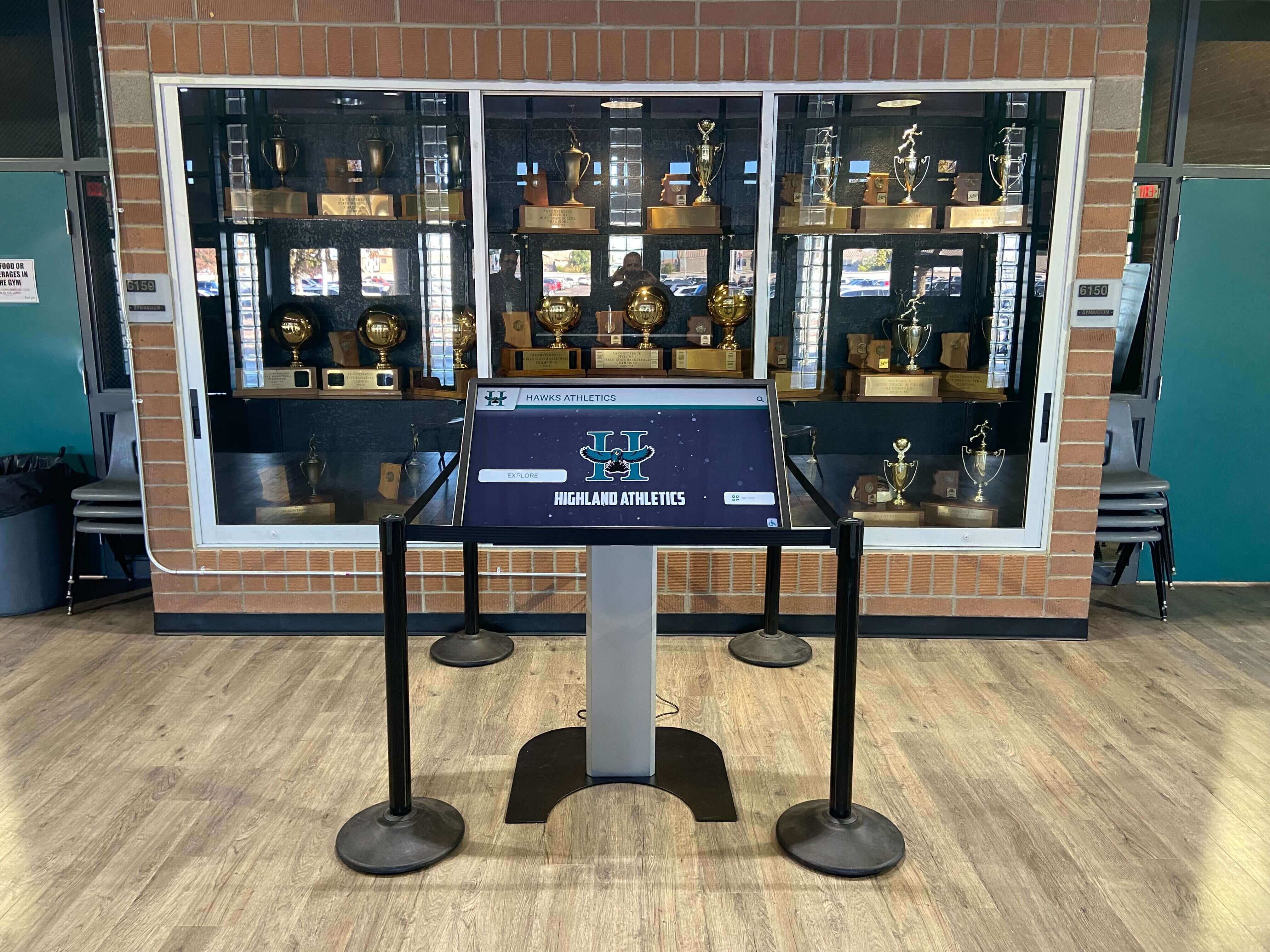
Trophy cases and digital kiosks both depend on accurate, verified record data—the kind that starts with a well-maintained team handbook.
Milestone tracker
Some programs benefit from tracking cumulative milestones alongside single-season records:
- Program win number (e.g., “500th program win”)
- Coaching milestone (e.g., “Coach Smith’s 200th win”)
- Consecutive seasons with a winning record
- Years since last conference title
These milestones are frequently featured in digital wall of fame exhibits and reunion programming, and they’re nearly impossible to reconstruct retroactively without a consistent documentation habit.
Section 5: Multi-Year Team History Log
The history log is a narrative complement to the statistical records. It captures context that numbers alone can’t convey—the year the program overcame an injury-shortened season, the season a new facility opened, the team that broke a long losing streak against a rival.
What belongs in the history log
- A 3–5 sentence season summary written by the head coach
- Key moments or turning points
- Memorable wins or losses worth noting
- Significant off-field events (facility upgrades, coaching transitions, community recognition)
- Any external media coverage or awards the program received as a unit
Format and storage
The history log works best as a chronological document that grows by one entry per season. Coaches should complete their entry within two weeks of the season ending, while details are fresh. Entries older than three years tend to rely on memory alone, which introduces inaccuracies.
Storing this as a shared document—rather than a printed appendix—makes it easier to search and to pull specific entries when building content for academic recognition displays or reunion events.

Historical athlete portraits become part of a living recognition archive when programs document their seasons consistently over time.
Section 6: Hall of Fame Nomination Criteria
Not every program has a hall of fame, but every program feeds into one—whether it’s a school-wide athletic hall, a conference recognition program, or a booster club honoree list. Documenting the criteria for nomination in the team handbook closes the loop between in-season record-keeping and long-term recognition.
What to include
- Eligibility window: How many years after graduation can an athlete be nominated?
- Statistical thresholds: Are there minimum performance benchmarks?
- Character criteria: Academic standing, community involvement, conduct expectations
- Nomination process: Who can nominate? What documentation is required?
- Selection committee: Who votes, and what is the quorum for a valid selection?
- Induction timeline: How often does induction occur?
When nomination criteria are documented inside the handbook, coaches can point to the same section when explaining why a particular athlete was or wasn’t advanced. This transparency builds trust with players, parents, and alumni.
Team Handbook Section Checklist
Use this table as a quick-reference guide when building or auditing your program’s handbook:
| Section | Required Fields | Recommended Update Frequency |
|---|---|---|
| Annual Roster | Full name, grad year, jersey #, position, coaching staff | Start and end of each season |
| Award Criteria | Award name, eligibility, selection method, timing | Review annually; update as needed |
| Award Recipient Log | Year, award, recipient full name | End of season |
| Captain Records | Name, grad year, sport, selection method | End of season |
| Season Records | Win-loss, conference standing, broken records with verification | End of season |
| Individual Milestones | Athlete, record category, previous/new mark, date, verification | As records are set |
| Team History Log | 3–5 sentence narrative summary per season | Within 2 weeks of season end |
| Hall of Fame Criteria | Eligibility, thresholds, process, committee, timeline | Review every 3–5 years |
From Handbook to Display: Connecting Records to Recognition
A team handbook is only as valuable as the systems that use its data downstream. The most common downstream applications are:
- End-of-season banquets where documented criteria make award presentations credible
- School hall of fame programs that require verified historical records to function
- Digital recognition displays in gyms, lobbies, and athletic facilities
- Reunion events where historical rosters and award lists become centerpiece content
Schools planning 50th reunion events or milestone anniversary programming consistently find that programs with standardized record-keeping can build recognition content quickly and accurately, while programs without it spend months reconstructing information from memory and old newspaper archives.
Digital display platforms like those offered by Rocket Alumni Solutions pull structured data into interactive touchscreen exhibits, photo walls, and record boards. The quality of what appears on screen depends directly on the quality of what was captured in the handbook. A roster table with full names, jersey numbers, and graduation years becomes a navigable athlete database. An award log with clear criteria becomes a credible hall of fame record.
Coaches who treat the handbook as a record-keeping discipline—not just a policy document—give their programs a long-term advantage in recognition, retention, and institutional memory.

Honor walls and recognition displays in athletic hallways depend on the same historical data that a well-structured team handbook captures year after year.
Frequently Asked Questions
How long should a team handbook be?
The policy sections (conduct, eligibility, expectations) rarely need more than 10–15 pages. The record-keeping sections described in this guide add another 5–10 pages of structured templates. A complete handbook with both components typically runs 20–30 pages. Length matters less than completeness—every section listed in the checklist above should be present.
Can coaches use digital tools instead of a printed handbook?
Yes, and many programs benefit from a hybrid approach: a printed handbook distributed to athletes at the start of the season, with the record-keeping sections maintained as shared digital documents (Google Docs, shared drive folders) that are updated throughout and after the season. The digital version is easier to search, share with athletic directors, and export when building recognition content.
What happens to handbook data when a coach leaves?
This is exactly the problem that standardized documentation prevents. When records are captured in a consistent format inside a program-owned document (not a personal coach’s files), the incoming coach inherits a complete archive. Schools should store handbook records in a location controlled by the athletic department, not the individual coach’s email or personal drive.
How do you link handbook records to a digital hall of fame display?
Most digital recognition platforms accept structured data exports—spreadsheets, CSV files, or formatted text. A roster table or award log maintained in the handbook’s format can be exported and uploaded directly. Platforms like digital yearbook archives and interactive hall of fame tools can then surface that data in searchable, visual formats for students, alumni, and visitors.
Should the handbook include photos?
Team photos, action shots, and award ceremony images can be referenced or catalogued in an appendix, but photos themselves are typically stored in a separate digital archive. The handbook’s record-keeping sections focus on structured data (names, dates, statistics, criteria) that can be cross-referenced with a photo archive when needed.
How often should the award criteria section be reviewed?
At minimum, award criteria should be reviewed by the coaching staff and athletic director at the start of each season. Major revisions—such as adding a new award or changing eligibility thresholds—should go through an approval process and be documented with the effective date, so there’s a clear record of when criteria changed.
Turn Your Team Handbook Into a Living Recognition Archive
Rocket Alumni Solutions helps schools connect structured athletic records to interactive digital displays—bringing rosters, award histories, and team milestones to life in hallways, gyms, and lobbies. See how it works with a live demo.
Request a Demo






























