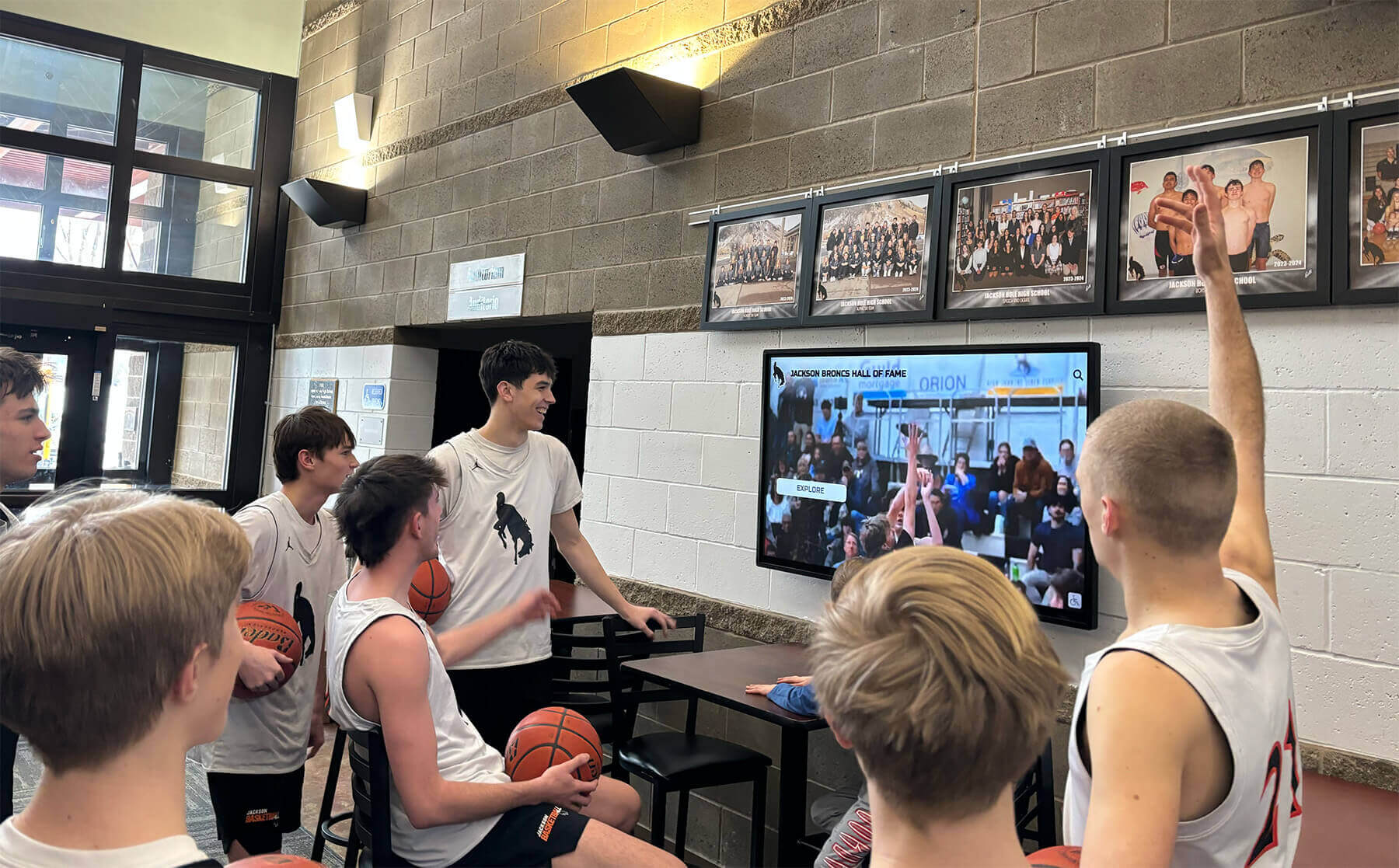
Athletic Archive Frame-Rate Conversion Workflow for Historic Game Video
An athletic archive frame rate conversion workflow is the structured sequence of decisions and steps a school or athletic program follows to safely change the playback frame rate of digitized or natively-digital game footage — from the original source frame rate recorded on VHS, Hi8, or early digital camcorders — to a frame rate required by a recognition display, digital hall of fame kiosk, or archival delivery system. The direct answer: frame rate conversion for athletic archives is not a single button press in an export dialog. It is a source-identification step, a source-to-delivery mapping decision, a conversion execution step with specific codec parameters, and a quality assurance pass that verifies the output before the master file is retired from the active workflow. Getting this sequence wrong — converting at the wrong rate, applying the wrong pulldown cadence, or failing to verify interlacing artifacts — produces game highlight footage where athletes move with judder, ghosting, or unnatural motion that undercuts the historical record and makes the footage unwatchable in a lobby display. This guide provides a complete frame rate conversion workflow for school athletic archives, written for athletic directors, archive coordinators, IT staff, and recognition program managers who are working with decades of game footage recorded across multiple camera formats and frame rate standards.
Read More






























